What’s new in Sesame
Discover the latest features and improvements, and make your HR tool your best ally.
- All verticals
- Time tracking
- Talent
- Communication
- Finance
- Company
- All states
- Available
- Coming soon
- Most recent date
- Oldest date
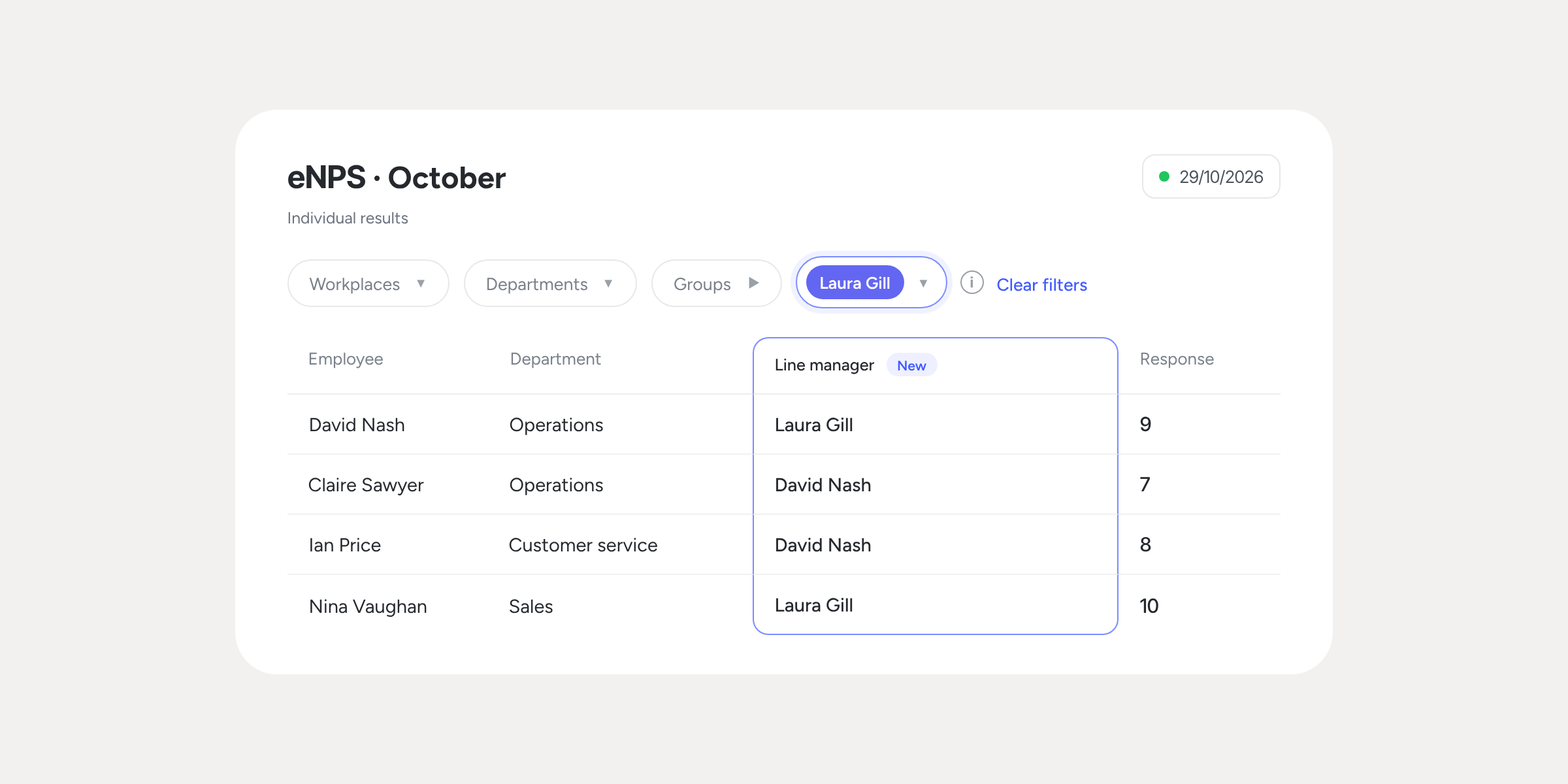
Filter Workplace climate and eNPS results by line manager
Until now, you could segment your Workplace climate and eNPS survey results by Workplace and Department. However, a department can have several managers, and…
Learn more
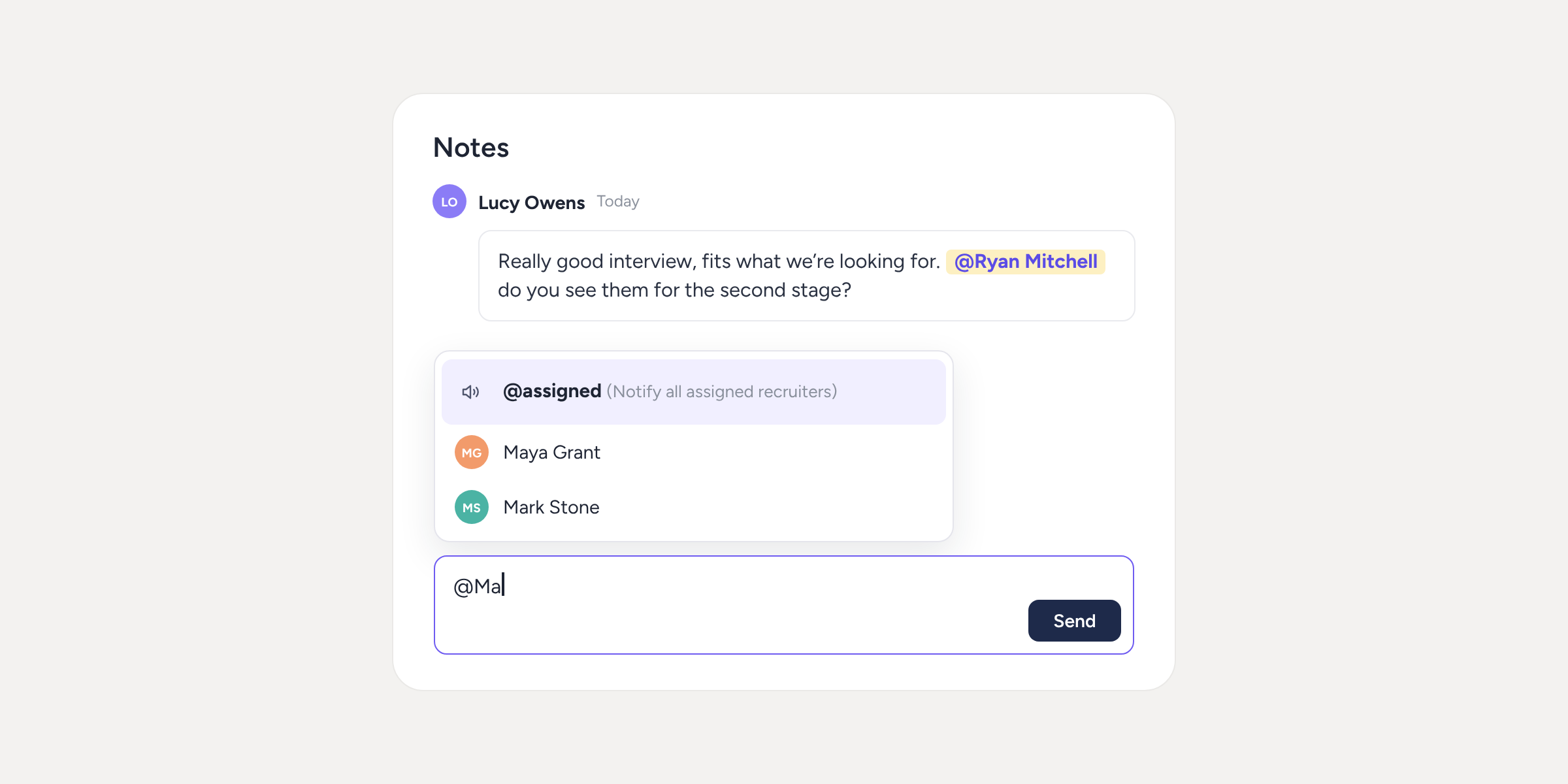
Mention your team in candidate notes
If you’re a recruiter, you know the drill: you leave a note on a candidate’s profile and then have to message someone on Slack or by email so...
Learn more
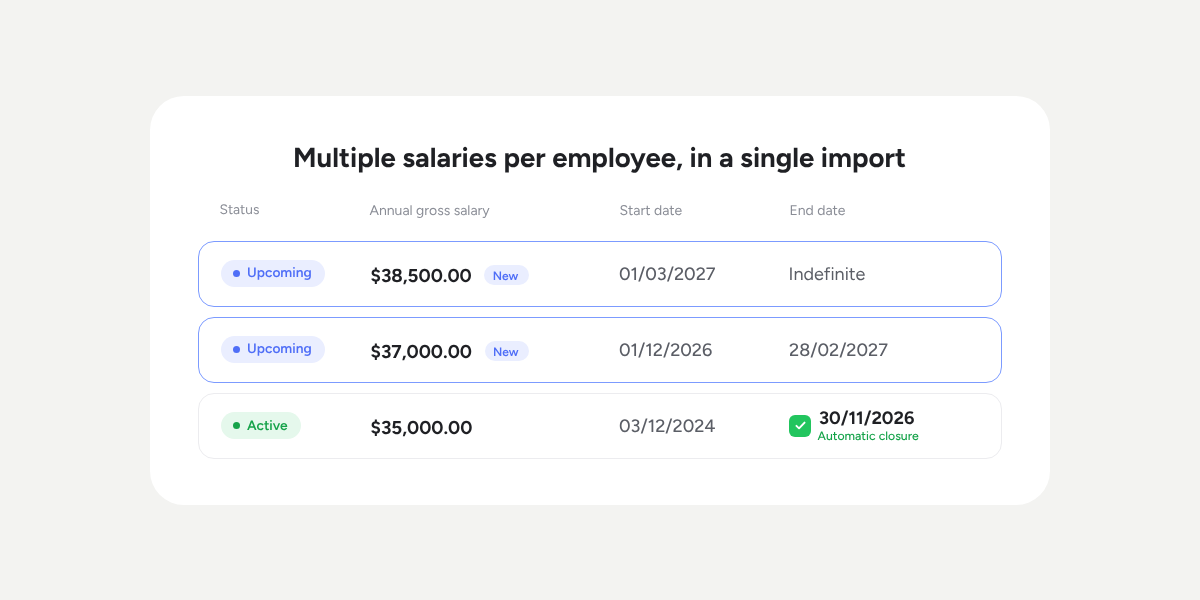
You can now upload multiple salaries per employee
Until now, the salary importer only allowed you to upload one salary per person. To apply a pay rise or upload the salary history of someone who already...
Learn more
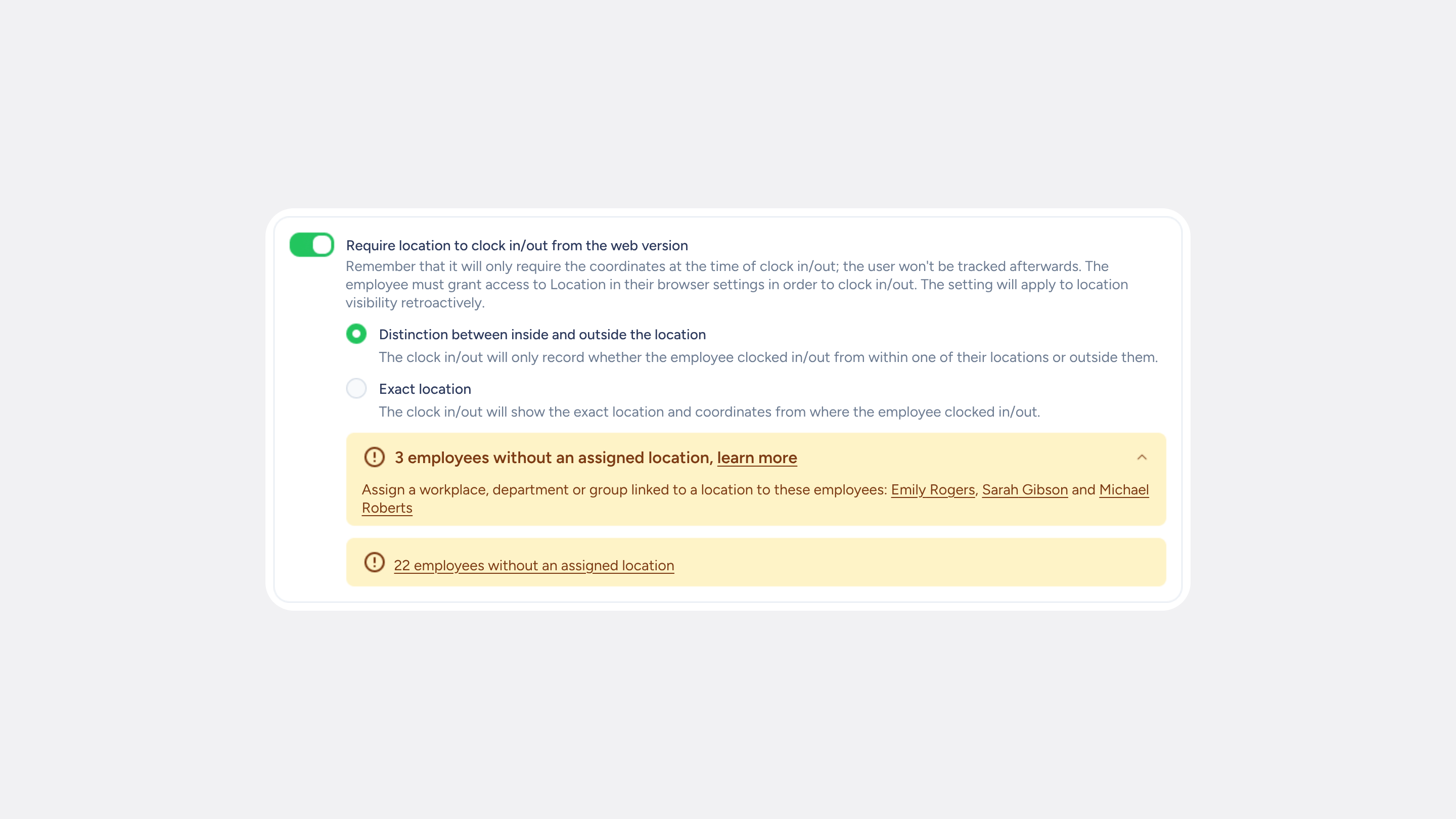
You decide which location your clock ins/outs save and show
To check that someone clocked in from their workplace, you only need to know whether they were inside or outside the location, without having to look up the…
Learn more
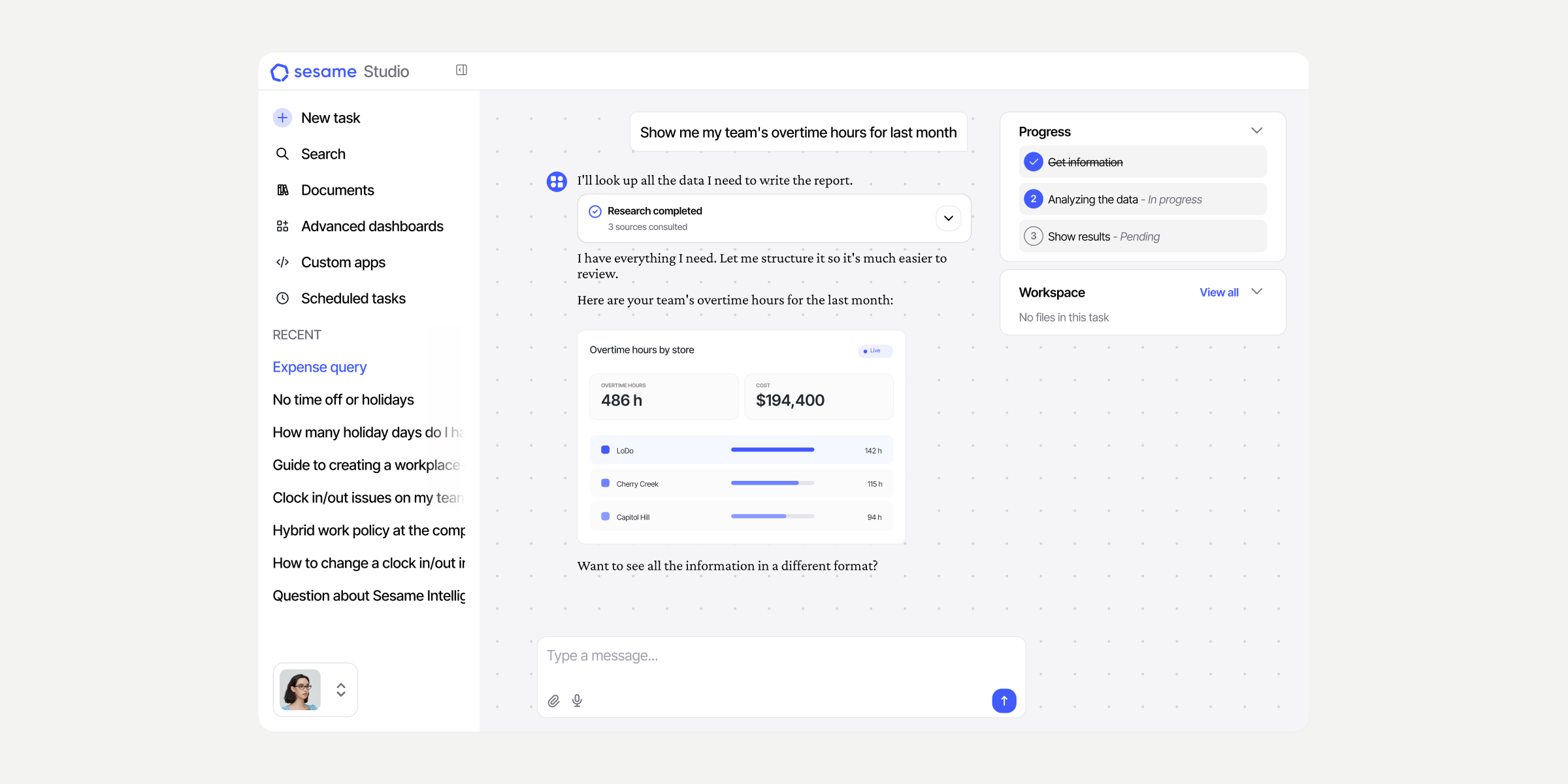
Stop waiting for the software you need: just ask Sesame Studio
That dashboard that never arrives? The tool you’ve been requesting for months? Now you can ask Sesame for it directly. With Sesame Studio, you describe the app or...
Learn more
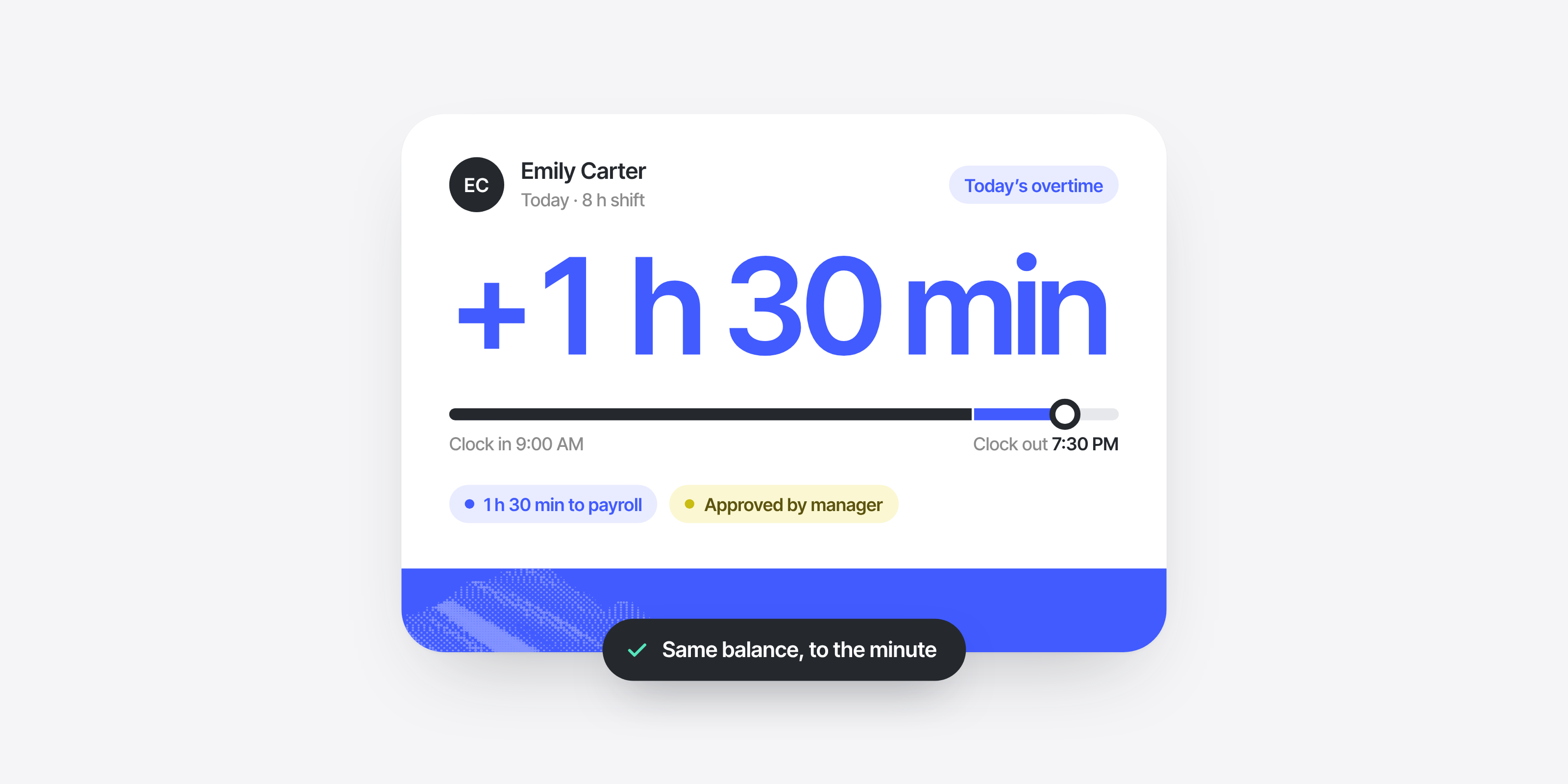
Compensation: your overtime rules, on autopilot
Premium rates, grace periods, expiring hours, approvals… Working out overtime by hand, case by case, is a thing of the past. With Compensation, your overtime rules apply automatically....
Learn more
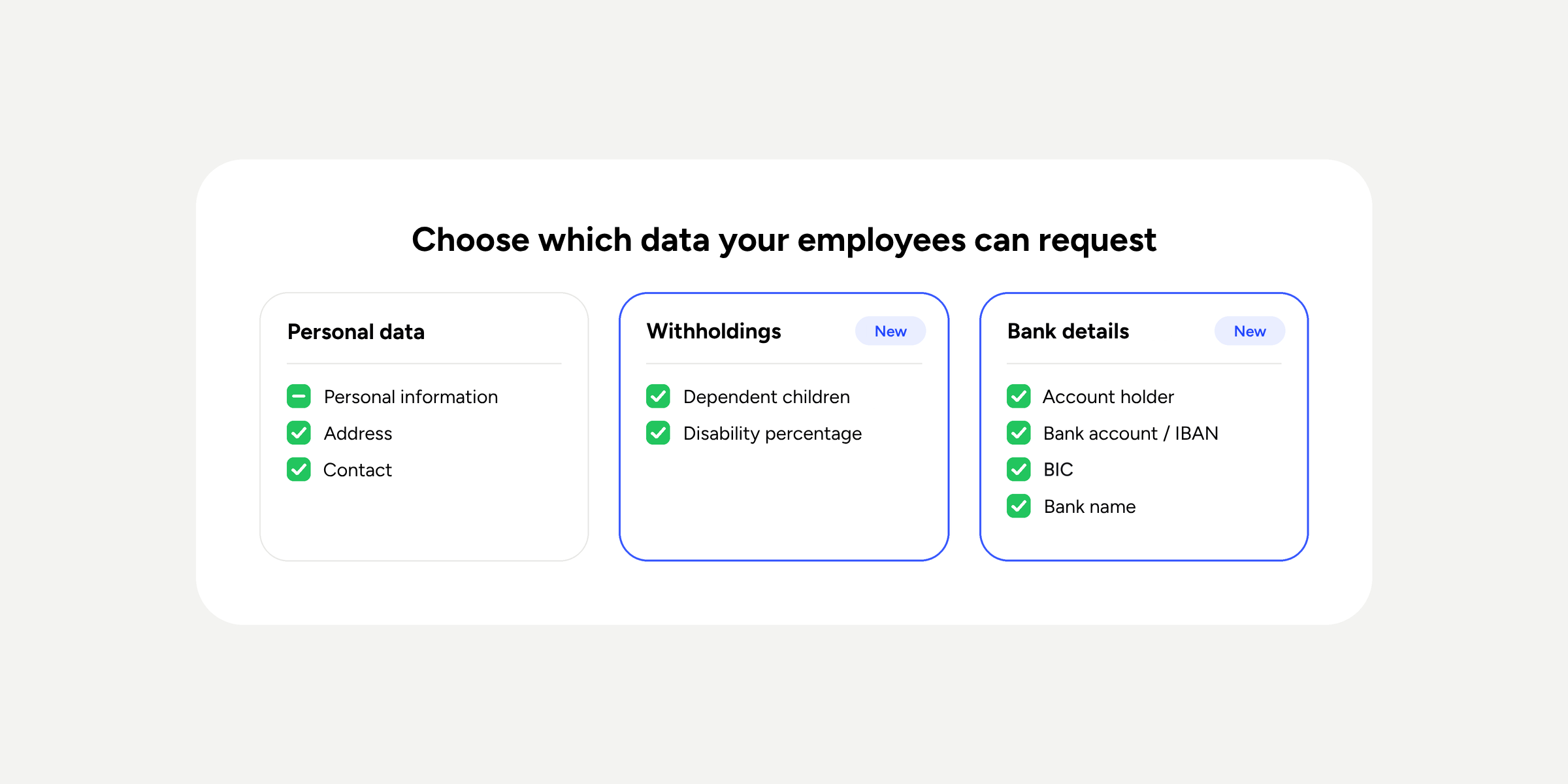
Work data changes: your employees request, you approve
A few weeks ago, we told you that your employees could now request changes to their personal data even if their profile was locked, but the piece that...
Learn more
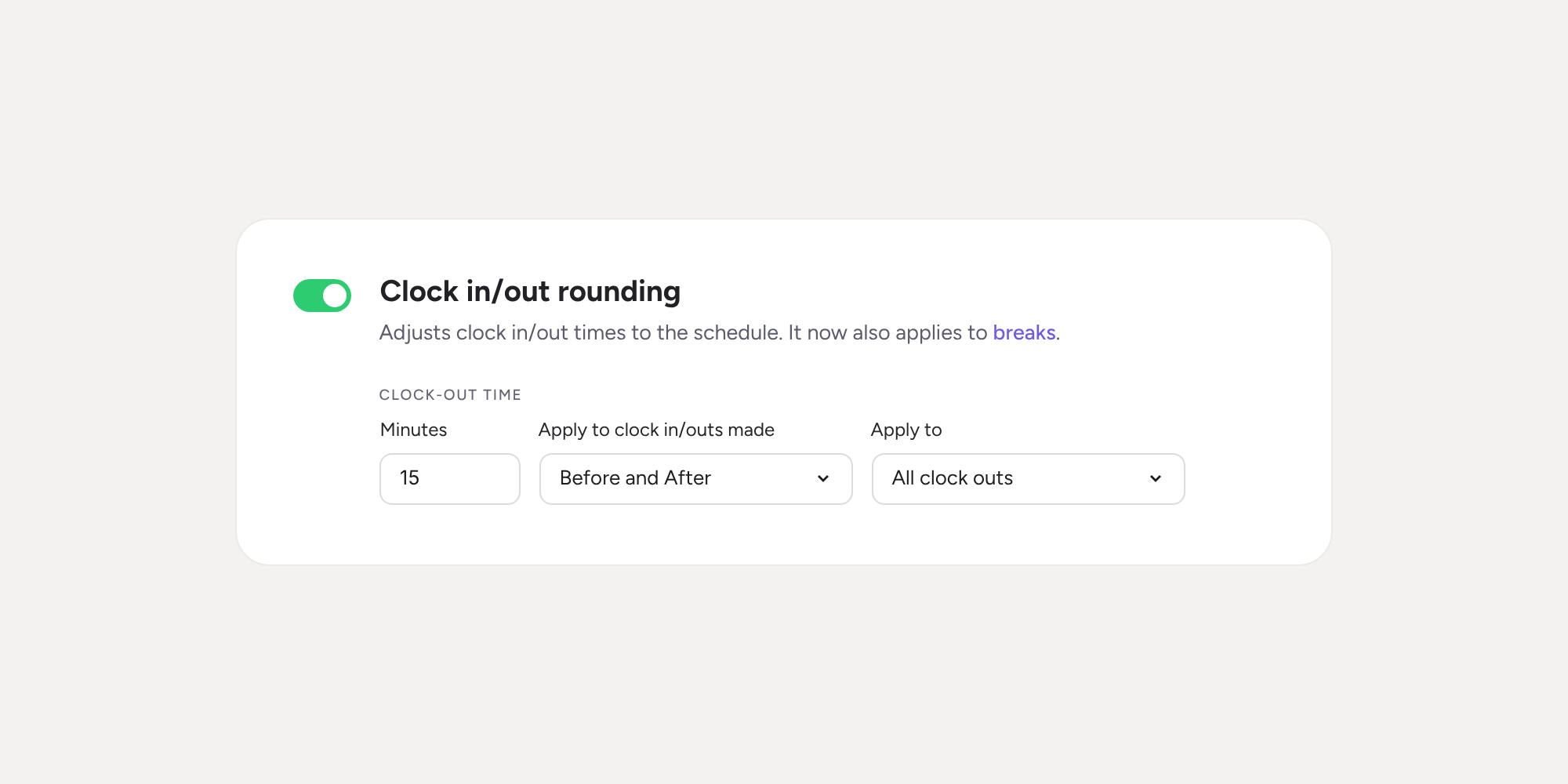
Clock in/out rounding now includes breaks!
Until now, clock in/out rounding only adjusted the start and end of the working day. From today, it also applies to breaks, using the same rules. This way…
Learn more
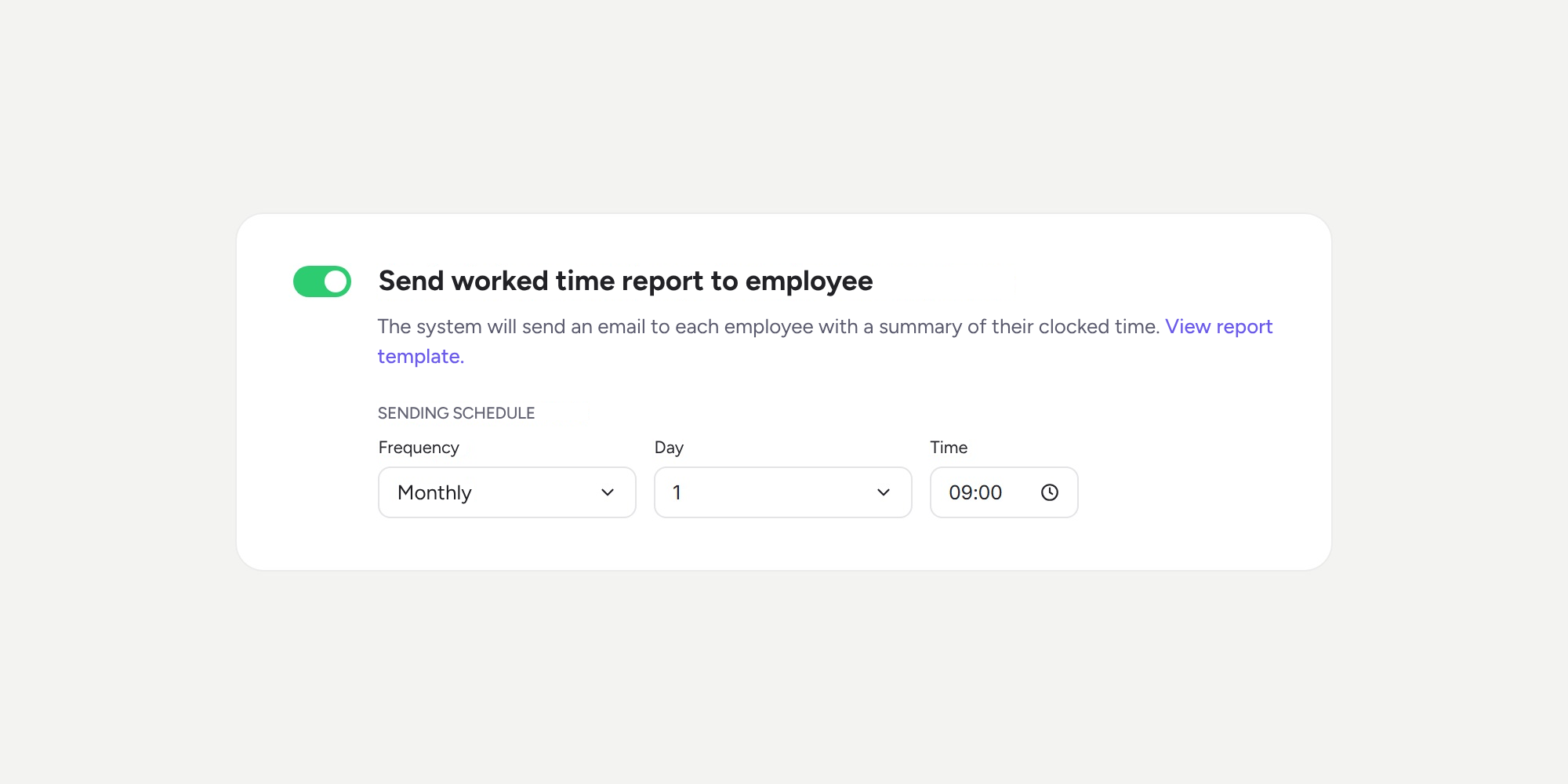
Your employees receive their worked time summary, no need to send it manually
Exporting each person’s clock ins/outs and sending them out every month is now a thing of the past. With the new “Send worked time report to employee”…
Learn more
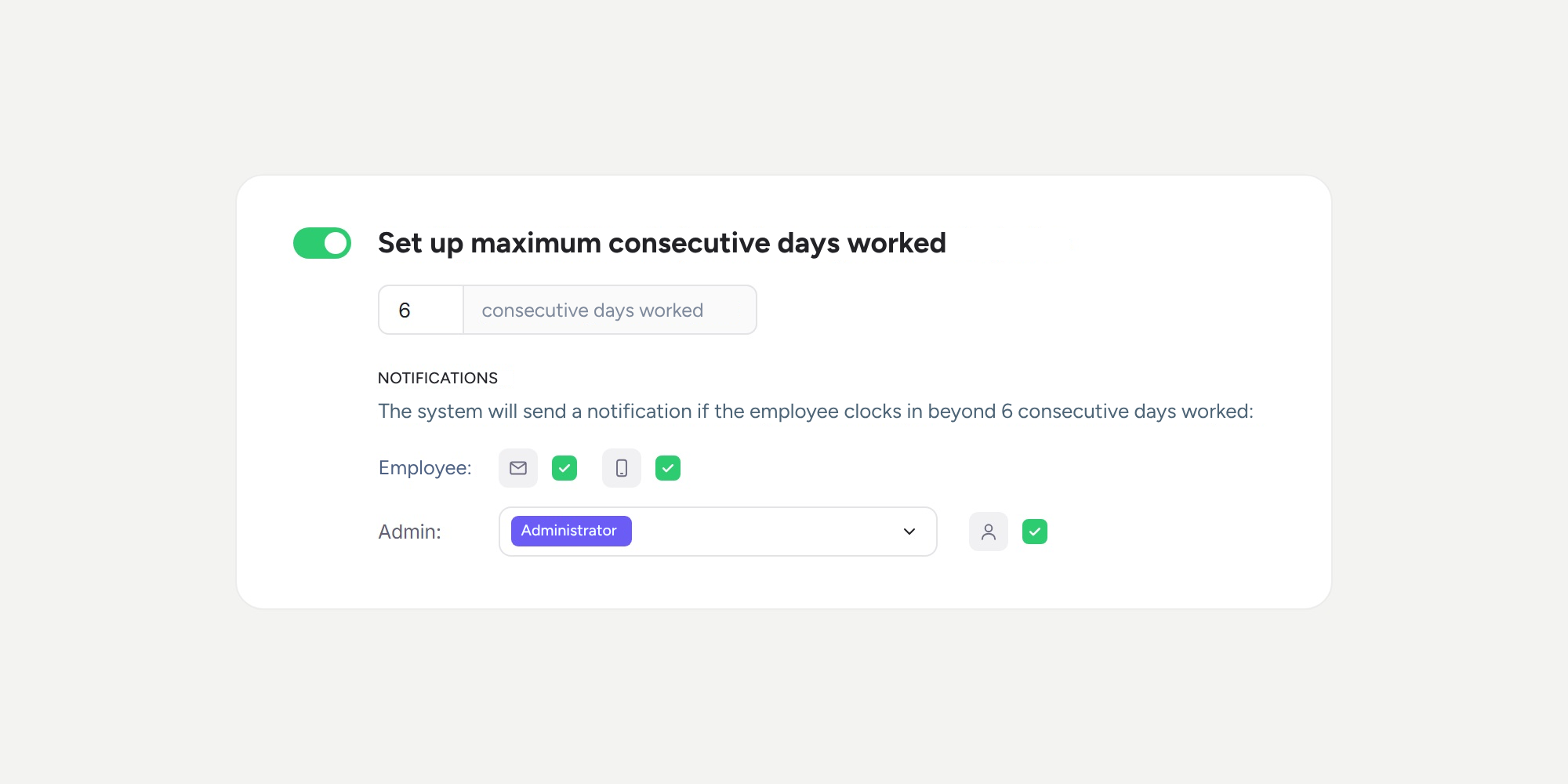
Detect and get notified when someone works more consecutive days than allowed
Sesame now counts the consecutive days each person works based on their actual clock ins/outs. When someone exceeds the maximum allowed without taking a rest…
Learn more
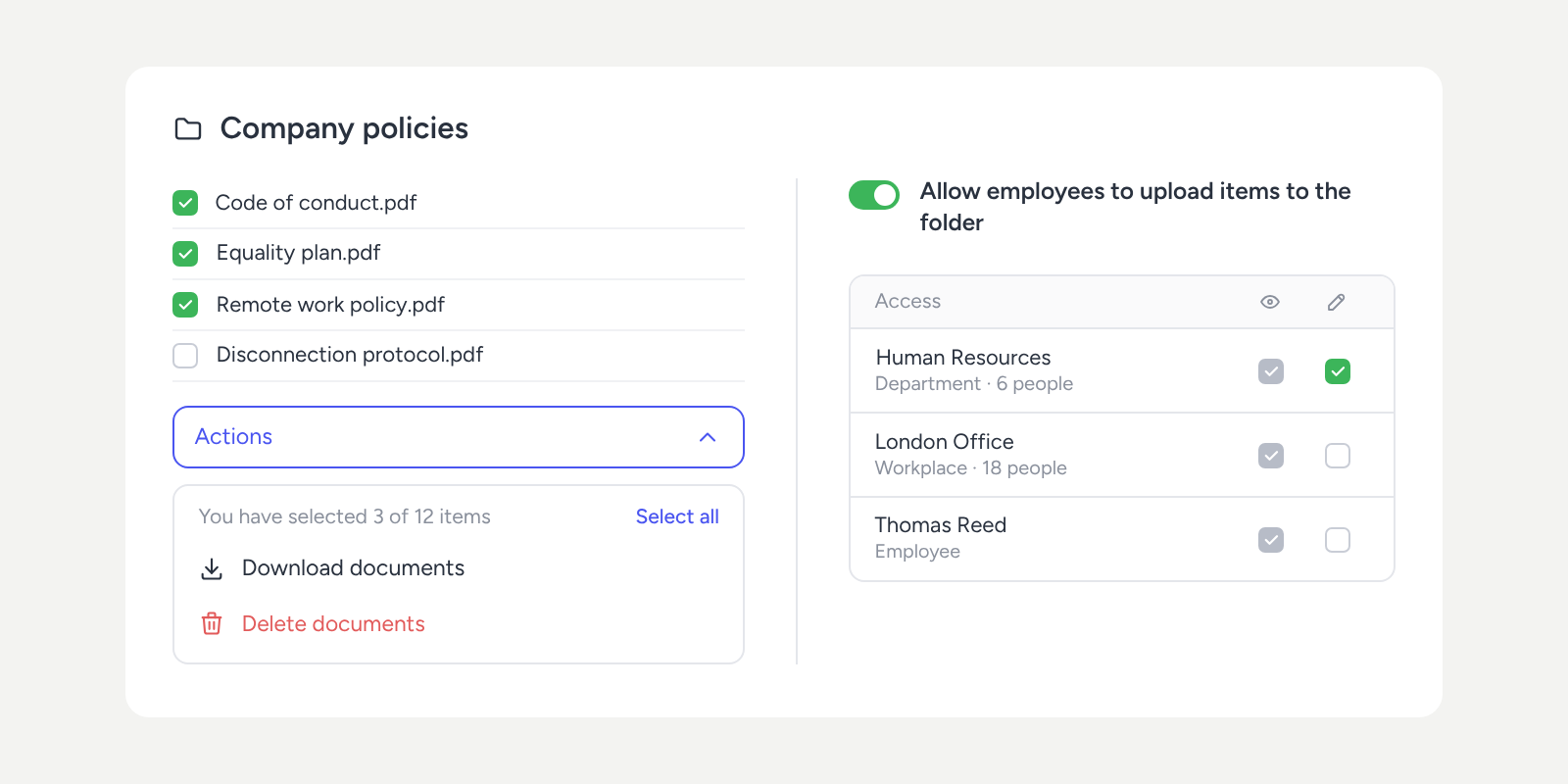
Your Document manager: fewer clicks, more control
Year-end close, an audit, or simply time for a tidy-up? You can now select several documents or folders in the Document manager and download or delete them…
Learn more
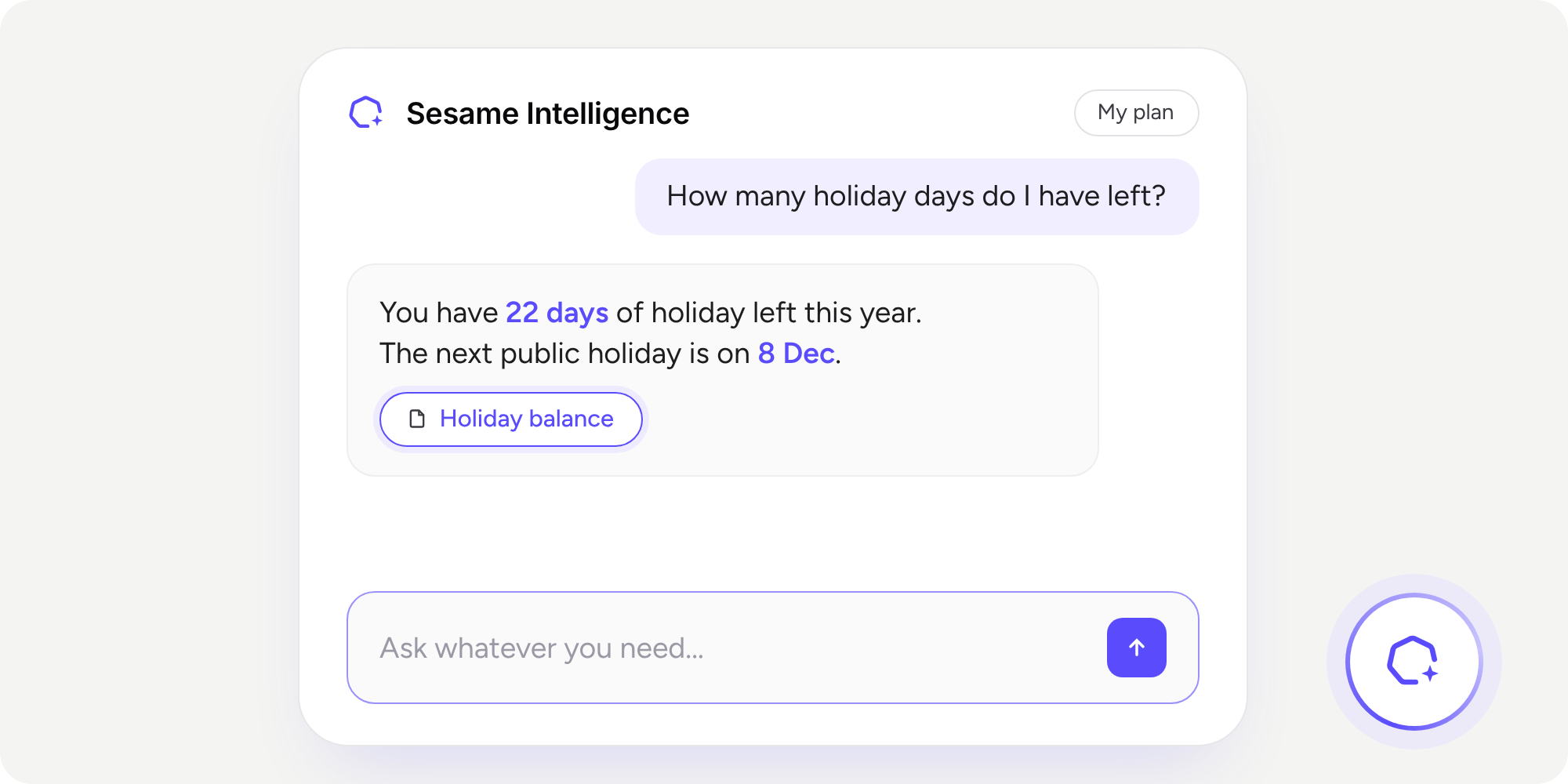
Introducing Sesame Intelligence!
How many times a week do you answer the same questions? And how much time do you spend preparing the same report every month? Holidays, clock ins/outs, remote...
Learn more
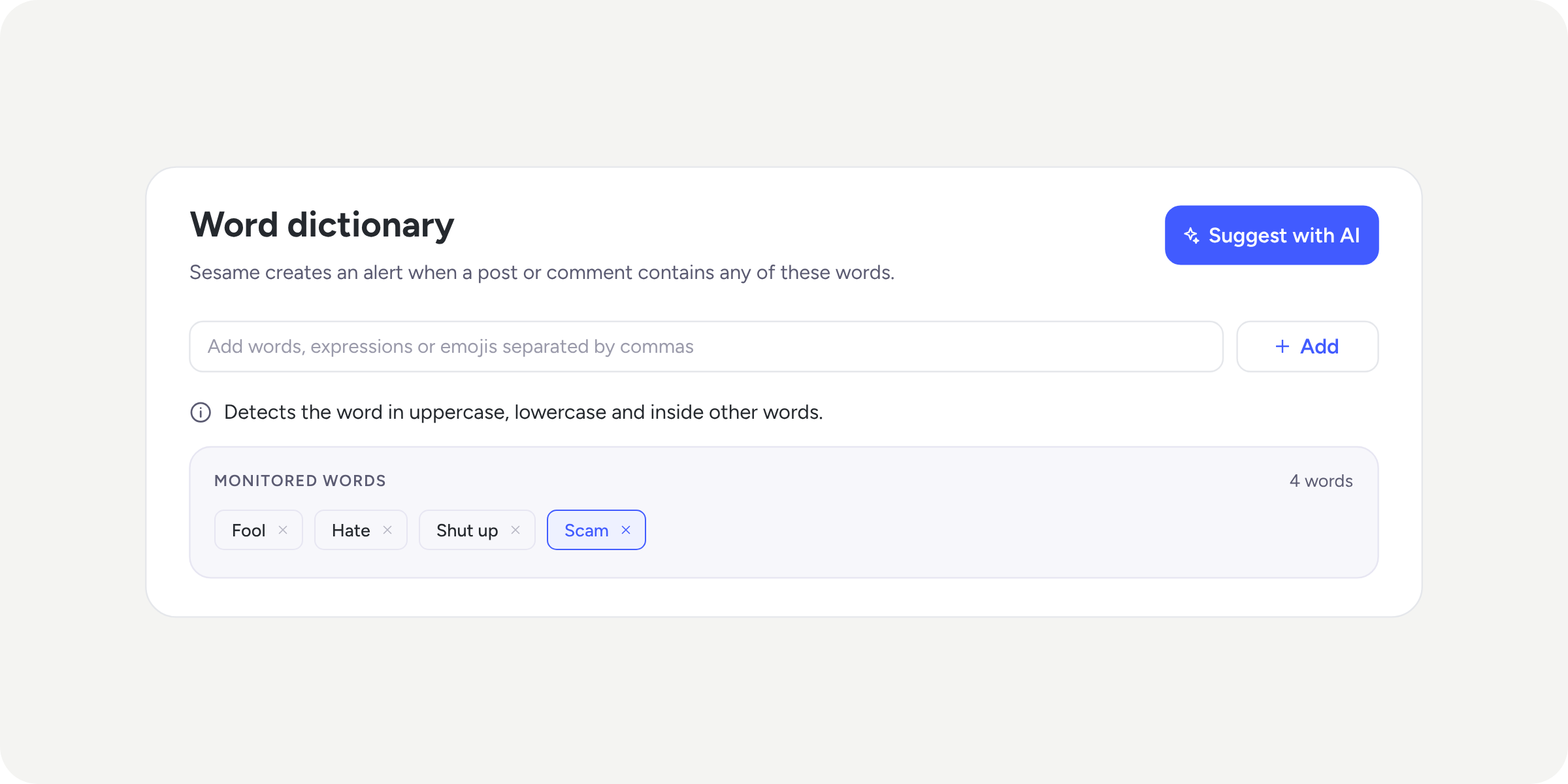
Content moderation comes to Community
As conversations grow in Community, you'll also need tools to keep your channels aligned with your company's communication guidelines.
Learn more
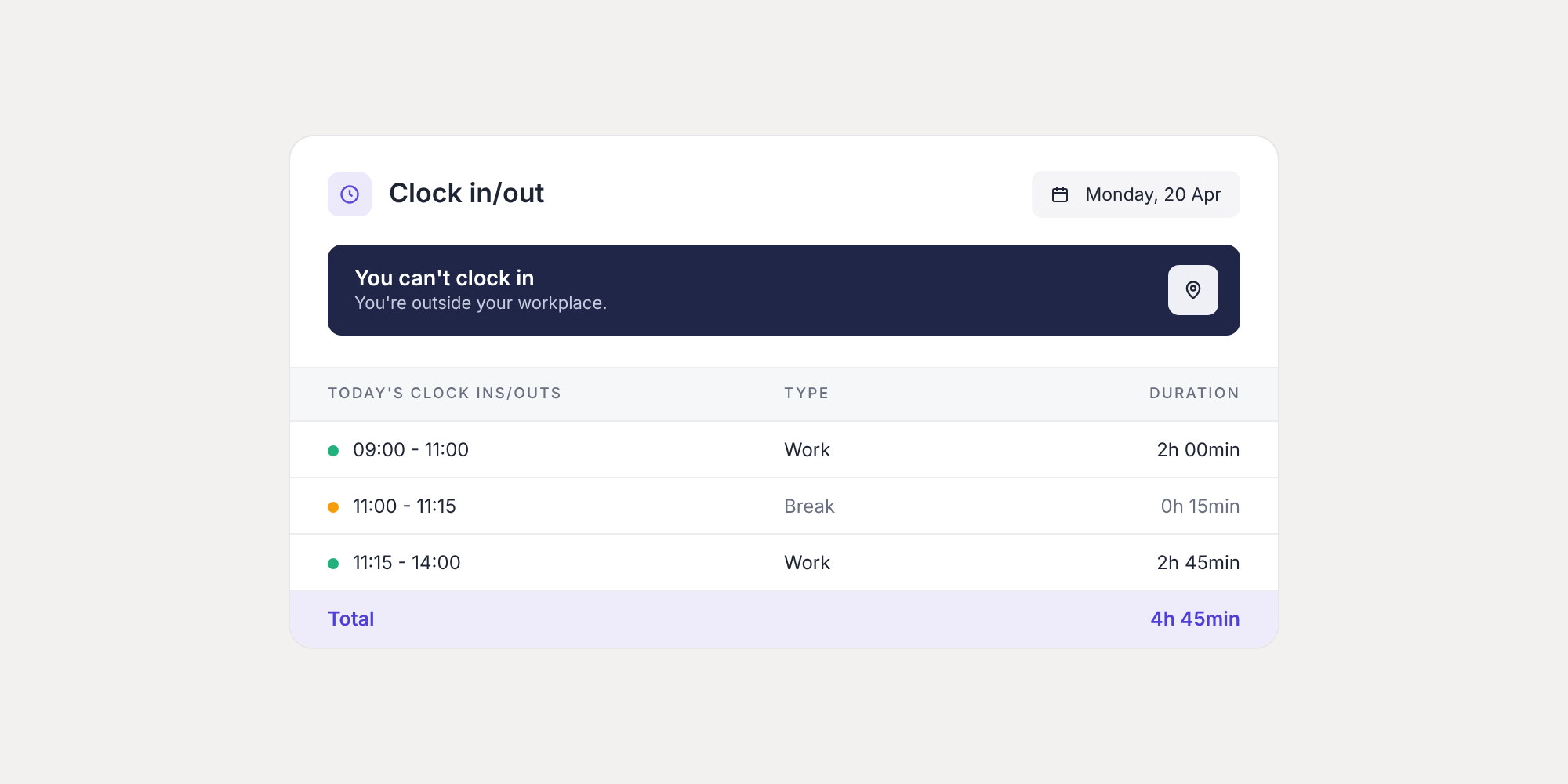
Clock ins/outs outside the workplace no longer generate incidents! 📍
When an employee clocks in or out away from their workplace, your admin team now receives a clock in/out request instead of an incident. This way, your team…
Learn more
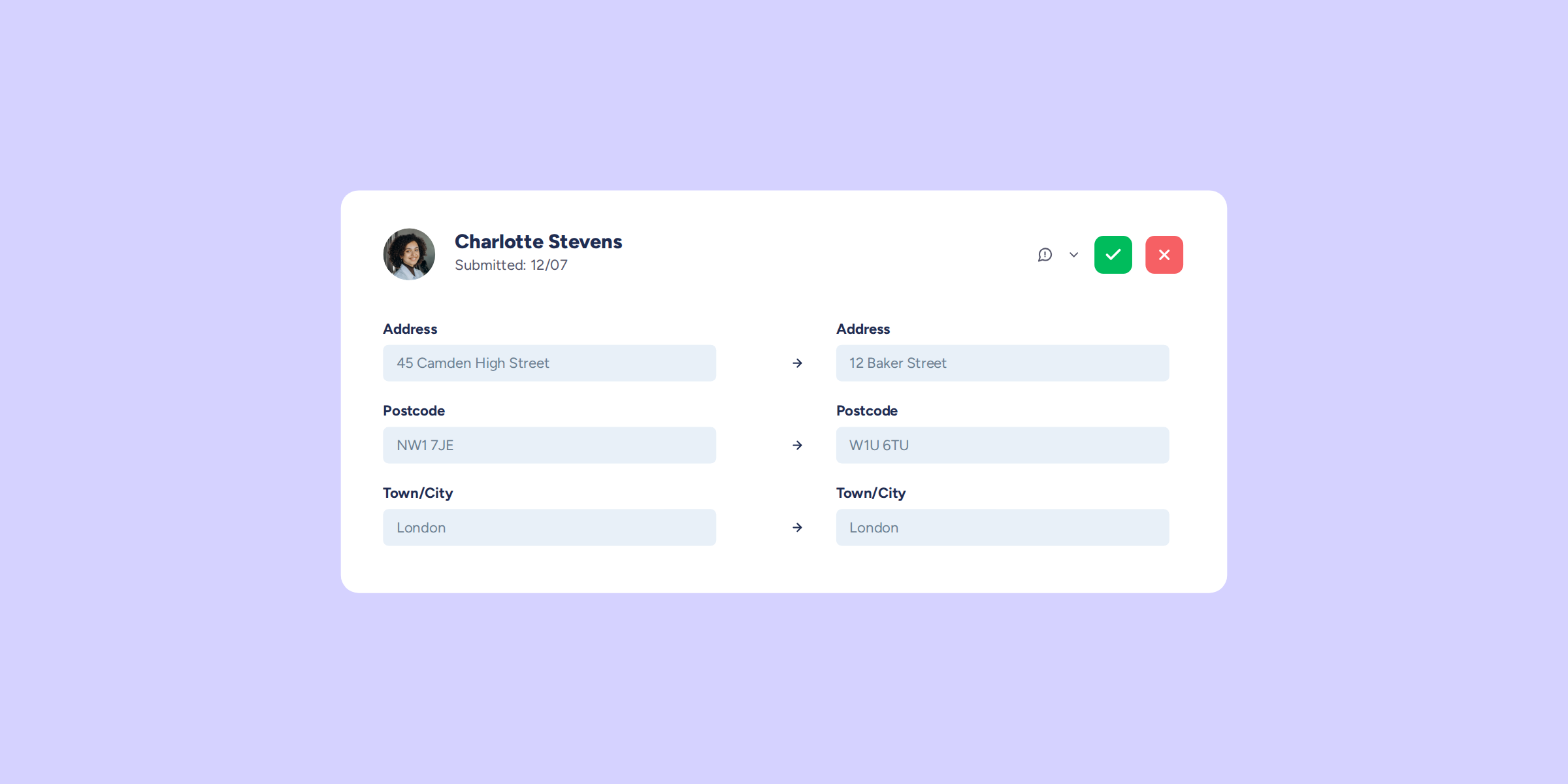
Personal data changes without the bottleneck: your employees request; you approve
Switching on "Block editing of the "My profile" section in the employee view" protects your company's data, but it also leaves your employees with no official way to...
Learn more
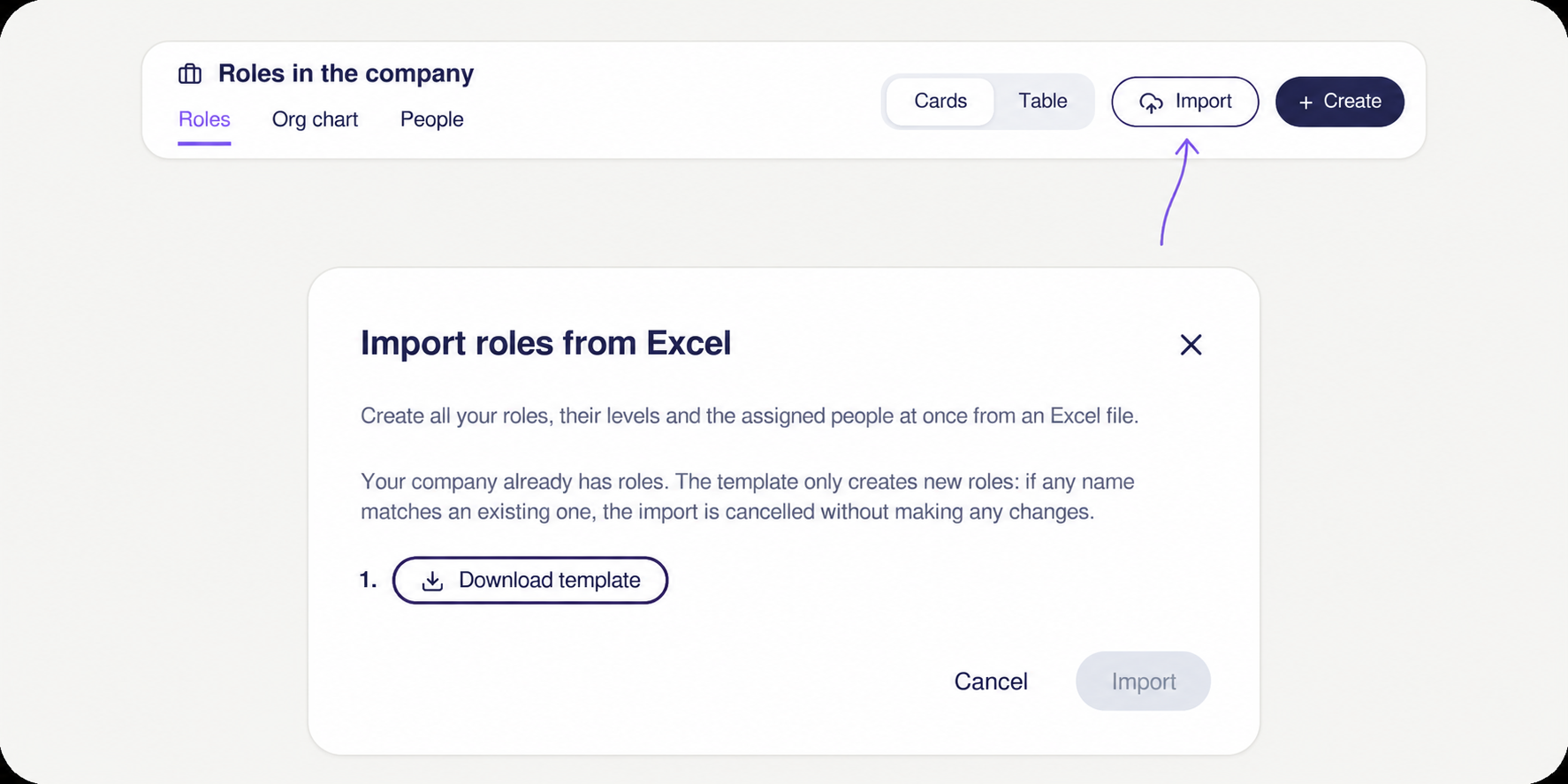
You can now import all your positions from Excel in Company positions
Got lots of positions to load into Sesame? Now you can do it all in one go. With the Company positions importer, you upload a single Excel file...
Learn more
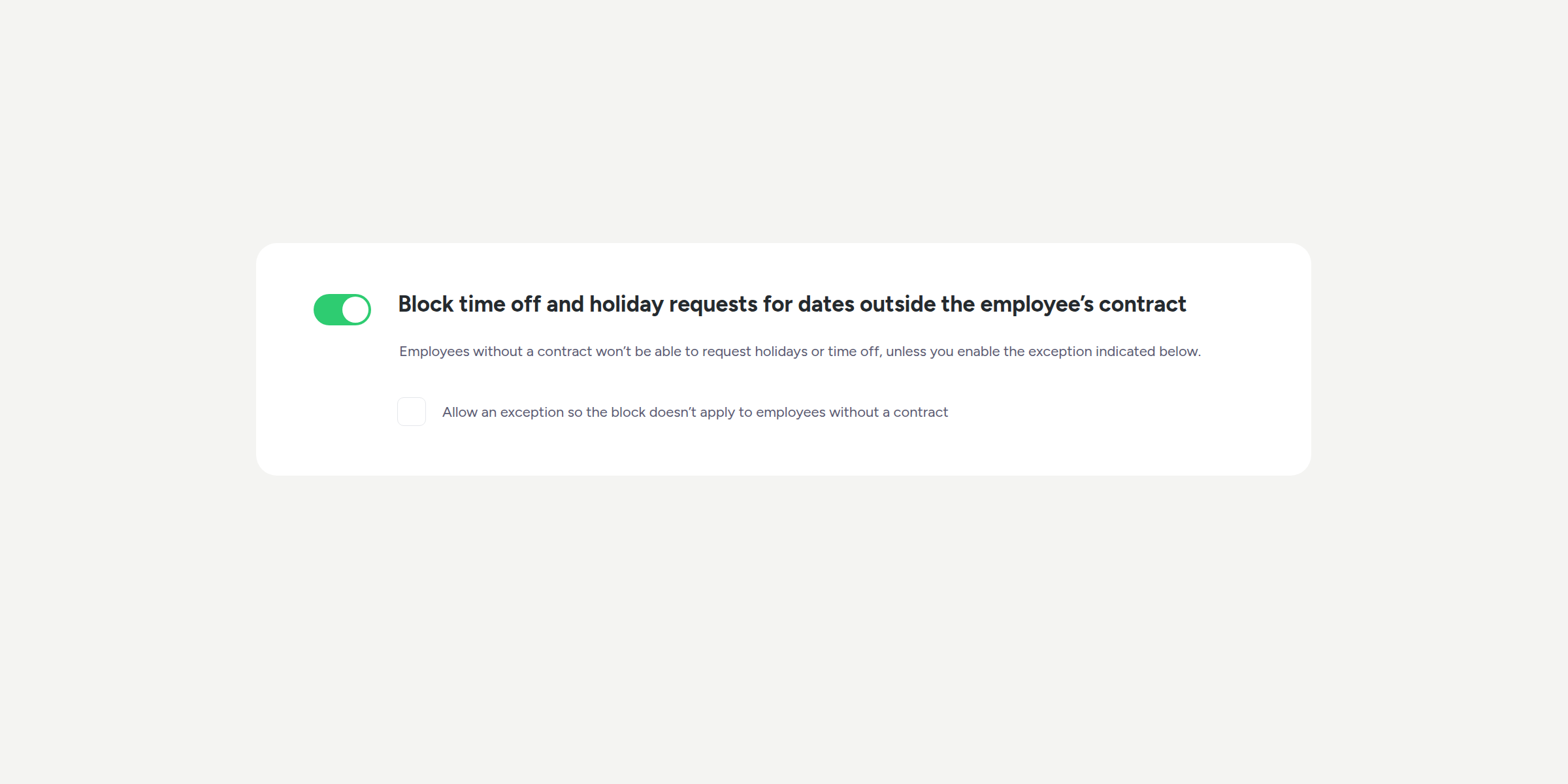
Full control over when holidays can be requested, at last
How many times have you had to manually correct a holiday day that should never have been approved because the employee's contract had already ended? From now on,...
Learn more
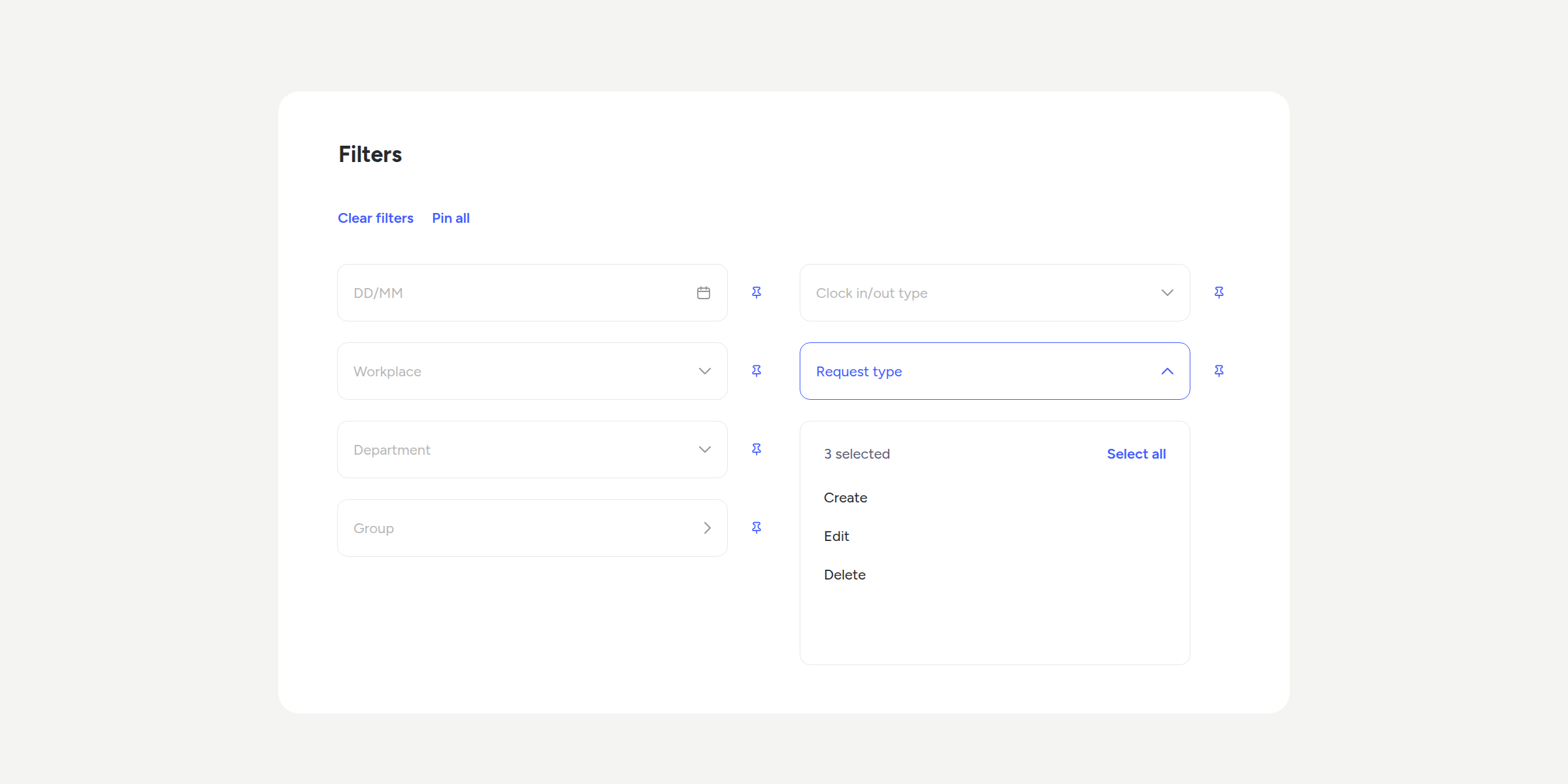
Find any clock in/out request in seconds 🔍
No more scrolling through endless lists to find a request. You can now filter and search directly in Clock in/out requests, both in pending requests and in the...
Learn more
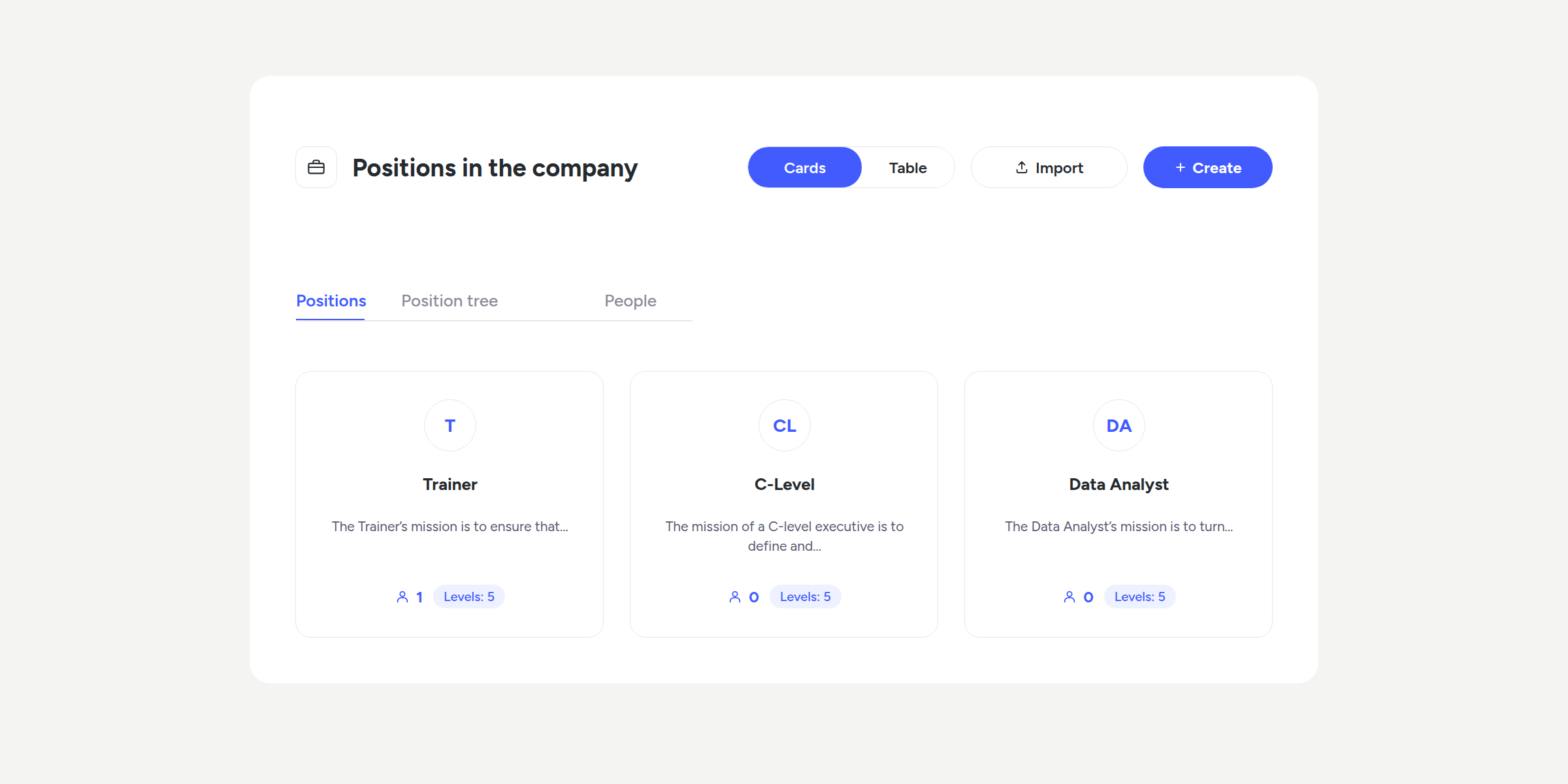
Job positions and levels: structure your company’s roles in Sesame
With the new "Positions in the company" section, you can create a complete roles catalogue and organise them by level, with their description, salary range, and reporting line....
Learn more
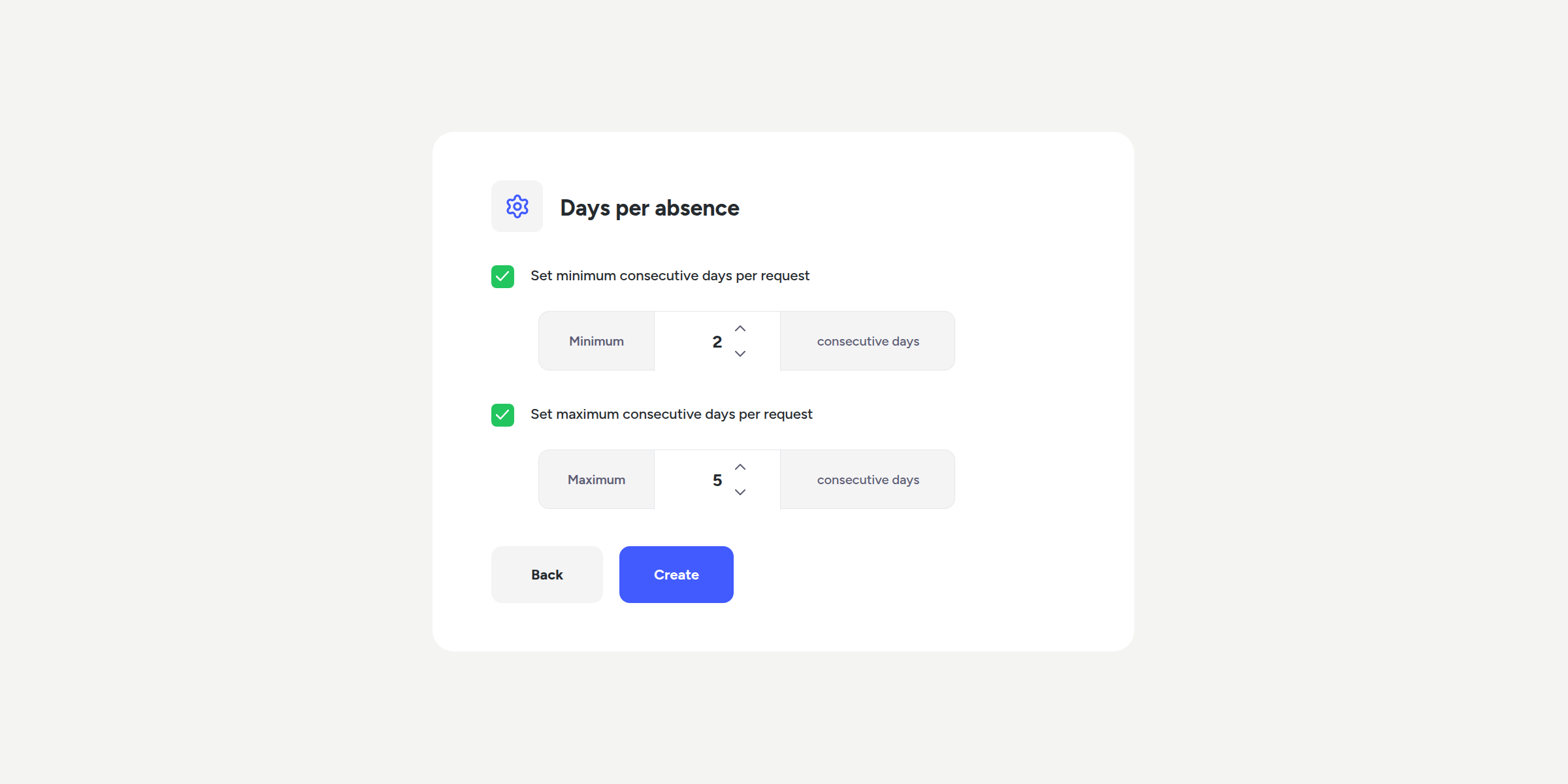
You define the rules: minimum and maximum days per request
Until now, an employee could request holidays or an absence for any period they chose, even if your company's policy set different conditions, a 15-day marriage leave split...
Learn more
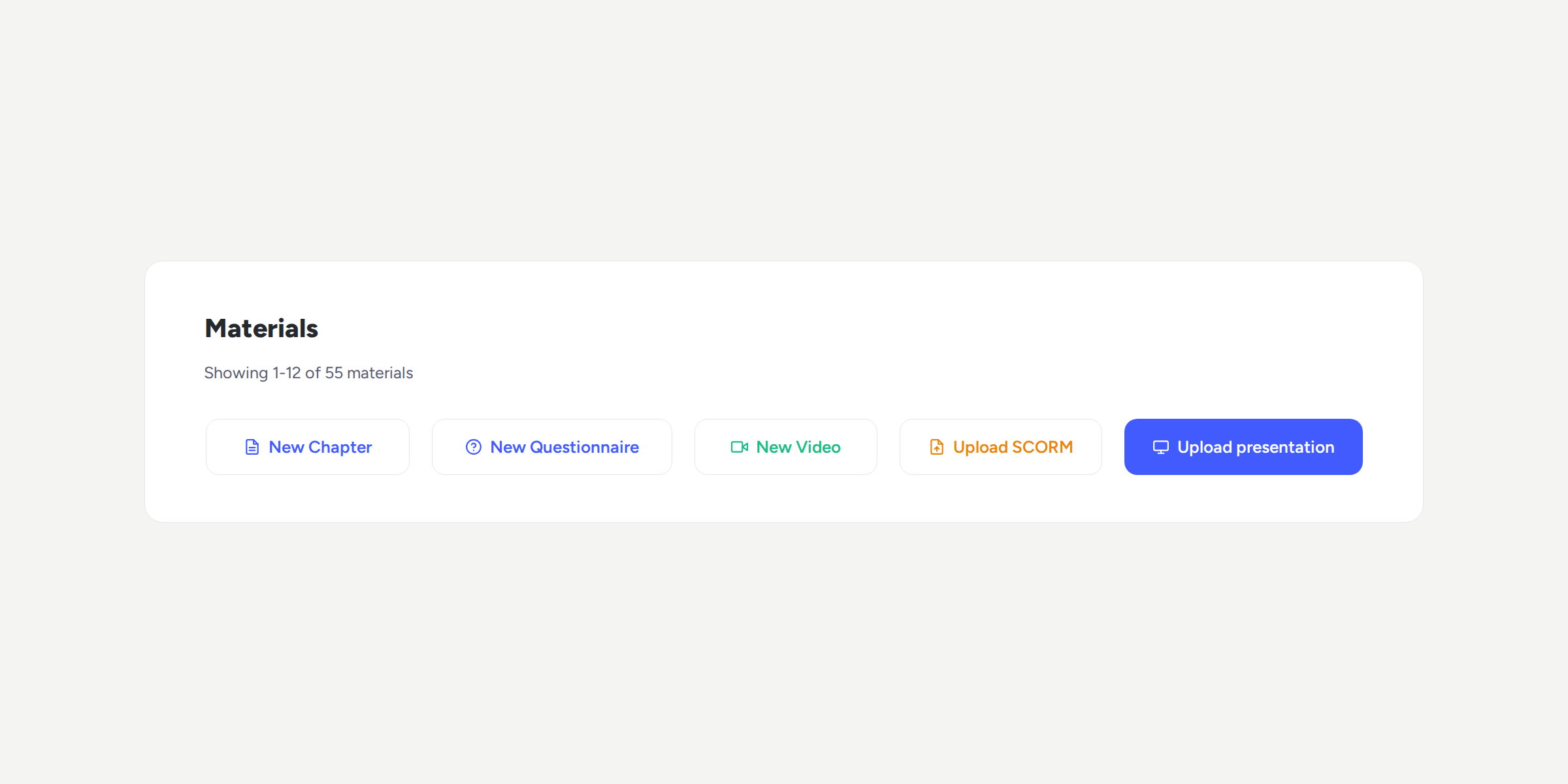
Your presentations, now in the LMS too
If your training content lives in PowerPoint, you can now add it directly to your courses and keep the content exactly as you created it. Your team will...
Learn more
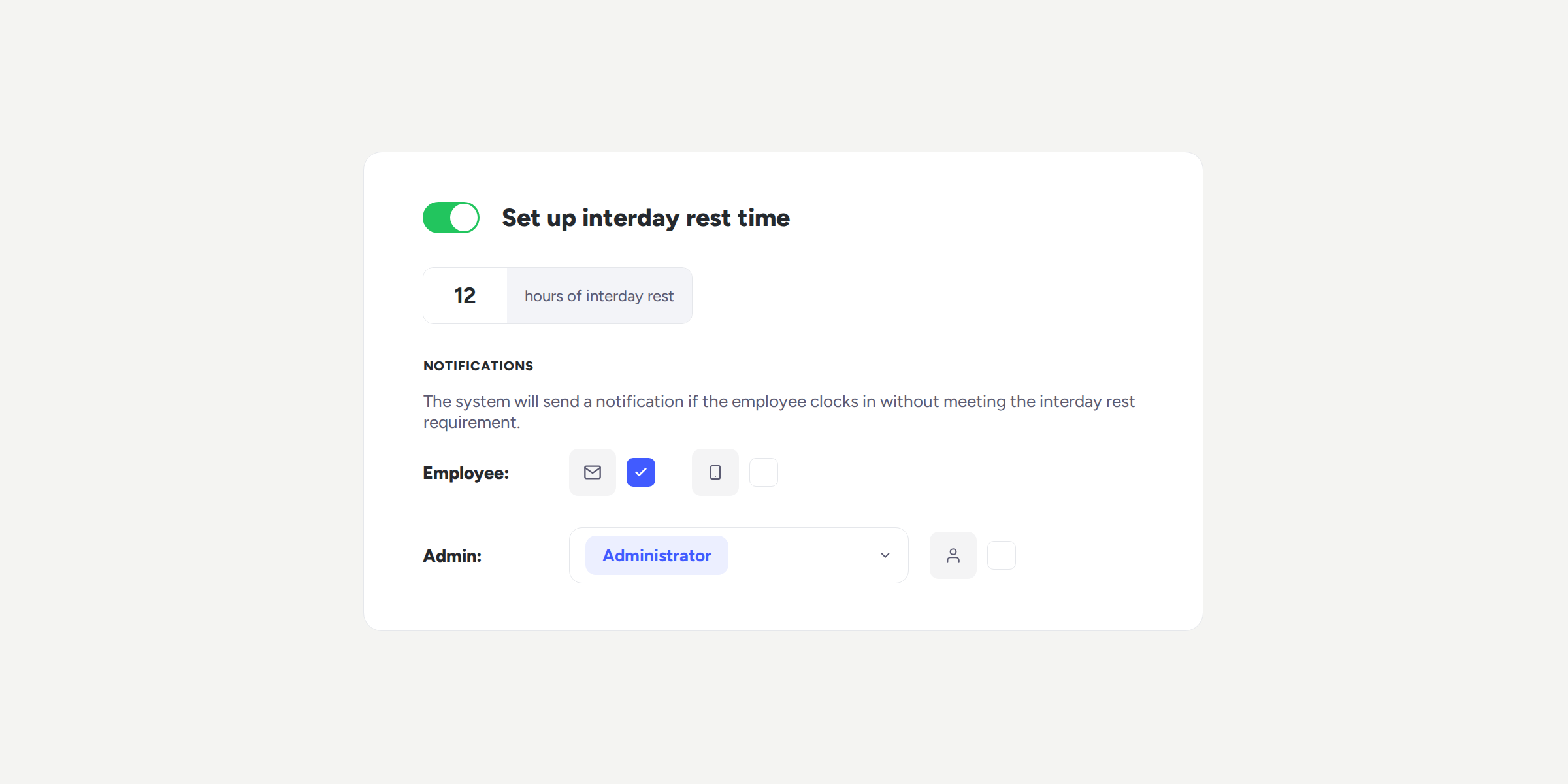
Monitor your team’s rest time between workdays
Rotating shifts, night shifts, or peak activity periods can lead to employees clocking in without completing the minimum rest time between working days. Until now, detecting this meant...
Learn more
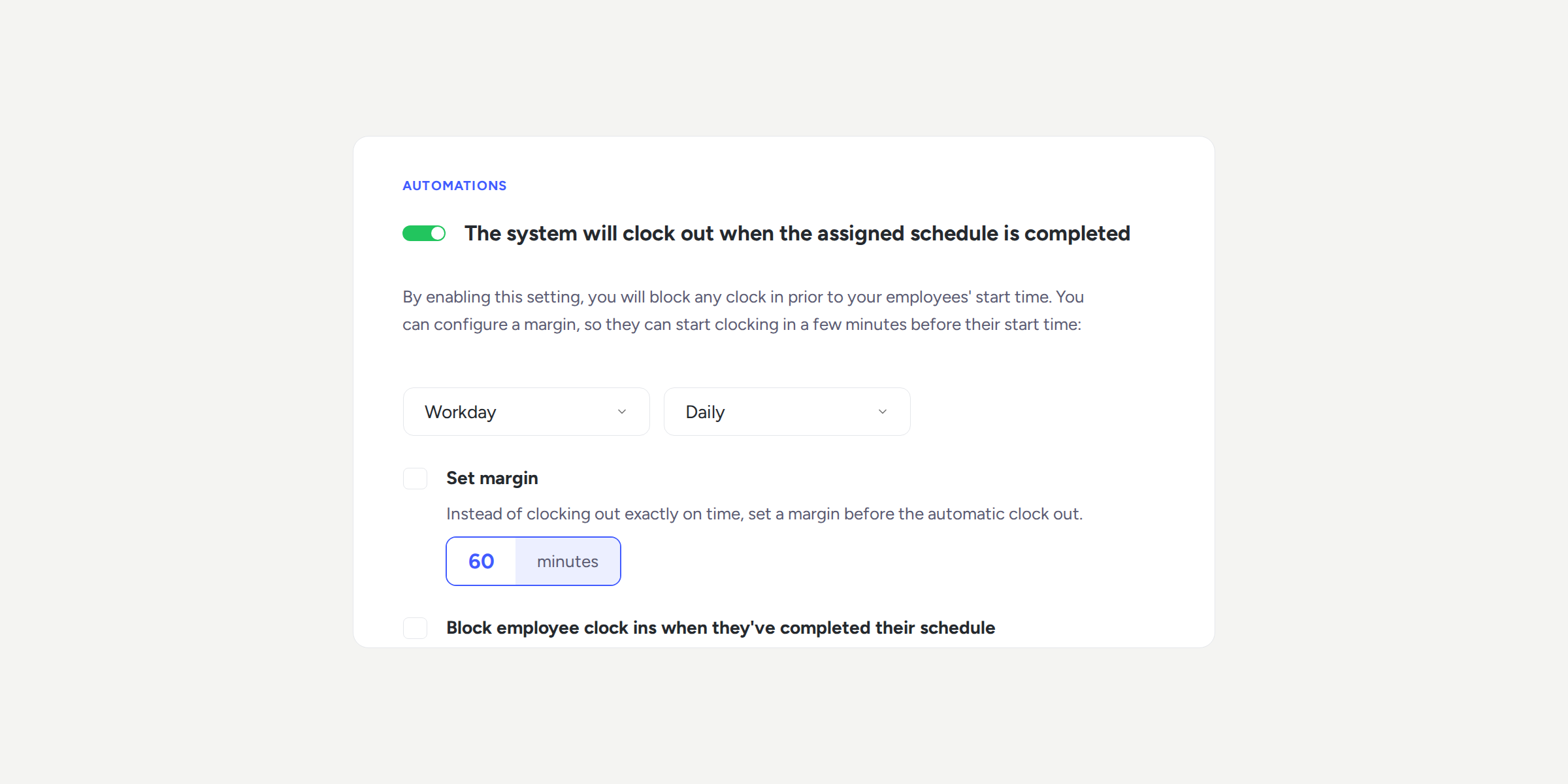
No more clock ins left open overnight
How many times has an employee forgotten to clock out and left a clock in open from one day to the next? Until now, you had to choose...
Learn more
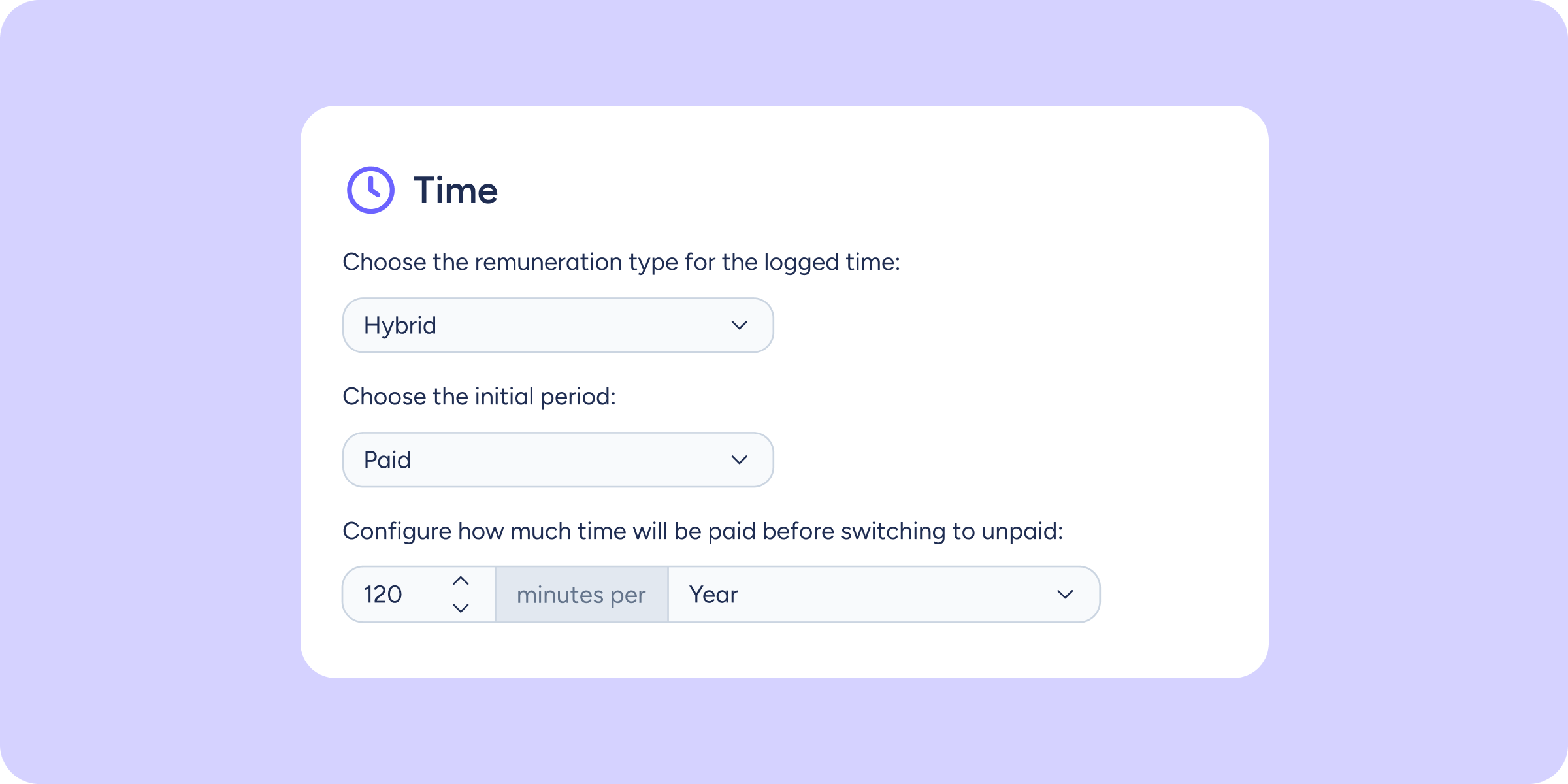
Hybrid clock ins/outs: automatically configure when each period starts counting
Managing clock in/out types with different time limits could depend on each person switching types at exactly the right moment. You can now configure, within a single clock...
Learn more
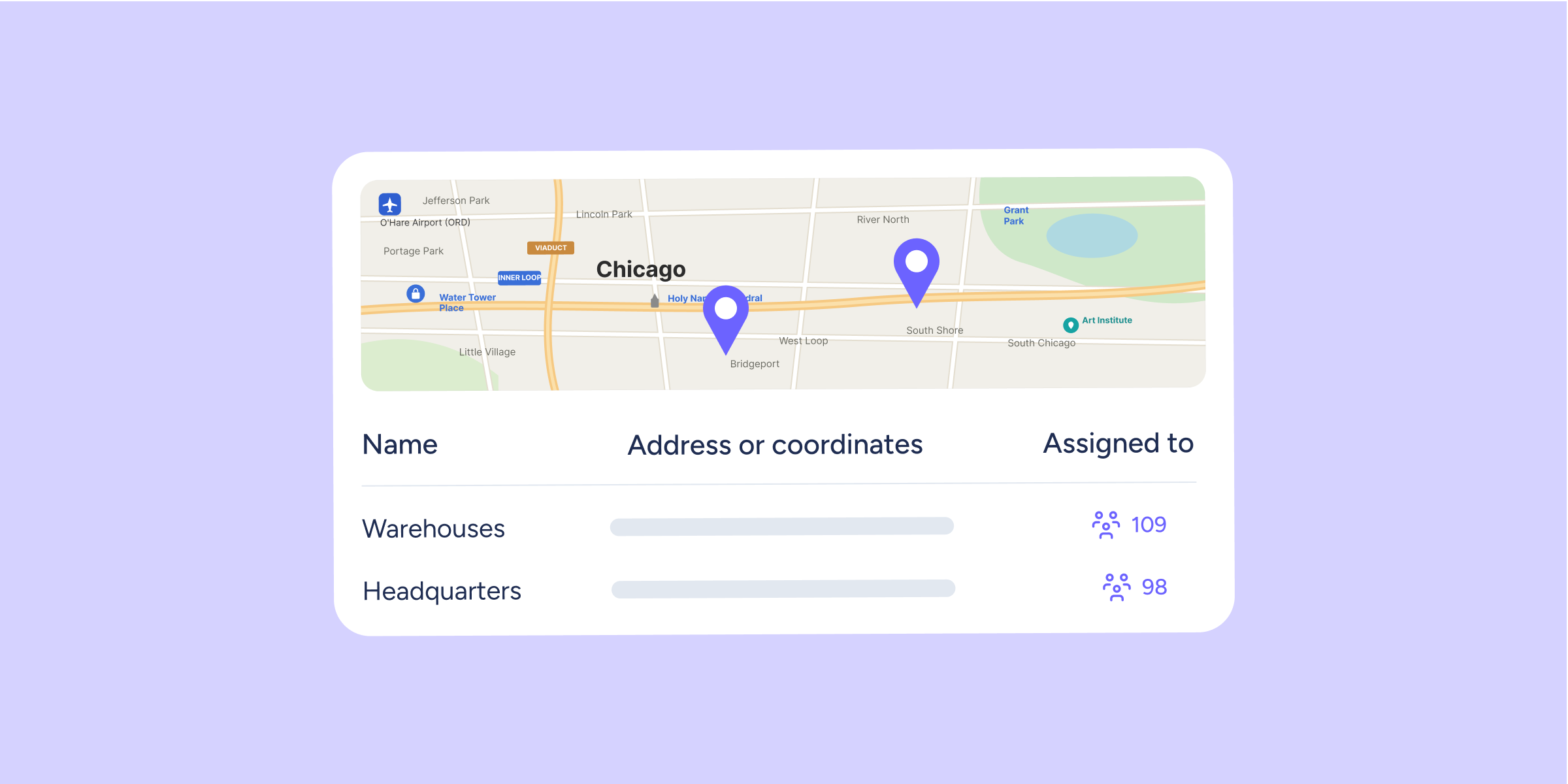
New Locations module: manage all your workplaces from one place
Until now, each workplace could have a single GPS reference point for validating mobile clock ins/outs. This meant that if several workplaces shared the same location, or you...
Learn more
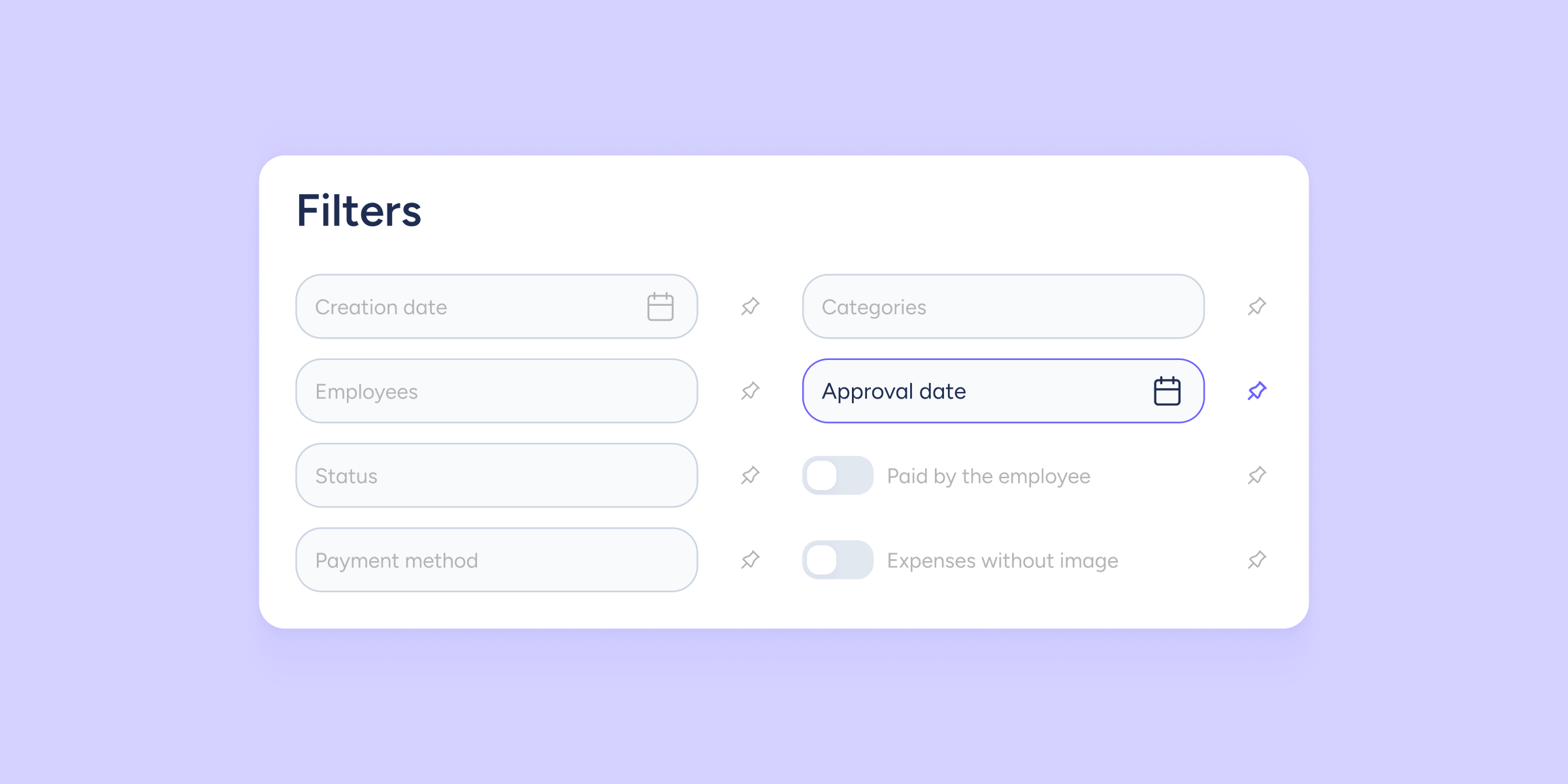
Find your expenses by approval date in a single click
You can now filter and locate expenses by the date on which they were approved. Until now, you could only do so by creation date, which meant reviewing expenses one by...
Learn more
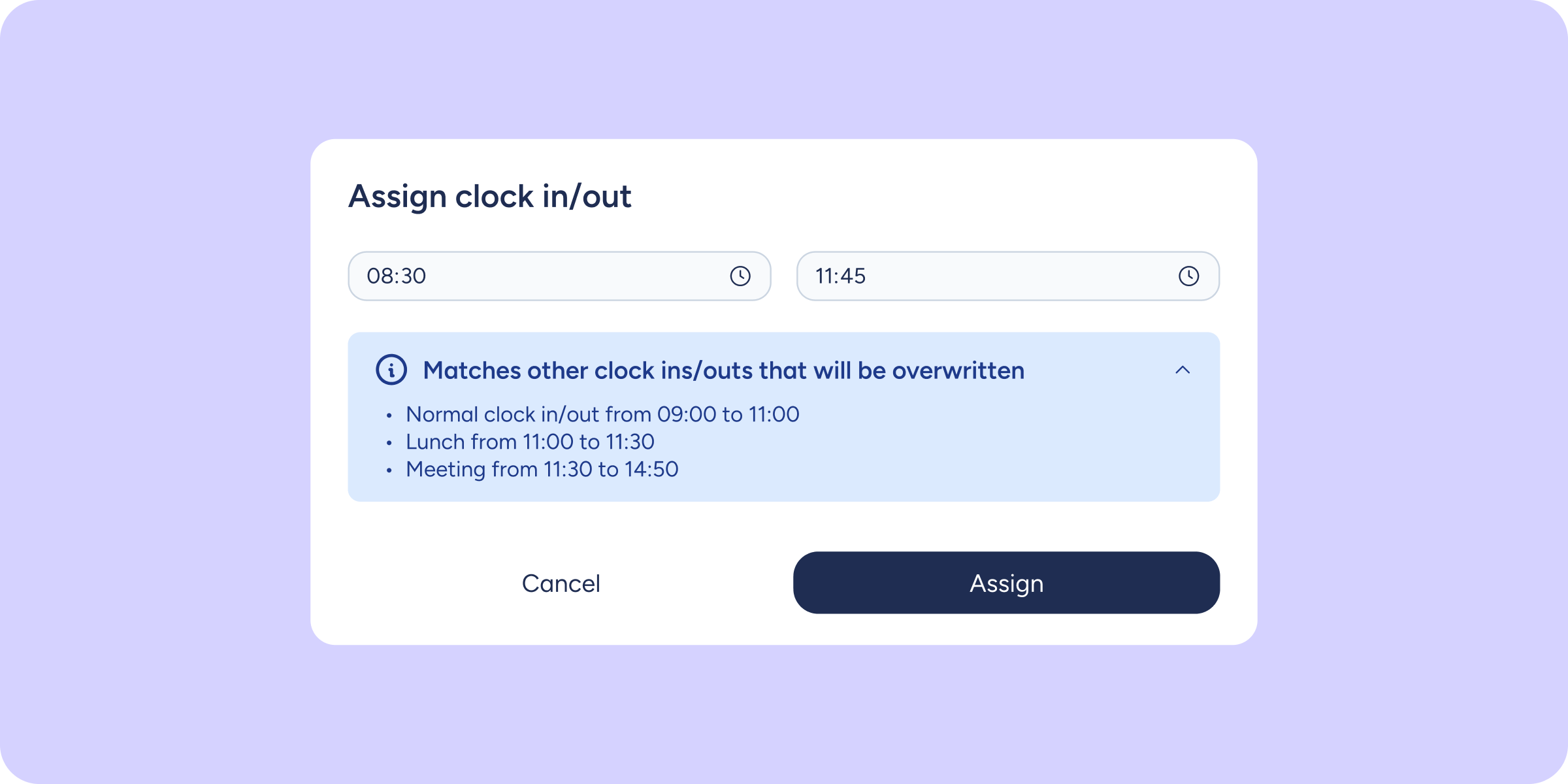
No more clock ins/outs blocked by overlaps
Until now, if you tried to assign or edit a clock in/out that overlapped in time with an existing one, the system would block the action. This meant...
Learn more
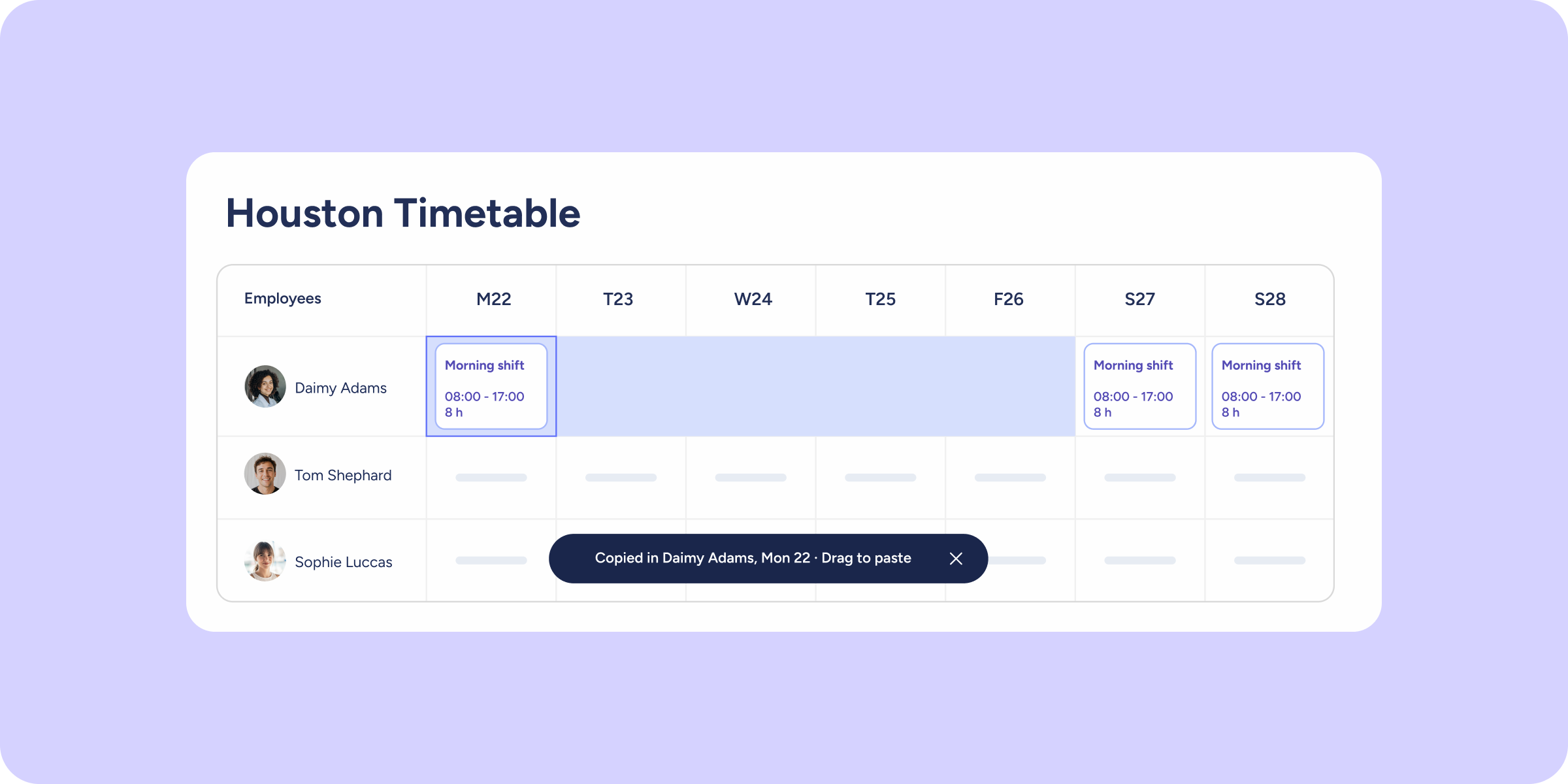
Copy, paste, and drag: plan your timetable faster
Planning shifts week by week and cell by cell can take a long time. That's why we've added actions to the timetable that you already know from tools...
Learn more
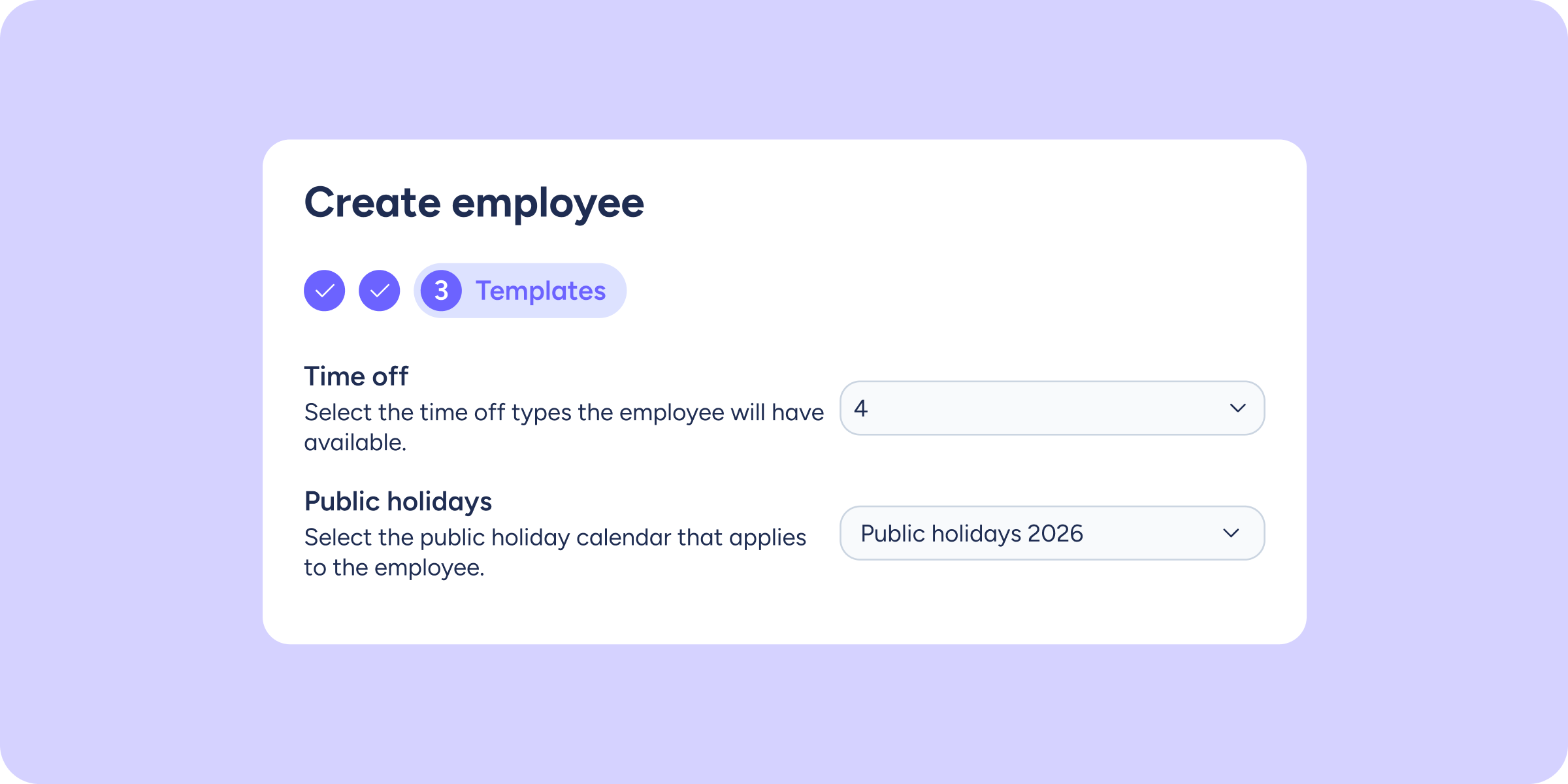
Set up a new employee from day one
Creating an employee in Sesame and then having to go back to their profile to assign a public holiday calendar and the available time-off types meant an extra...
Learn more
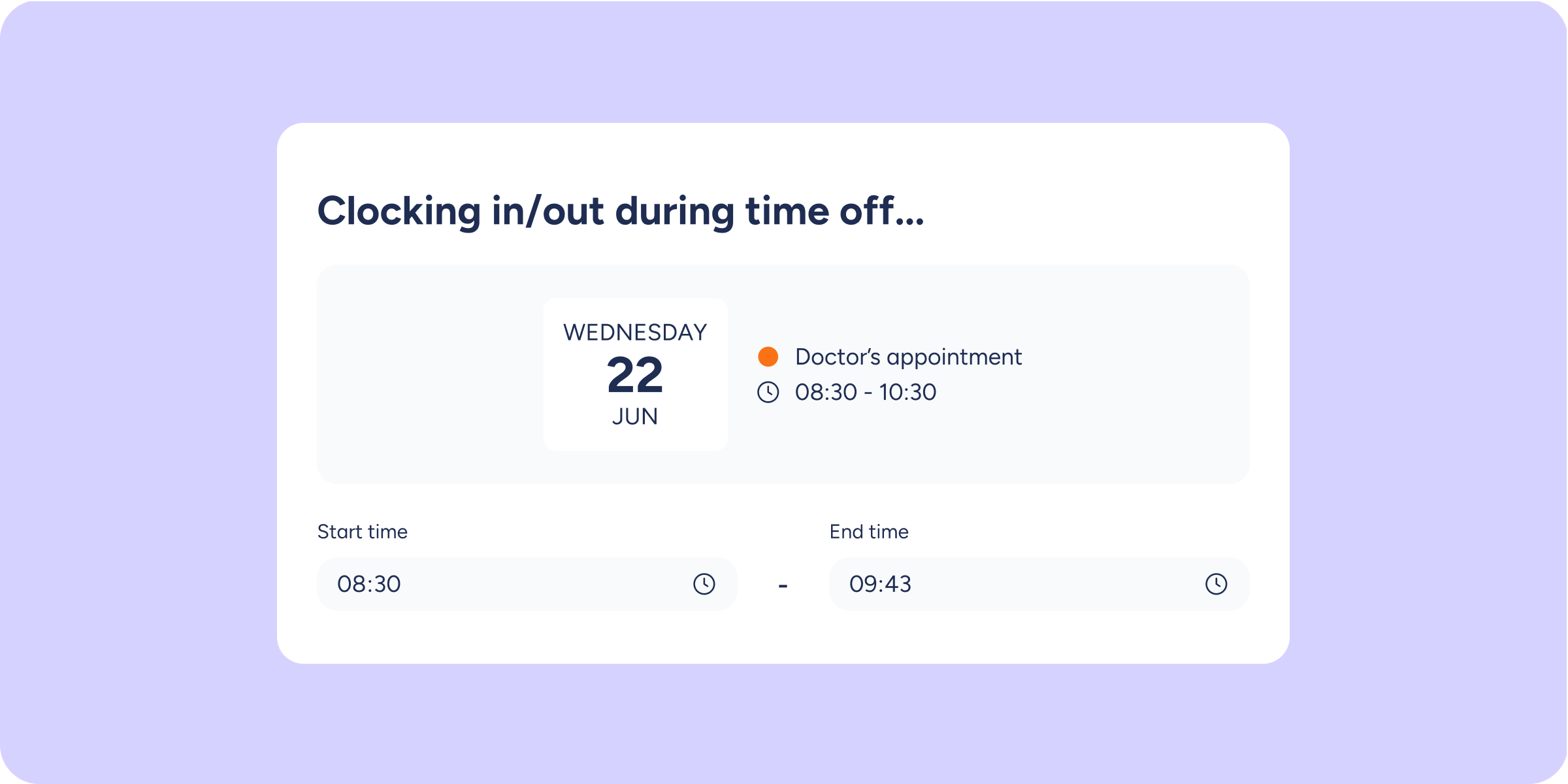
Instant alerts when you clock in/out during time off
Have you ever clocked in/out without remembering that you had an approved time-off request for that day? Until now, these situations could go unnoticed until HR reviewed the...
Learn more
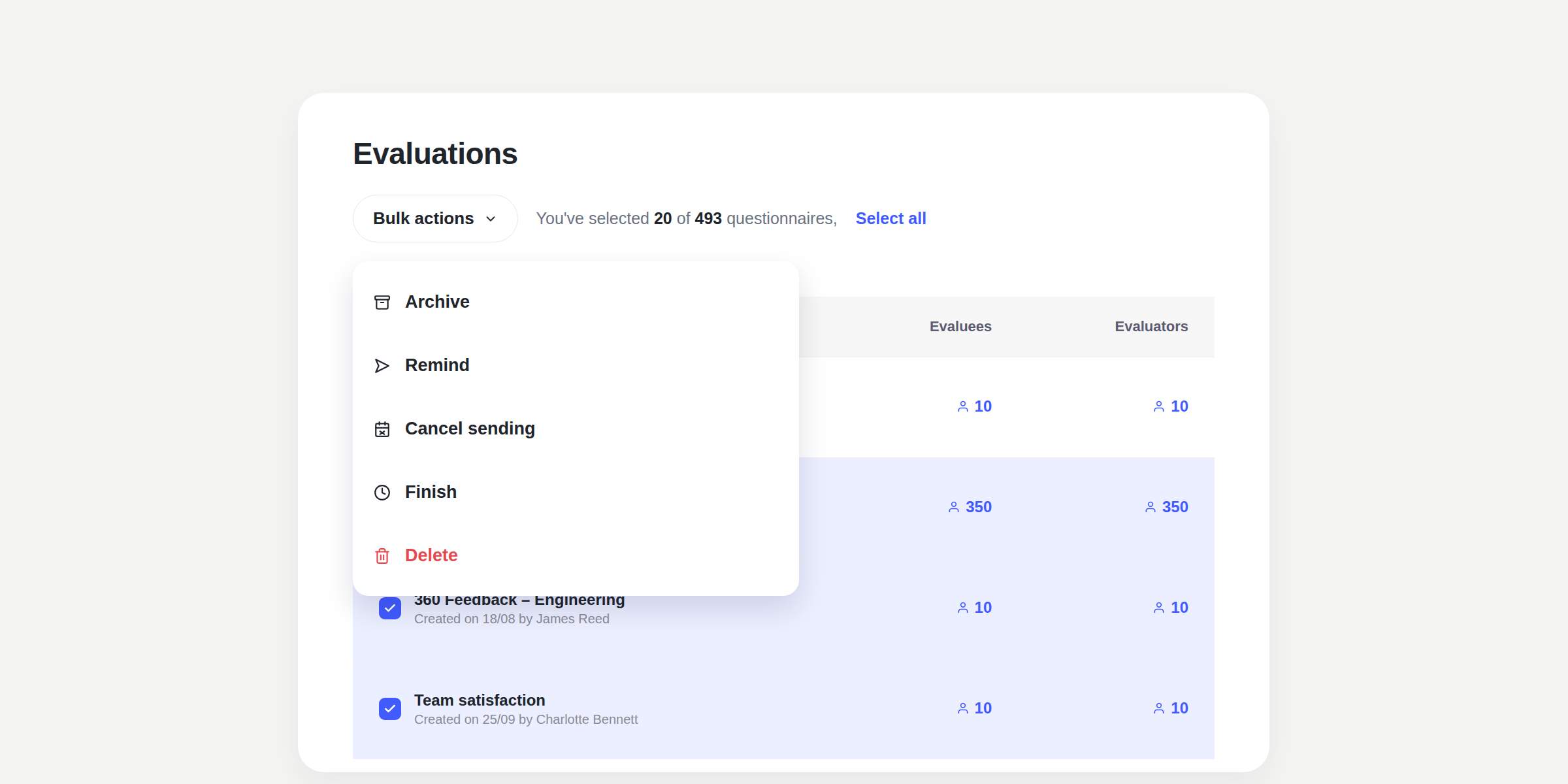
Archive what you no longer need and manage multiple evaluations and surveys at the same time
As completed evaluations and surveys, or drafts that were never published, accumulate, the main list can become difficult to manage. With this update, you can archive them to...
Learn more
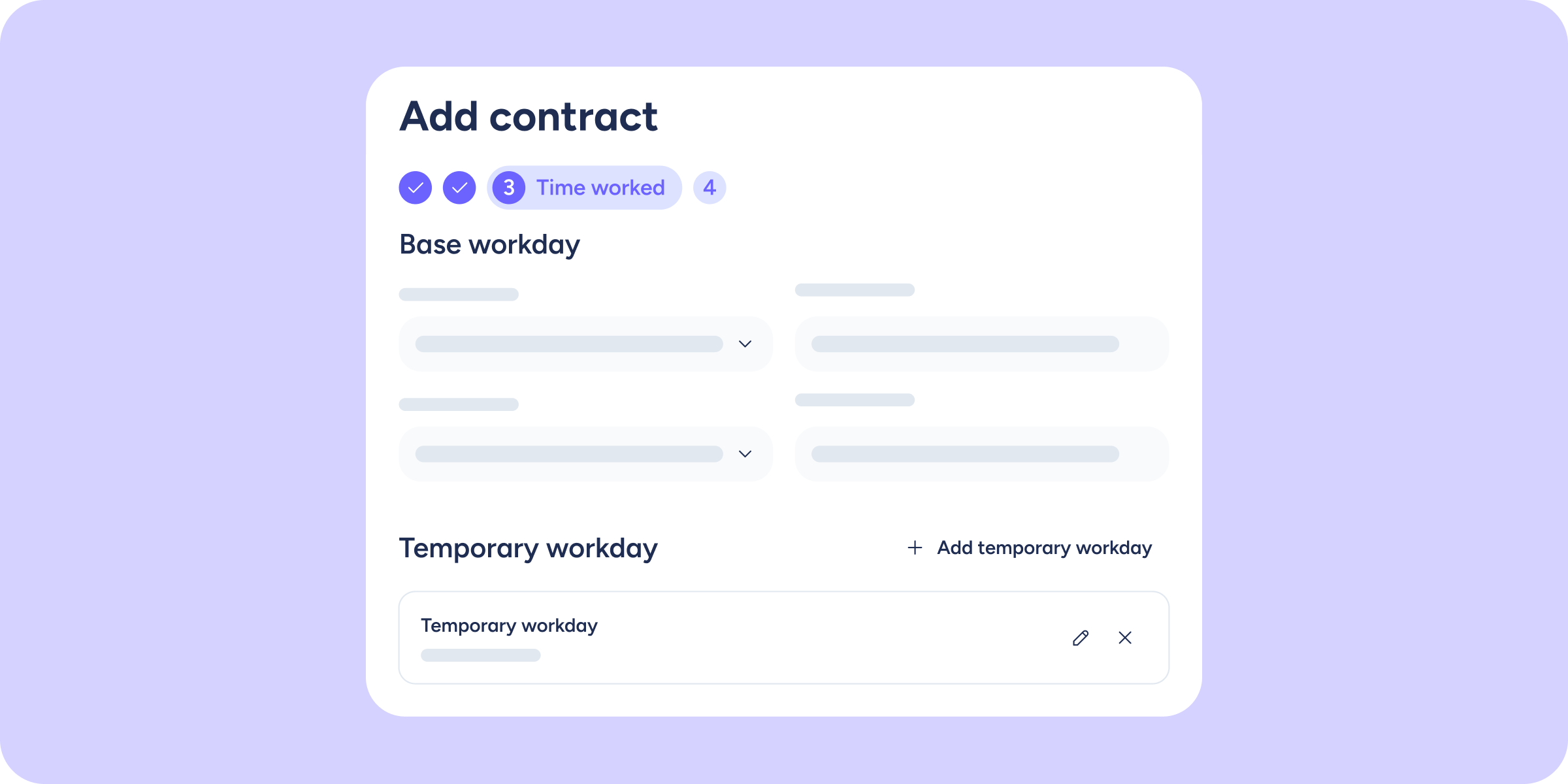
More flexibility in your contracts: manage multiple workdays
We're bringing updates to contract management! We know that a company's work reality isn't static: workday reductions, summer schedules, and temporary changes are part of everyday life. That's...
Learn more
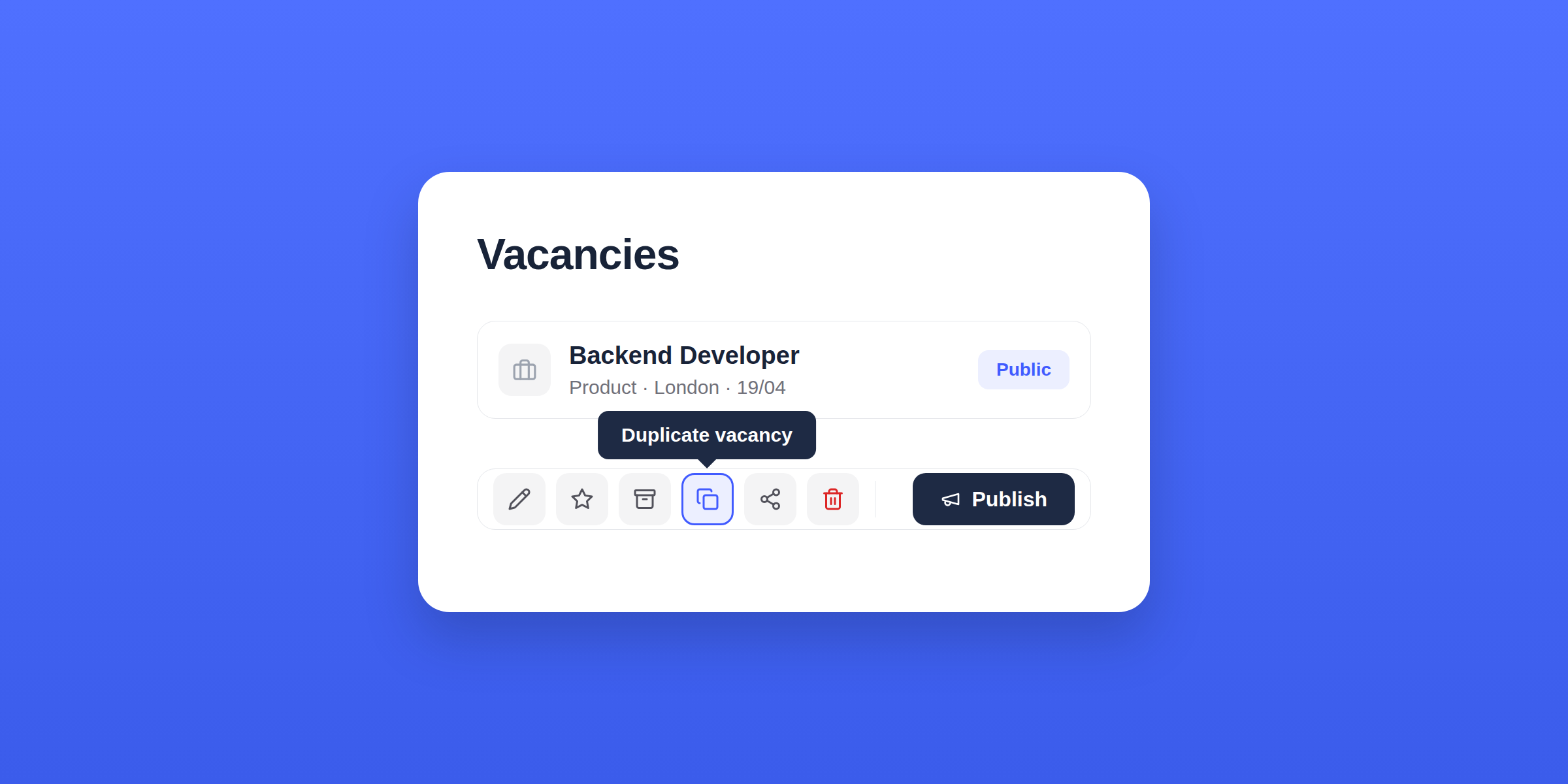
Duplicate your vacancies in the blink of an eye
When you duplicate a vacancy, Sesame automatically retains all the information and configuration you already had. You only adjust what changes. Now, in Recruitment you can: This improvement...
Learn more
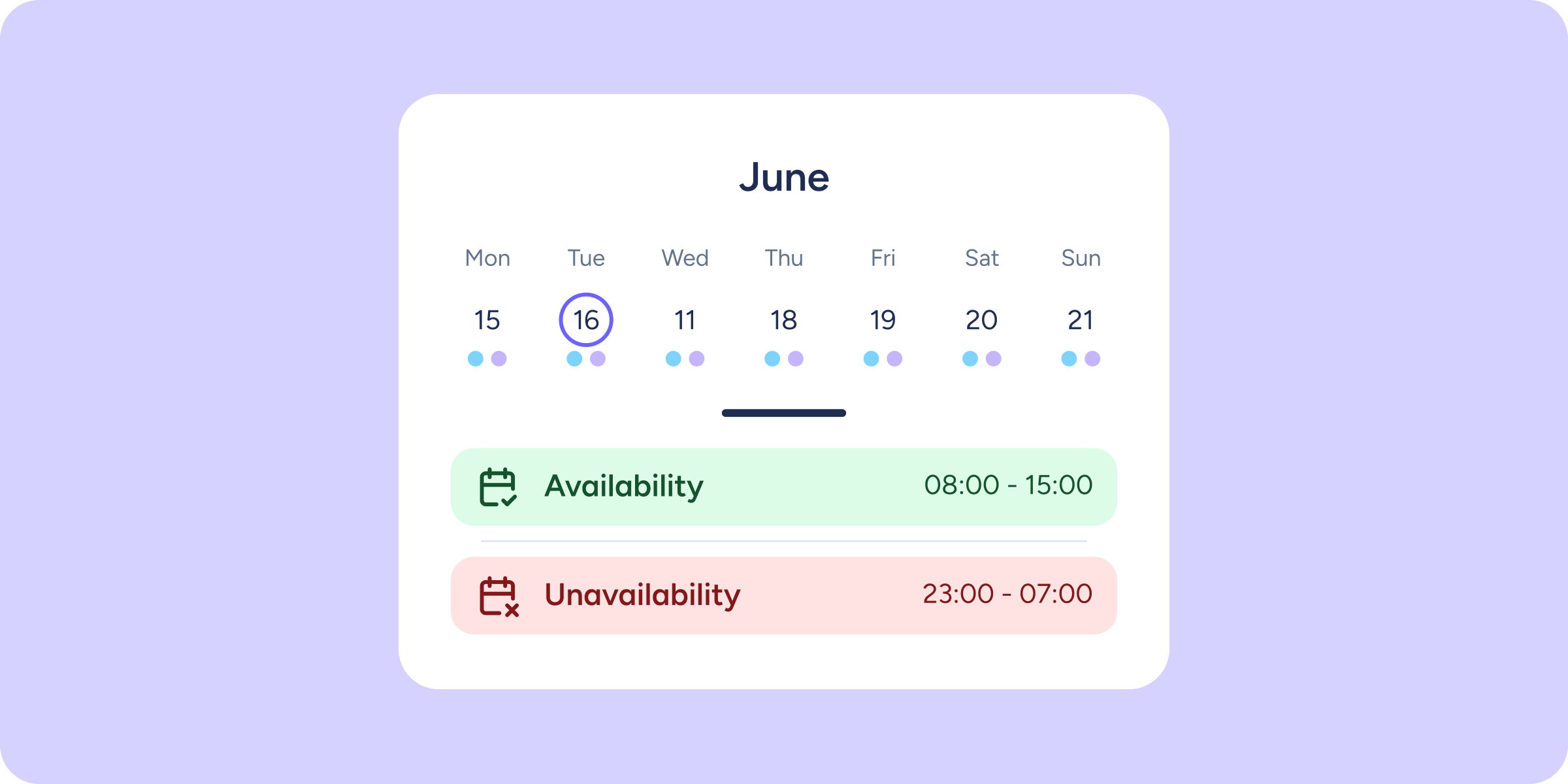
Plan your shifts while respecting your team’s preferences
Until now, knowing your team's availability meant relying on WhatsApp messages, out-of-hours calls, or notes written on Post-its. There was no traceability or visibility, and that led to...
Learn more
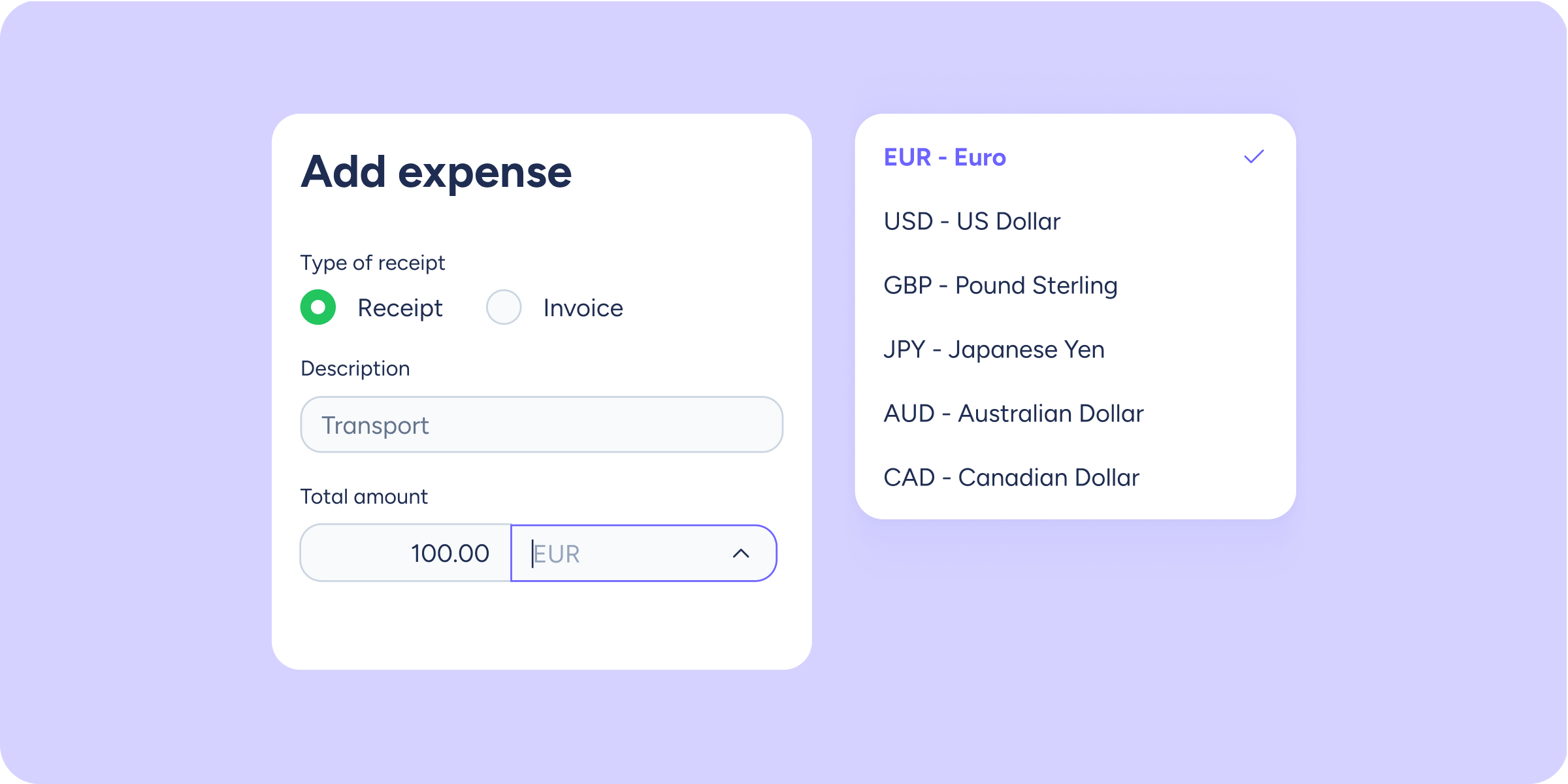
Log expenses in any currency, without manual conversions
Until now, when logging a manual expense, you could only use the currency configured by your company. If you made a payment in a different currency, you had...
Learn more
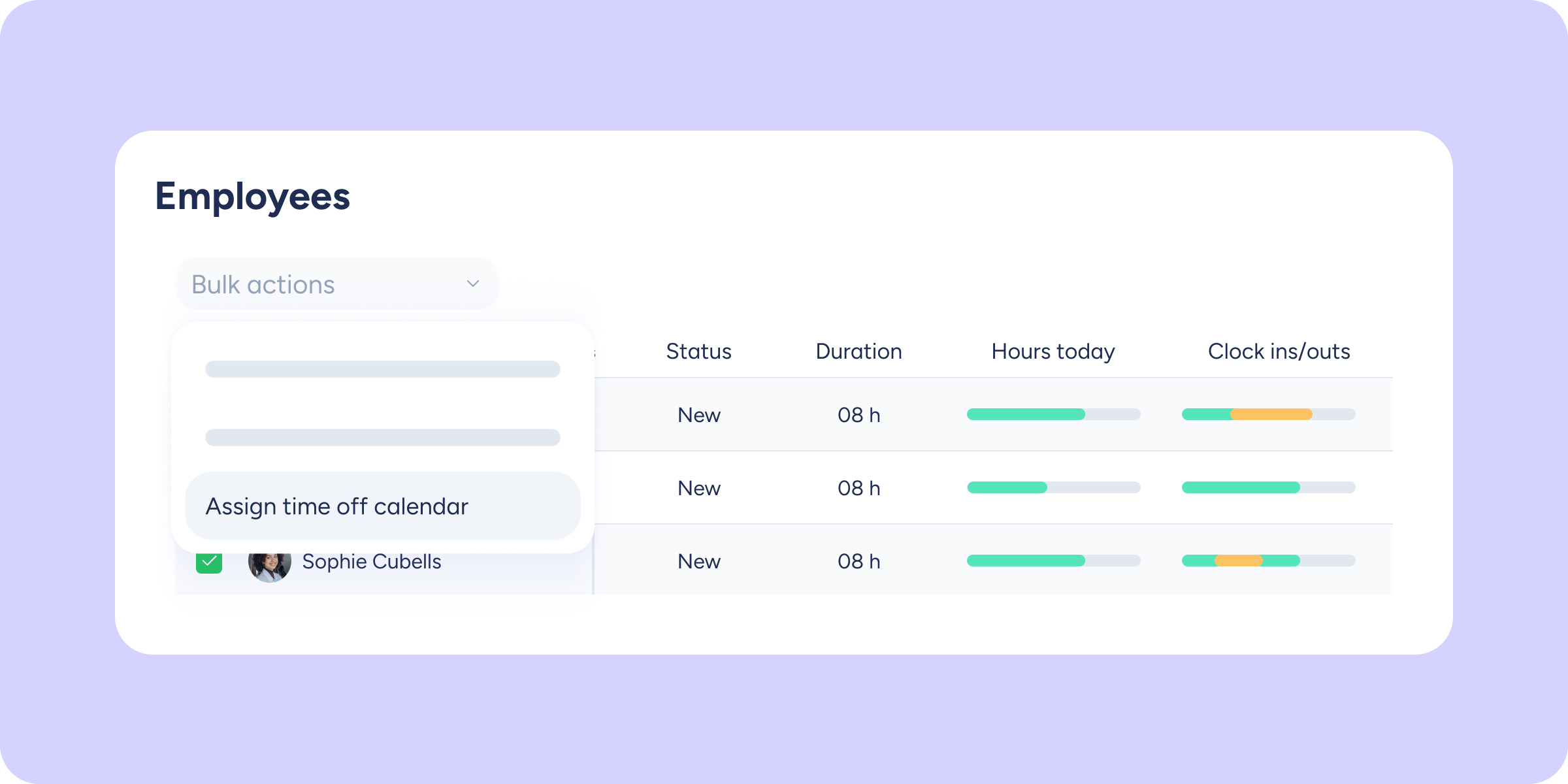
Assign multiple time-off types to several employees at once
Until now, assigning time off to multiple employees meant going through each profile one by one, or repeating the process for each time-off type. If you manage large...
Learn more
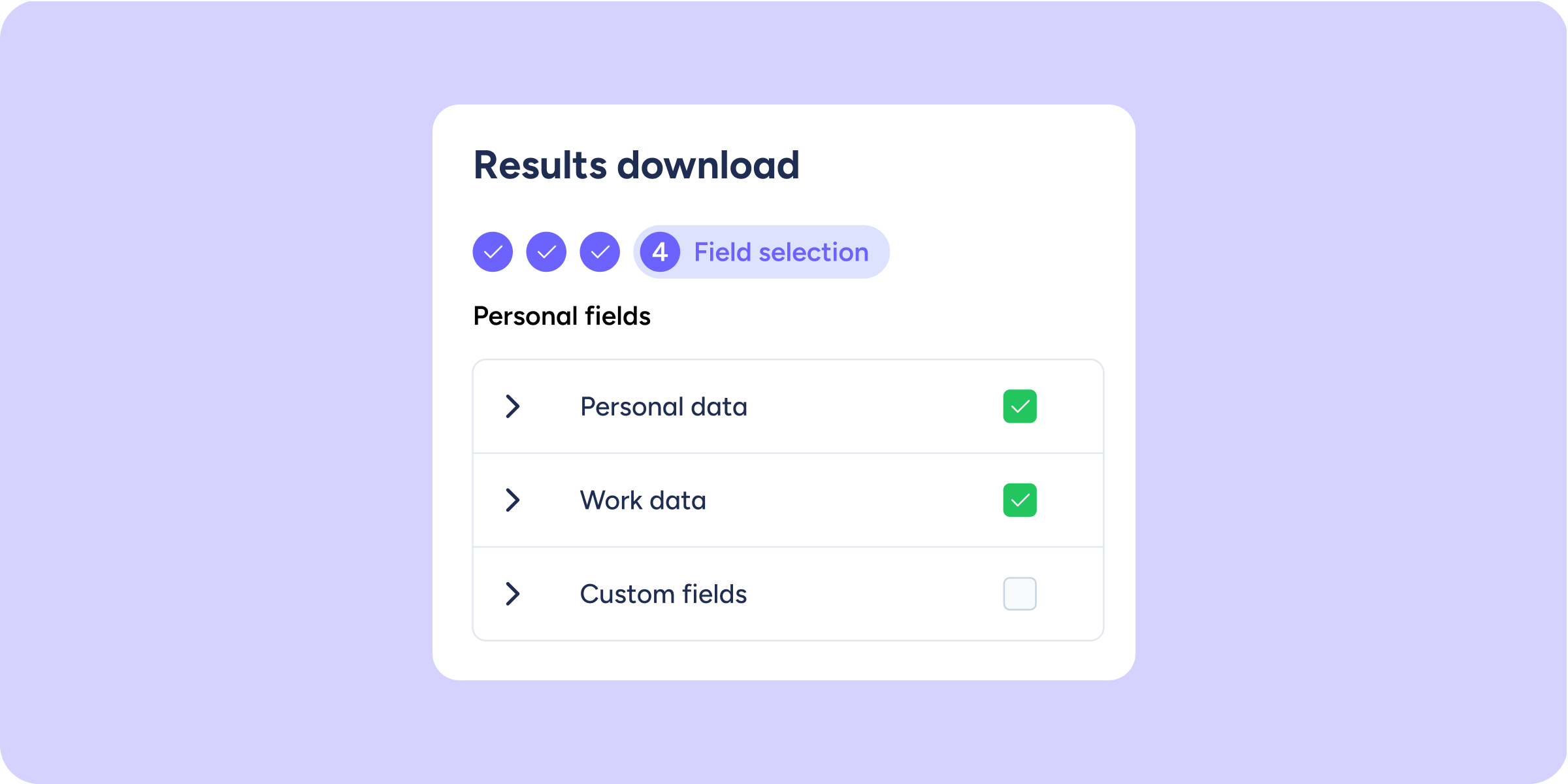
Add employee profile data to your Company results report
We've added a new step at the end of the Company results download process. You can now select which profile data from the evaluated or surveyed employees you...
Learn more
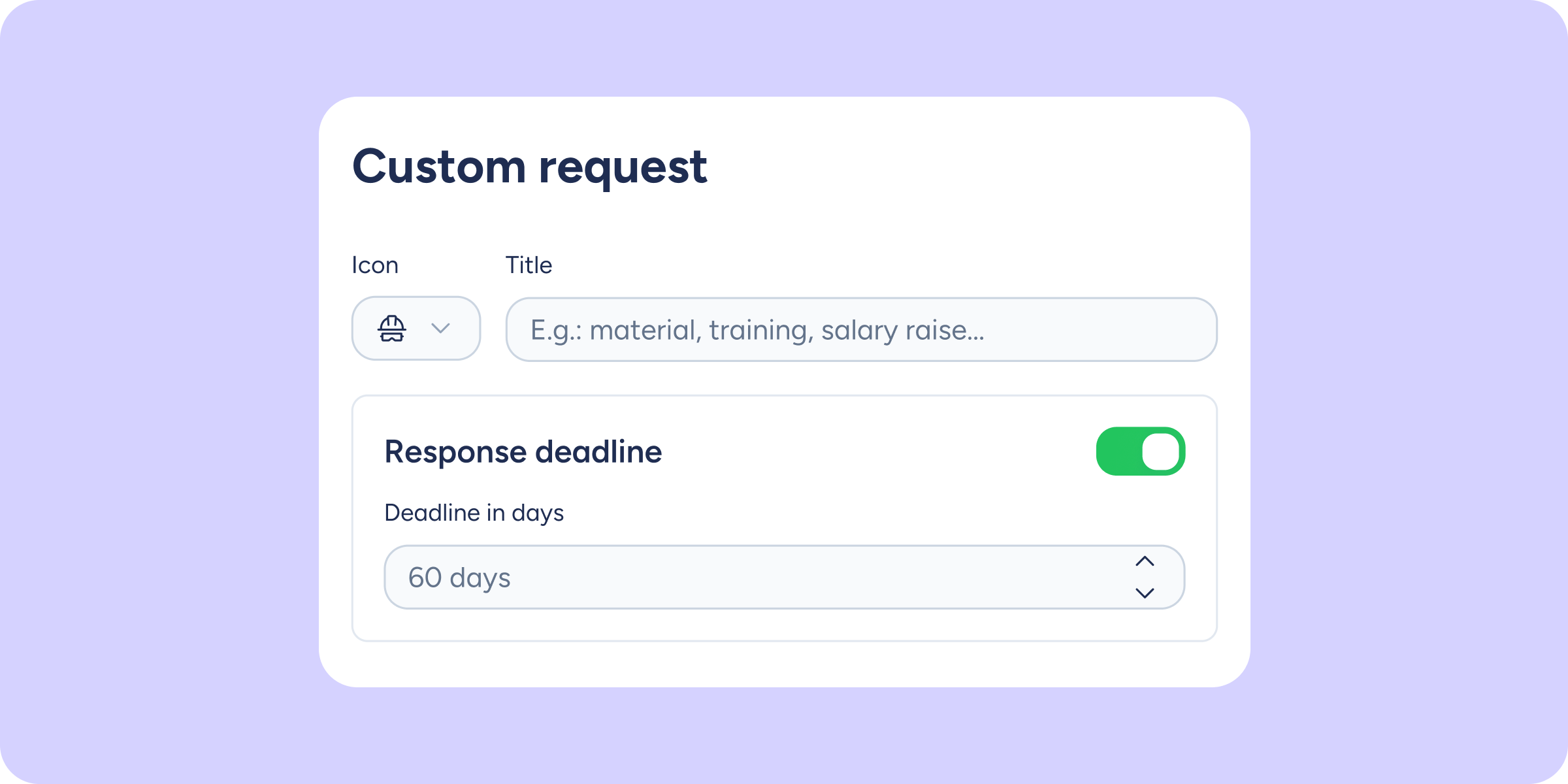
Enable a response deadline for your custom requests
You can now define how many days are available to resolve any type of custom request. This way, the requester will know the deadline from the moment they...
Learn more
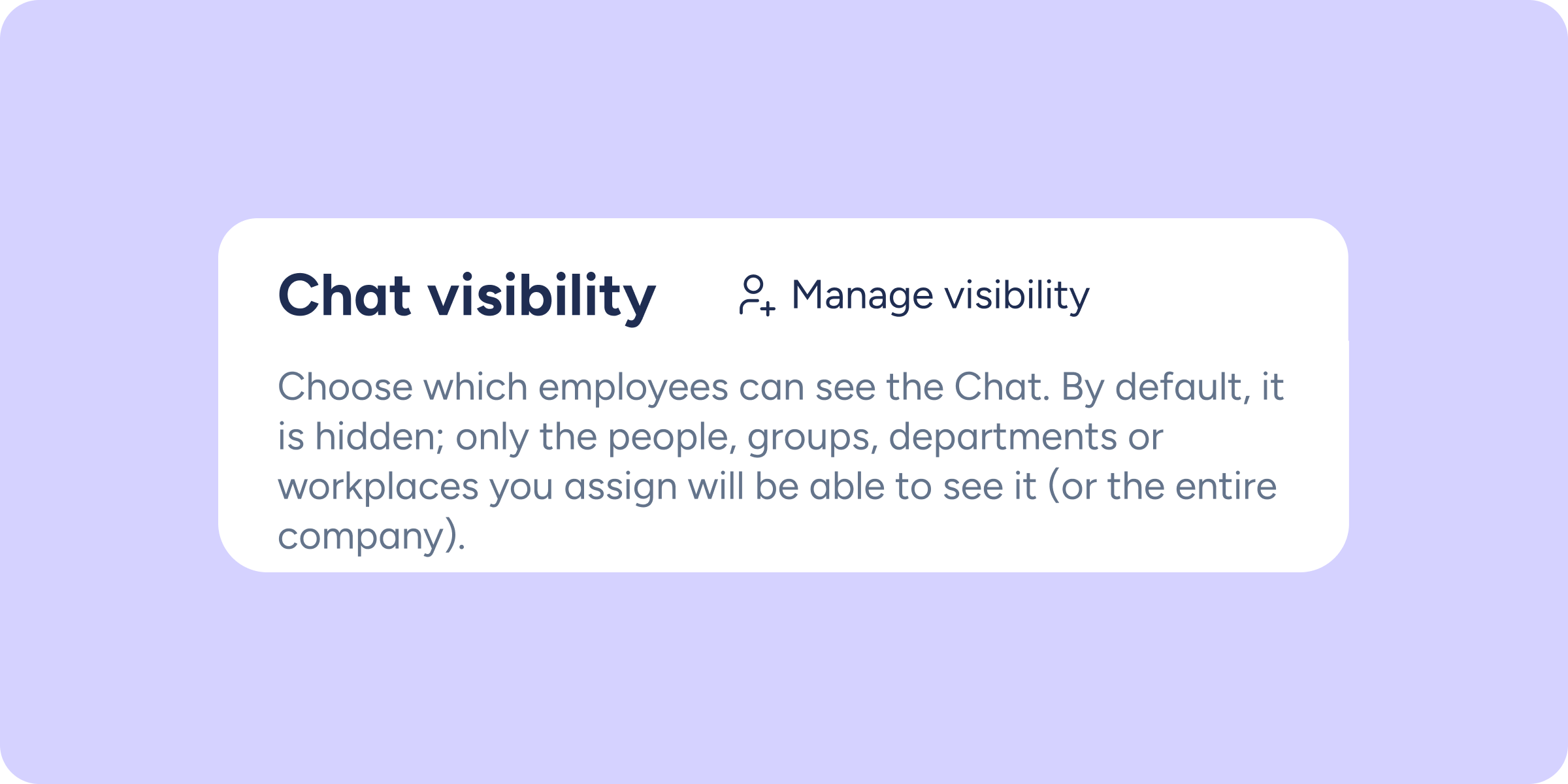
You decide who can see Chat in your company
Until now, Chat was visible to everyone in the company. You can now define exactly who will have access: the entire company, specific people, a department, or a...
Learn more
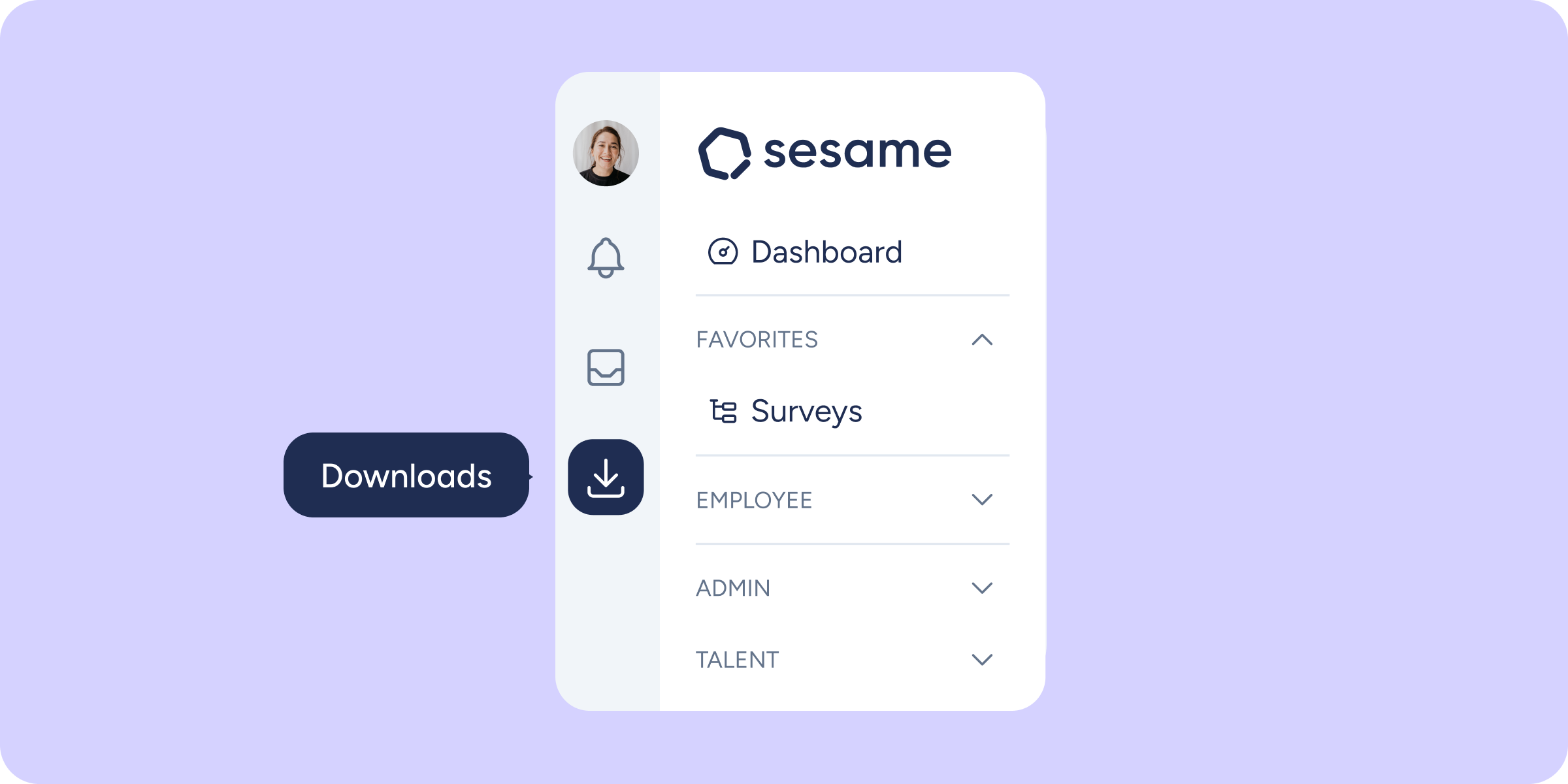
Your downloads, always at hand in the side menu
Have you ever generated a file from Tasks or Clock ins/outs and had to dig around to find it? Until now, all exports landed inside the Reports module,...
Learn more
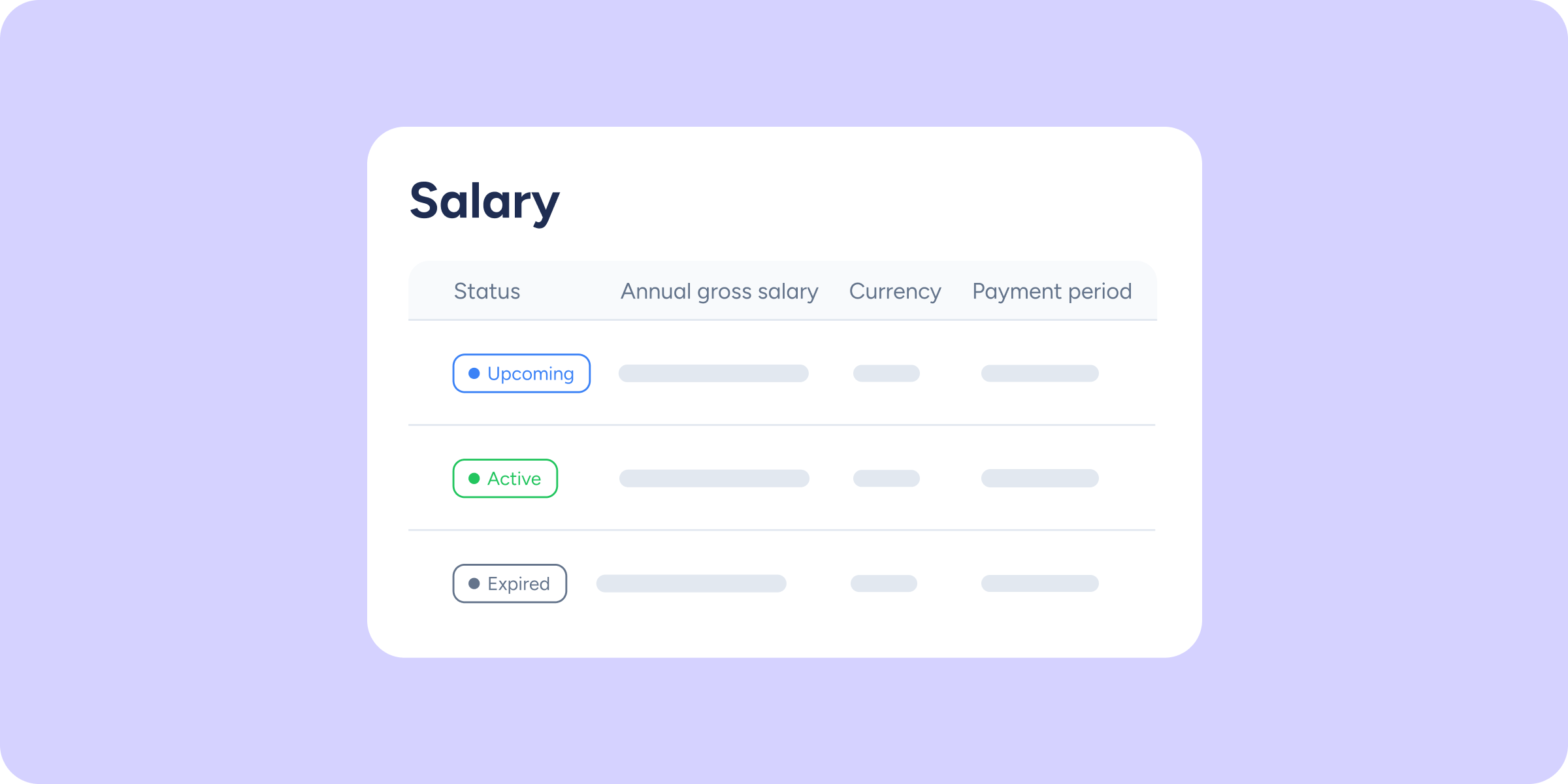
Identify salary status at a glance
It's now easier to see which salary is currently active, which one is coming into effect soon, and which ones are part of the history. Each salary's status...
Learn more
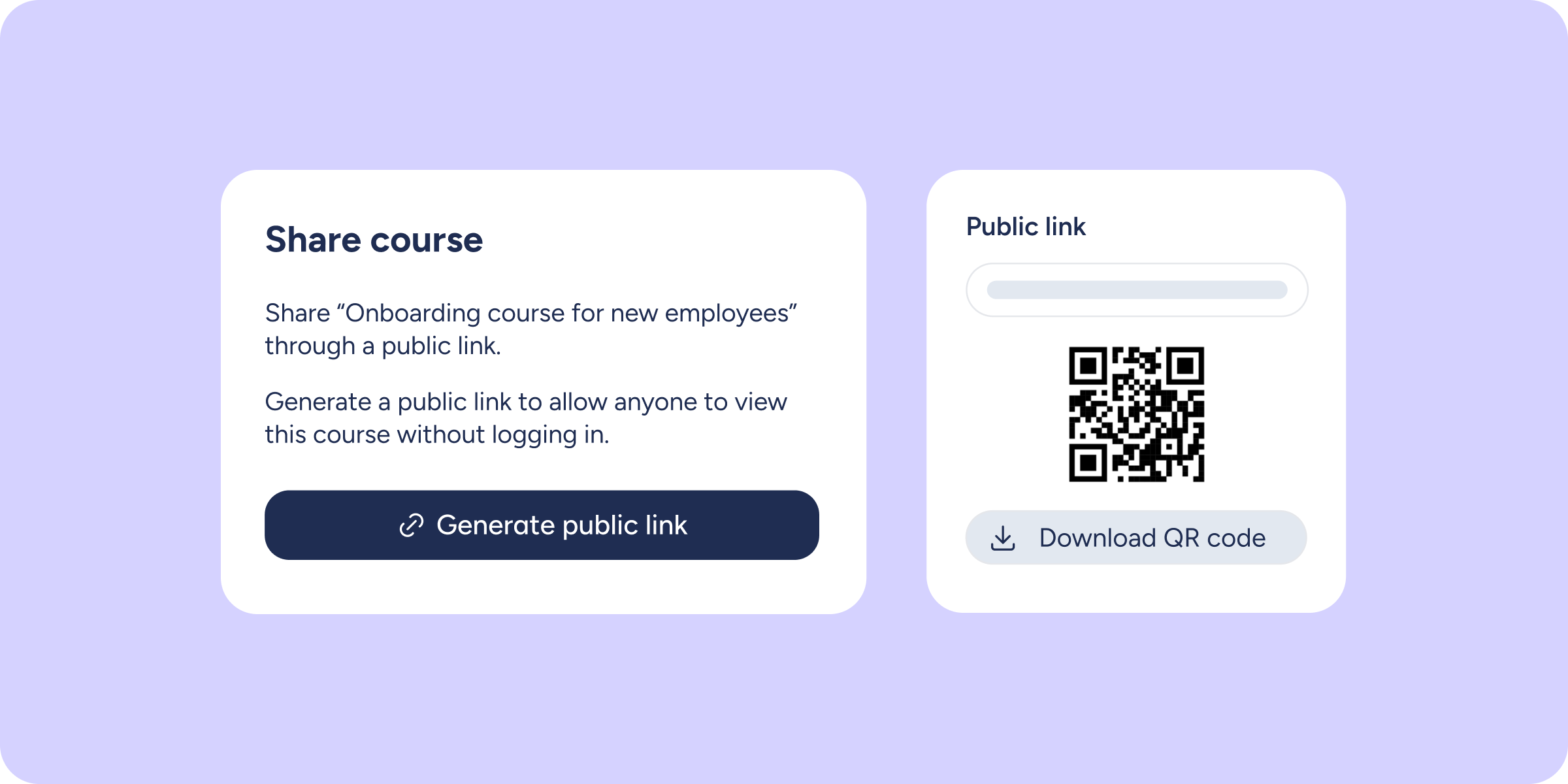
Share your LMS courses with a public URL
You can now share any course from your LMS via a public URL, so others can view it without needing to log in to Sesame. What will you...
Learn more
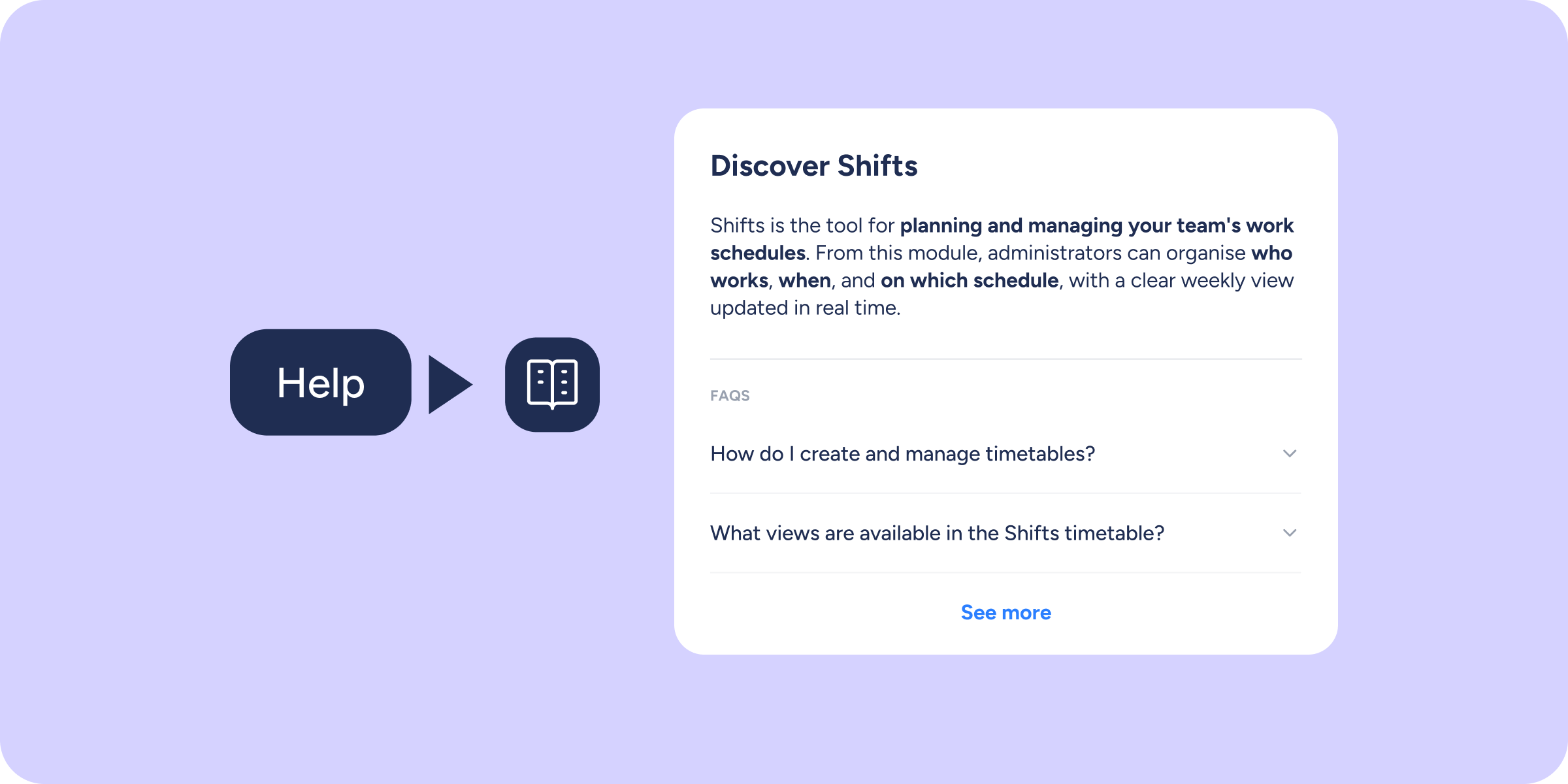
The help you need, right where you need it 📖
Finding answers just got easier. With the new Resource Centre, you can access Help Center articles related to the feature you're using directly from within Sesame; no need...
Learn more
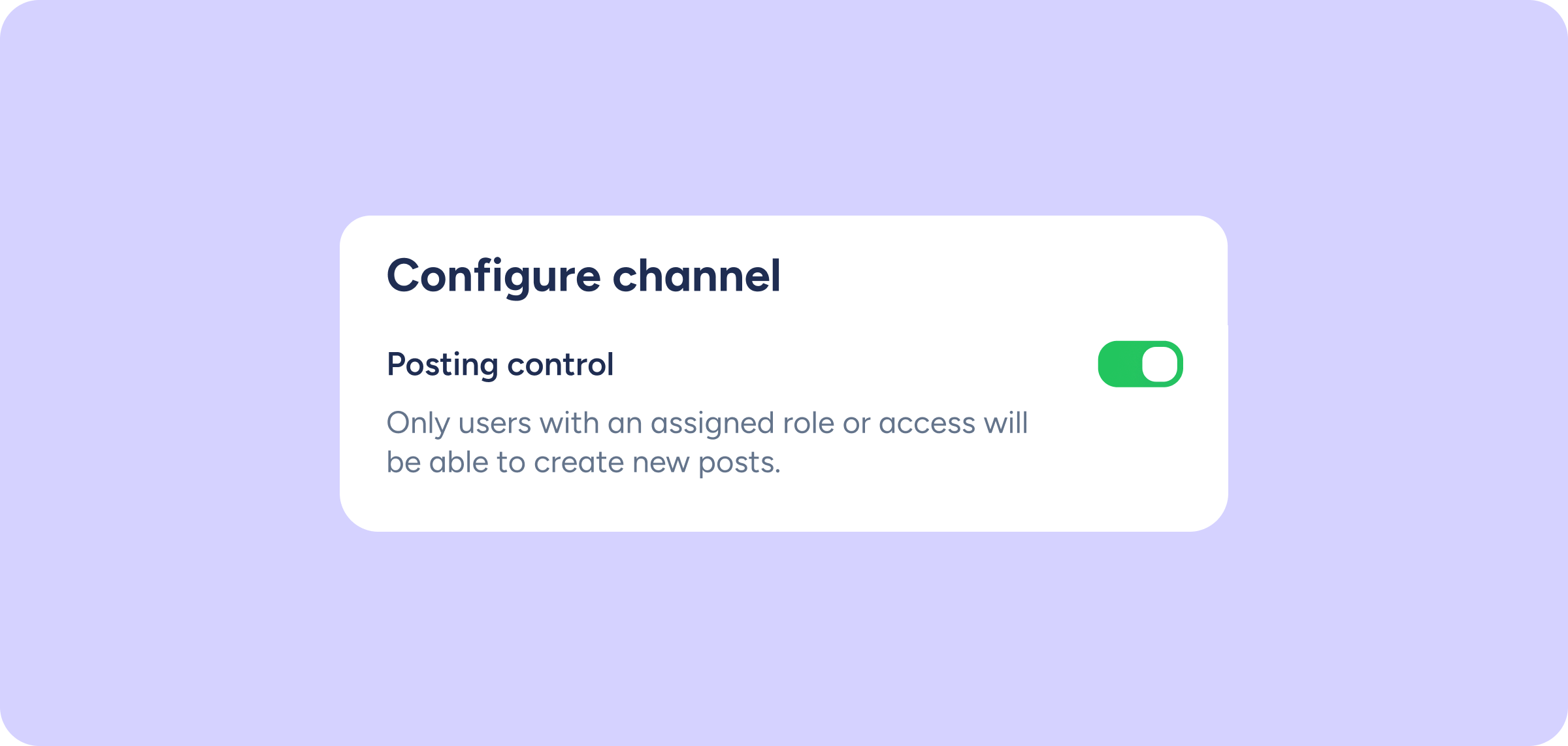
You can now control who posts in Community channels
Until now, anyone subscribed to a channel could create posts. From today, you can turn any channel into a broadcast space: HR or employer branding teams communicate what...
Learn more
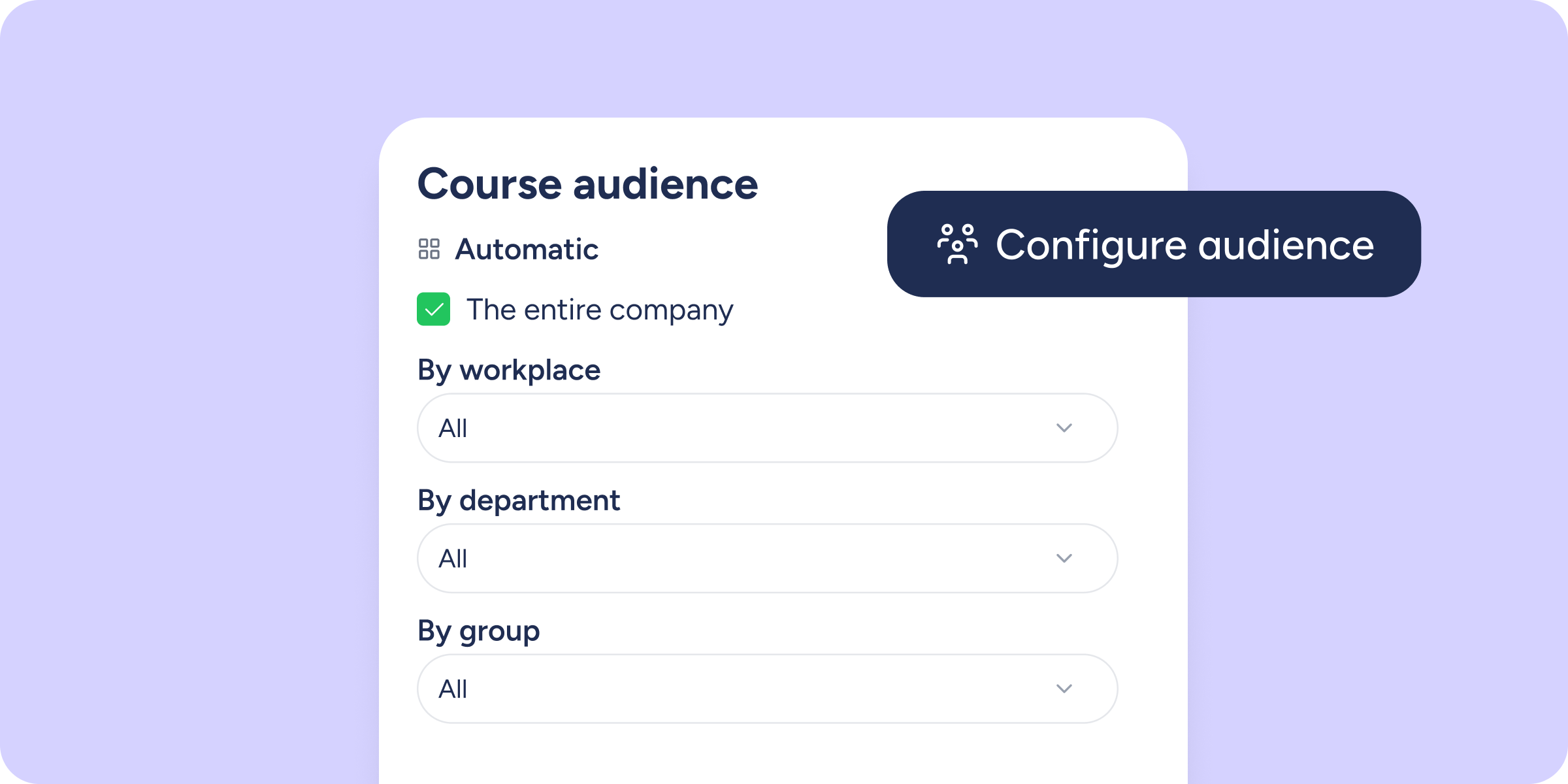
Assign course visibility automatically
You can now define which departments, workplaces, groups, or job positions will have access to a course from their catalogue. The LMS will keep the audience automatically in...
Learn more
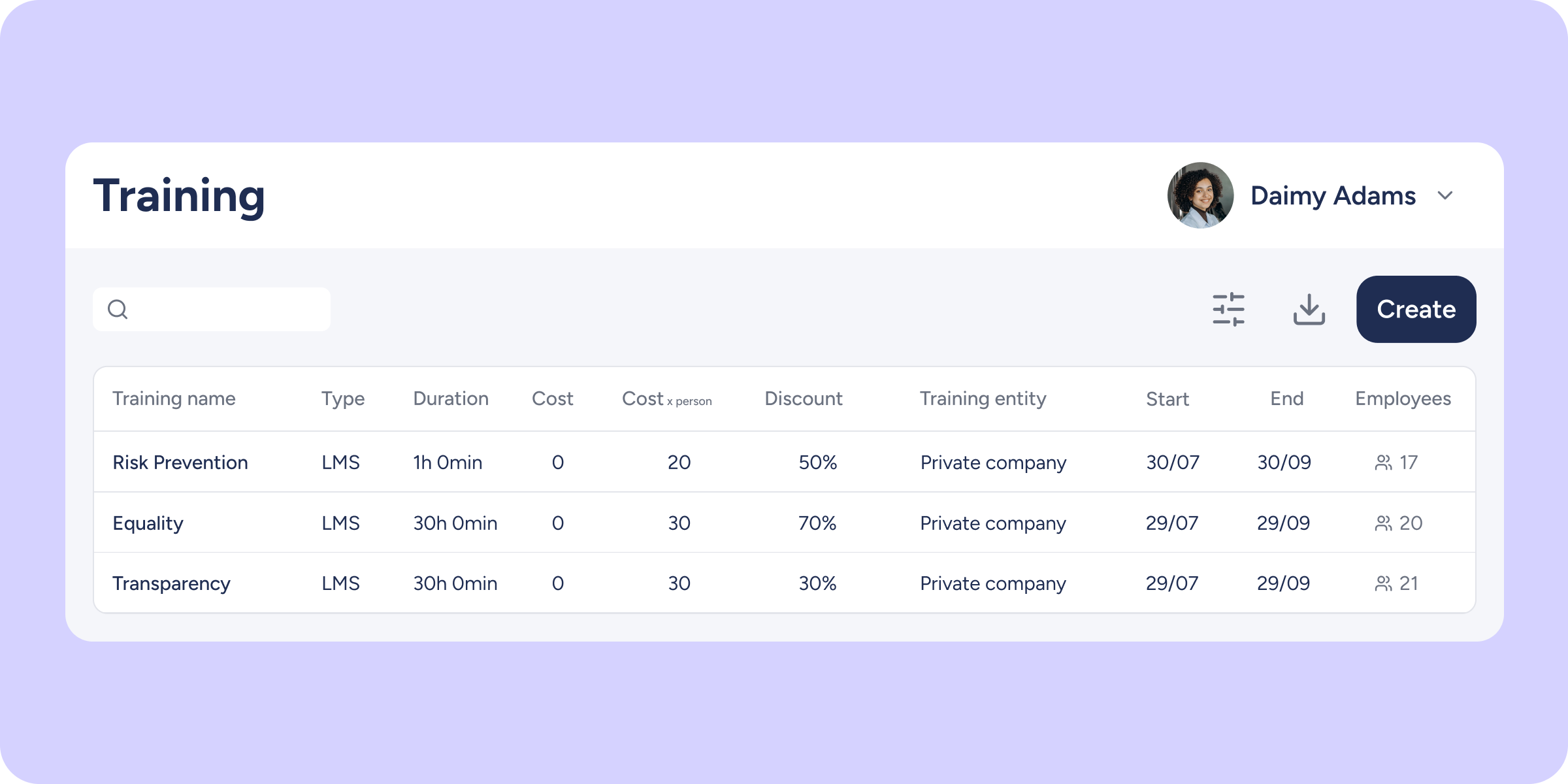
LMS courses now sync with the Training module
From now on, every time you create a course in the LMS, it will automatically sync with the Training module; no additional steps required. What will you find...
Learn more
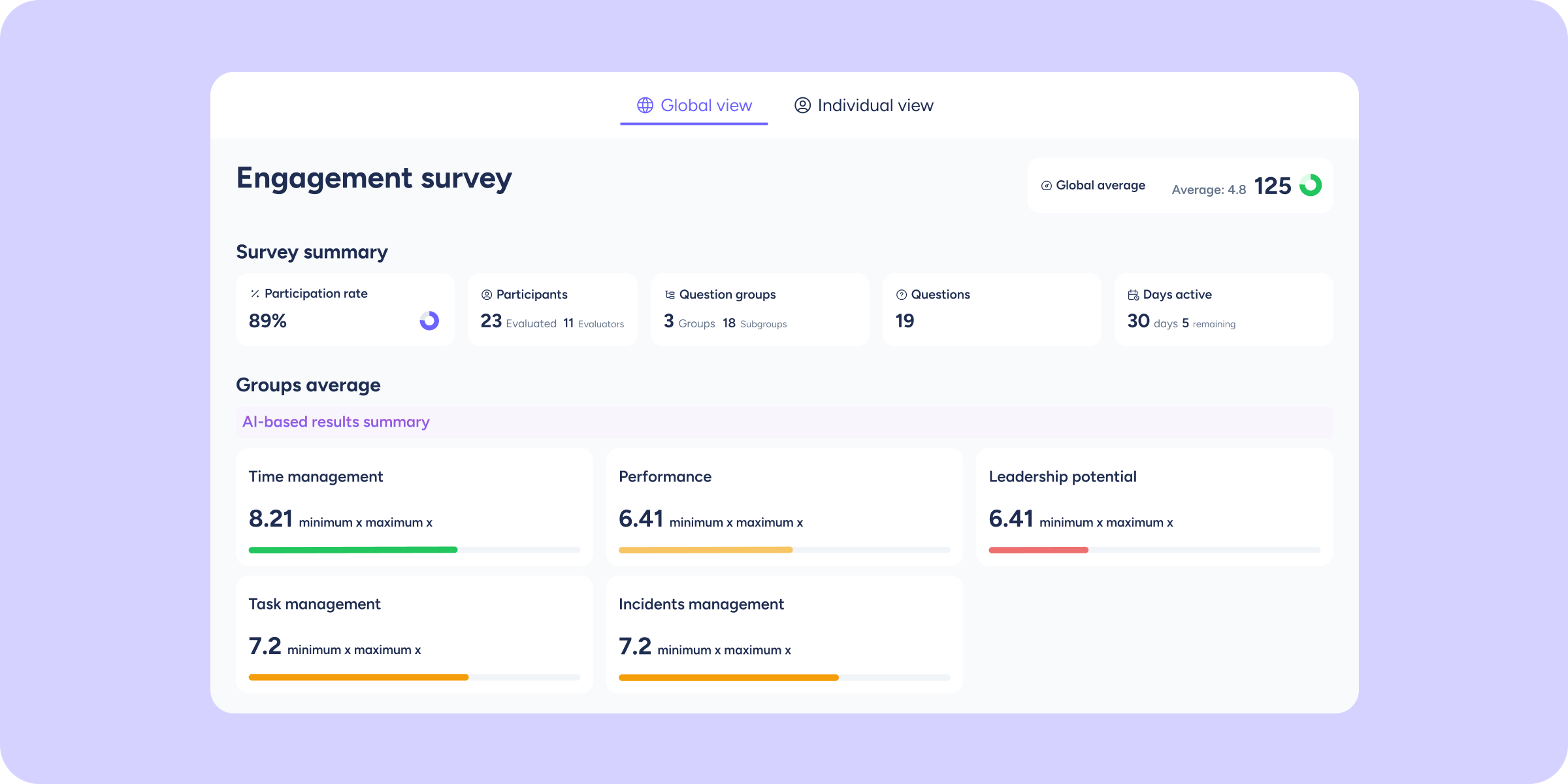
Results view unified in Evaluations and Surveys
We've redesigned access to results so you no longer have to switch between different screens. Now, in both Evaluations and Surveys, you can view company results and individual...
Learn more
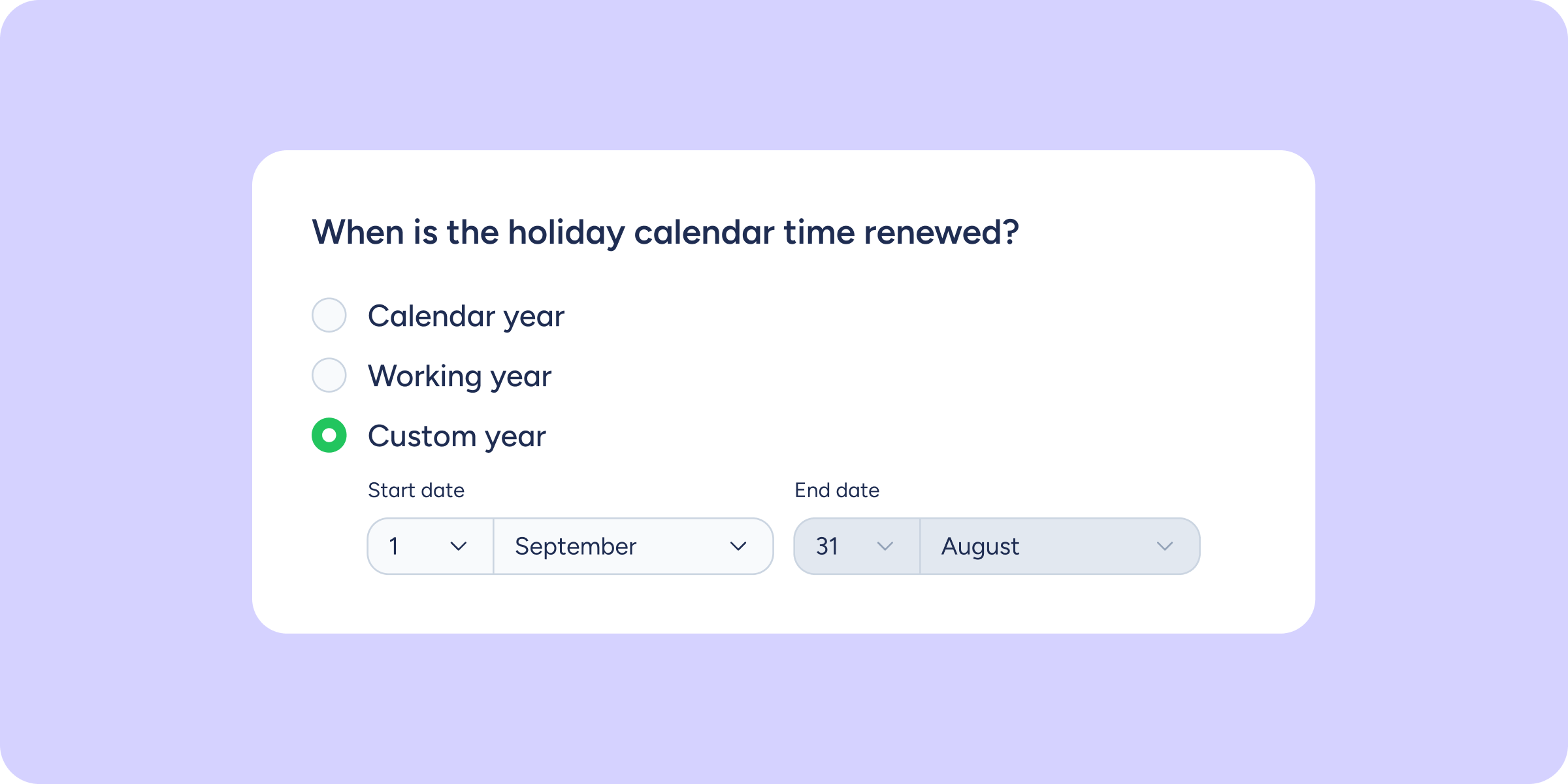
Personalise the start of your holiday cycle
If your company works on an academic calendar or a fiscal year that doesn't begin in January, Sesame can now adapt to that way of working. From now...
Learn more
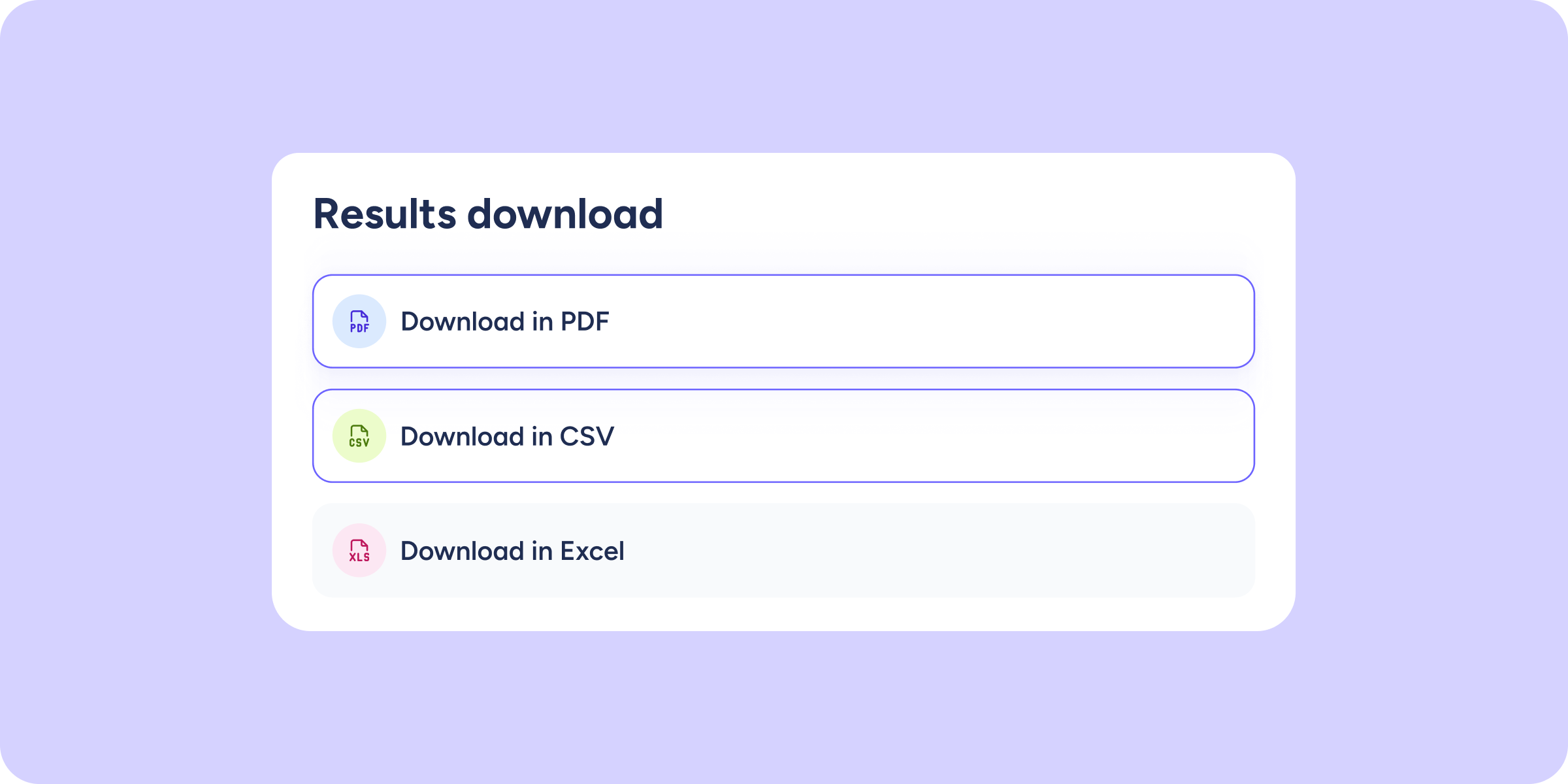
You can now download Company results from your Evaluations and Surveys
Until now, exporting results in Sesame meant doing it person by person. With this update, you can also download the full Company results: choose the format (PDF, Excel,...
Learn more
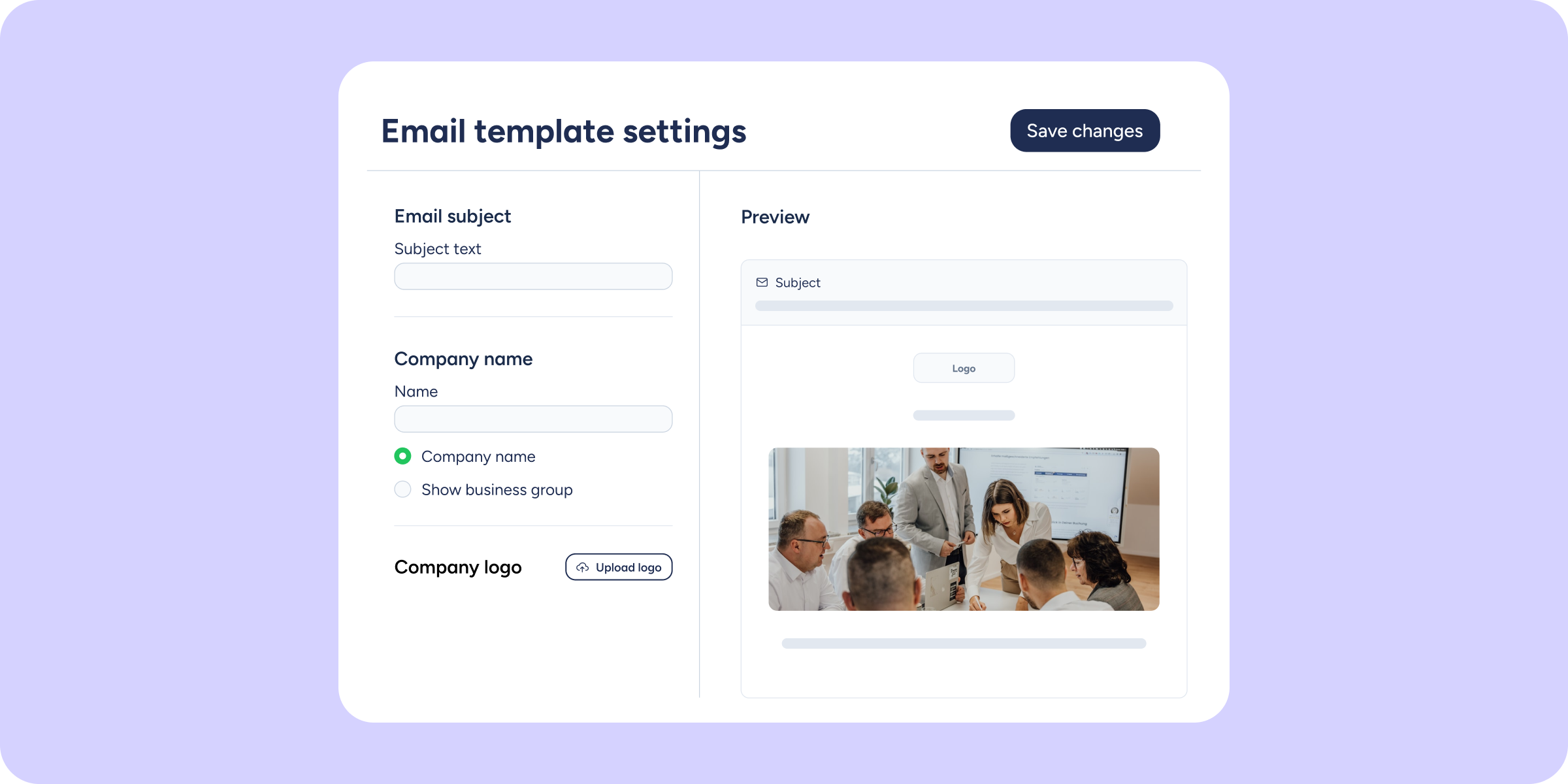
Personalise your announcements email with your brand identity
Until now, when you published an announcement, the email your team received always looked the same, no customisation possible. Starting today, you can configure various elements so that your template reflects...
Learn more
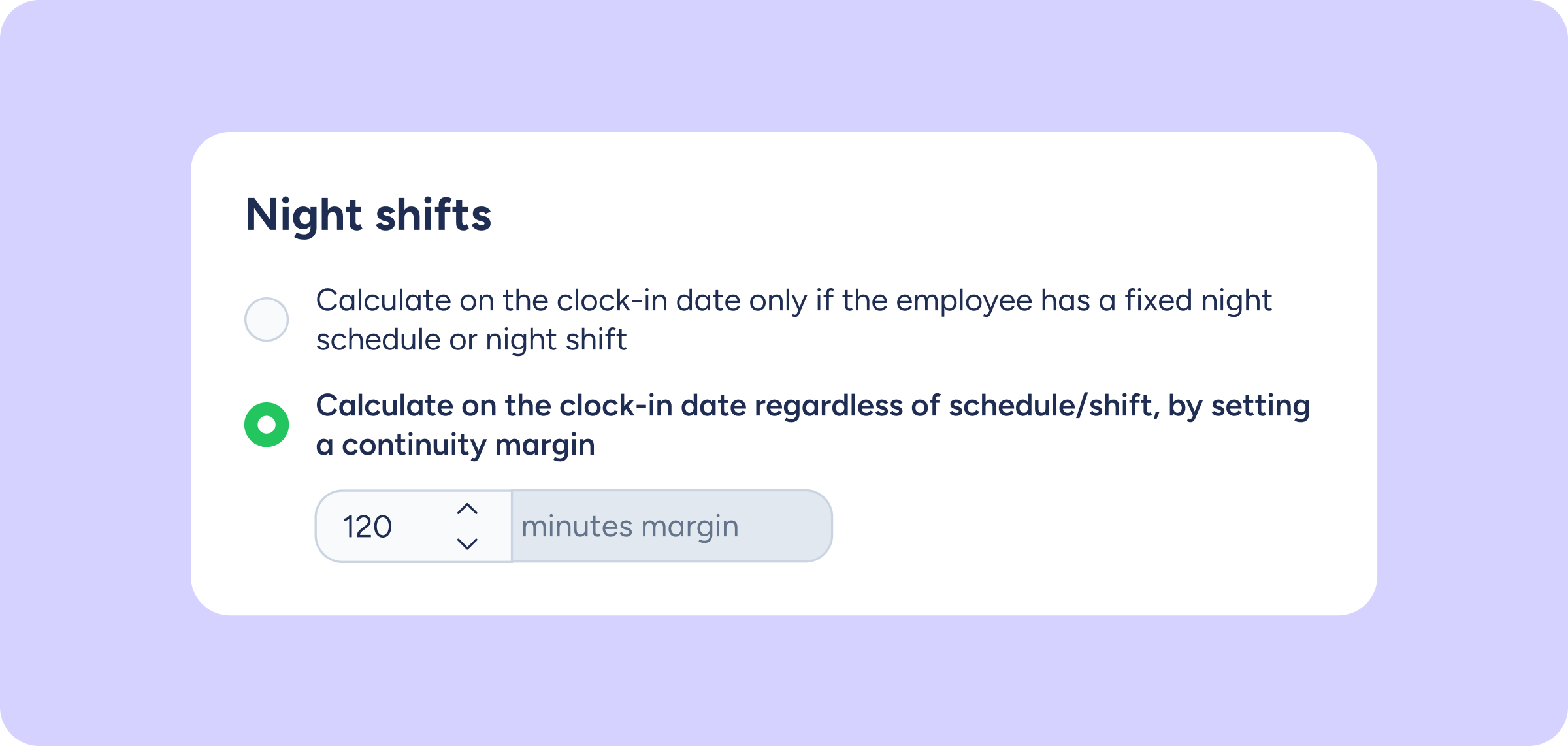
Night shifts can now be logged as a single working day… or not. You decide!
If your company has teams that work at night and take breaks that cross midnight, the system may have occasionally interpreted a single shift as two separate working...
Learn more
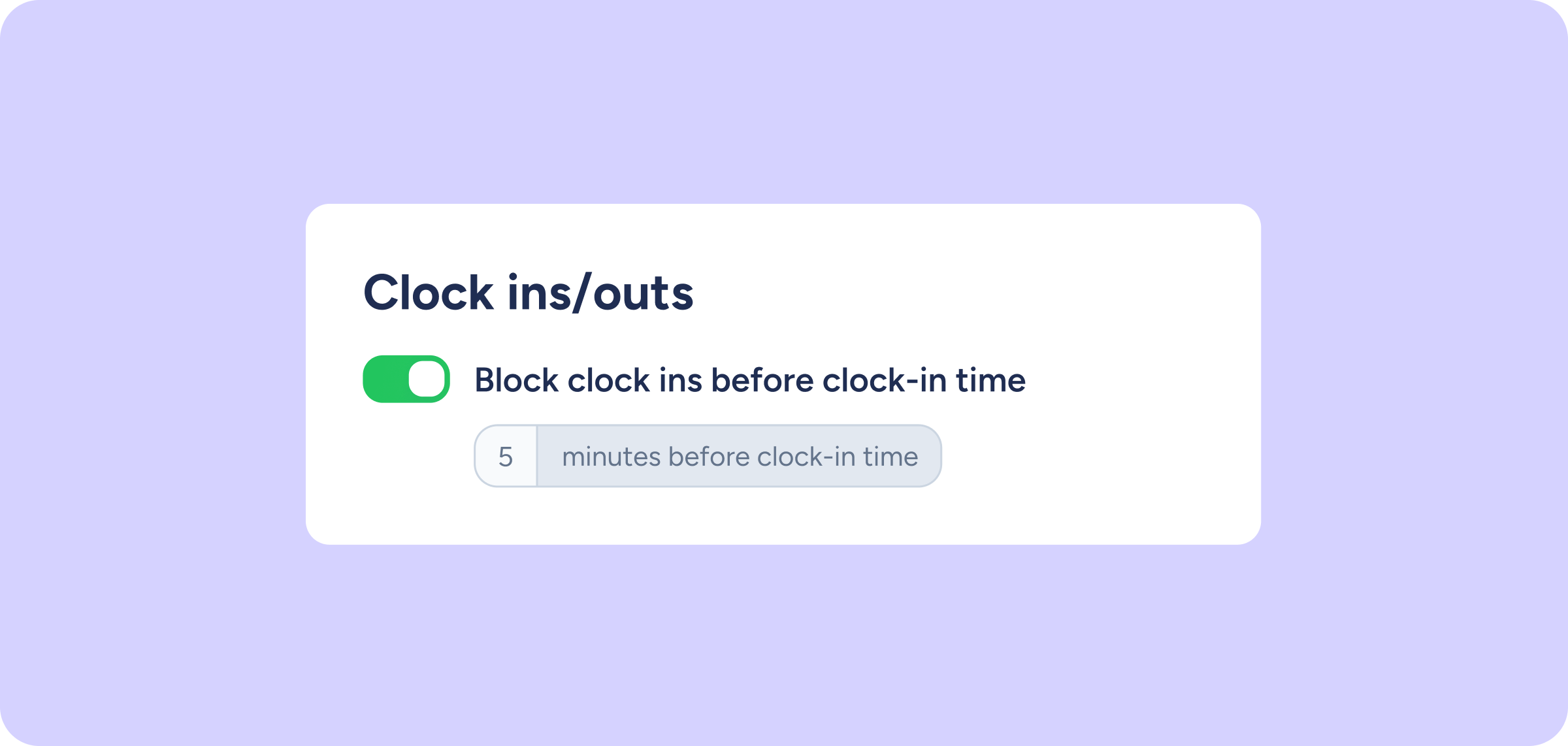
Now you can define how many minutes before clock-in time will be blocked
Until now, clock-in blocking only applied at the exact clock-in time, with no way to control the time leading up to it. From now on, you can also...
Learn more
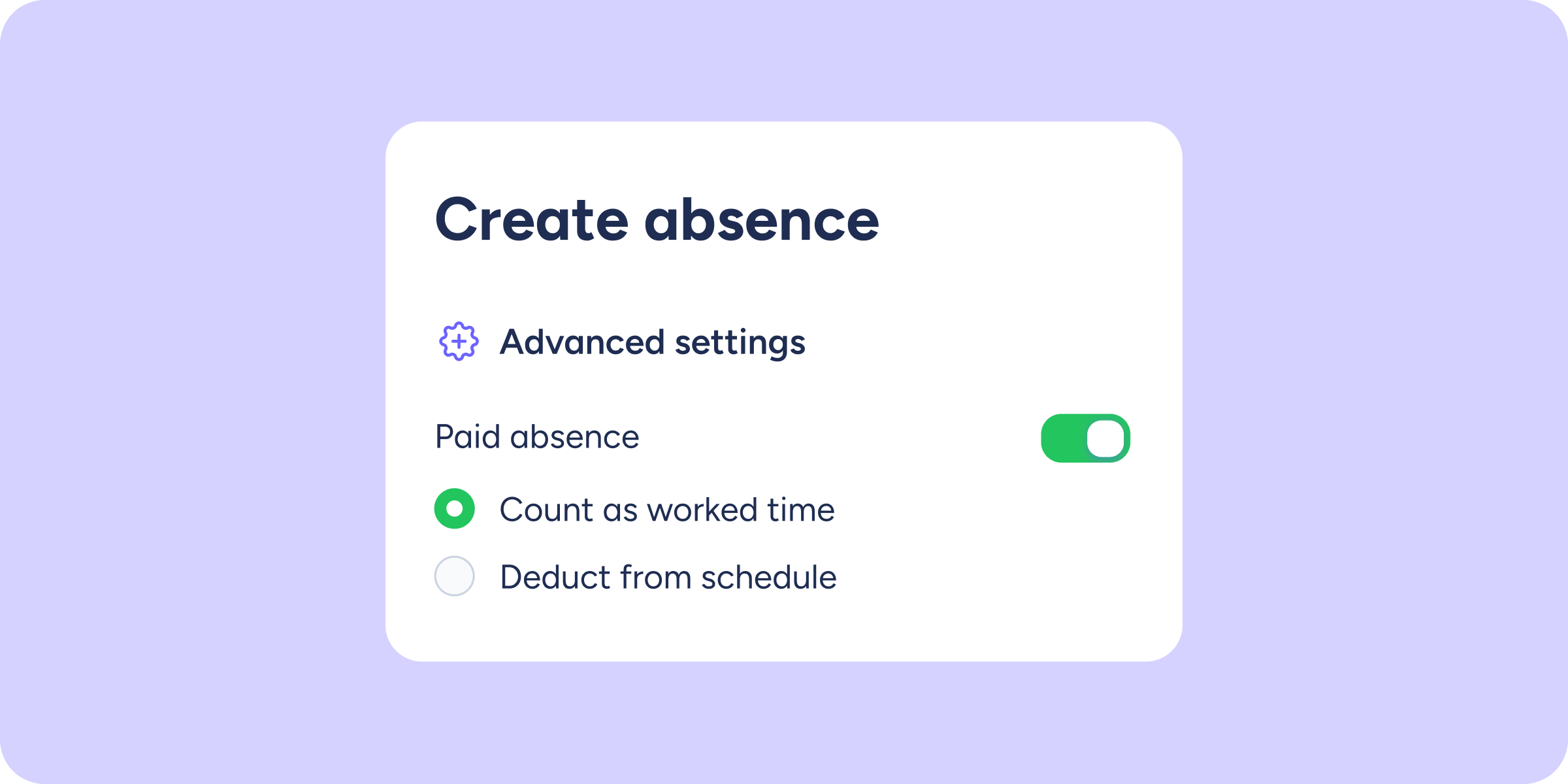
Your paid time off finally aligns with your collective agreement
Have you ever reached the end of the year and found that an employee's theoretical hours don't match those in their collective agreement? The reason is usually down...
Learn more
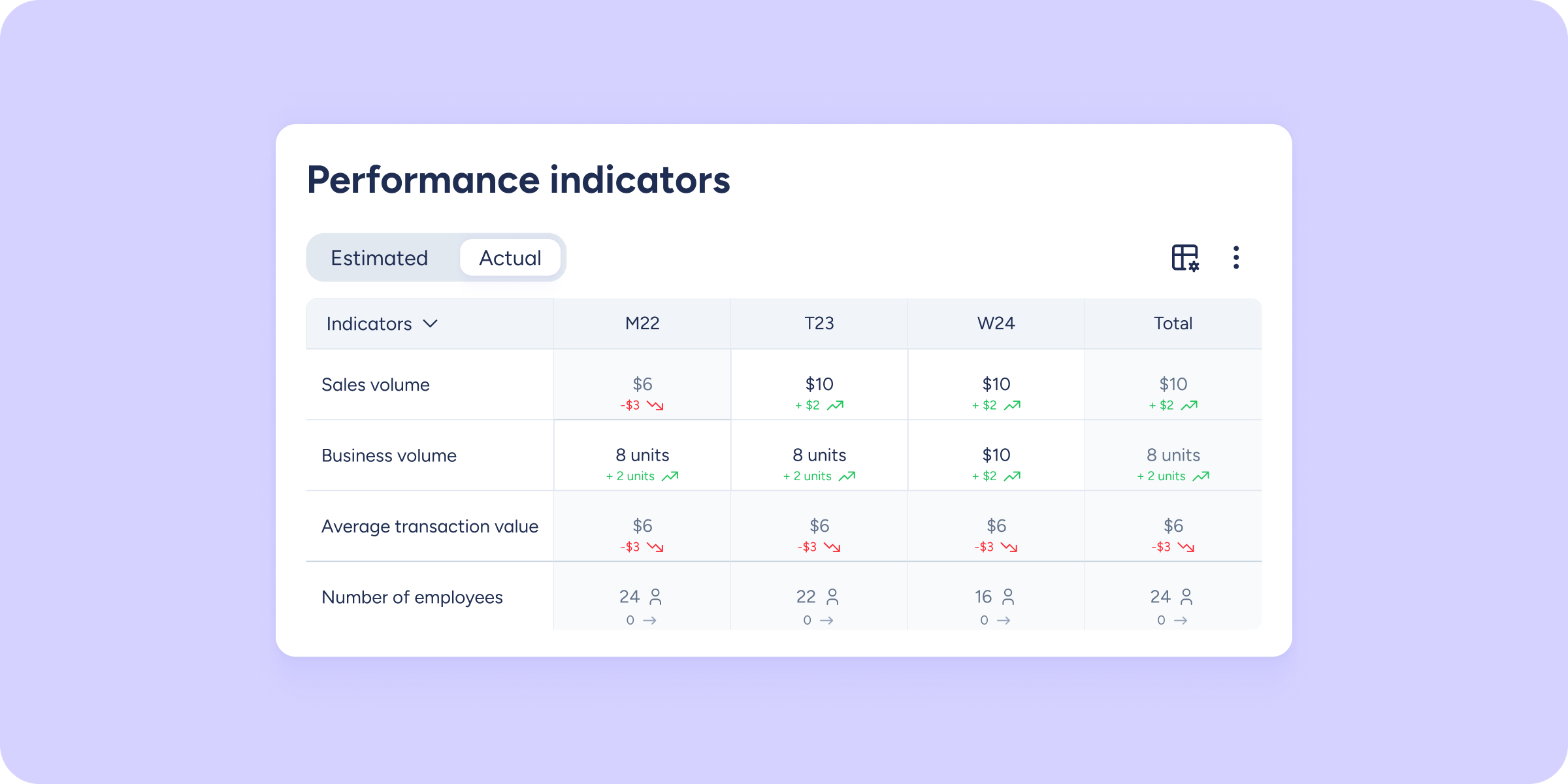
Your performance indicators speak the language of business
Some decisions can't be made by looking at shifts alone. How much does your team produce for every planned hour? How much will it cost the business to...
Learn more
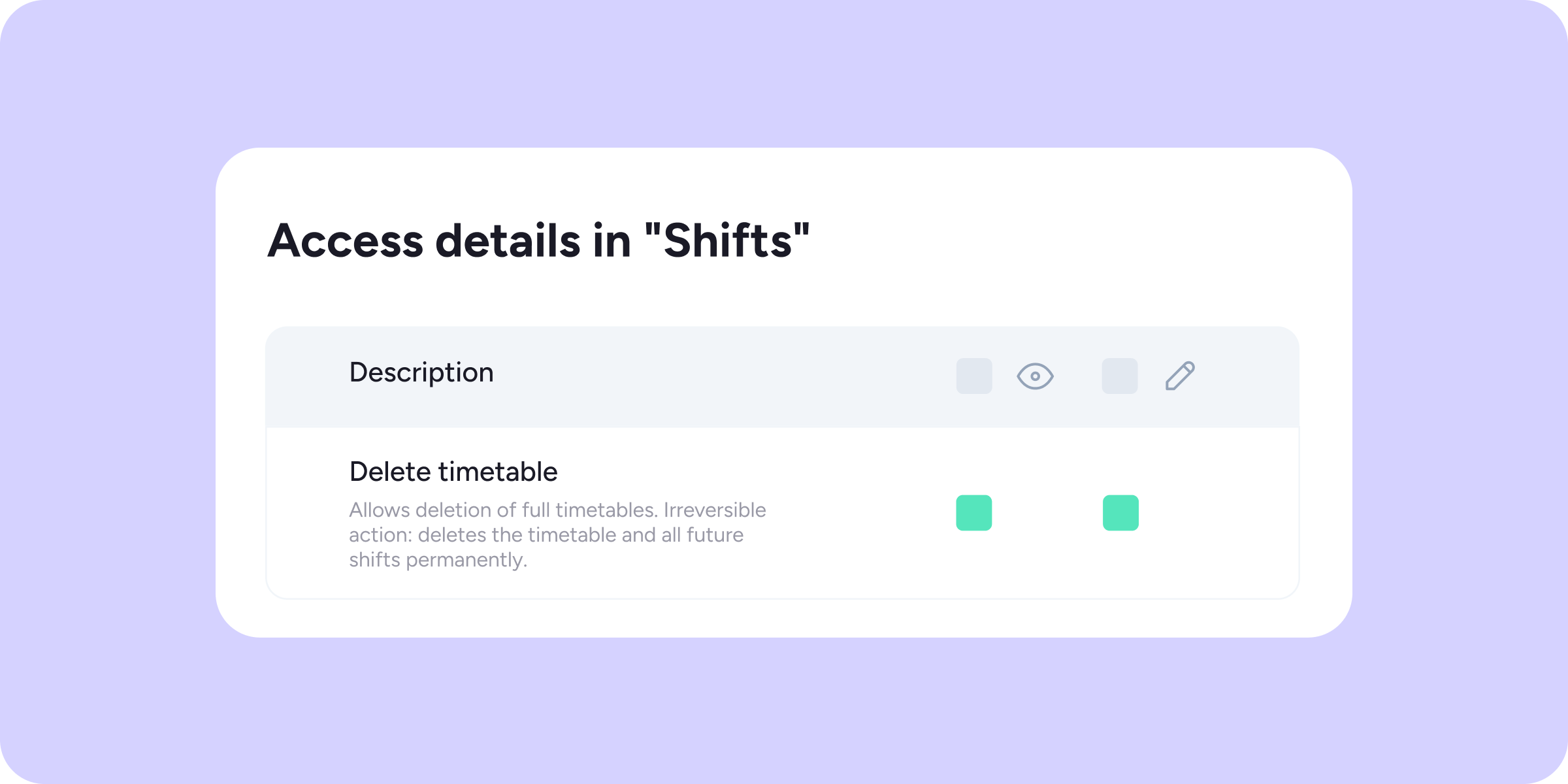
Decide who can delete timetables
To protect your data and prevent accidental changes, we've improved access management in the Shifts module. From now on, deleting a full timetable will be protected by a...
Learn more
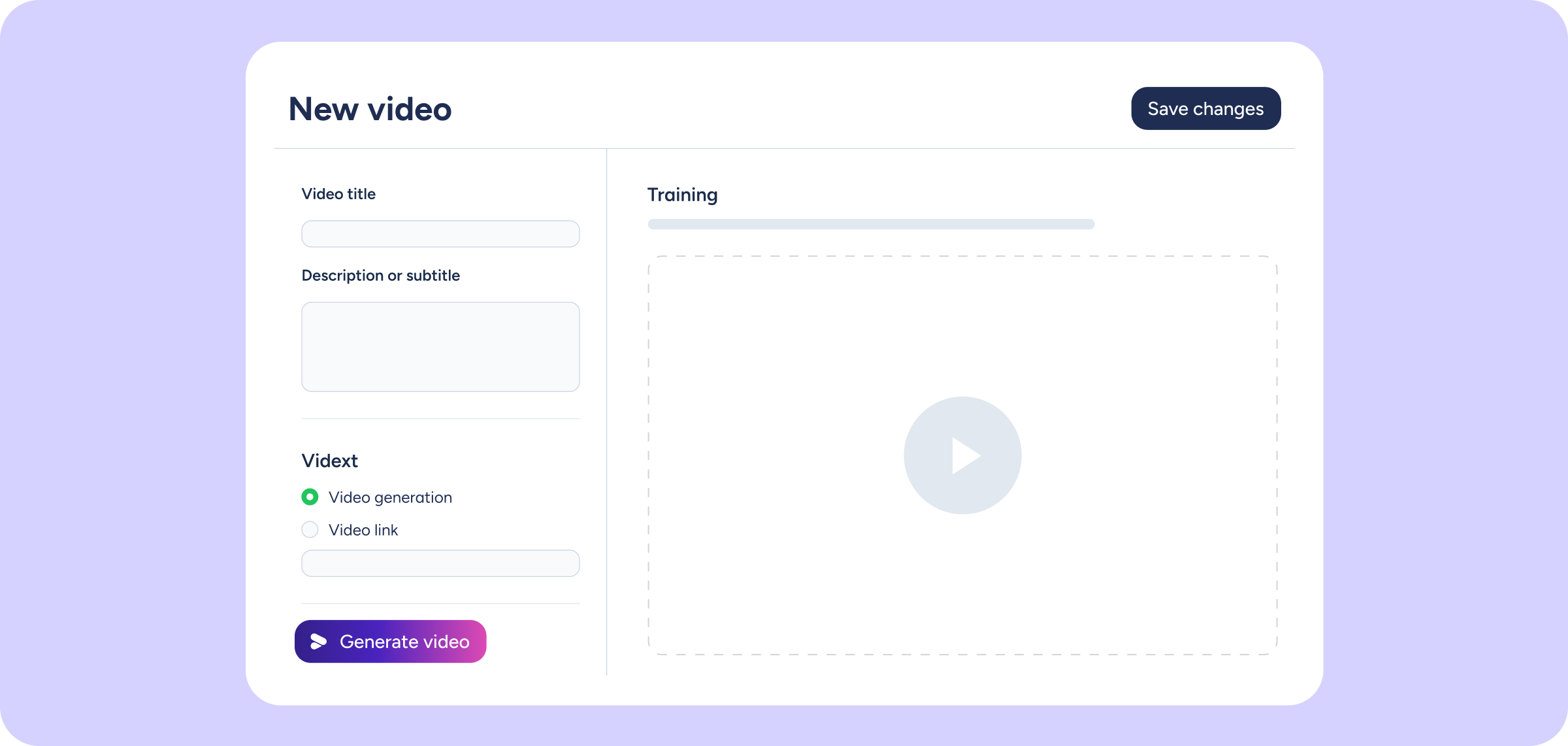
We’re joining forces with Vidext! Now you can create AI-powered videos and integrate them into Sesame Learning
Sesame Learning integrates Vidext, the AI-powered video and interactive content creation platform, so you can add videos to your training courses directly from our LMS. What types of...
Learn more
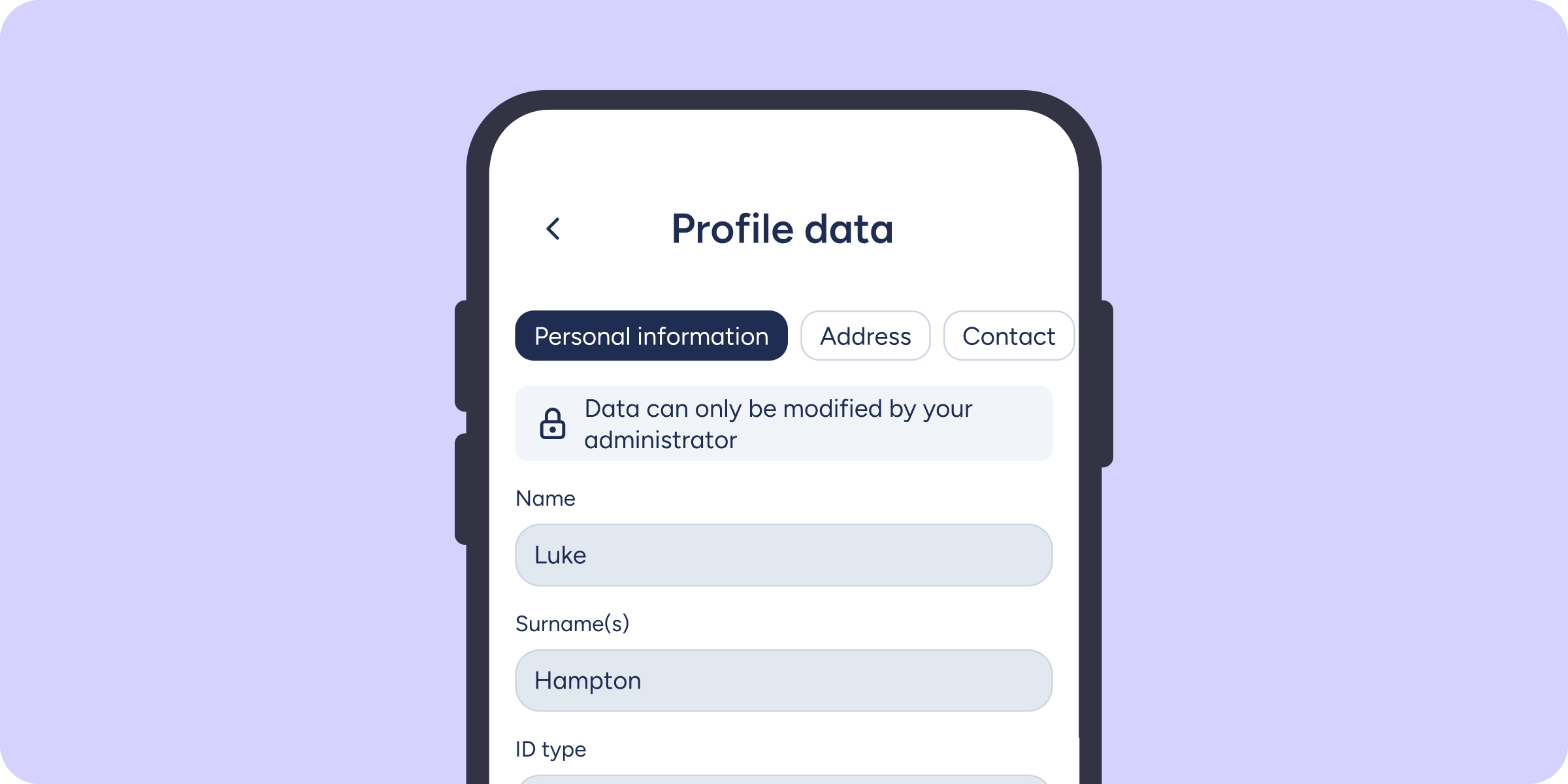
Your employees can now update their personal details from the mobile app
Managing personal data no longer depends on having a computer nearby. Employees can now view and edit their own information directly from the Sesame mobile app, as long...
Learn more
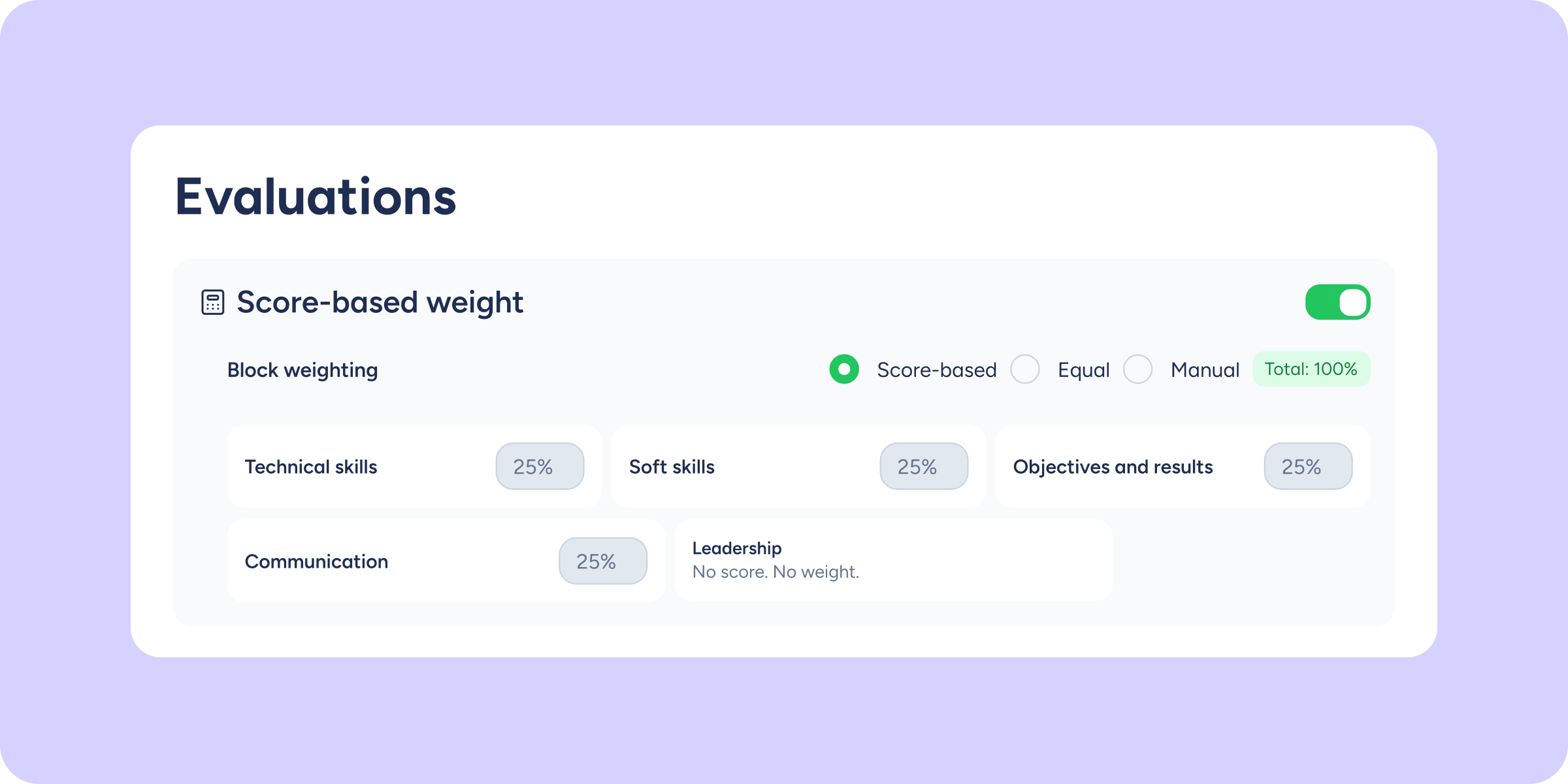
Decide how much each area weighs in the final result of your evaluations
Every organization has its own priorities. Now your evaluations and surveys can reflect them too: assign a percentage weight to each question group and define precisely how much...
Learn more
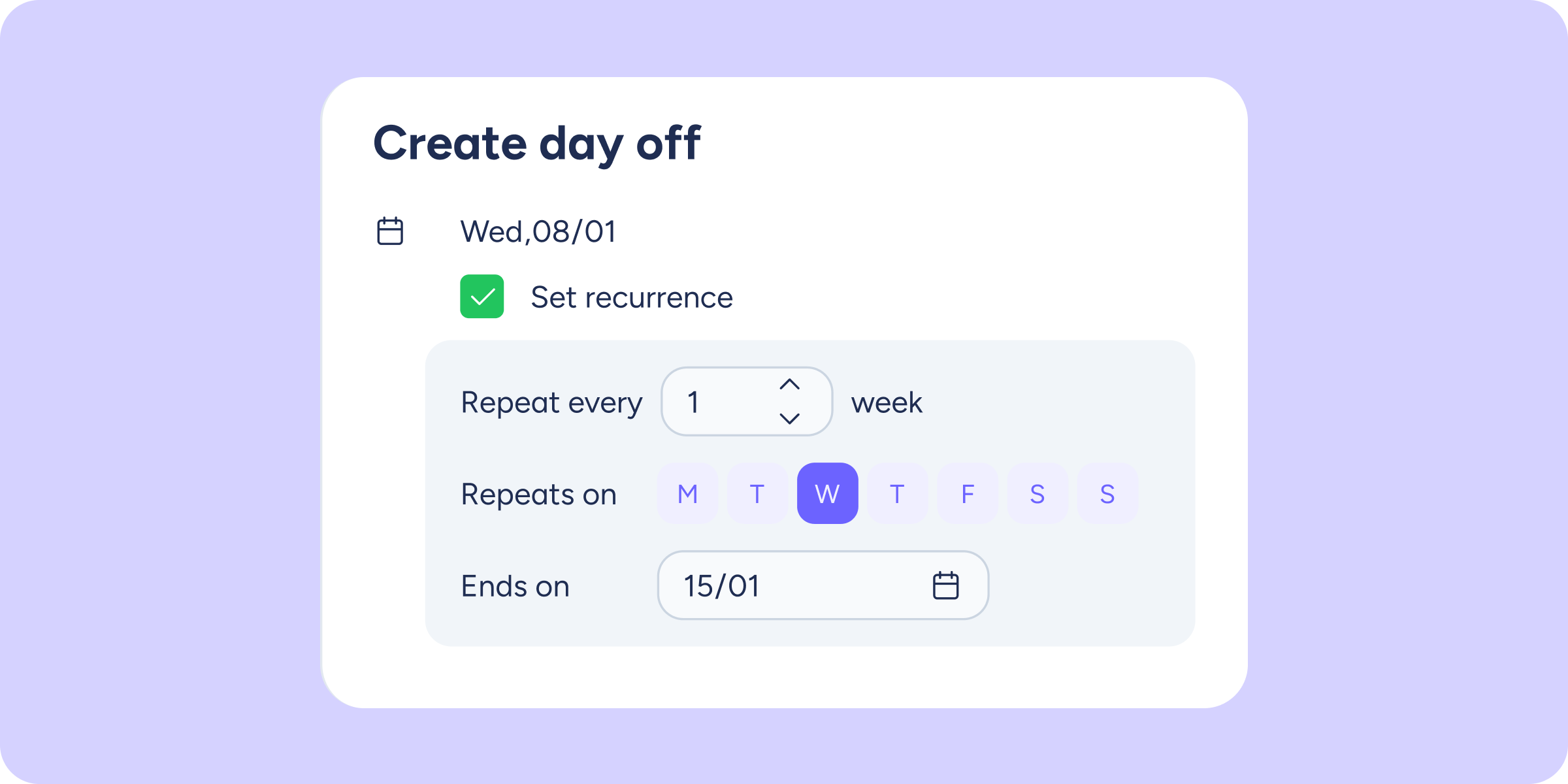
Shift updates: more precision and bulk assignment of days off
Every week, we bring improvements to make planning your team's time a little more efficient. This week, we're introducing two updates focused on giving you greater precision and...
Learn more
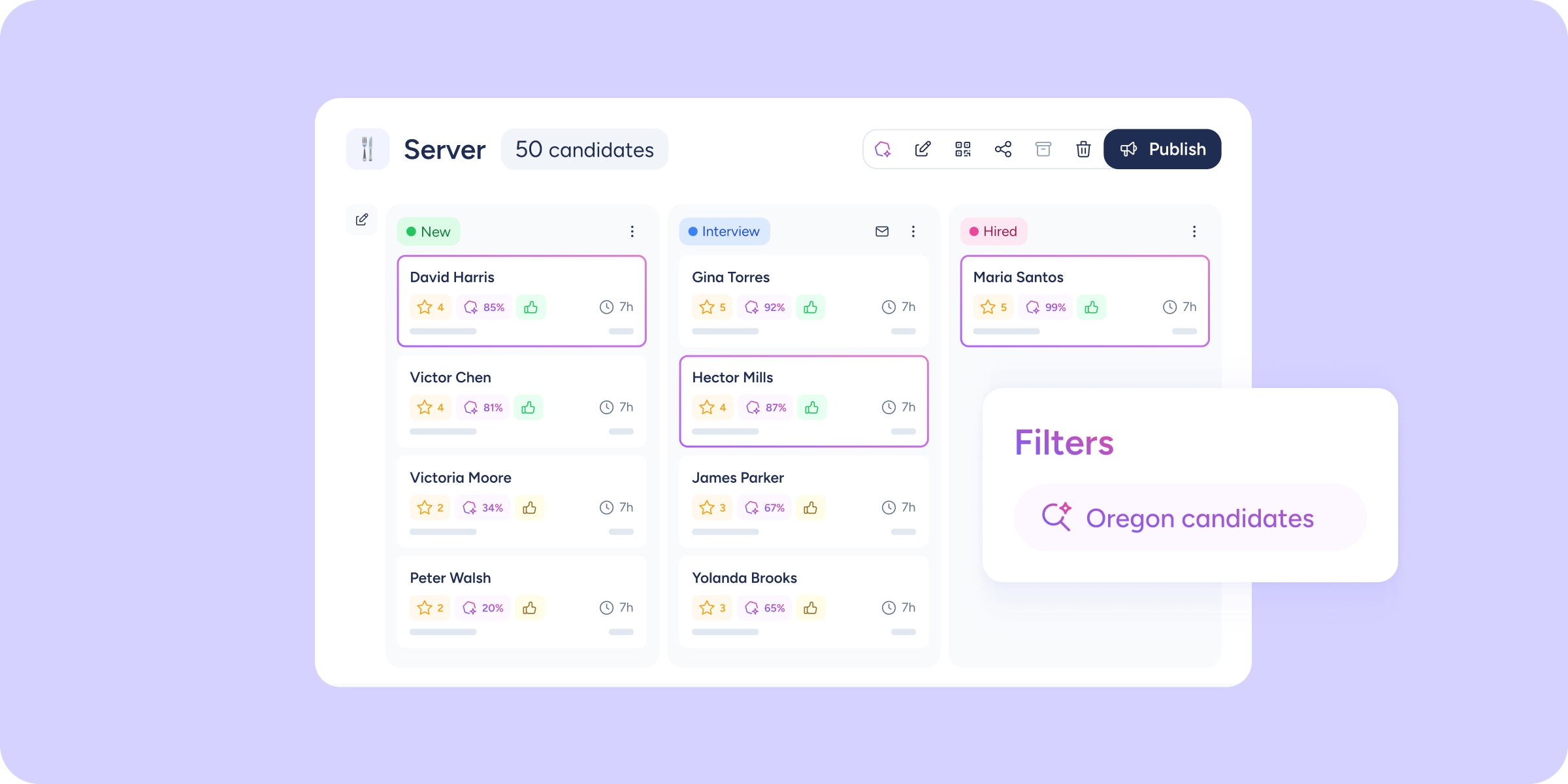
Advanced Recruitment: AI arrives at the heart of your hiring process
Sound familiar? You have 80 candidates for a vacancy, the job description is well written, and yet you feel like you're searching in the dark. You review CVs...
Learn more
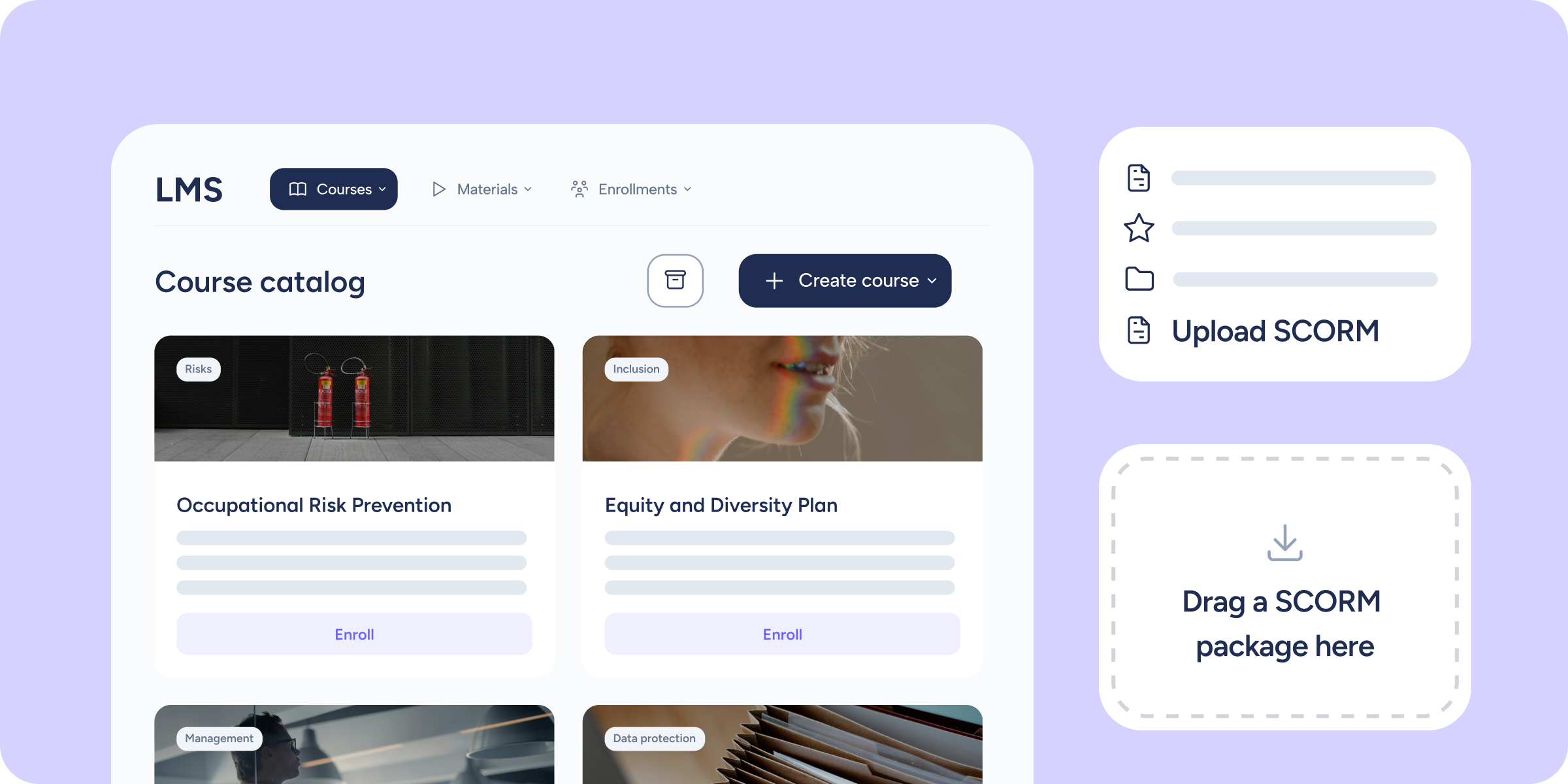
Import your SCORM courses directly into the Sesame LMS
If your company already has courses produced in SCORM format, until now you had to manage them on an external platform. From today, you can import them directly...
Learn more
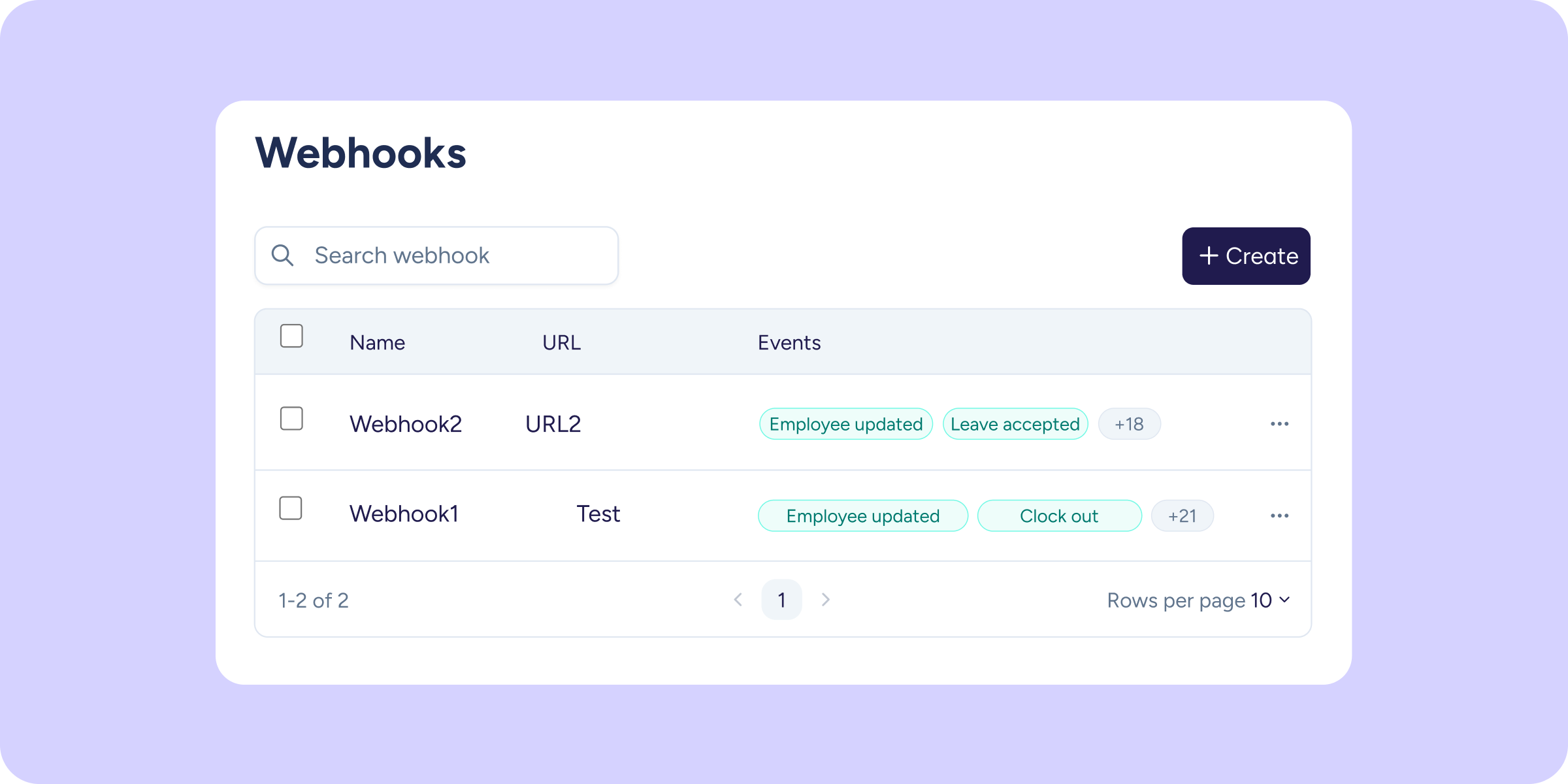
You can now manage your webhooks directly from the Sesame panel
Connecting Sesame to your external systems just got a lot easier. From today, you have a dedicated section in the panel to create, activate, and manage all your...
Learn more

Protect anonymity across every section of Survey Company results
Anonymous surveys collect honest responses because people trust that their data is protected. With this update, that protection extends to every section of Company results. What's new, section...
Learn more
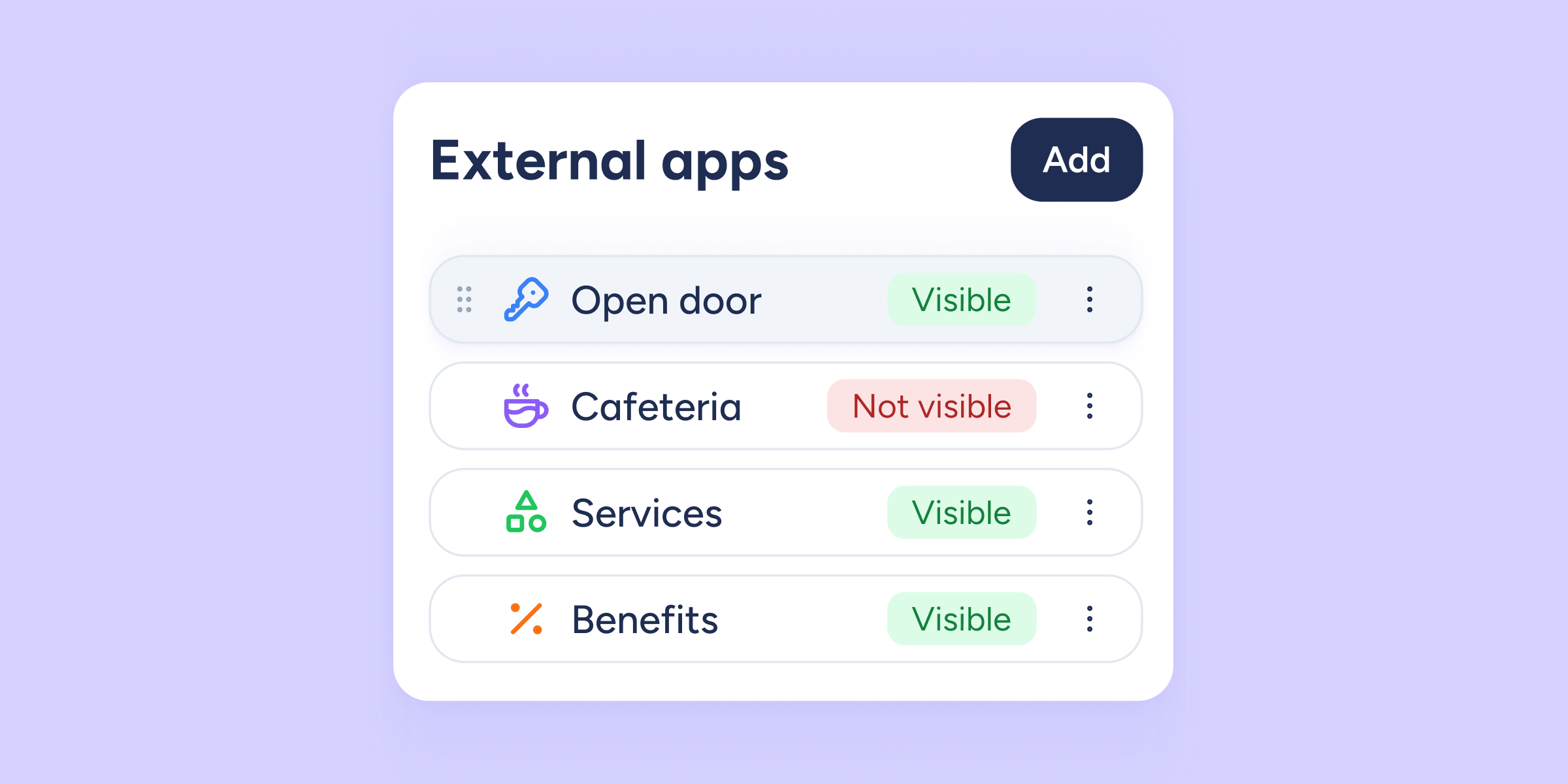
External apps are now available from the Sesame panel, too!
We know you love being able to use other tools through the Sesame interface; it opens up so many possibilities for you and your team, with the convenience...
Learn more
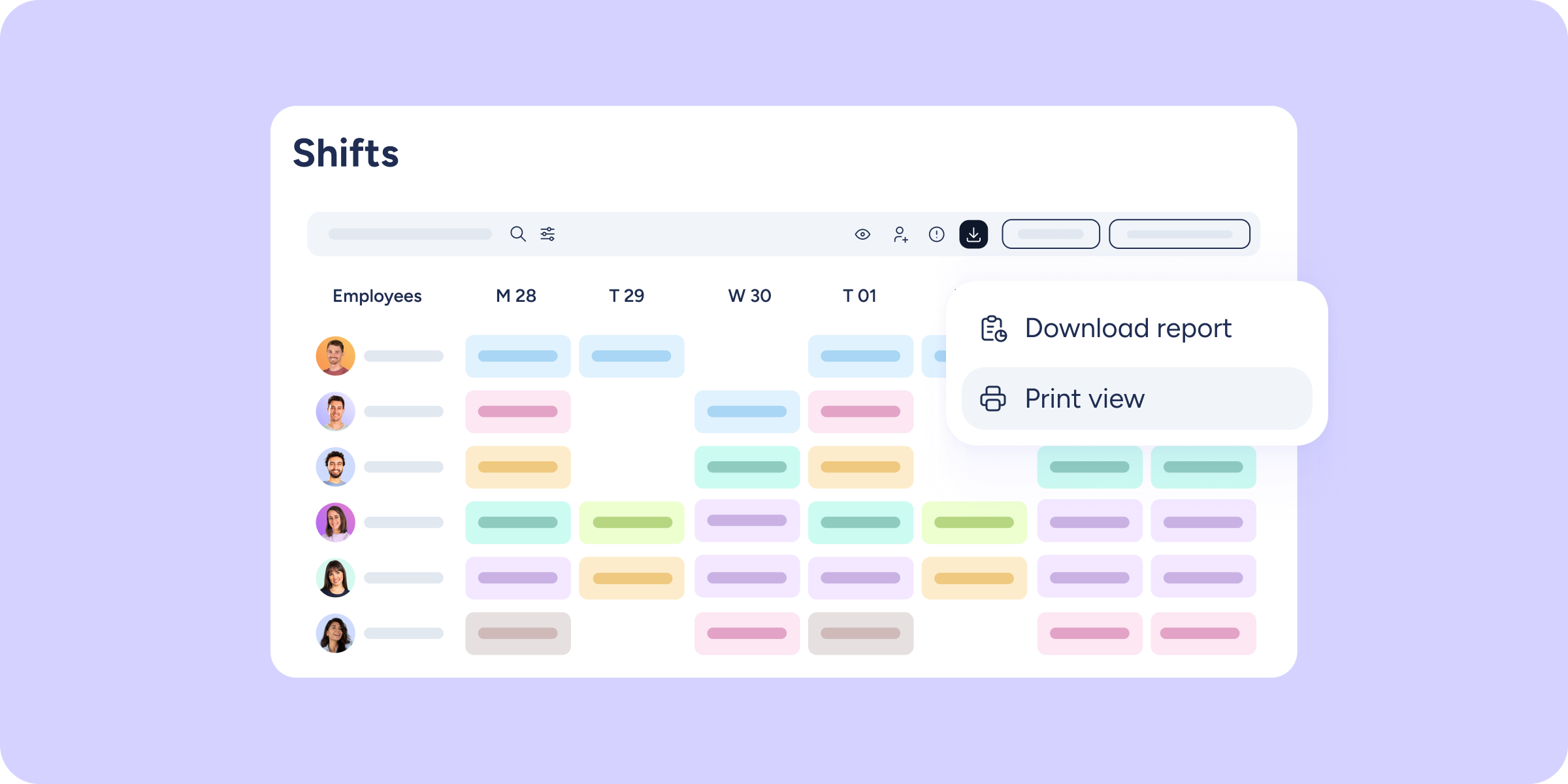
Download your shift timetable exactly as you see it
How many times have you tried to download your timetable only to find the final file looked nothing like what was on screen? Filters ignored, missing information, colors...
Learn more
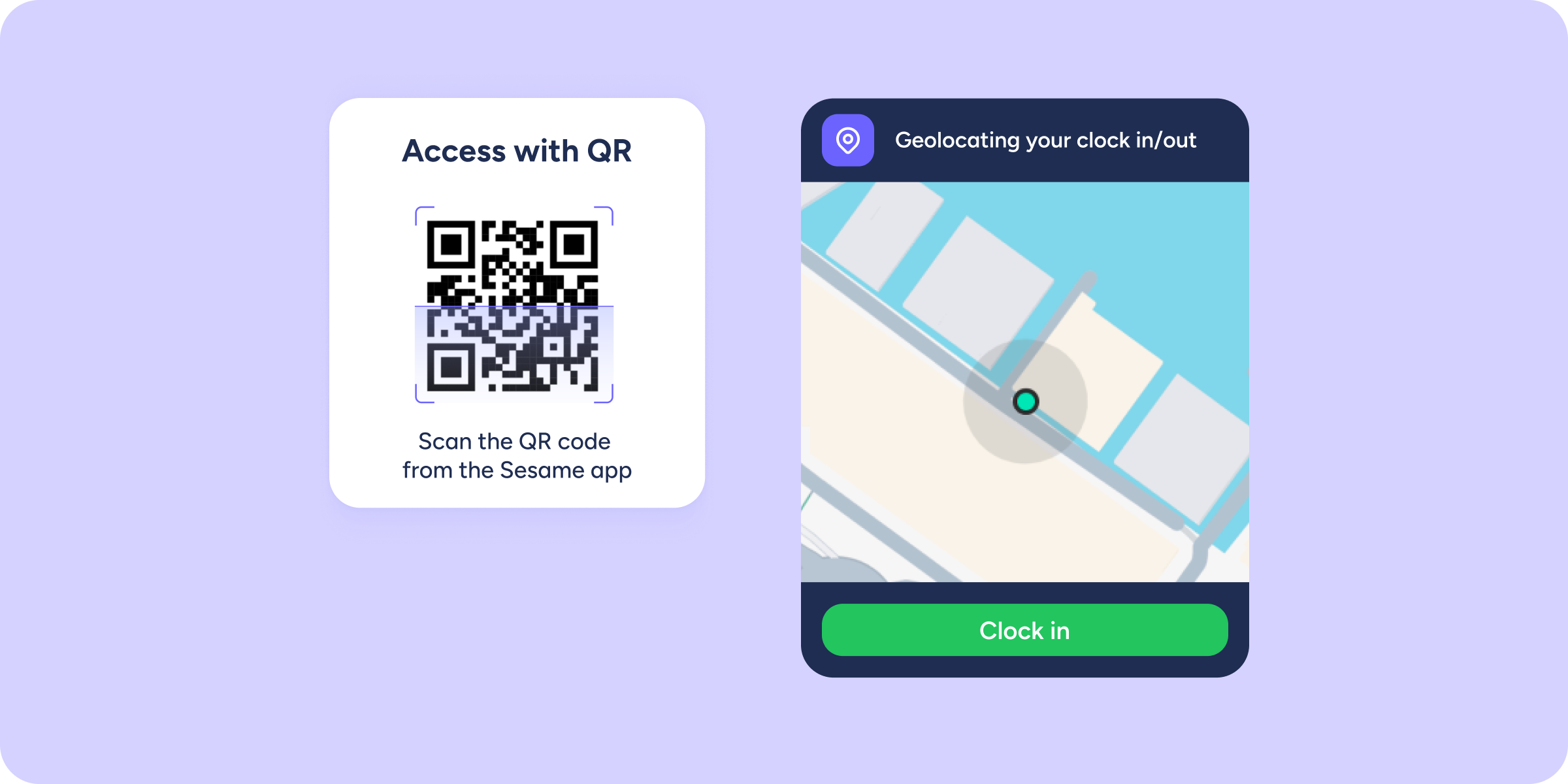
Remote working now clocks in/out without a QR code
If your company uses QR codes to clock in/out but also has remote employees, you'll know how little sense it makes to ask them to scan a code...
Learn more
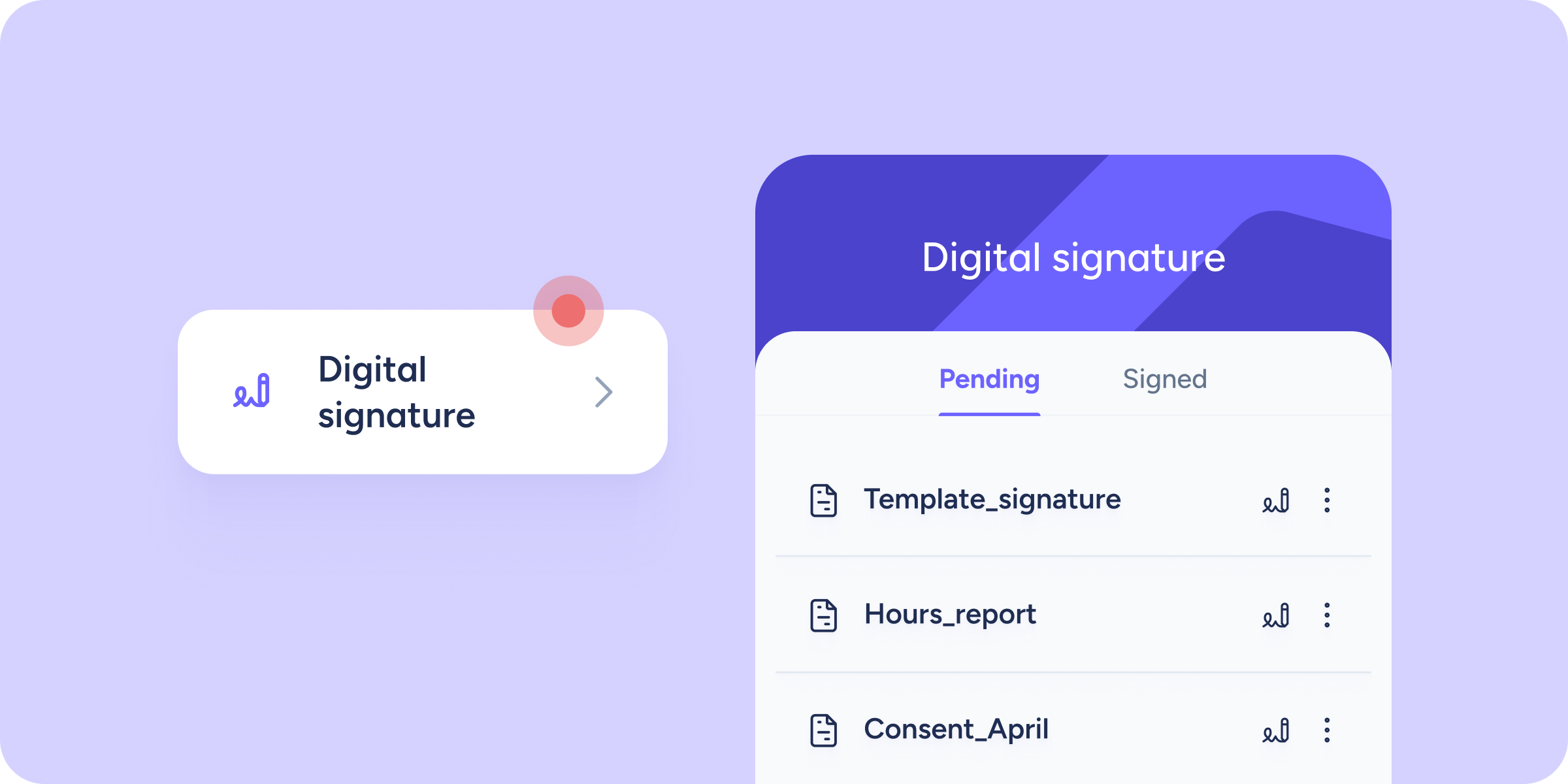
Your team can now sign documents from the mobile app!
It doesn't get any easier than this. We've introduced a major new feature that makes it significantly simpler to send documents and get your employees to sign them....
Learn more
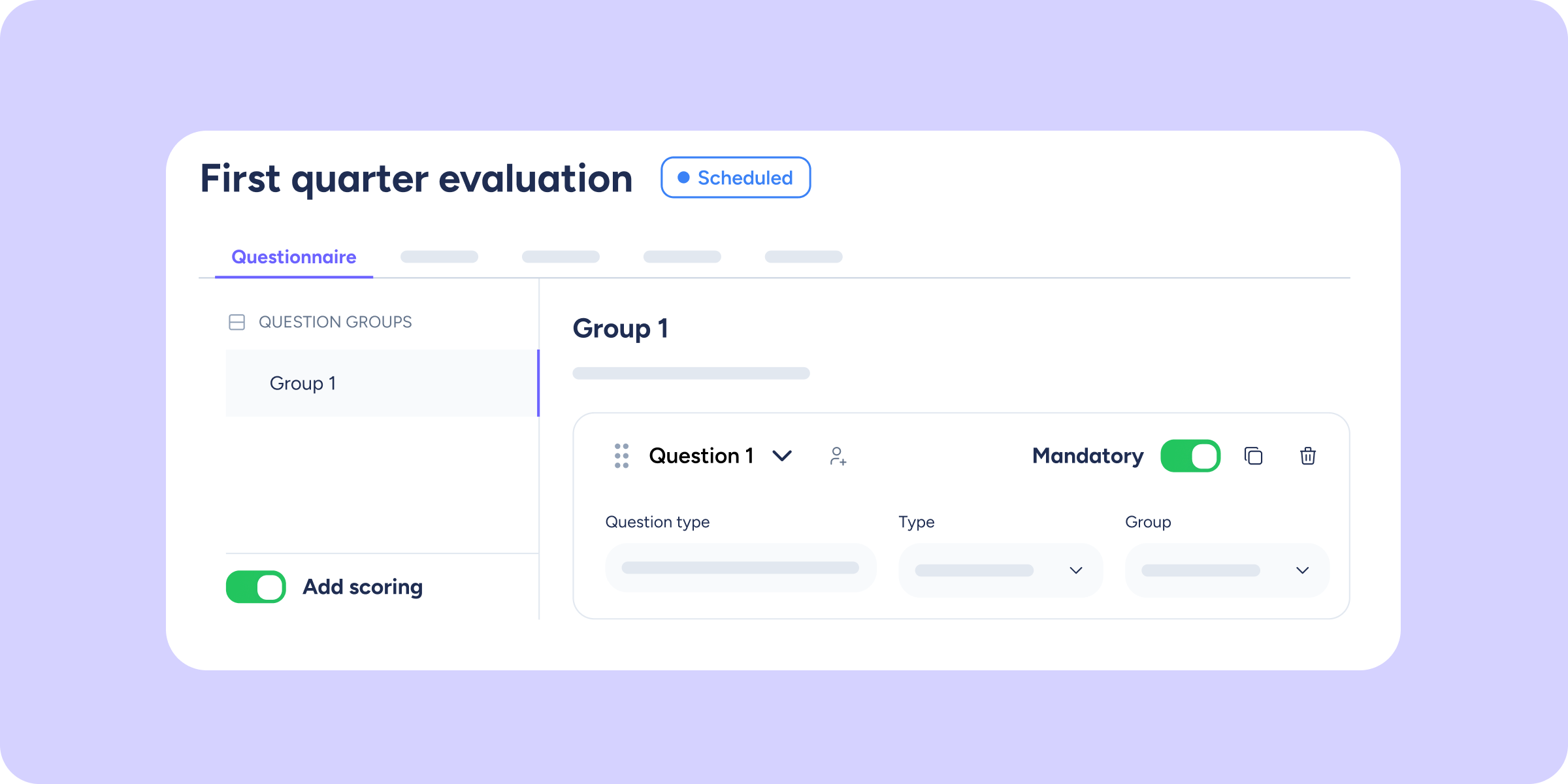
Scored questions are now always mandatory in Evaluations
Until now, it was possible to launch a scored evaluation with optional questions. The result: some evaluators answered them and scored points, others didn't, and the data became...
Learn more
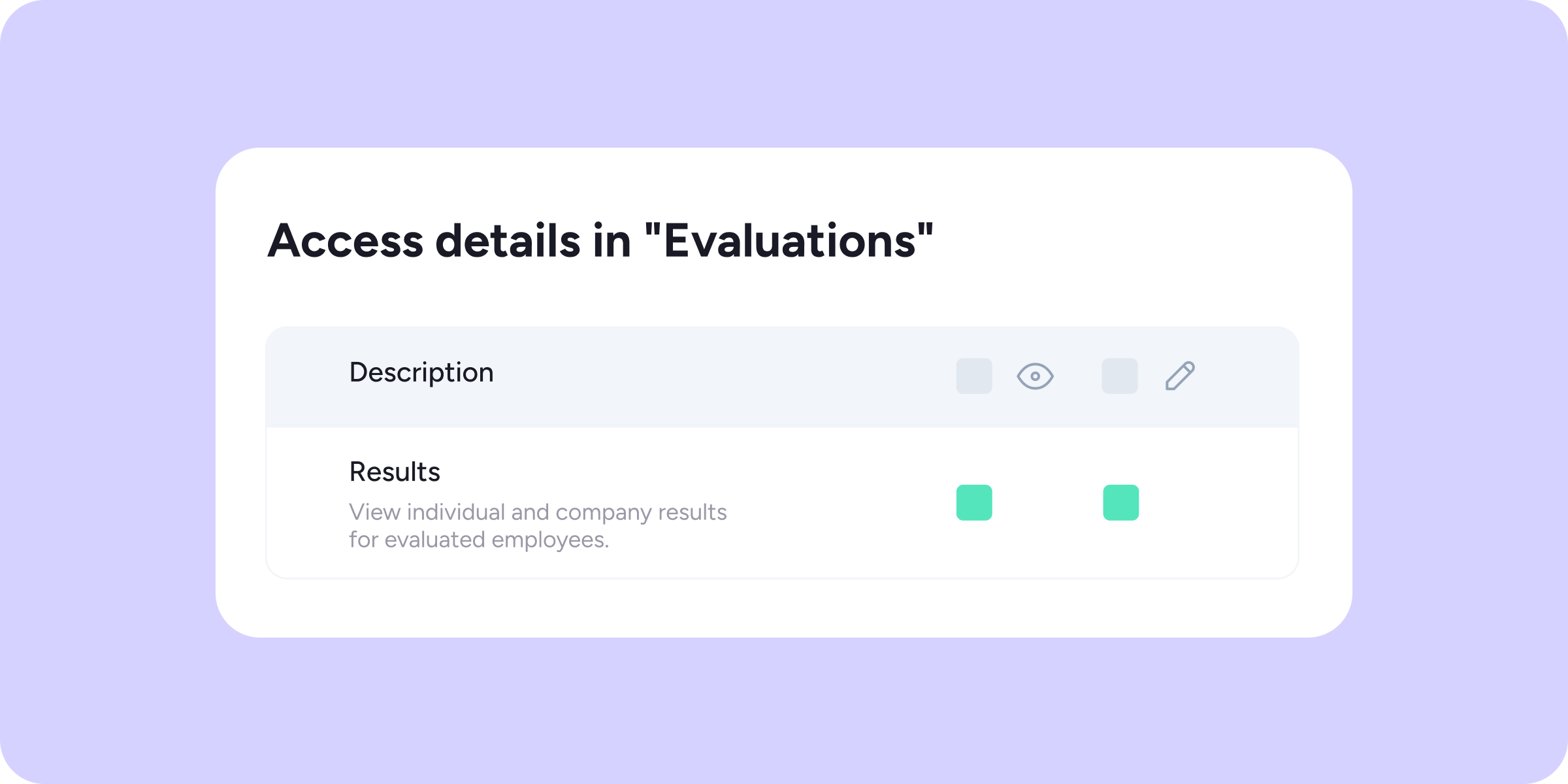
Customize who can access Evaluations and Surveys results
We've turned access to results in the Evaluations and Surveys tools into configurable access. You can now decide with complete flexibility which roles can act as supervisors and...
Learn more
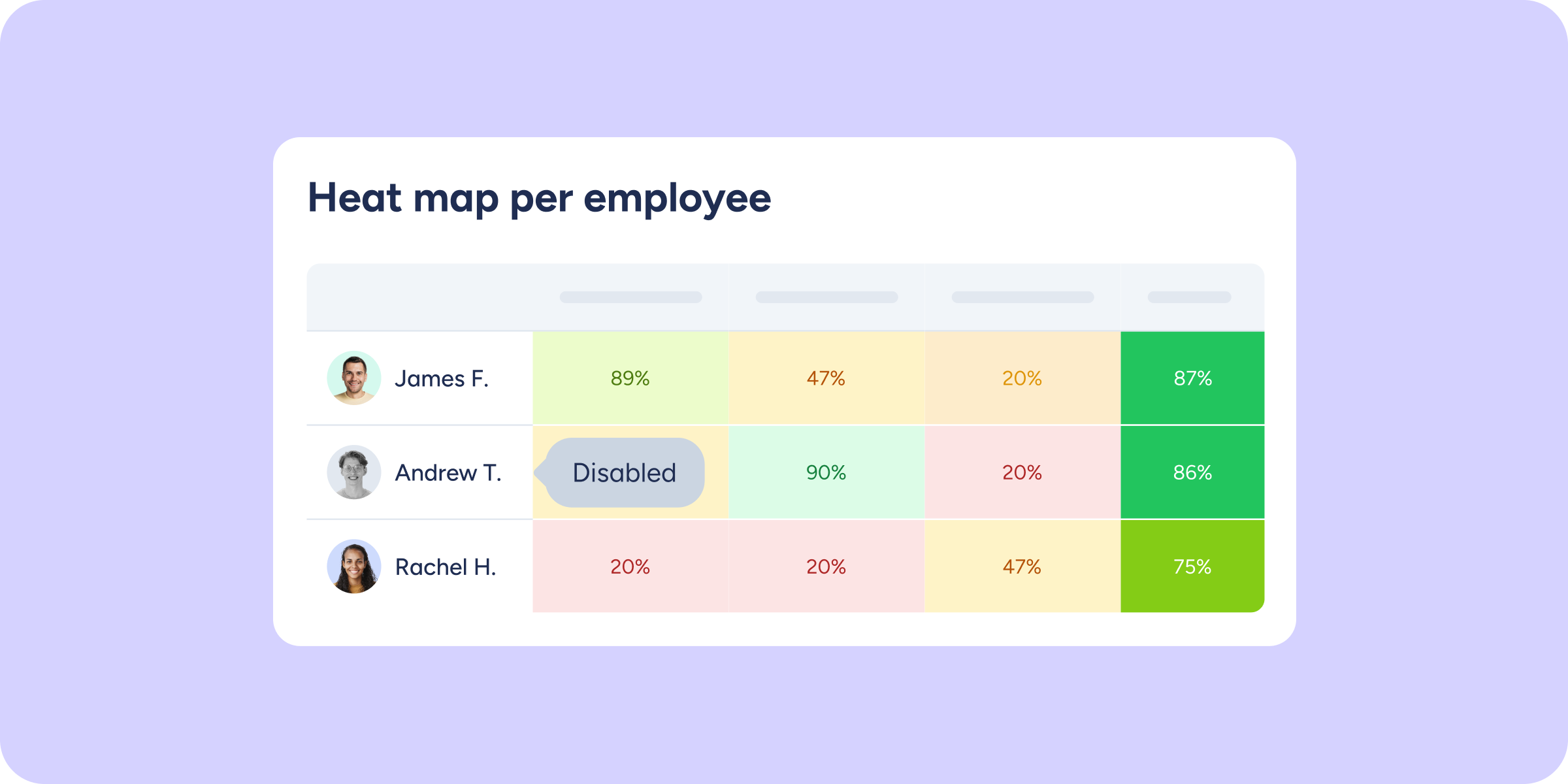
View disabled employees in Evaluations and Surveys
We've improved the traceability of the Evaluations and Surveys tools so you don't lose any information when an employee is disabled in Sesame. From now on, these employees...
Learn more
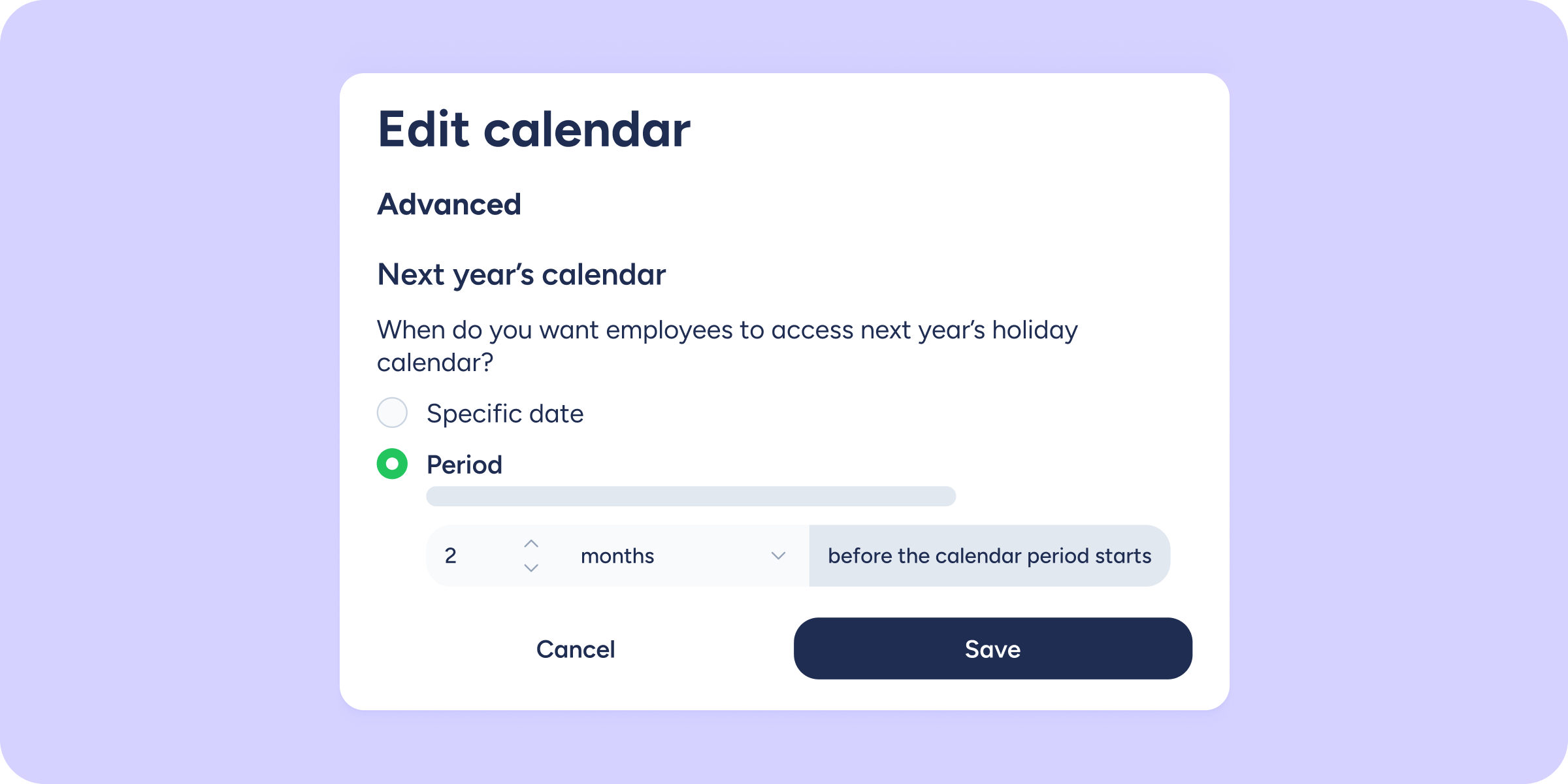
You can now set up next year’s holiday calendar days or months in advance!
We've introduced an improvement to the way next year's holiday calendar is created. From now on, in the advanced configuration, you can define how many days or months...
Learn more
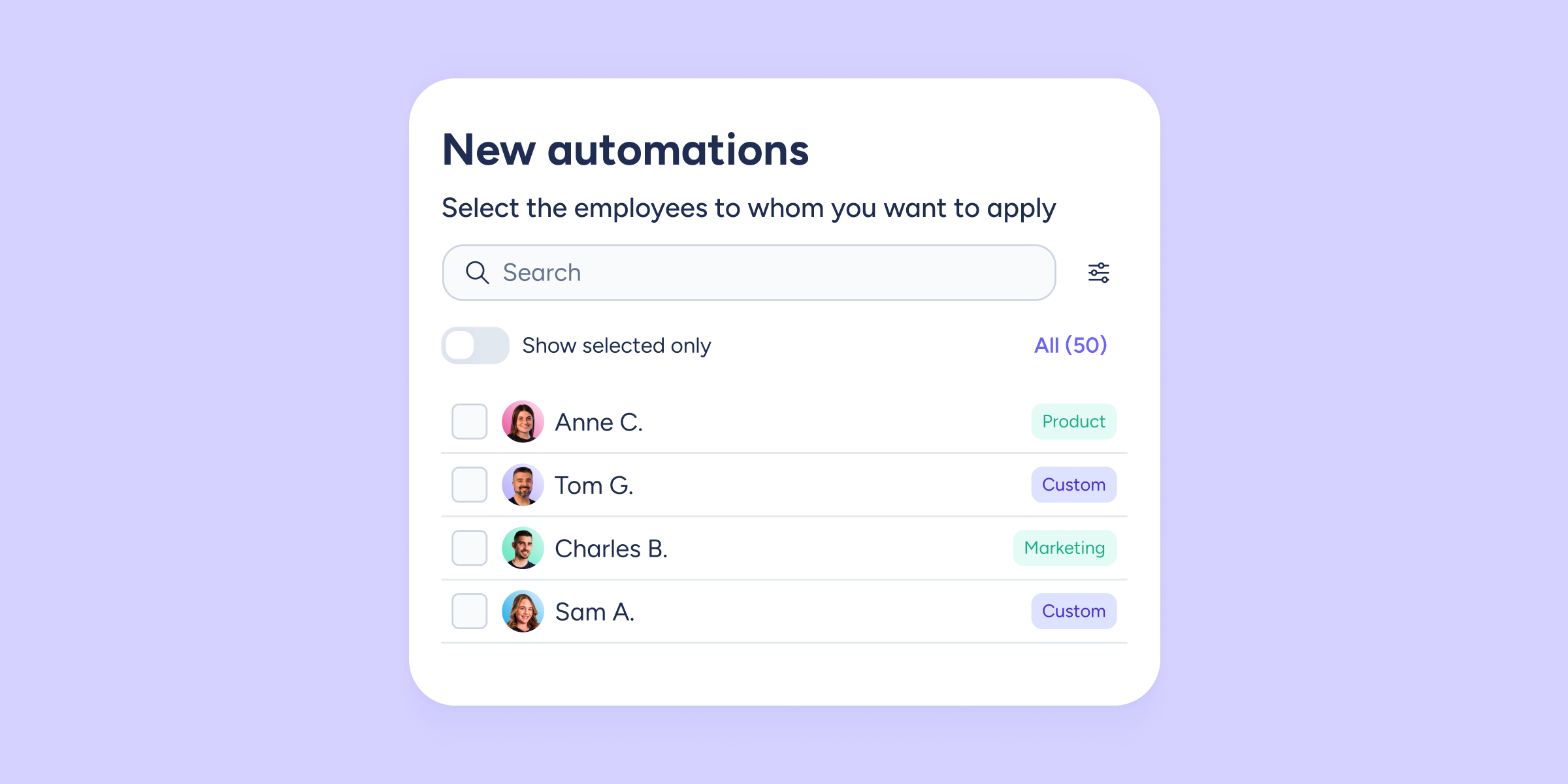
Smarter, more flexible automations
Managing automations for your entire company with a single configuration was practical at first. But when every department has its own needs, schedules, processes, and rules, one size...
Learn more
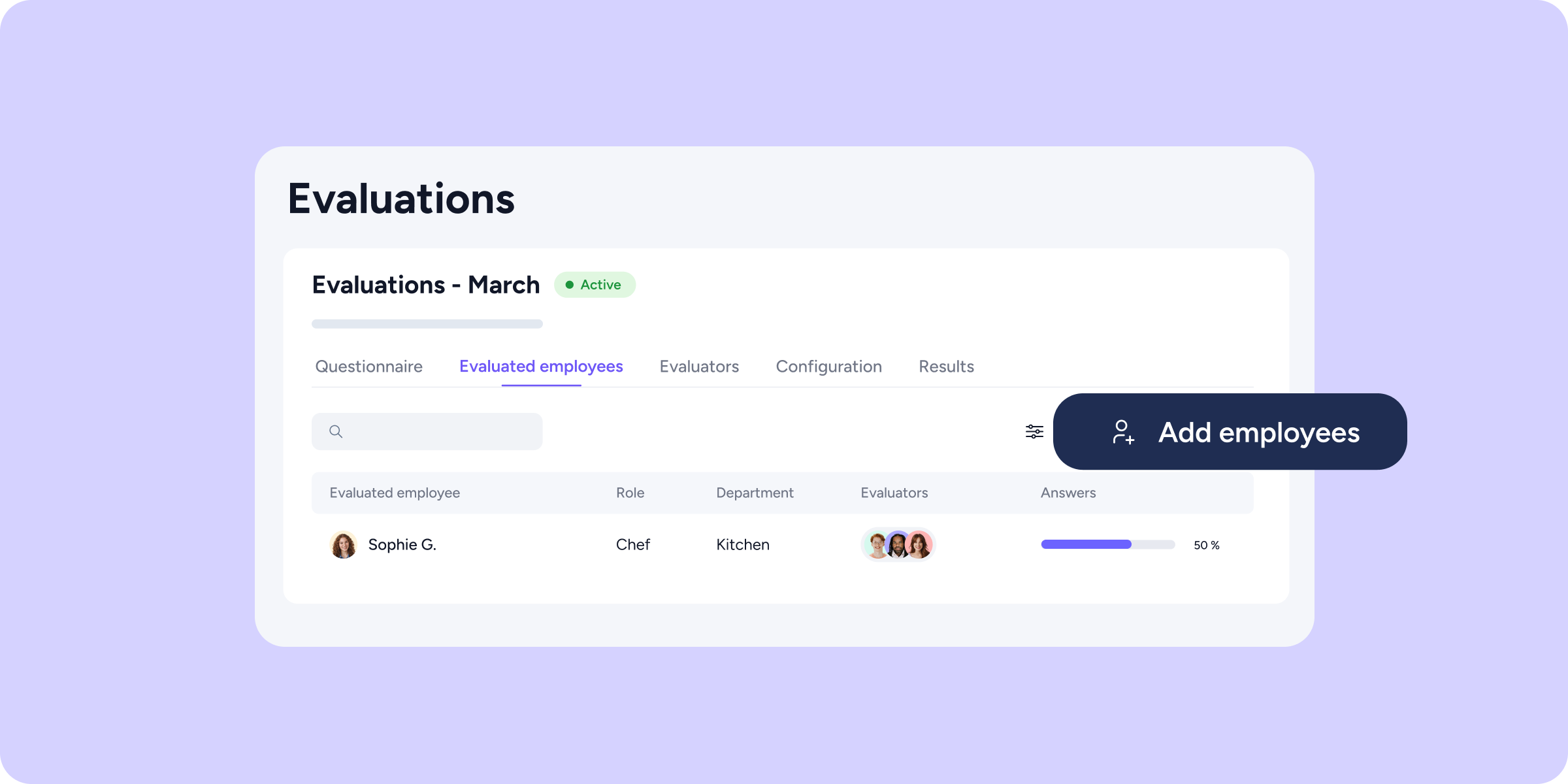
Add and remove participants from your evaluations without stopping the process
Until now, launching a 360° or 9-box evaluation was a point of no return: assignments were locked, and any mistake, a wrong evaluator, a late addition, an organizational...
Learn more
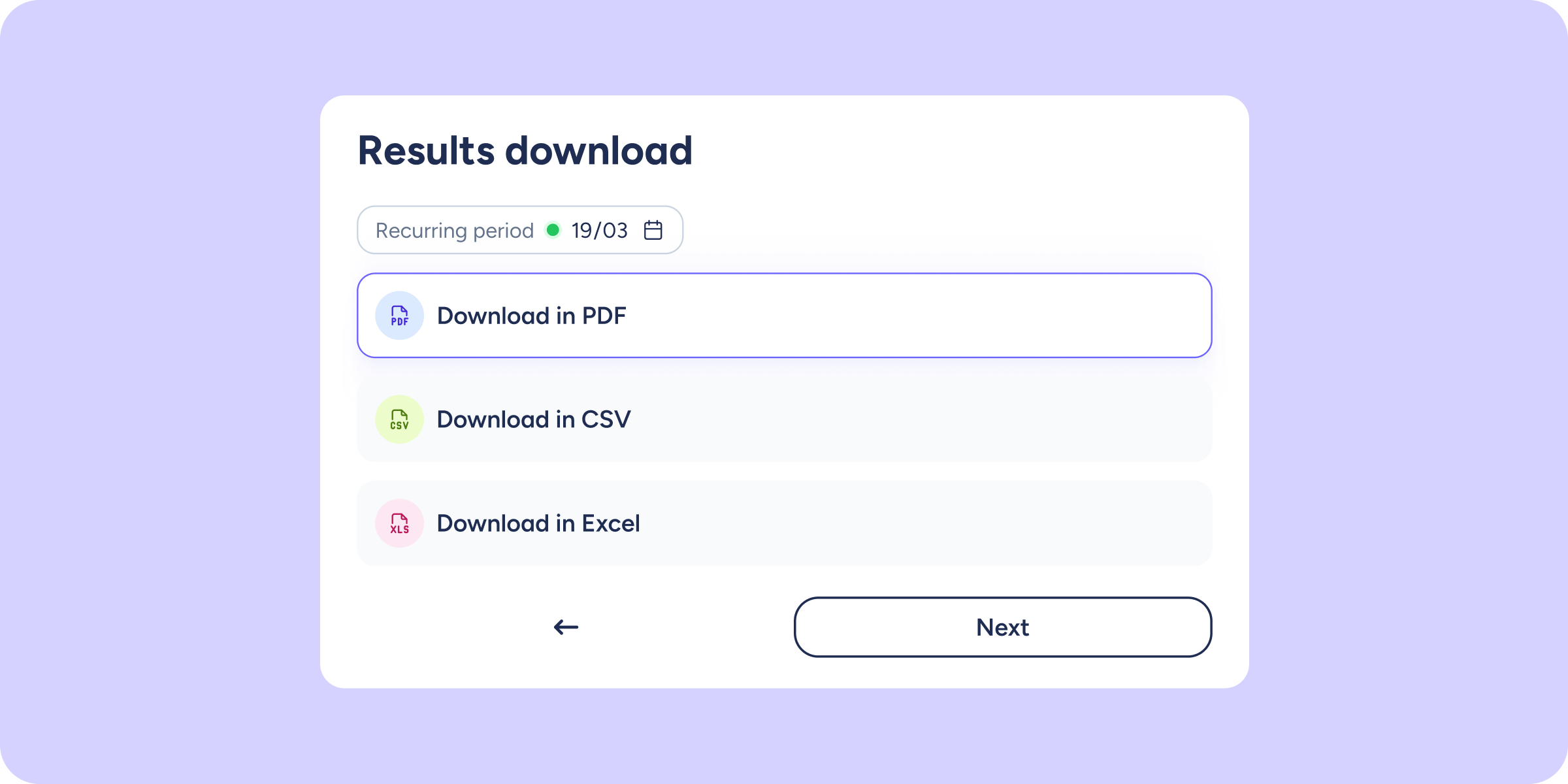
Download your survey’s per-employee results exactly as you see them on screen
Until now, exporting per-employee results from a survey meant receiving a raw data table, no visual context, and difficult to share. From now on, the PDF you download...
Learn more
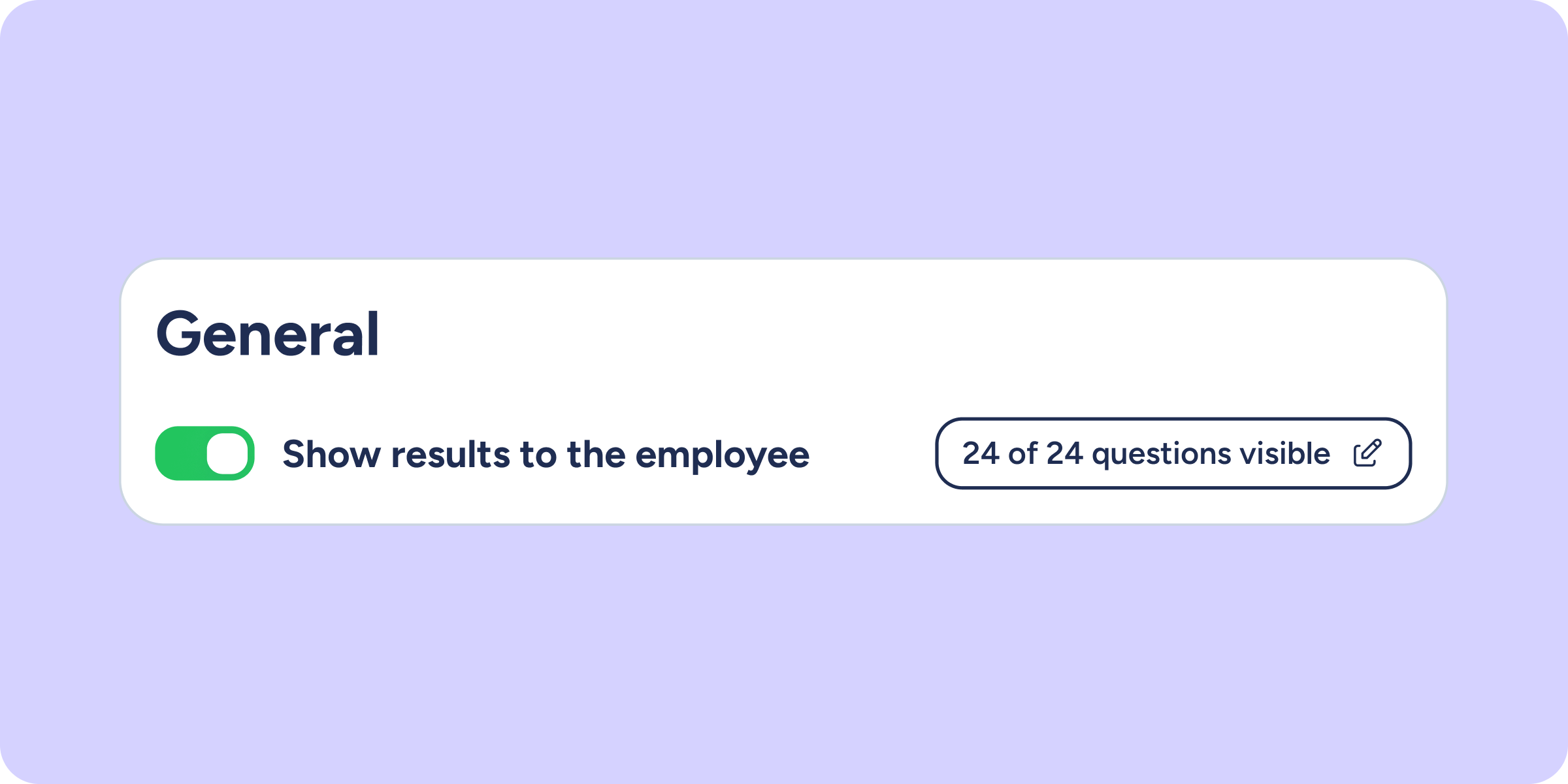
Decide what information your team sees when you share Evaluation results
Until now, sharing the results of an evaluation meant sharing everything. With this new configuration, you can select exactly which questions are visible to your employees, ensuring the...
Learn more

Updated API documentation: clearer, more complete, more efficient
At Sesame, we keep working to make the integration experience with our platform as smooth as possible. That's why we've updated our API documentation with the goal of...
Learn more

Sesame Learning: training built into your daily workflow
Sesame Learning is our new corporate training tool. We've developed it so you can create, assign, and certify your team's training without leaving Sesame HR. Who is it...
Learn more
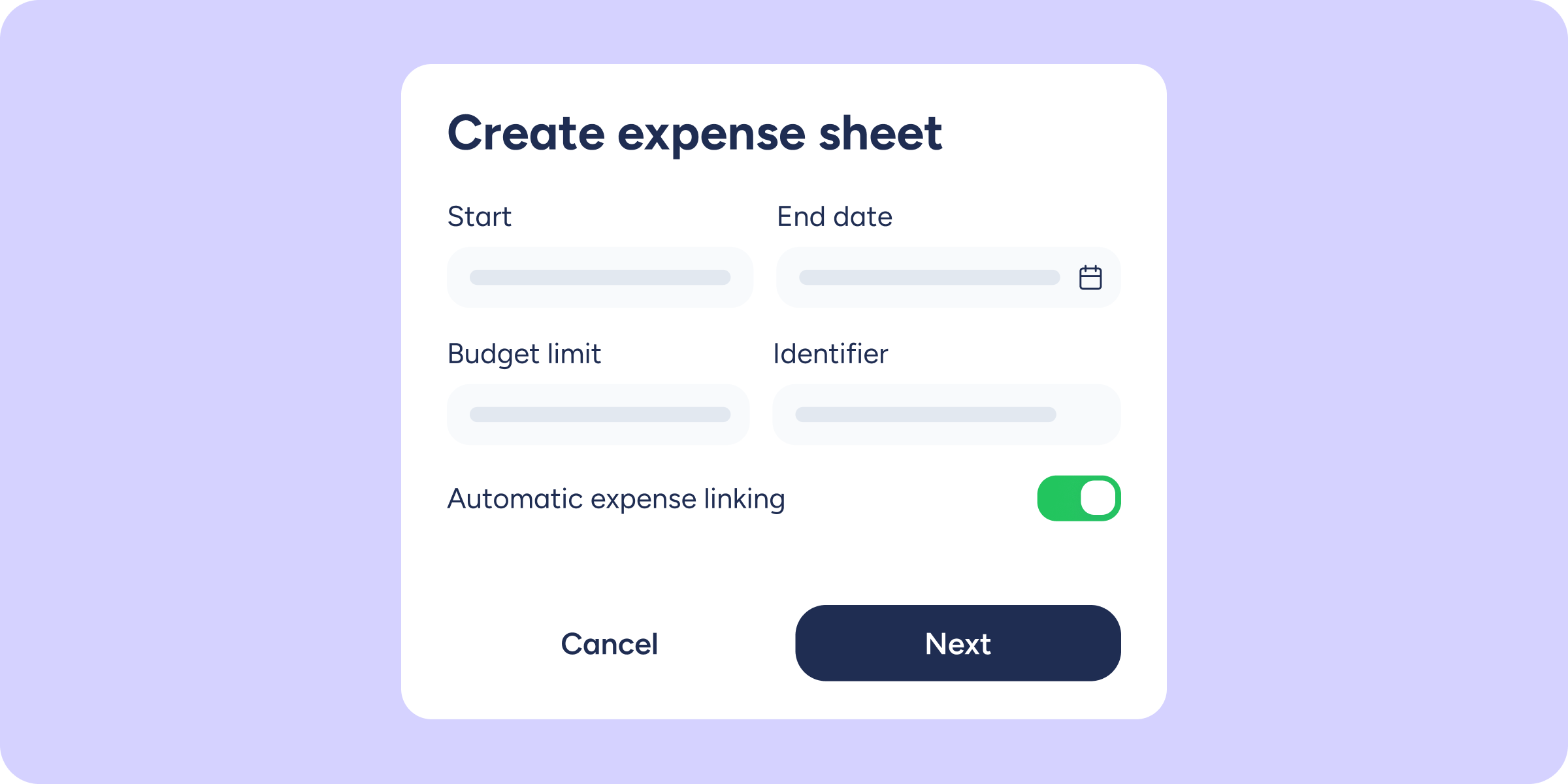
Organize your company’s expenses by expense sheets and simplify how they’re logged
Until now, managing expenses across multiple events or initiatives at once could feel like piecing together a puzzle. With the new Expense sheets tool inside the Expense control...
Learn more
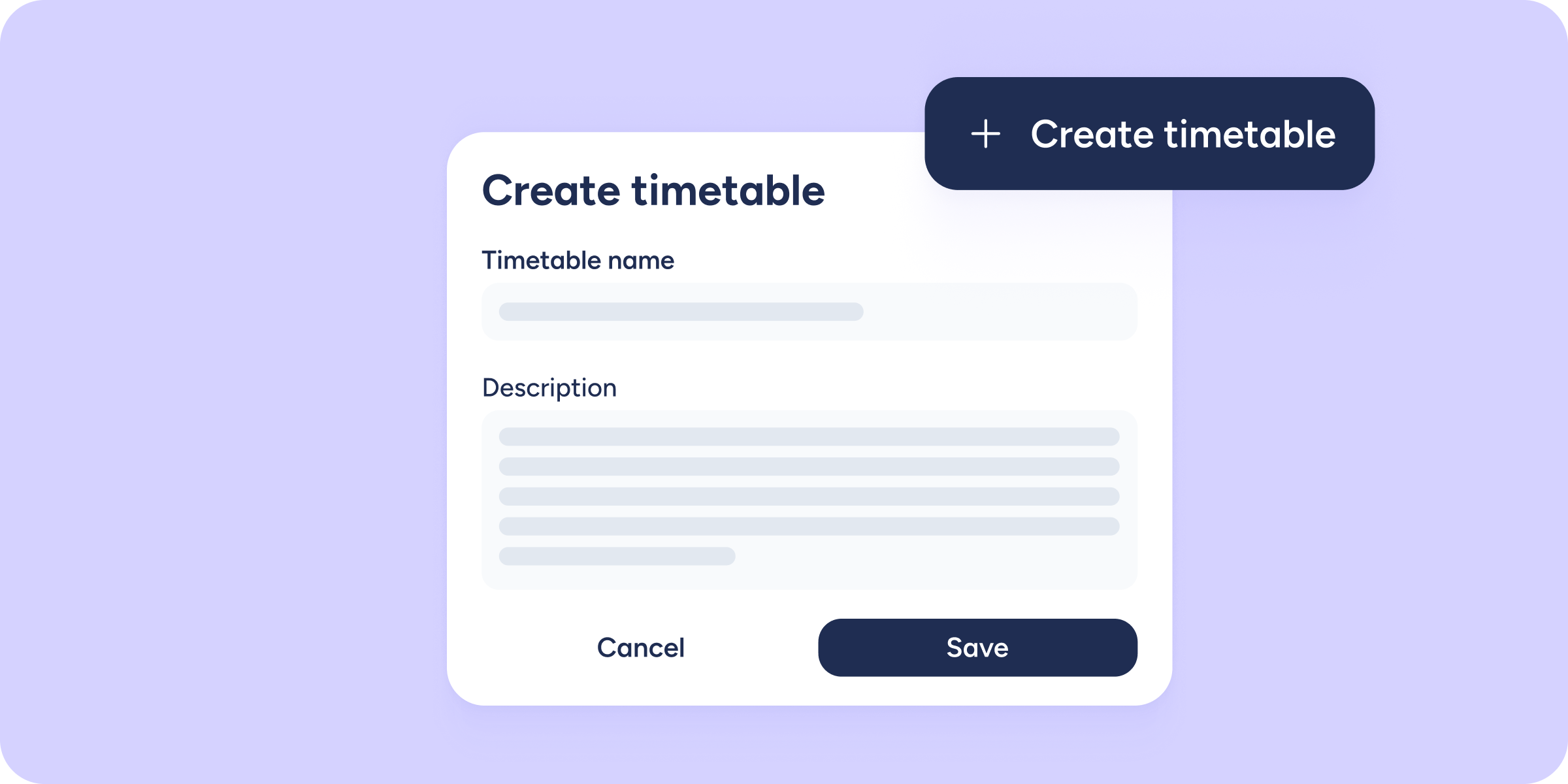
Your timetables, your way
Until now, every time you created a Workplace or a Group in Sesame, the system would automatically create and assign a timetable to it. This worked well for...
Learn more
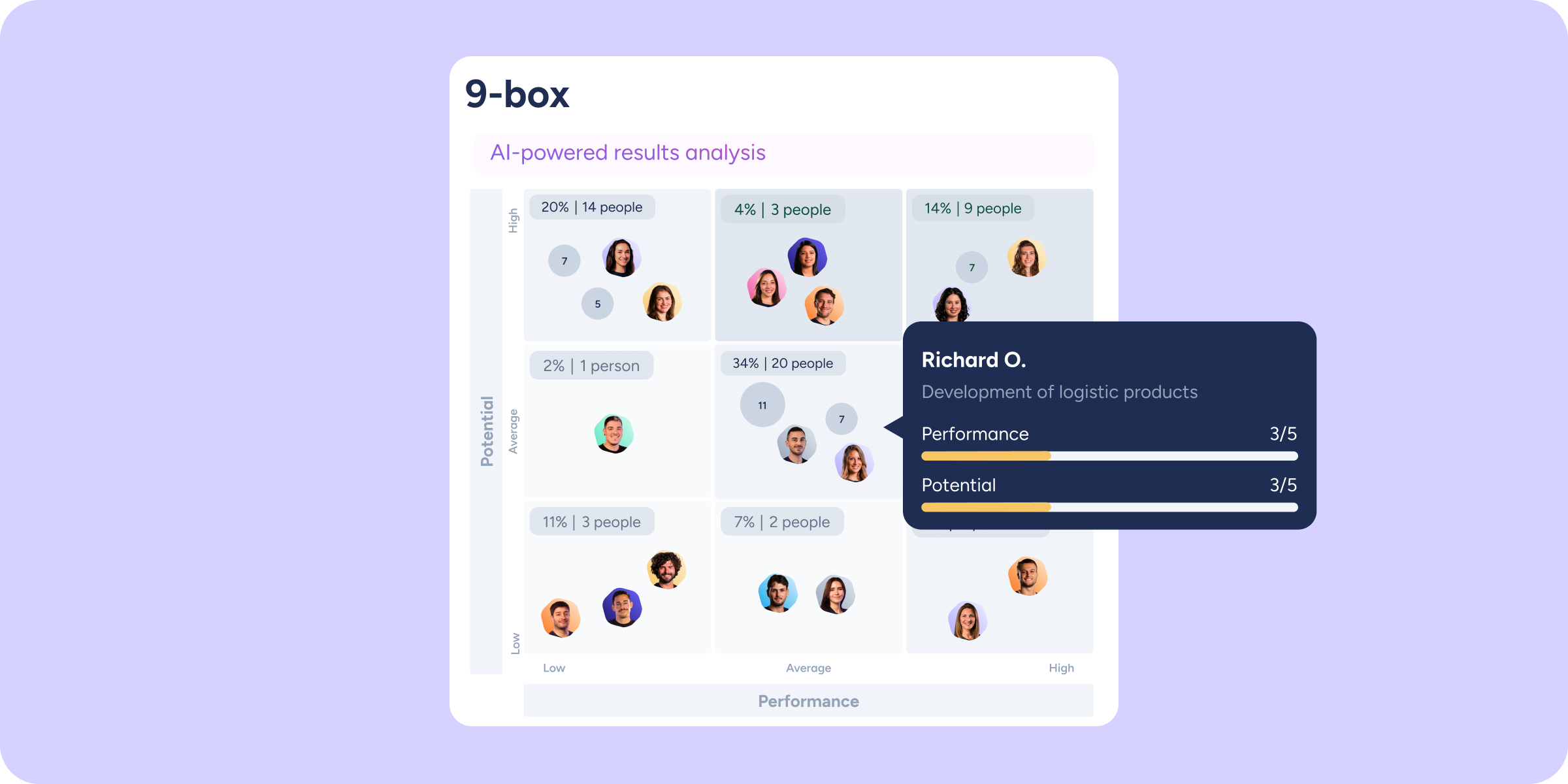
Discover your workforce’s potential with the new 9-box matrix in Company results
We keep raising the bar on analysis in the Company results section. With previous improvements, we were able to map overall performance and compare it across areas. Today,...
Learn more
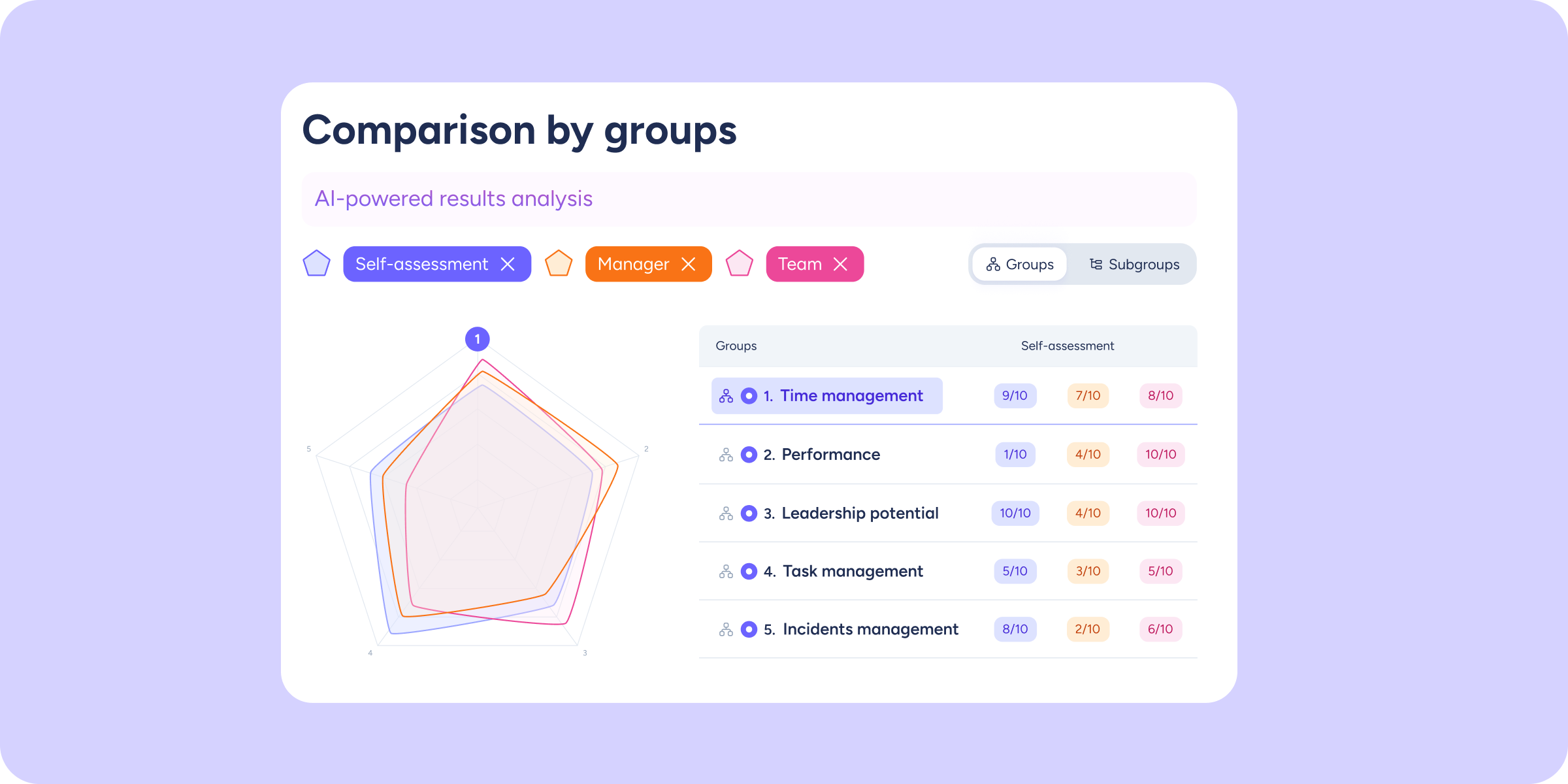
Compare question groups at a glance with the new spider chart
We're adding a new layer of comparative analysis to the Company results section. Until now, the view showed results for each group separately. With the spider chart, all...
Learn more

Edit time off and manage supporting documents with ease
We've added new improvements for employees and administrators when managing time off that's already recorded in the calendar.Administrators can now indicate that a supporting document isn't required for...
Learn more
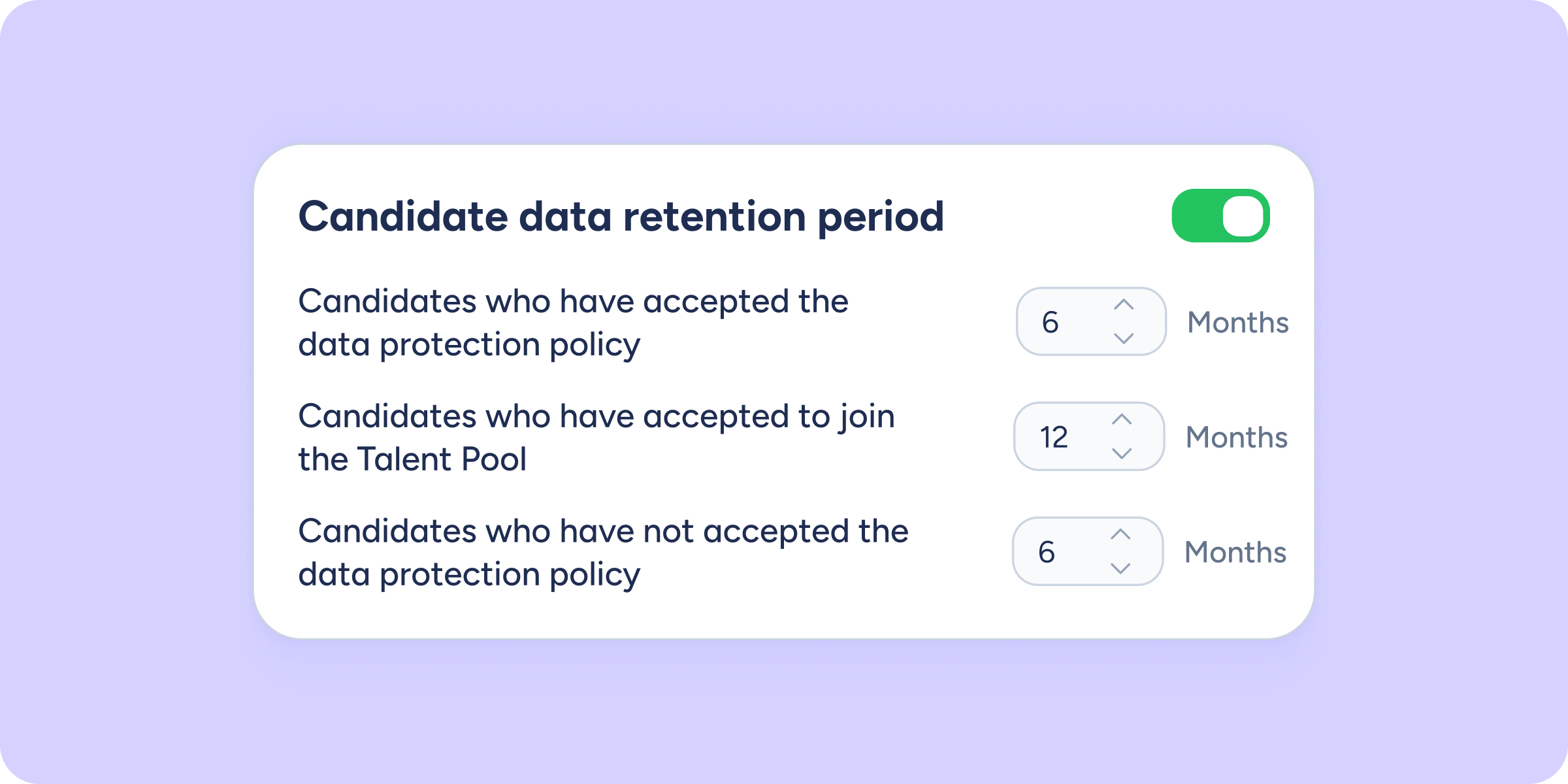
Get your candidates’ data protection in order and stay compliant with current regulations!
We’ve added a new setting to help you properly manage your candidates’ personal data, ensuring compliance with the applicable data protection laws in your country or region. With...
Learn more
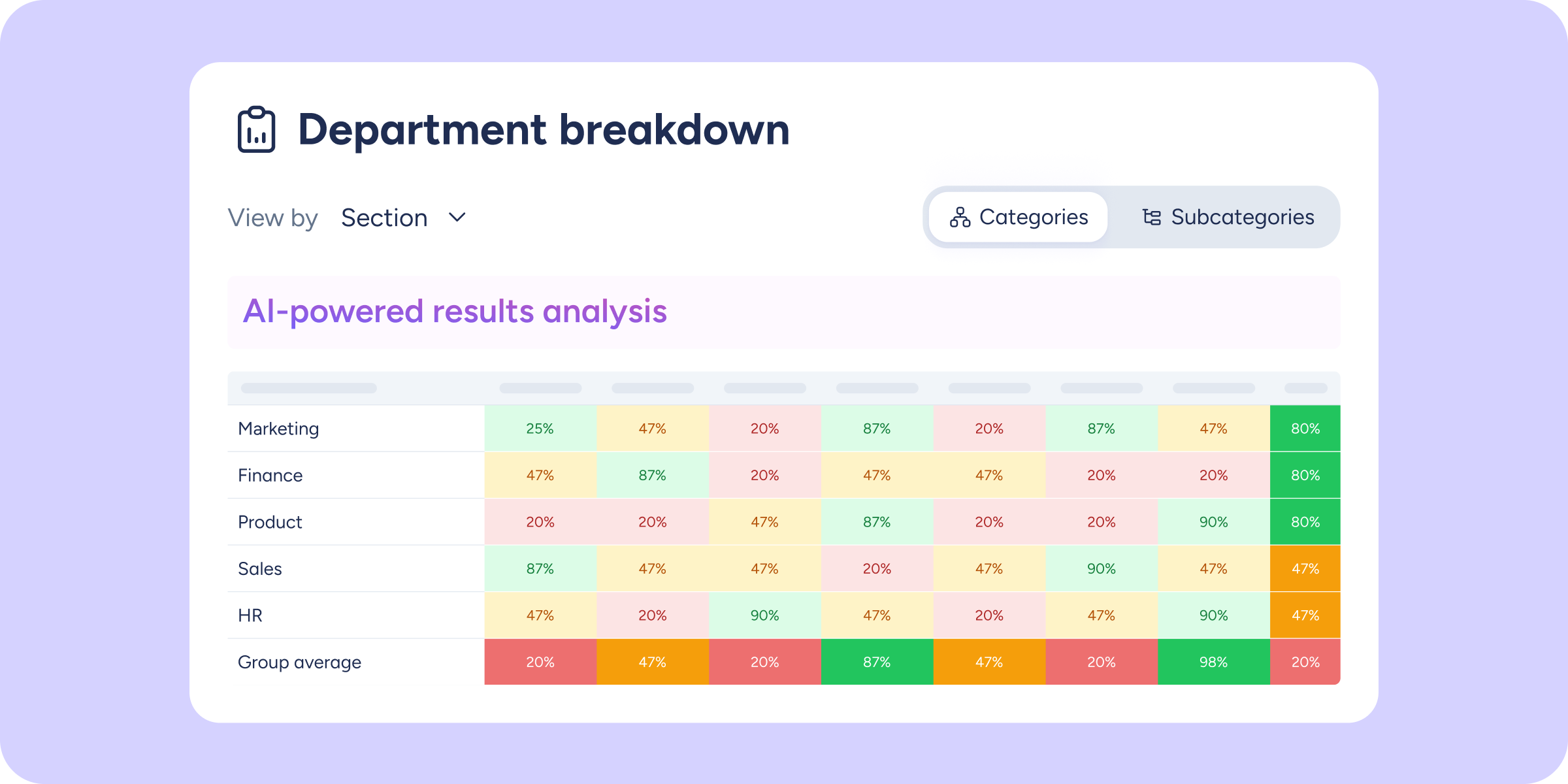
The department, workplace, group, and employee heat map arrives in Company results
With the launch of previous phases, you could already analyze the big picture and compare performance across teams. Today, we're completing that experience with the most advanced analysis...
Learn more

Employee time off history is now available!
You now have access to your employees' time off history, so you can manage all their activity and see requests that have been deleted, among other things. With...
Learn more

Your contract data report, now more complete
We've upgraded our Contract data report so no detail slips through the cracks, whether for your current workforce or employees who are no longer part of the company....
Learn more
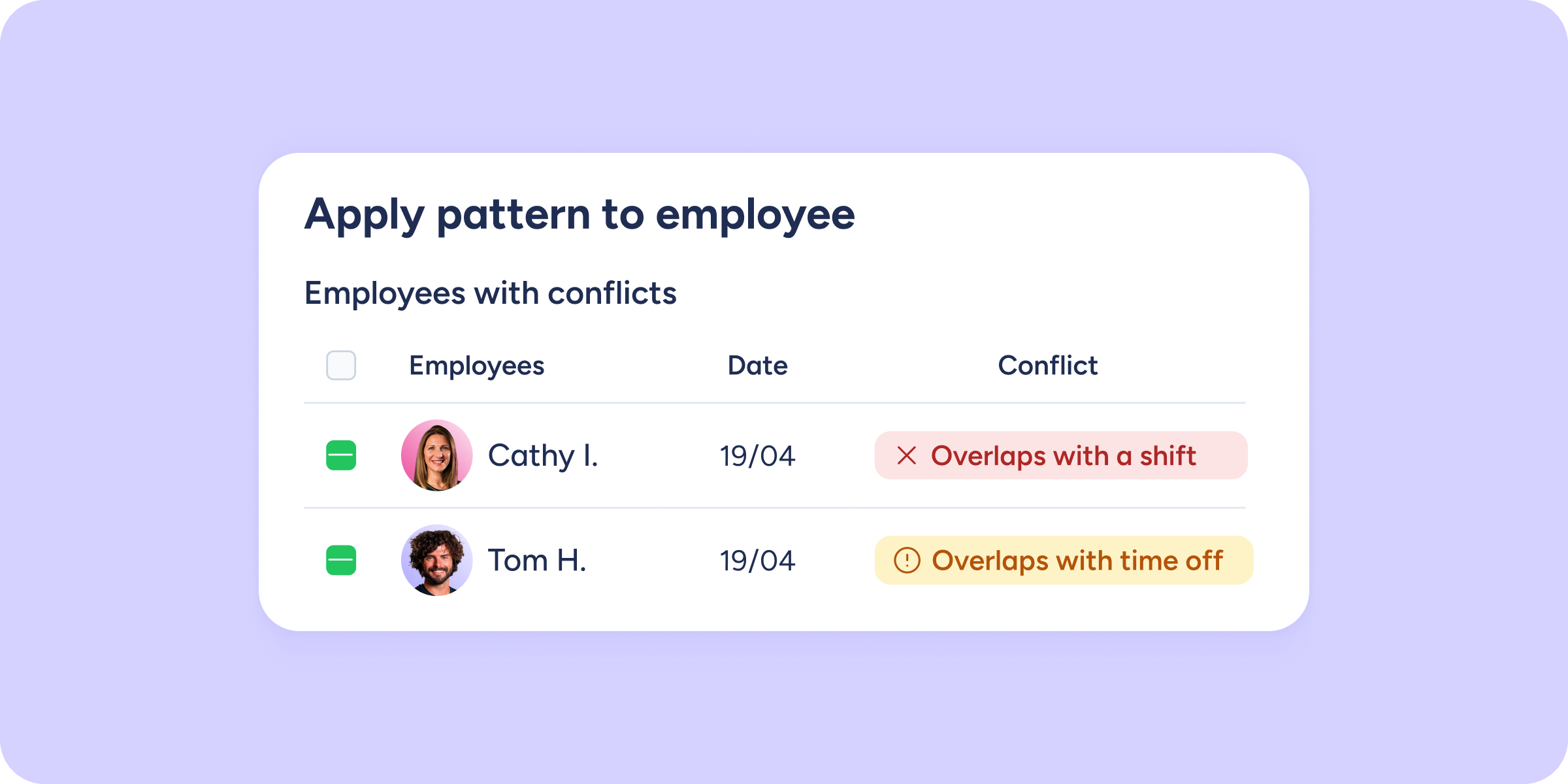
Stay ahead of conflicts in the shift timetable with the new alerts
You spend time organizing your team's shifts, adjusting the timetable, assigning shifts… and then you discover that one employee was on holiday, another had an approved day off,...
Learn more
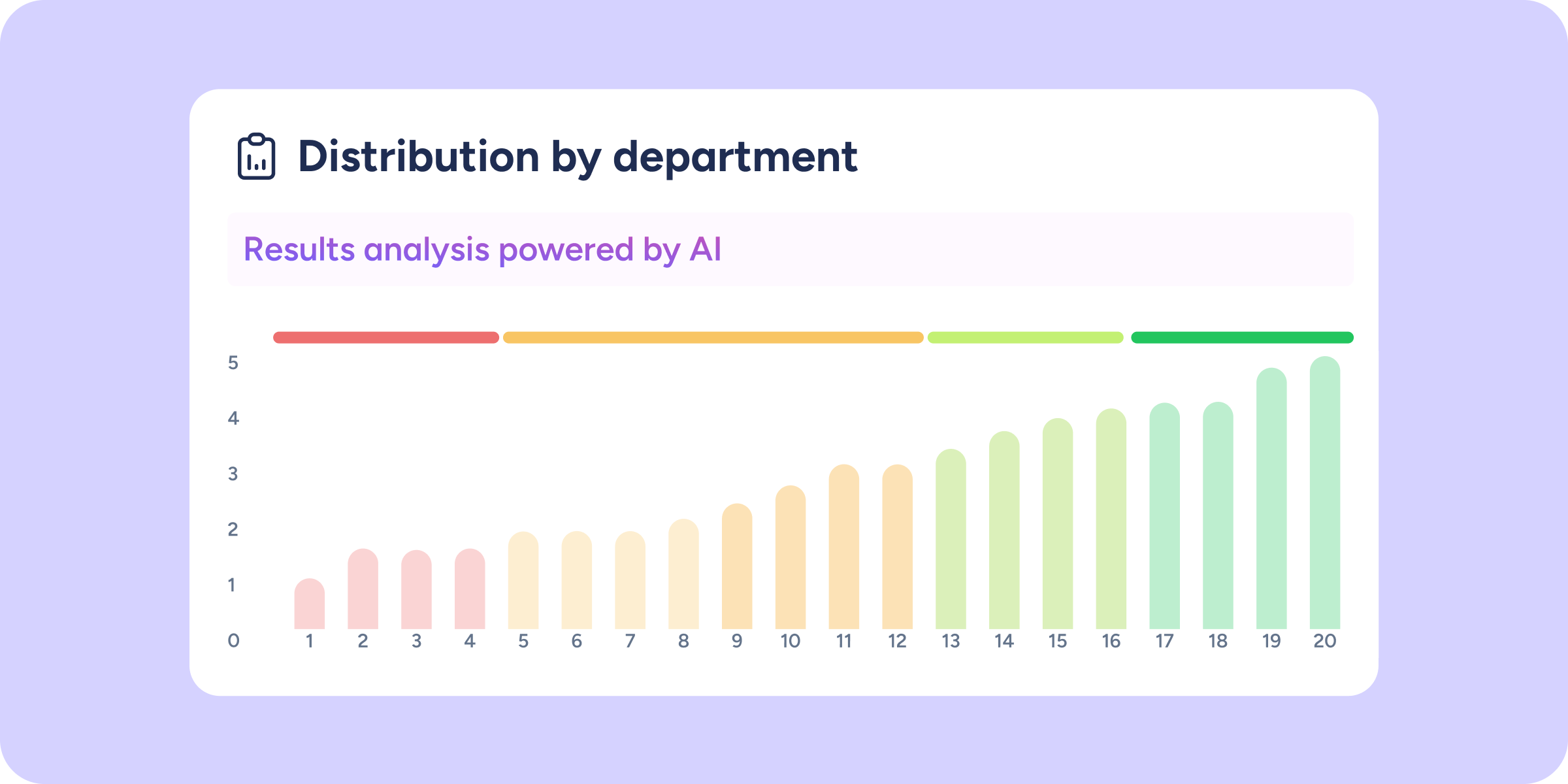
Analyze performance by area with the new distribution chart
We're adding a new visual block in the Company results section so you can compare performance across different areas of your organization at a glance. It's no longer...
Learn more
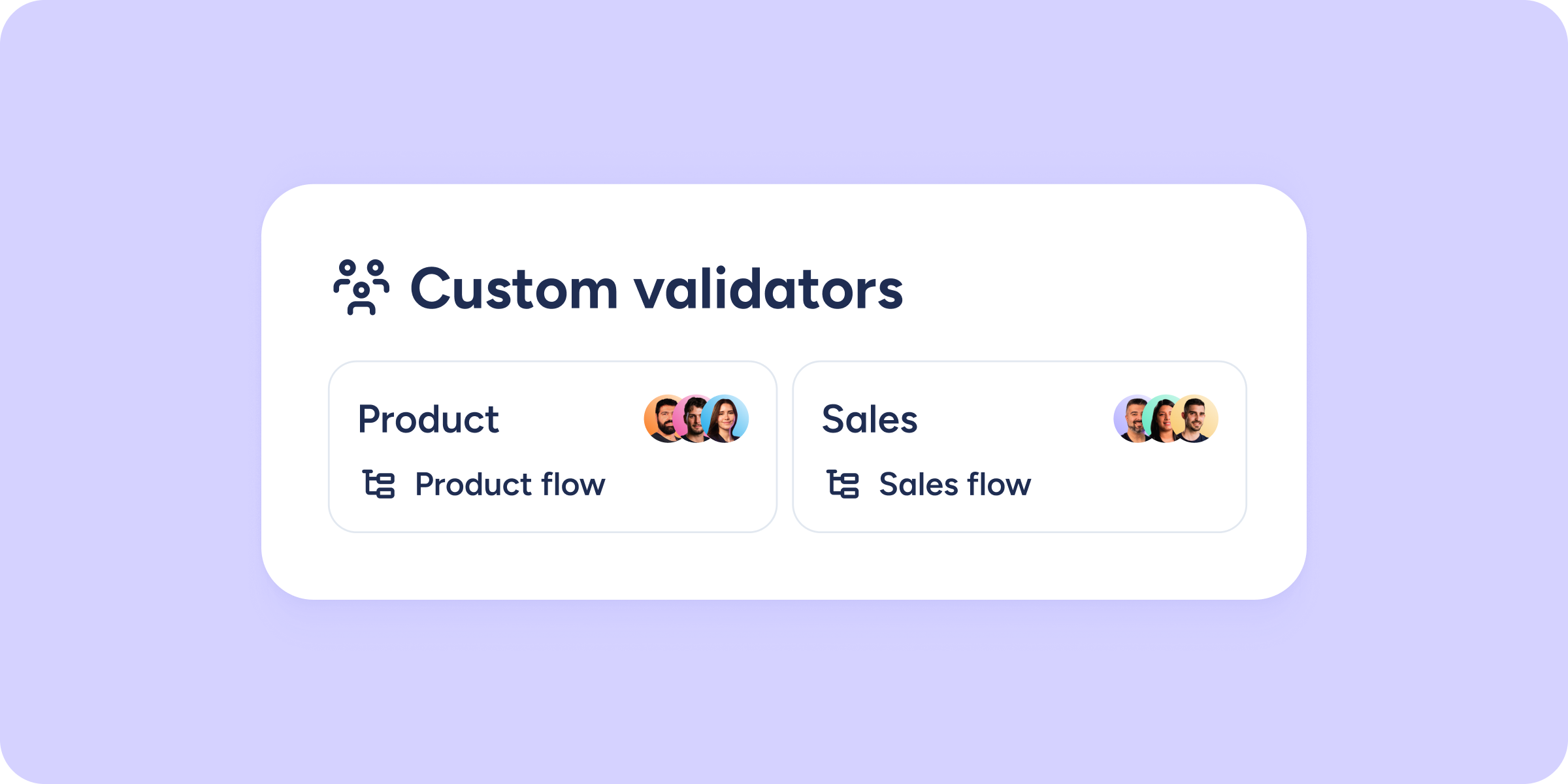
Organize the expense approval process for your teams
We continue to strengthen our Expense control tool to expand your company’s capabilities and optimize effective, cross-functional management of all employee expense activity. This time, we’re introducing a...
Learn more
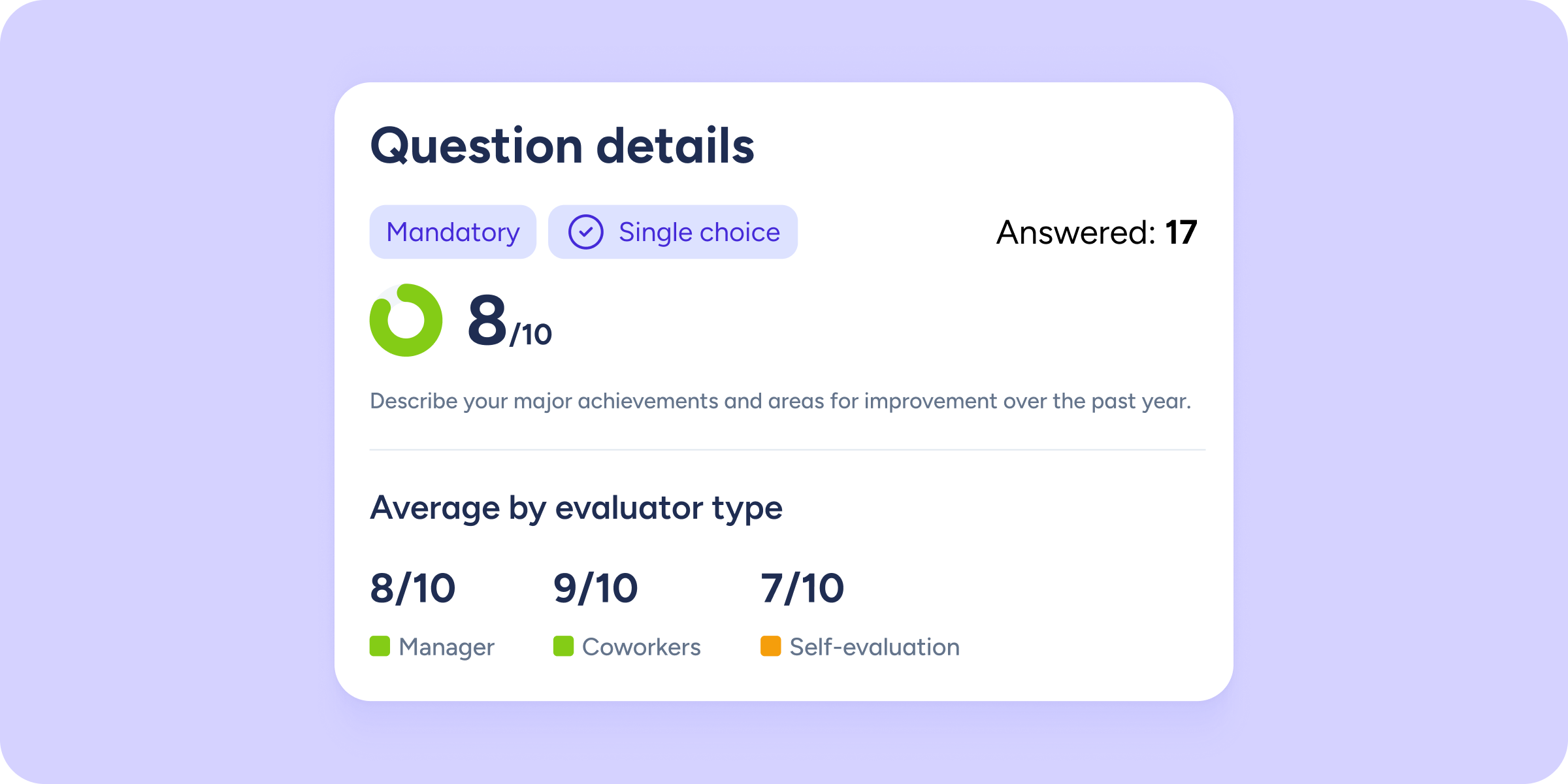
Dive deeper into your results with “Question details” in Evaluations
Just a few weeks ago, we launched the Company results view. Today, we’re completing the analysis experience with the missing piece: question-level detail. We’ve added a new layer...
Learn more
One icon, one click… and you’re talking to your candidates!
When you’re a recruiter and need to speak with a candidate, every second counts. That’s why we’ve added a new feature that lets you call them quickly and...
Learn more

Managers in Payroll preparation: delegate management with total security
Until now, giving managers access to the Payroll preparation section meant exposing sensitive company-wide data, but that’s no longer the case. You can now safely grant view and...
Learn more
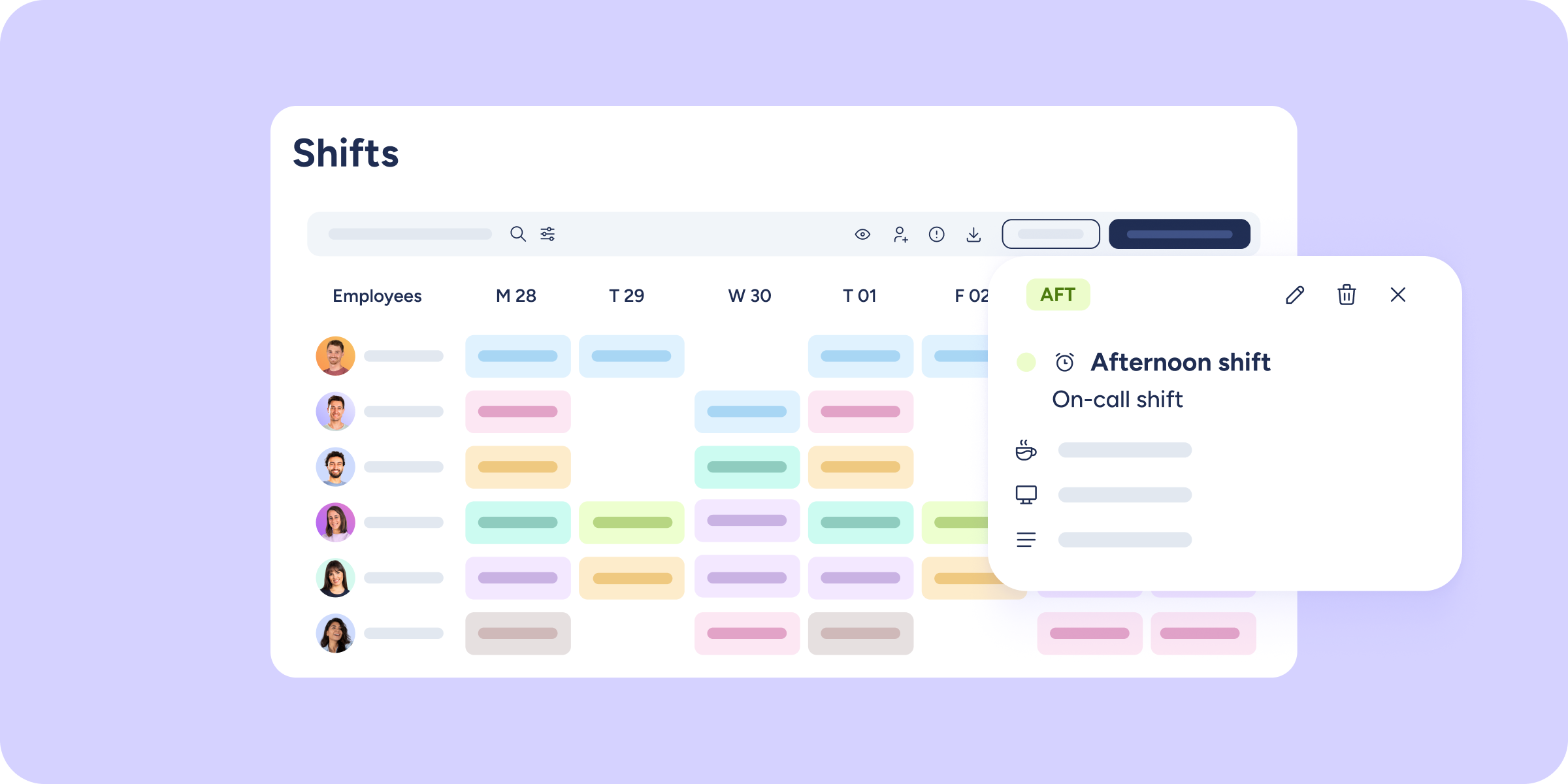
Set up and manage on-call shifts
If you work with on-call shifts, this update is for you. We’ve designed a clear way to manage on-call duty so you can precisely control how it impacts...
Learn more
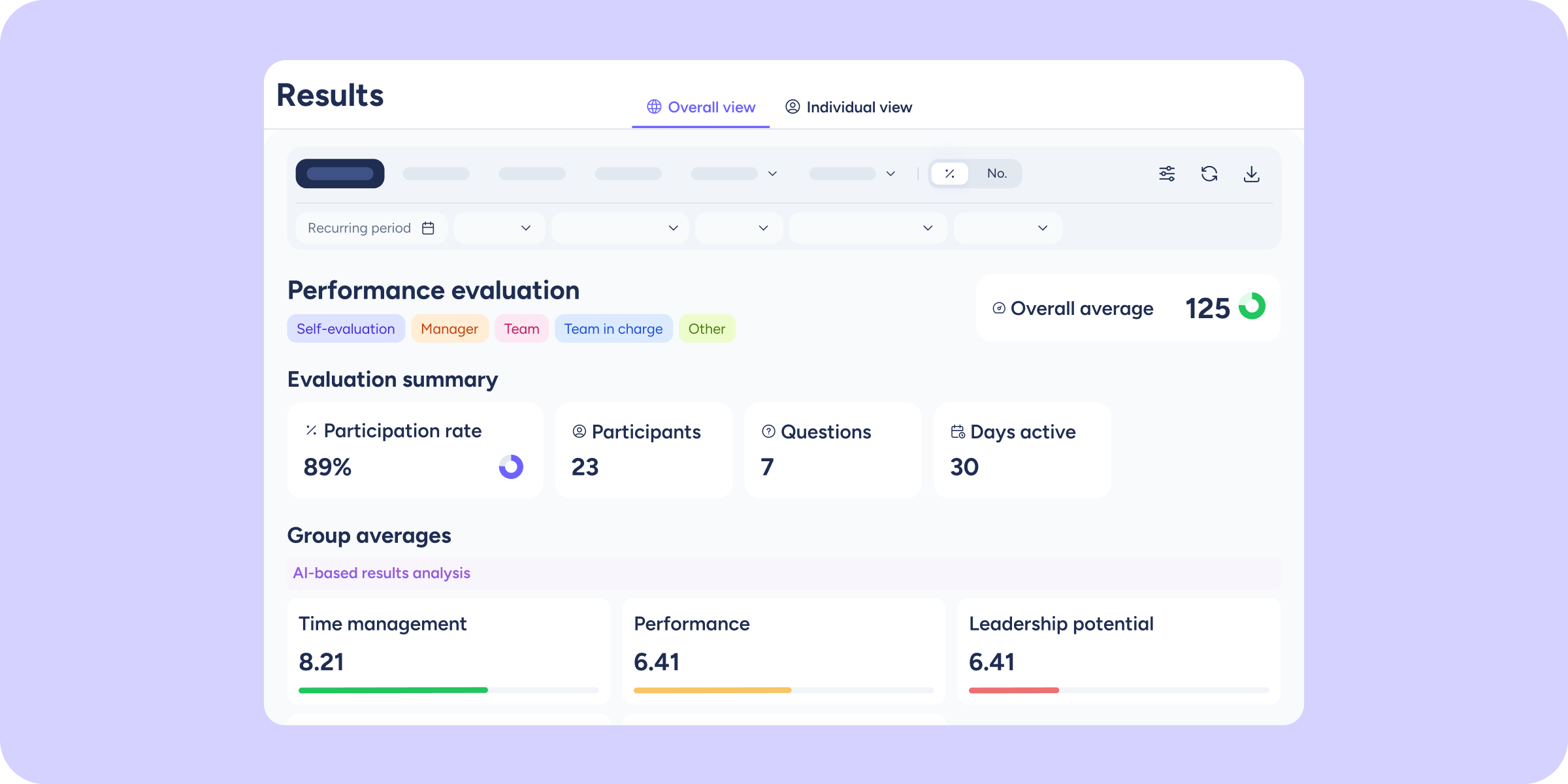
New Company results section in Evaluations!
The wait is over! 🎉 Today we’re unlocking the Company results section, a new full-screen view designed to give you a strategic overview of your organization in seconds....
Learn more
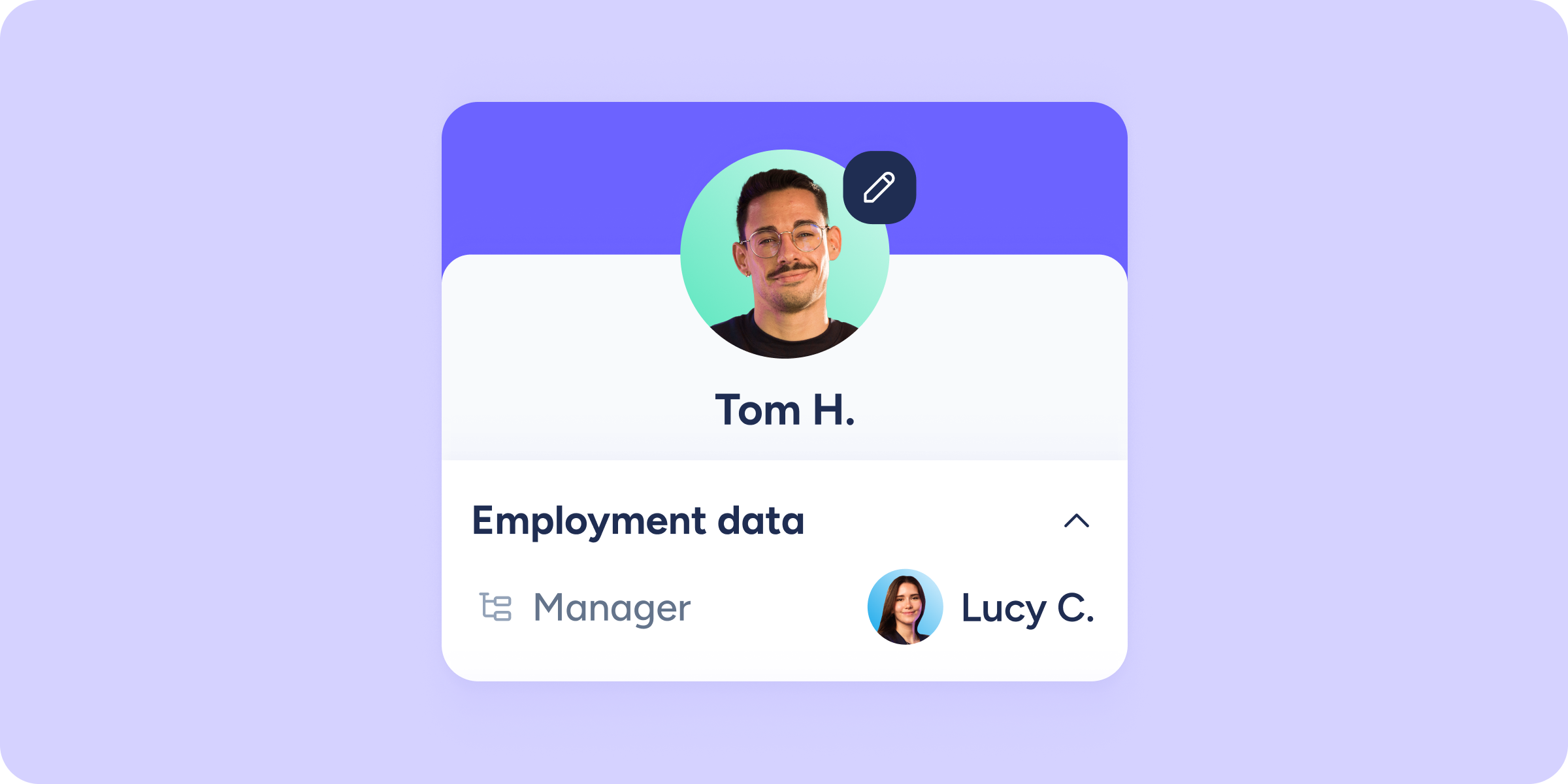
New data and more options to find your team from the app
Managing your team from your mobile phone has never been easier. That’s why we’re introducing two new features that will help you find and manage people in your...
Learn more
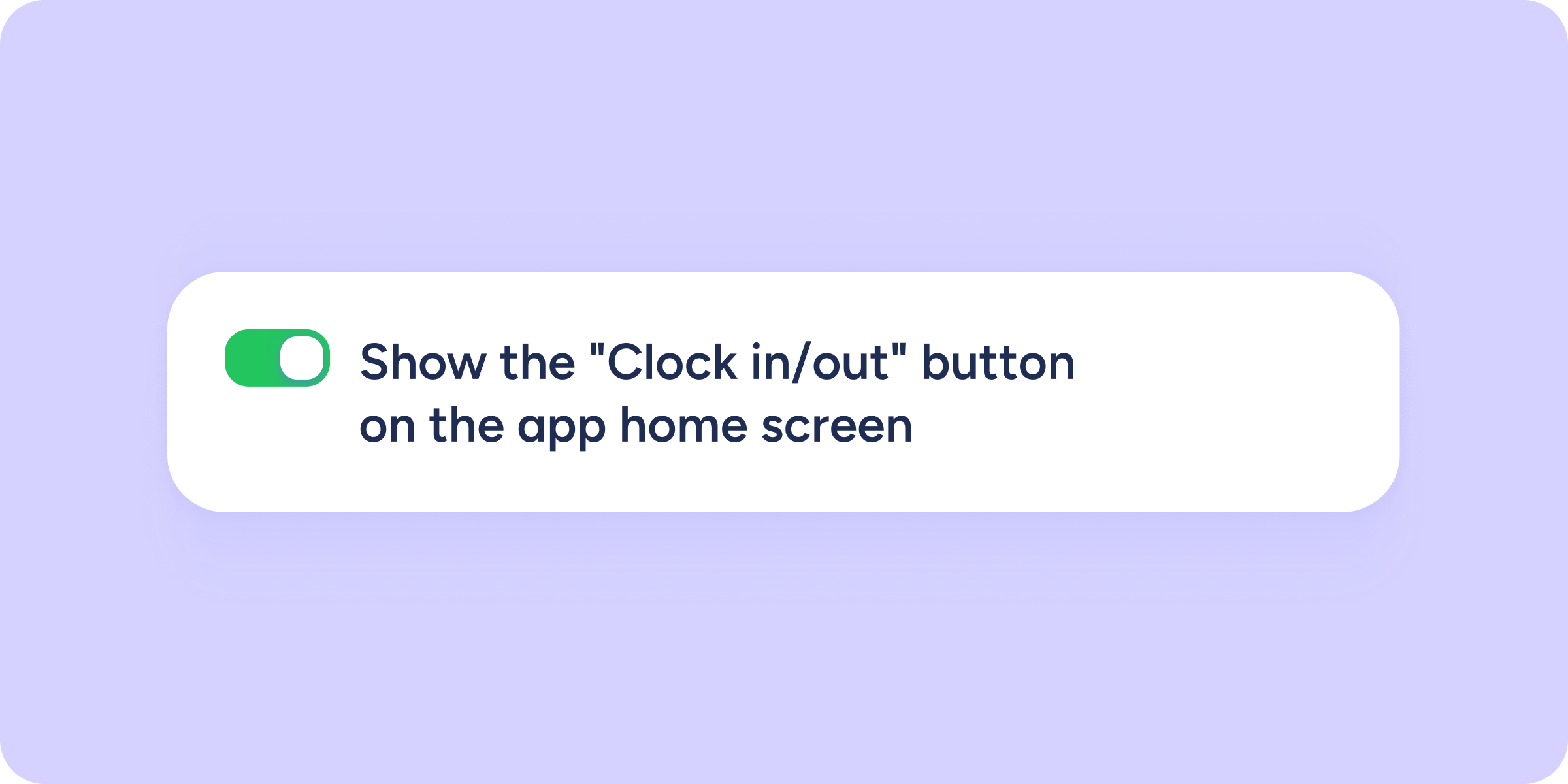
Manage the visibility of the “Clock in/out” button in the app
From now on, you can decide whether the "Clock in/out" button is visible by default on the app home screen for new employees. You’ll find this new option...
Learn more

We’ve redesigned the Results view in Evaluations
This week we rolled out the redesign of the Results view in the Evaluations tool, a project we’ve worked on with a lot of care. We’ve simplified the...
Learn more
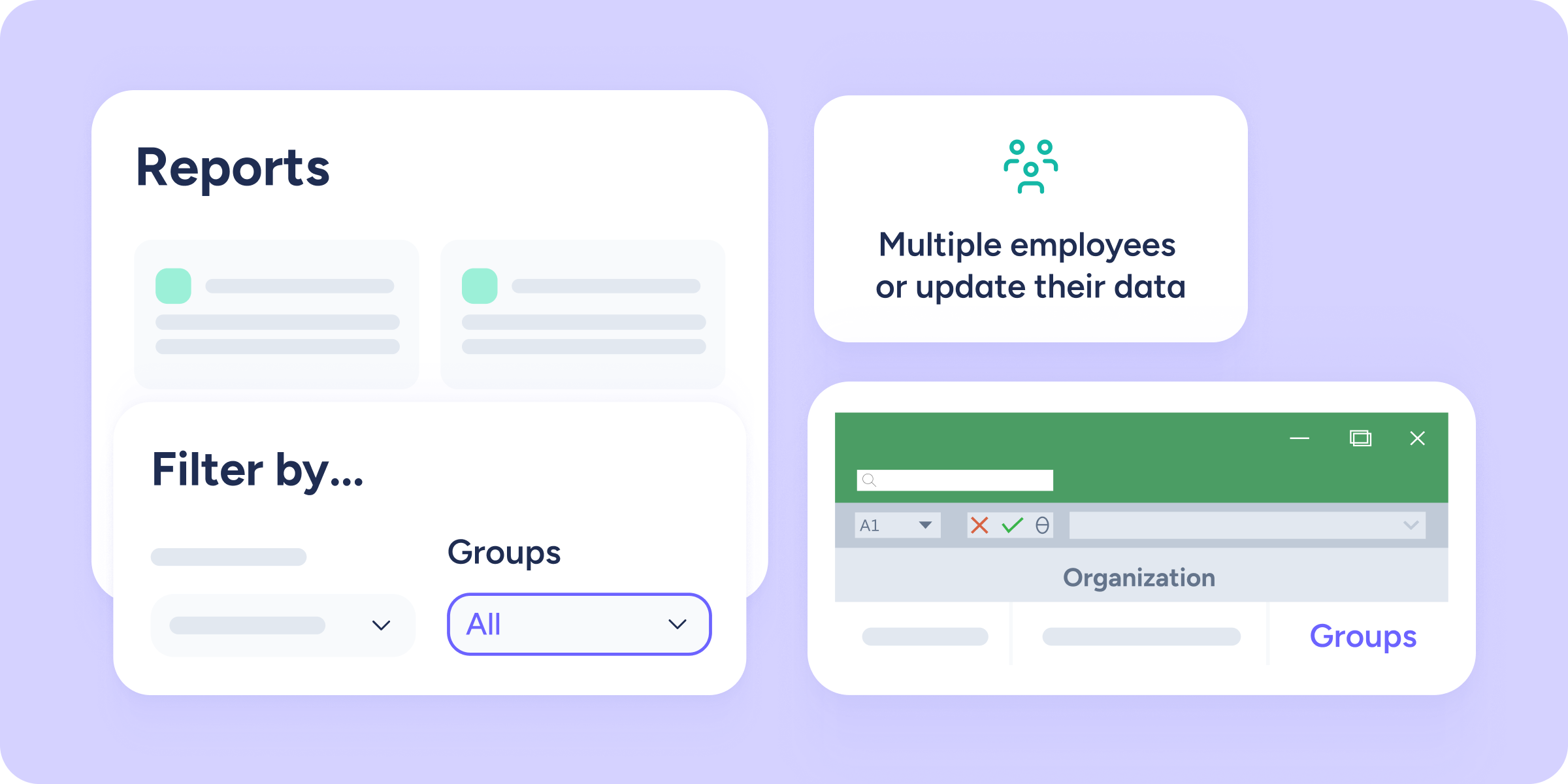
Groups are reaching more areas of Sesame
Groups are continuing to expand across more sections of Sesame, giving you greater flexibility when organizing your team. From now on, we’ve added group management and filtering to...
Learn more

Expense exports under control! New validation for pending expenses
We’ve improved the export process to ensure your accounting is always accurate and error-free. From now on, when you export your expenses, Sesame will run an automatic check....
Learn more
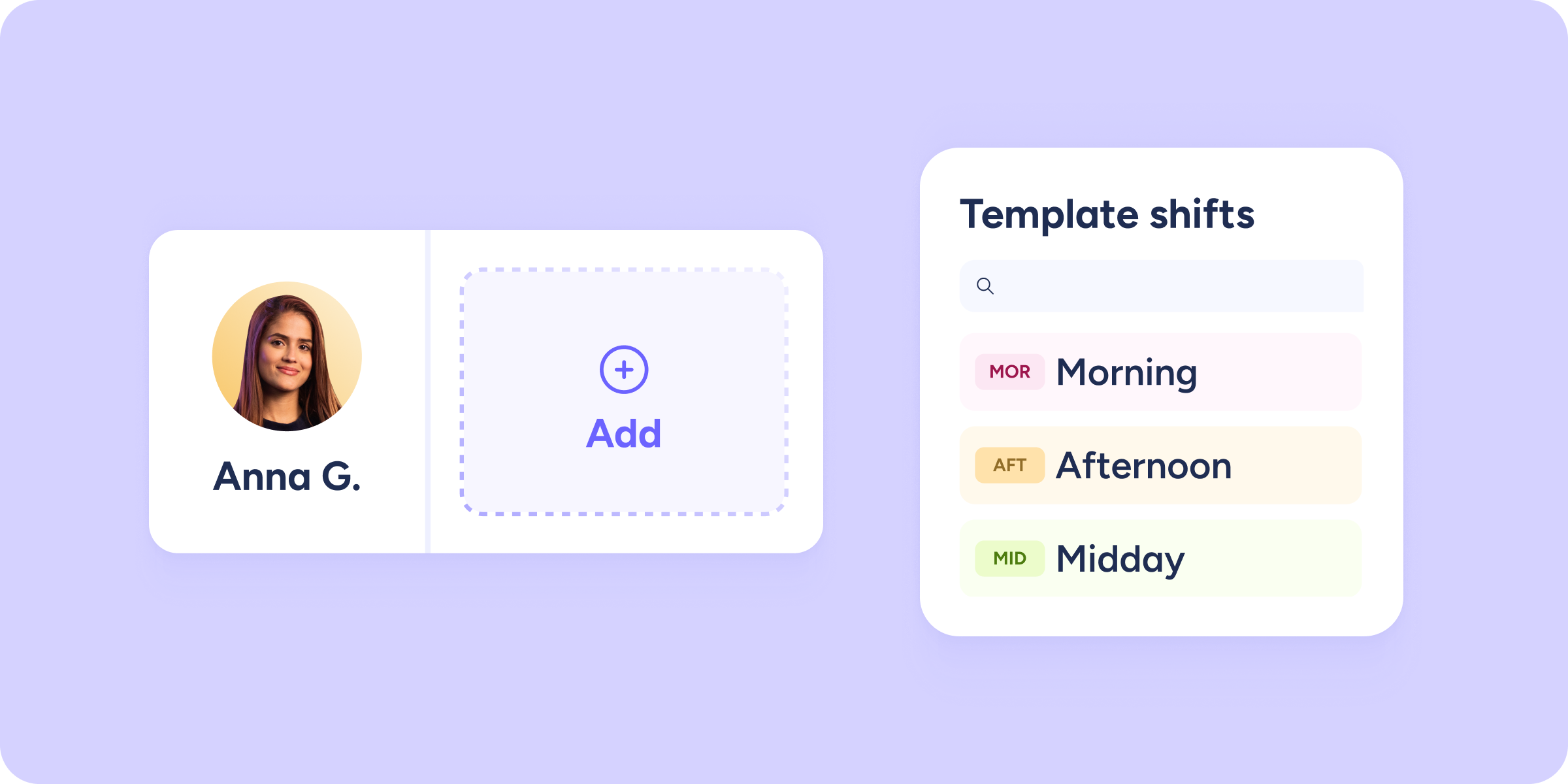
New quick assignment of shifts and time off in the timetable
We know that planning the timetable cell by cell can become a repetitive and time-consuming task. That’s why we’ve improved the experience so you can assign shifts, time...
Learn more

View overtime balance directly in the timetable
We’ve expanded the information available in the timetable so you can now see the overtime balance generated by each employee. This makes weekly planning easier without leaving the...
Learn more
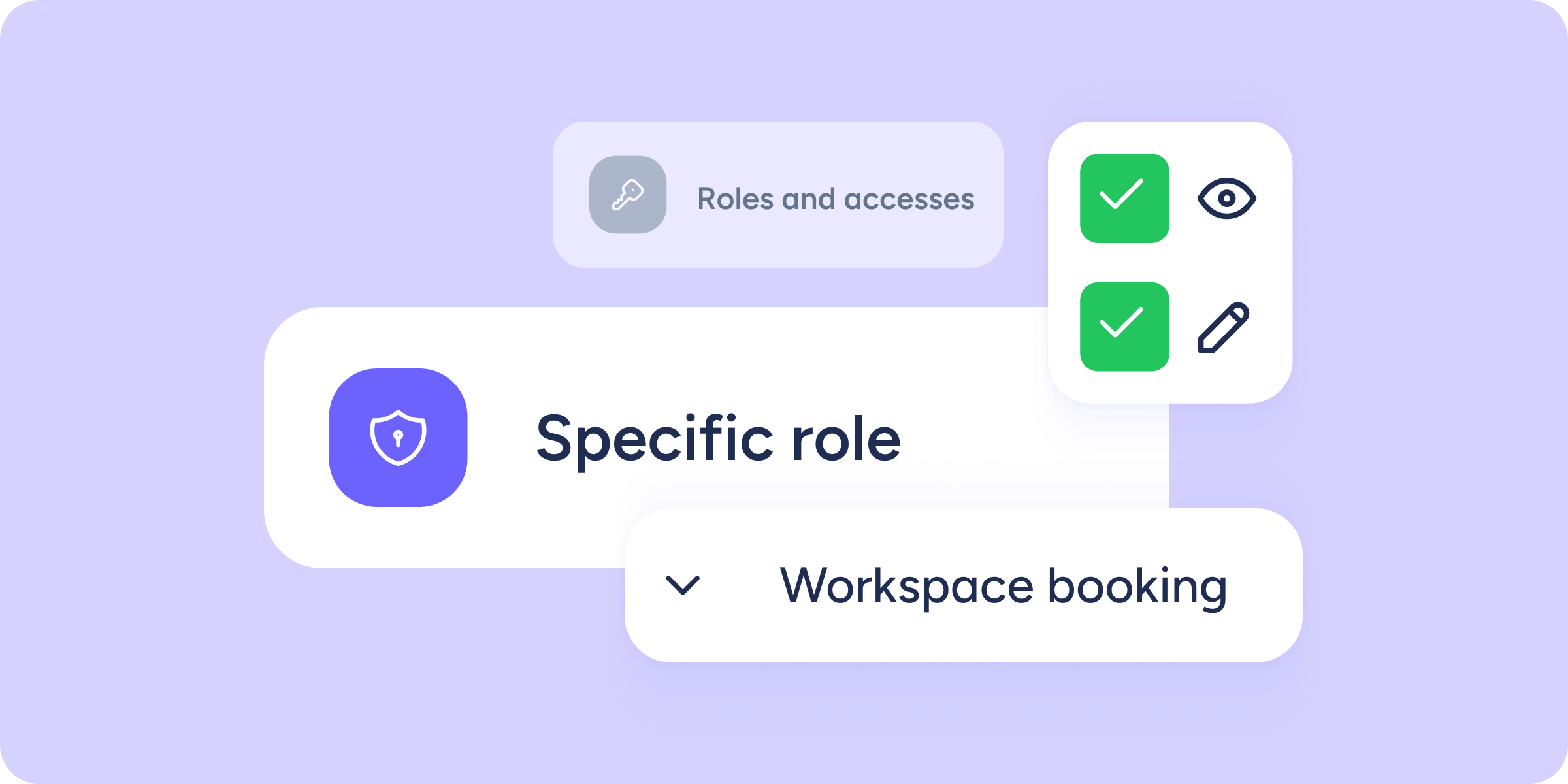
We keep expanding role customization
Do you manage roles in your team? You can now give users with a Specific role access to more areas of Sesame. To keep strengthening “Roles and access”...
Learn more
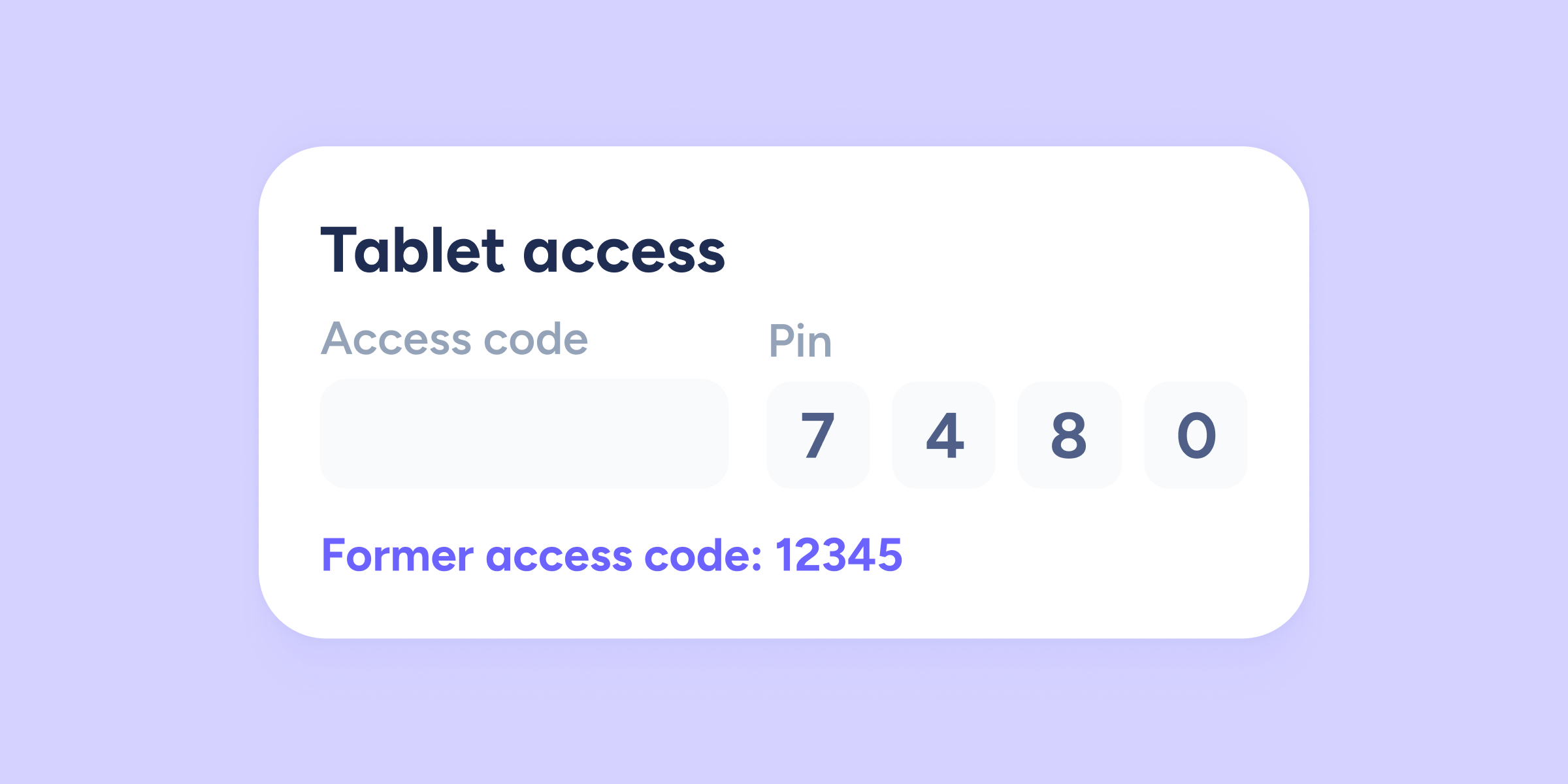
Keep the employee ID when changing companies
Until now, when an employee moved to another company within the same group, they were assigned a new access code, which could cause inconsistencies in time tracking or...
Learn more

Now, your contract annexes automatically update employee information
We’ve improved contract annex management so you can work with greater speed and security. From now on, any change you record in an annex will be automatically reflected...
Learn more
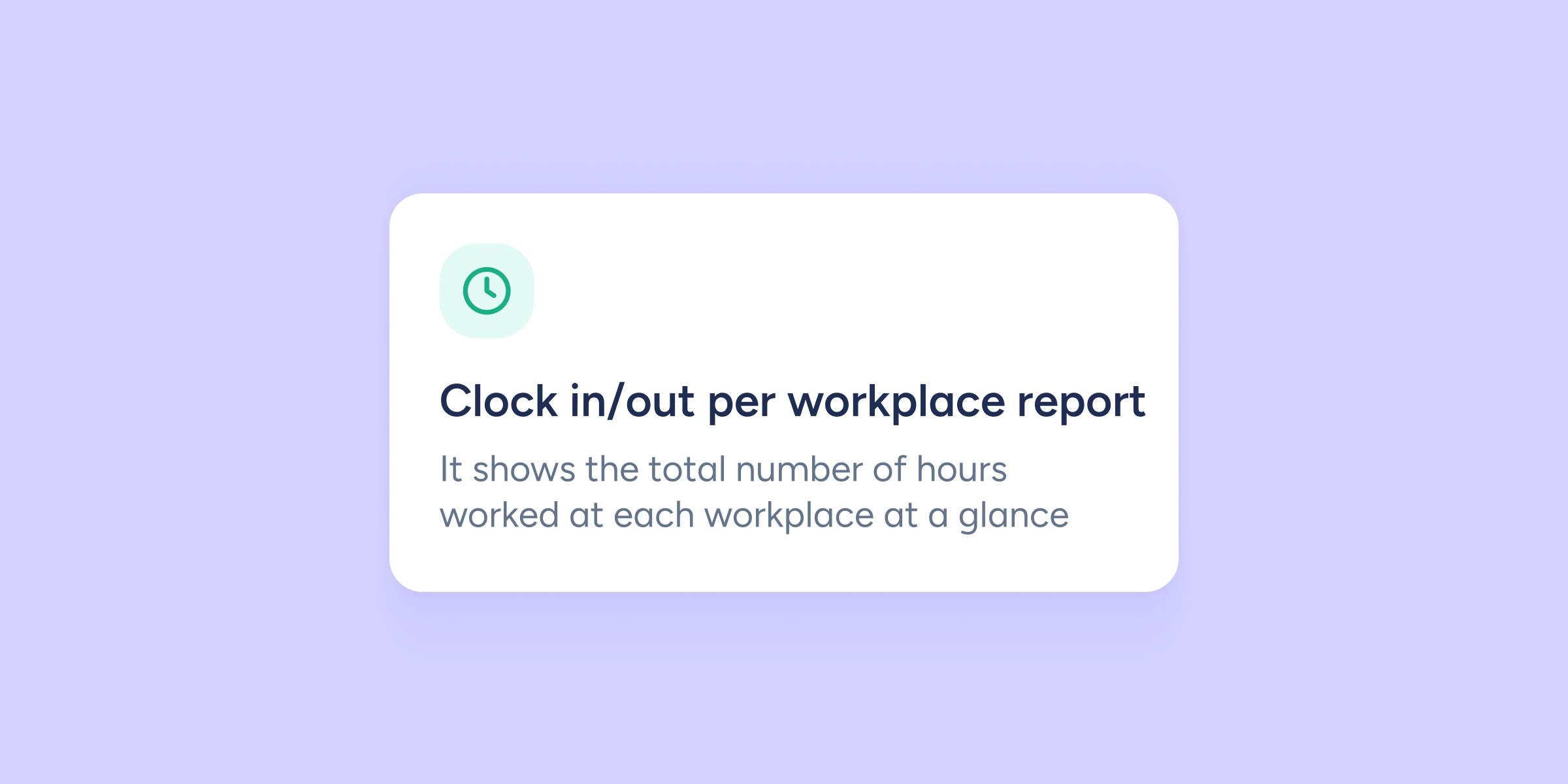
New clock in/out per workplace report
When you manage teams that move between different locations (whether in construction, retail, or multi-site service industries), knowing how many hours have been worked and where is essential....
Learn more
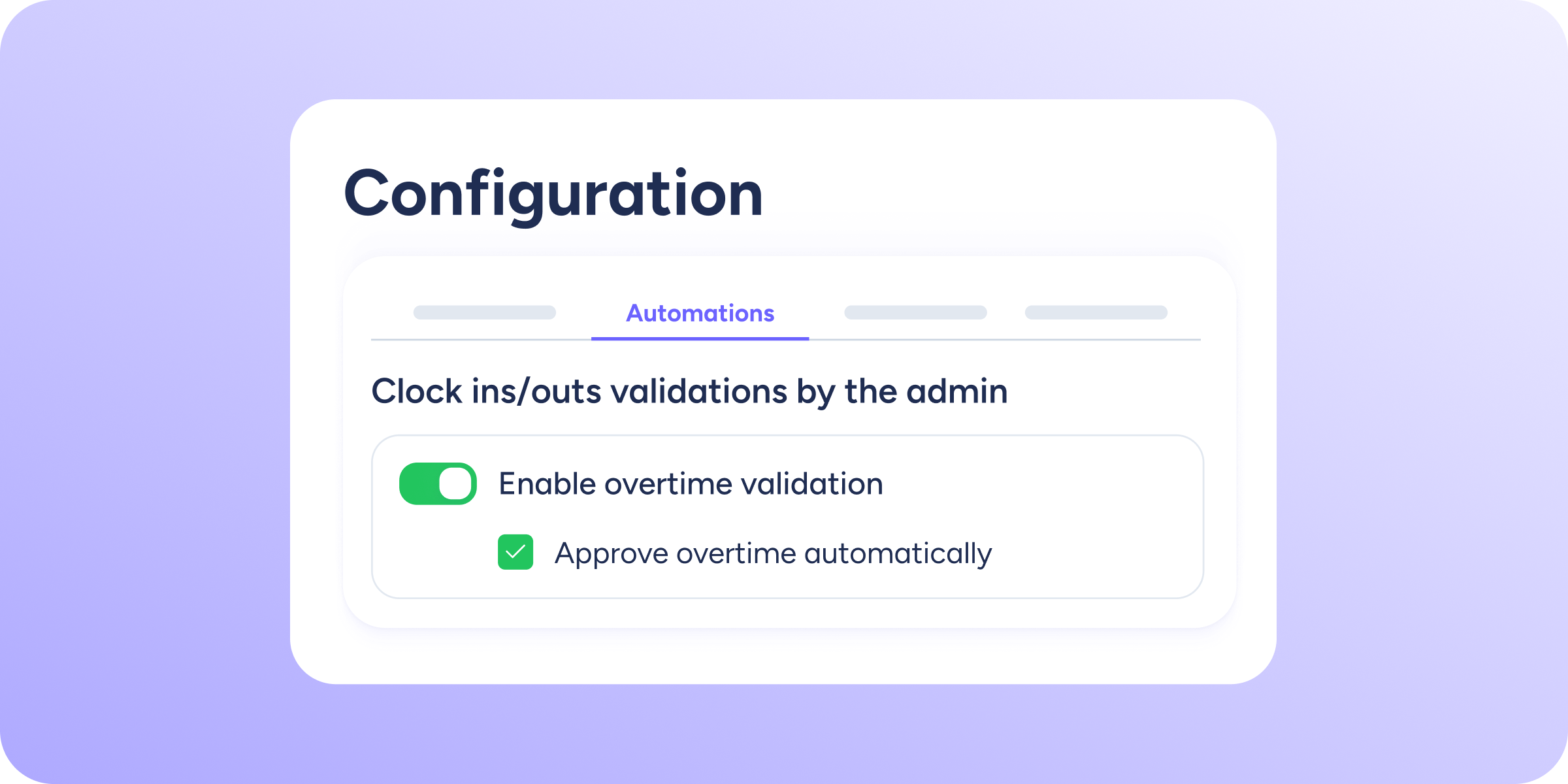
Enable automatic overtime validation
A new option is now available that will be extremely useful and save you extra work when managing your team's working time. A few weeks ago, we introduced...
Learn more
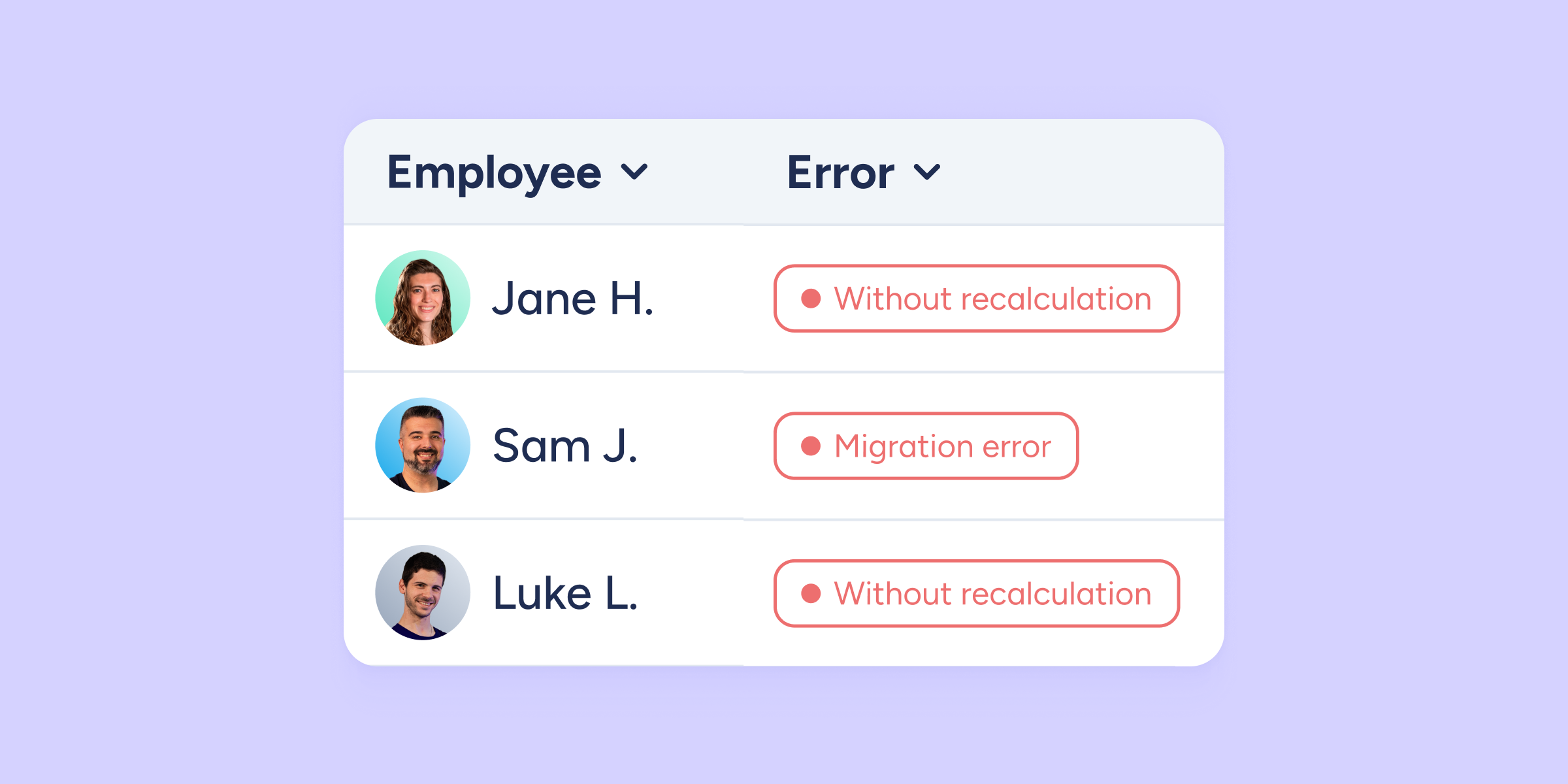
New incidents view in the calendar
At Sesame HR, we’ve automated holiday recalculation, so it automatically adjusts to each employee’s contract duration and calendar settings. This means you no longer need to trigger any...
Learn more
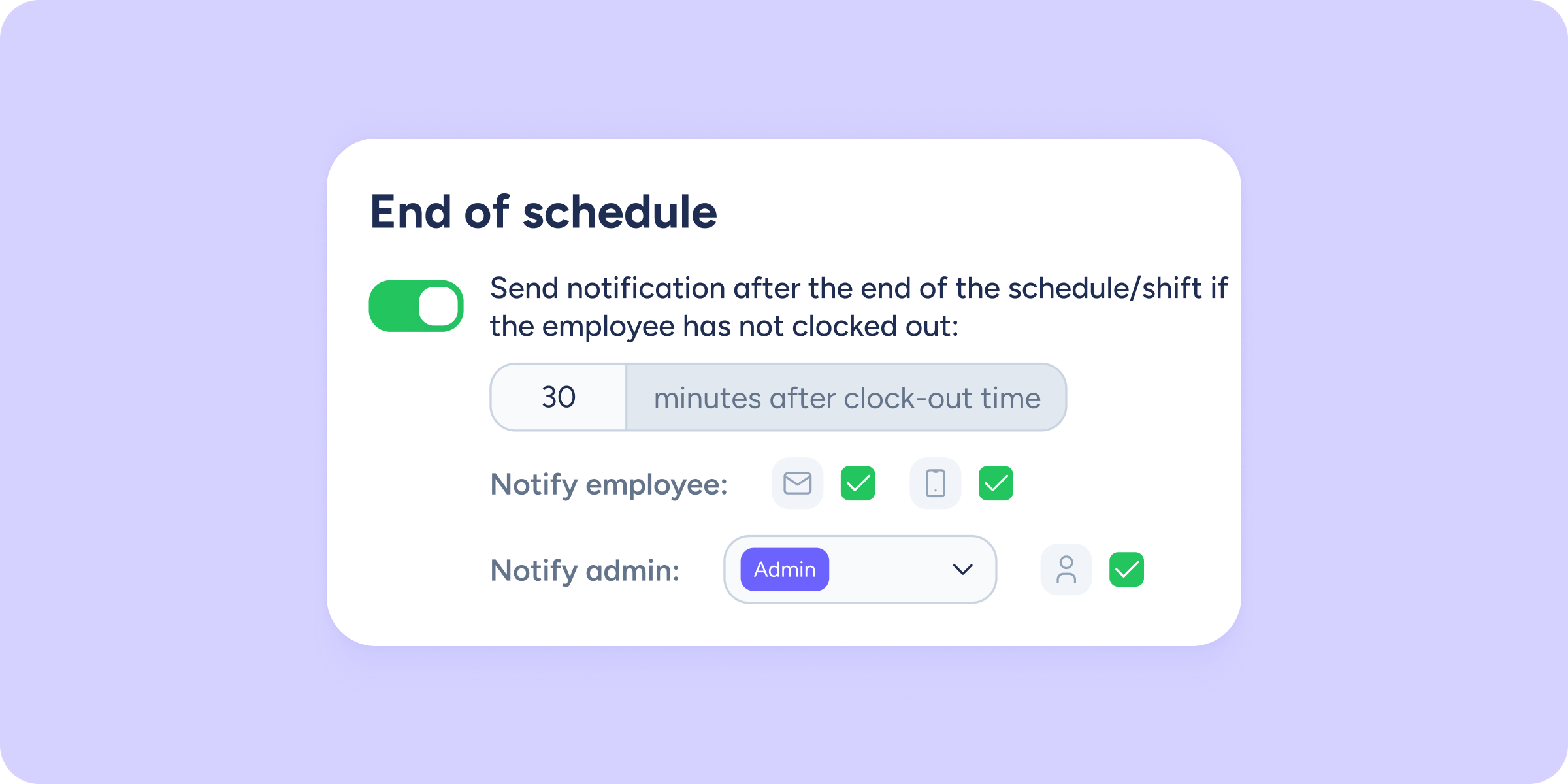
Stop chasing your team: new time tracking alerts are here
Let’s be honest… Following up with employees to remind them to clock in or record when they’re back from a coffee break isn’t exactly fun. That’s why, to...
Learn more

Your Document manager grows with you. Expand your storage with the new add-on and boost your capacity
We know your company documentation is a key asset, and it grows as your team grows. That’s why at Sesame HR we want you to have the freedom...
Learn more

Get the SSO add-on, now available for all plans
SSO (Single Sign-On) lets employees log in to Sesame with a single sign-in, without having to enter their username and password over and over again. This centralized system...
Learn more
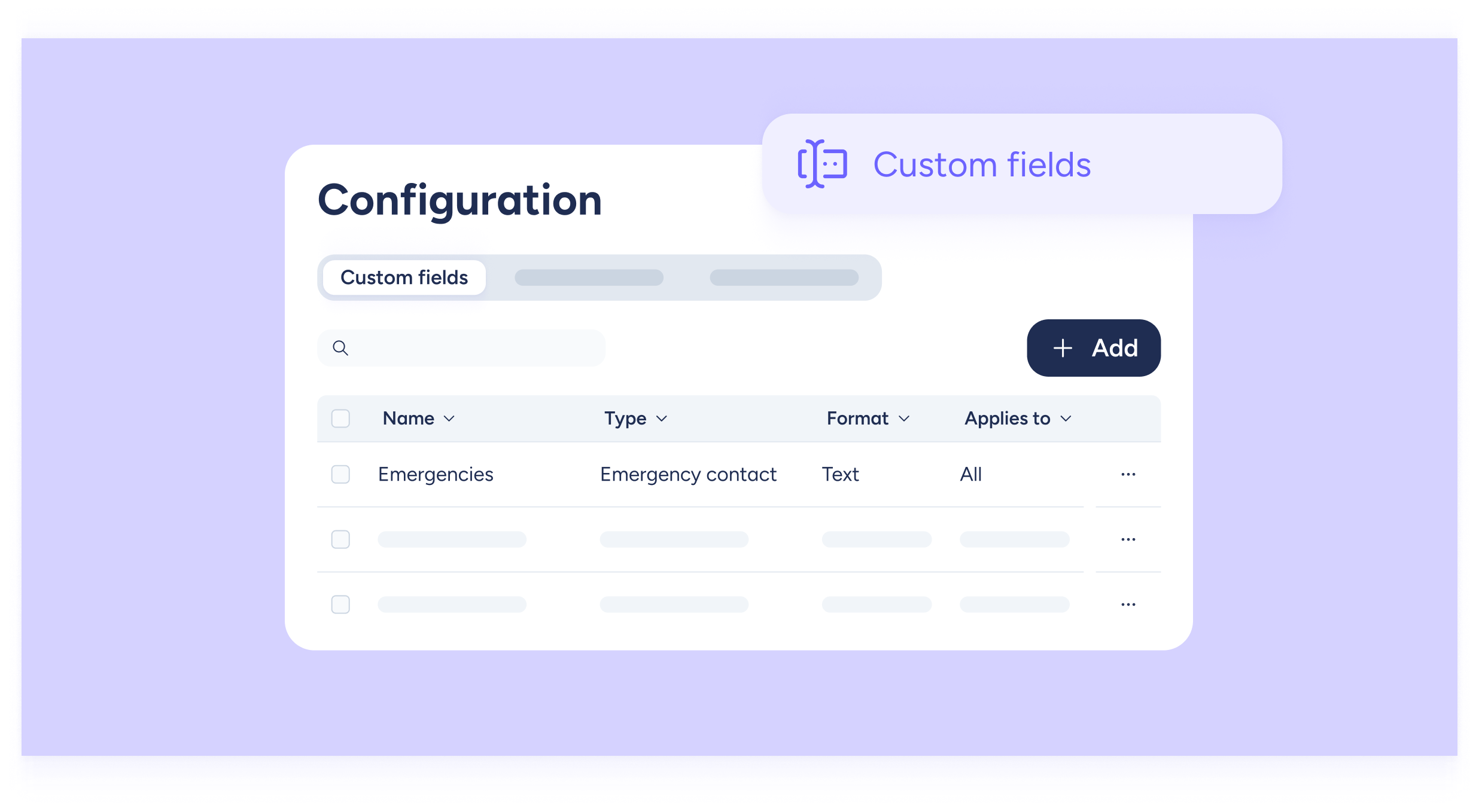
Expand your team’s information without limits with “Custom Fields”
We know how important it is to have all your team’s information at hand: personal data, employment details, or any other information you consider essential for your management....
Learn more
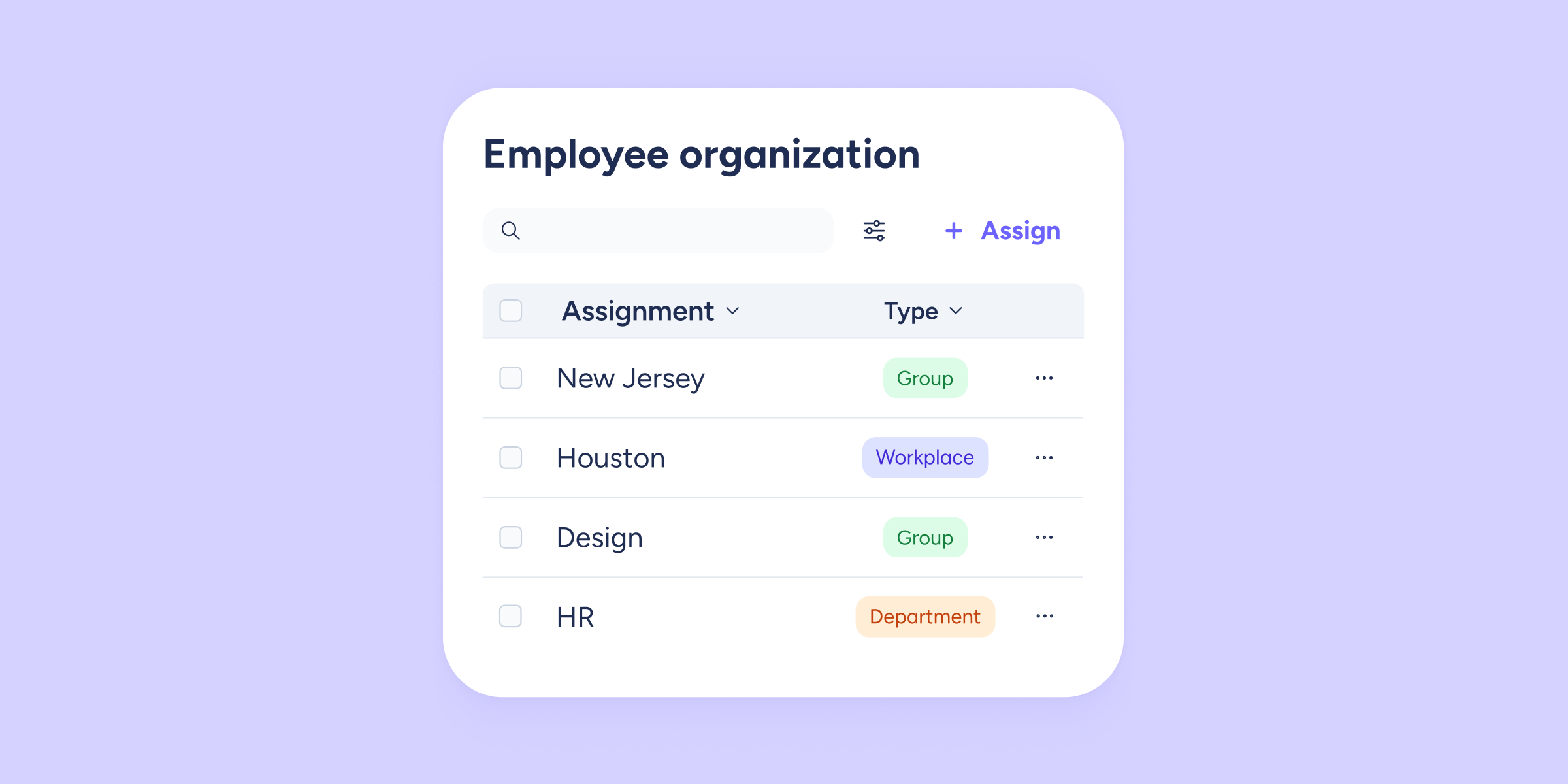
Groups: now easier to assign and manage than ever
We want to give them the relevance they deserve, which is why Groups are now integrated as a new organizational level within the Employees section. From now on,...
Learn more
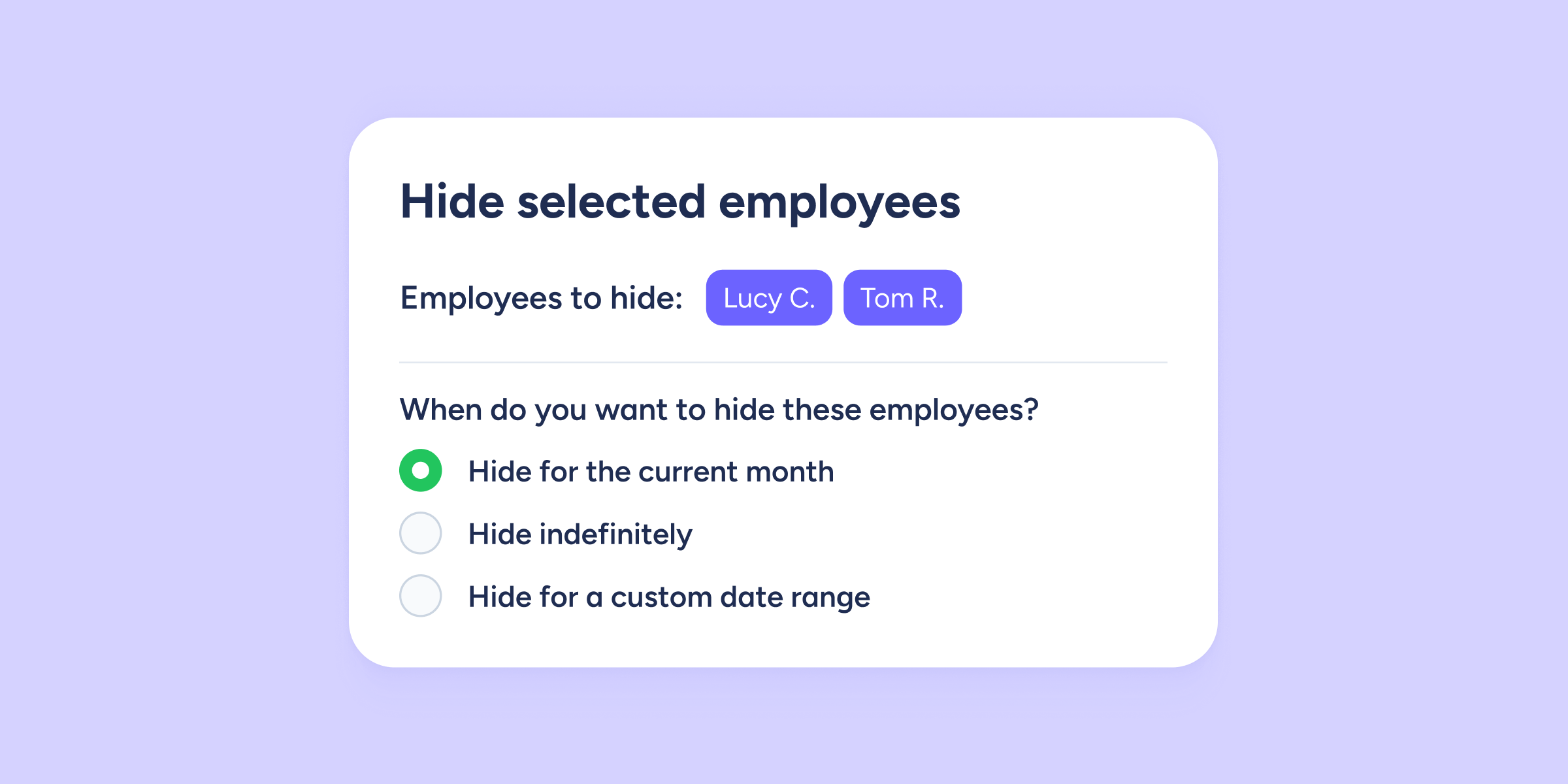
Hide employees for a specific time period
Our Shifts tool keeps evolving to better match real business needs. From now on, you can hide certain employees for a specific period of time. Until now, this...
Learn more
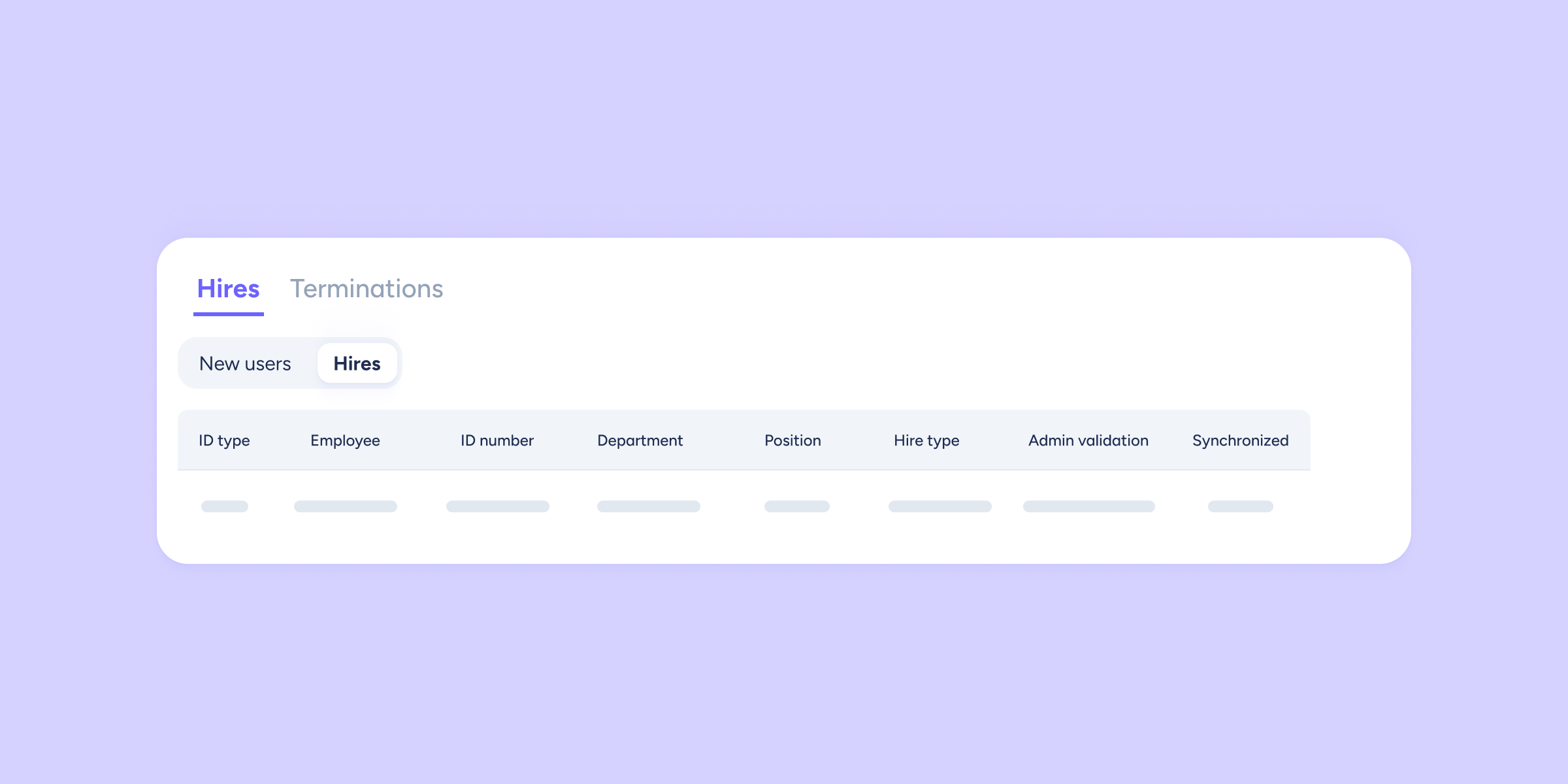
Get ahead of new hires: manage onboarding before their start date
We’ve improved the “Hires and terminations” section. From now on, you’ll have full visibility of new employees from the moment they’re added, giving you the control you need...
Learn more

Smarter, safer, and more flexible data privacy
At Sesame, we understand that data privacy is essential, and managing it should be easier than finding the right file in a messy shared drive. That’s why we’ve...
Learn more
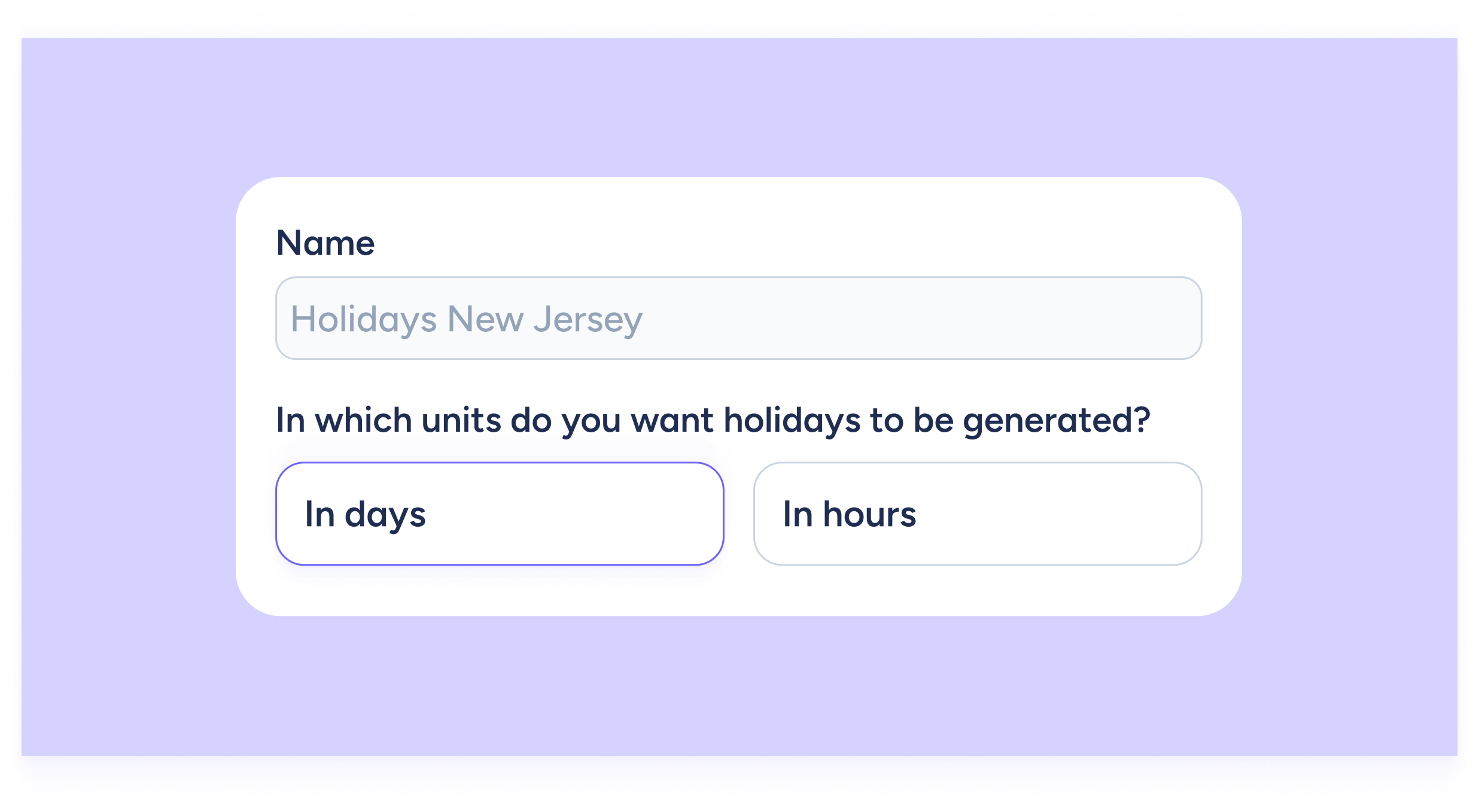
Let the new holiday creation process guide you!
Too many settings when creating your team’s holiday calendars? Not anymore! With our brand-new holiday creation modal, everything is now simpler, clearer, and more intuitive. We’ve redesigned the...
Learn more
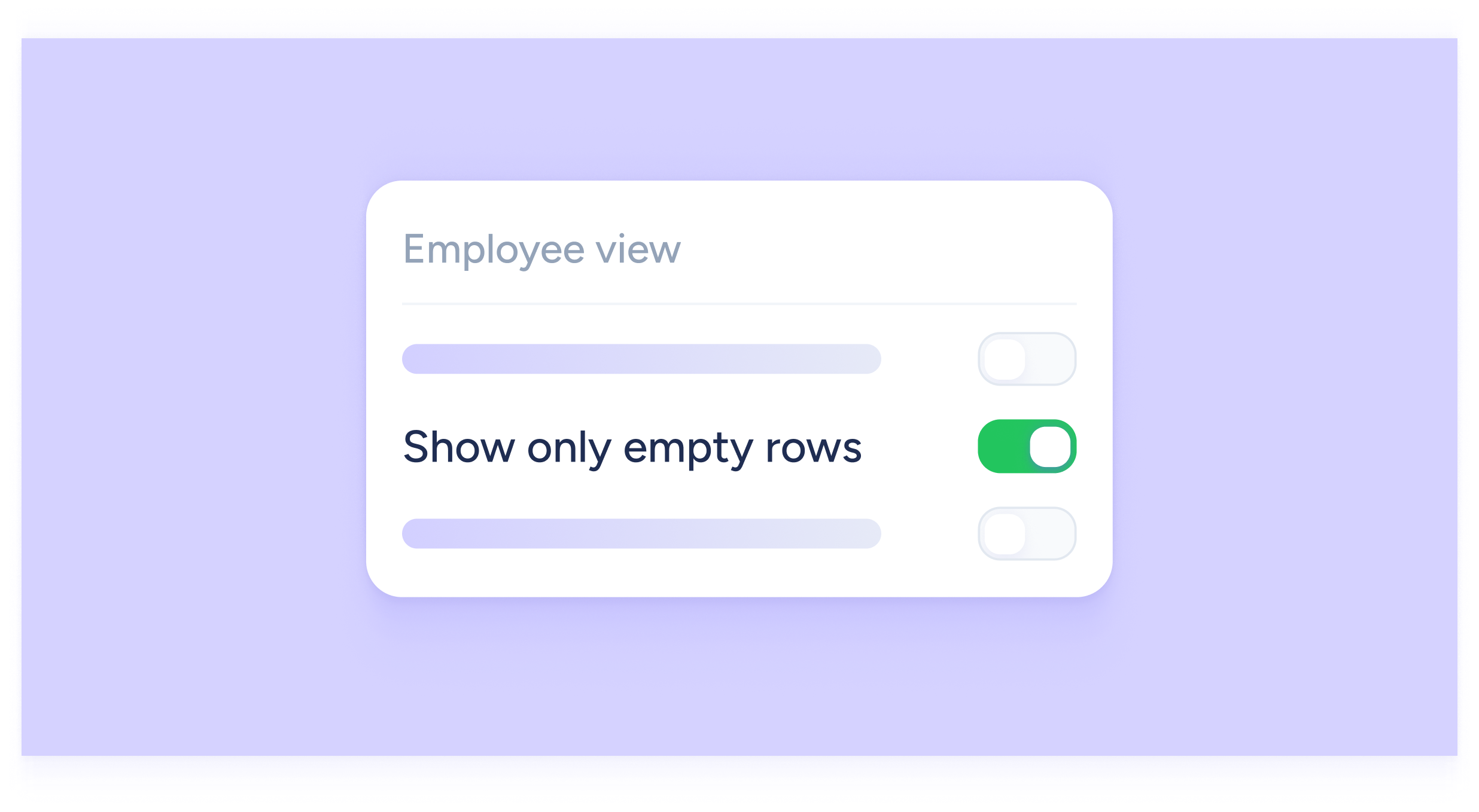
You can now view and download timetables showing only employees without assigned shifts!
Our new Shifts tool keeps getting better, with new features that make planning and managing your team even easier. This time, we’ve added an option that helps you...
Learn more

Prioritize your talent! Favorite and sort your vacancies your way
At Sesame HR, we know great organization is key to successful recruiting. That’s why we’ve added a new feature to help you stay organized and save time. Now,...
Learn more

Forget the math: your holidays, always up to date
We know that contract and calendar changes can throw off the holiday counter, but that’s now a thing of the past. We’ve launched a smart update that lets...
Learn more

Faster, more strategic recruiting! Create and manage Candidate Pools
At Sesame HR, we know time is critical when it comes to finding talent. That’s why we’re introducing a feature that lets you be more agile and strategic...
Learn more

Unlimited scheduling with Sesame’s AI in Shifts!
Still building schedules in Excel? It’s time to make things easier. Our new, revolutionary Shifts tool lets you design schedules faster and with less effort, so you can...
Learn more
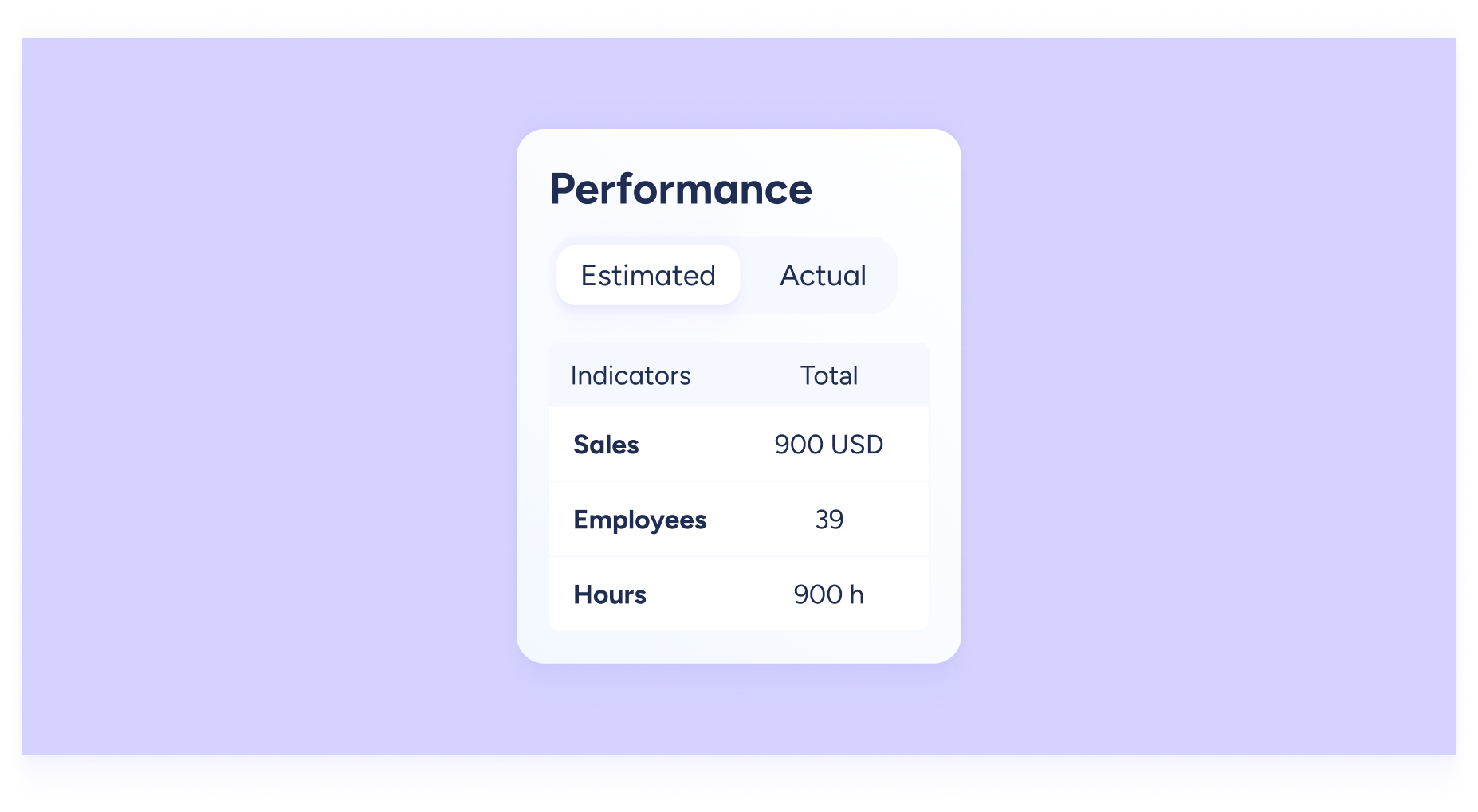
Control your budget with the Cost table in Shifts
We know budgeting can be a headache. What if you could spot budget deviations in real time and optimize your resources? With the Cost table, you can. Get...
Learn more
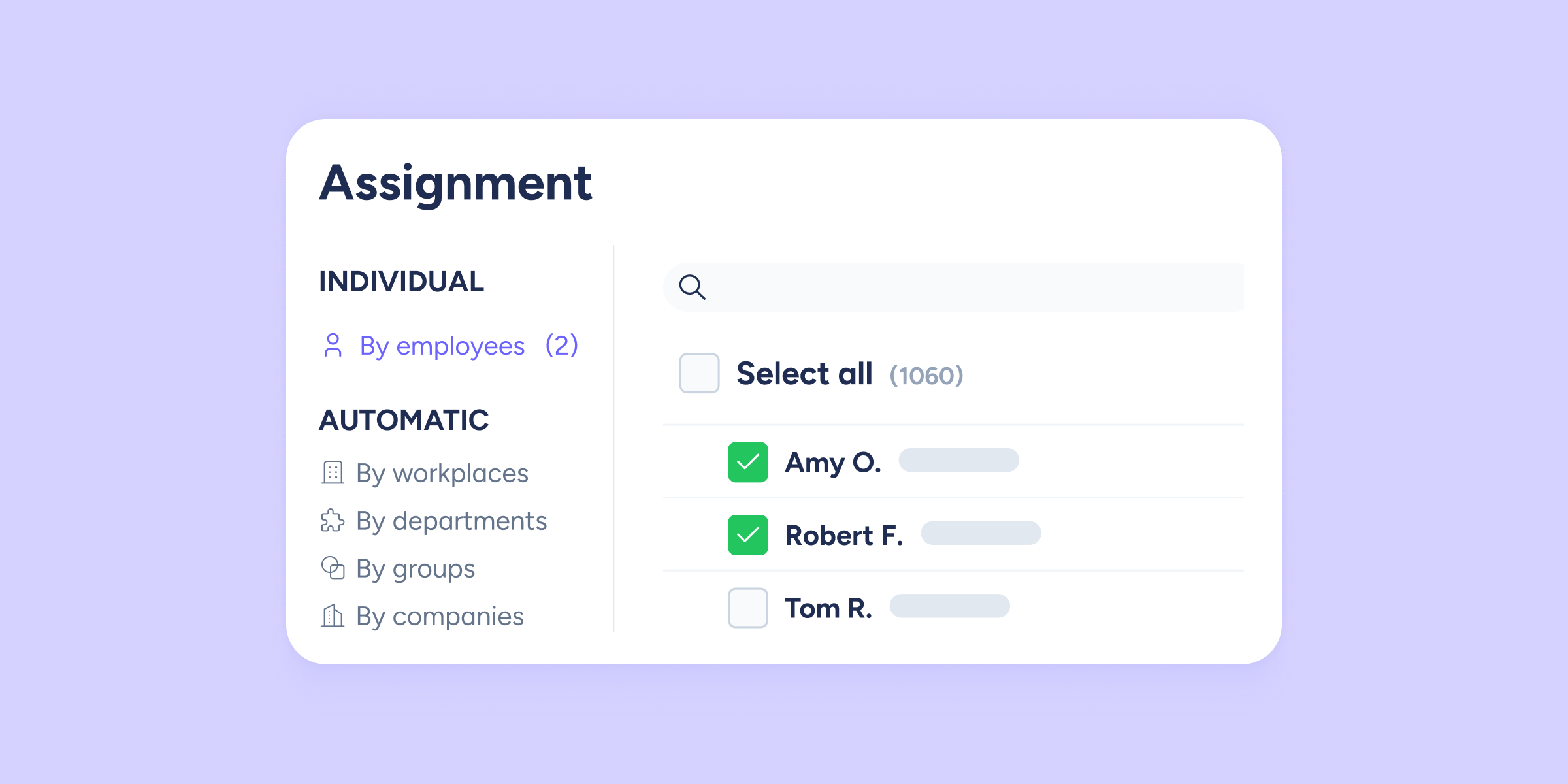
Assignments in Sesame: simplicity and automation
Is it hard to get clear visibility over what you’re assigning? If the assignment process feels overwhelming, costs you time, and leaves you unsure whether everything is correct,...
Learn more

Swipe and resolve your team’s requests faster, right from the app!
We’re bringing you a new feature you’re going to love! Now you can resolve your team’s clock in/out and time off requests directly from the mobile app with...
Learn more
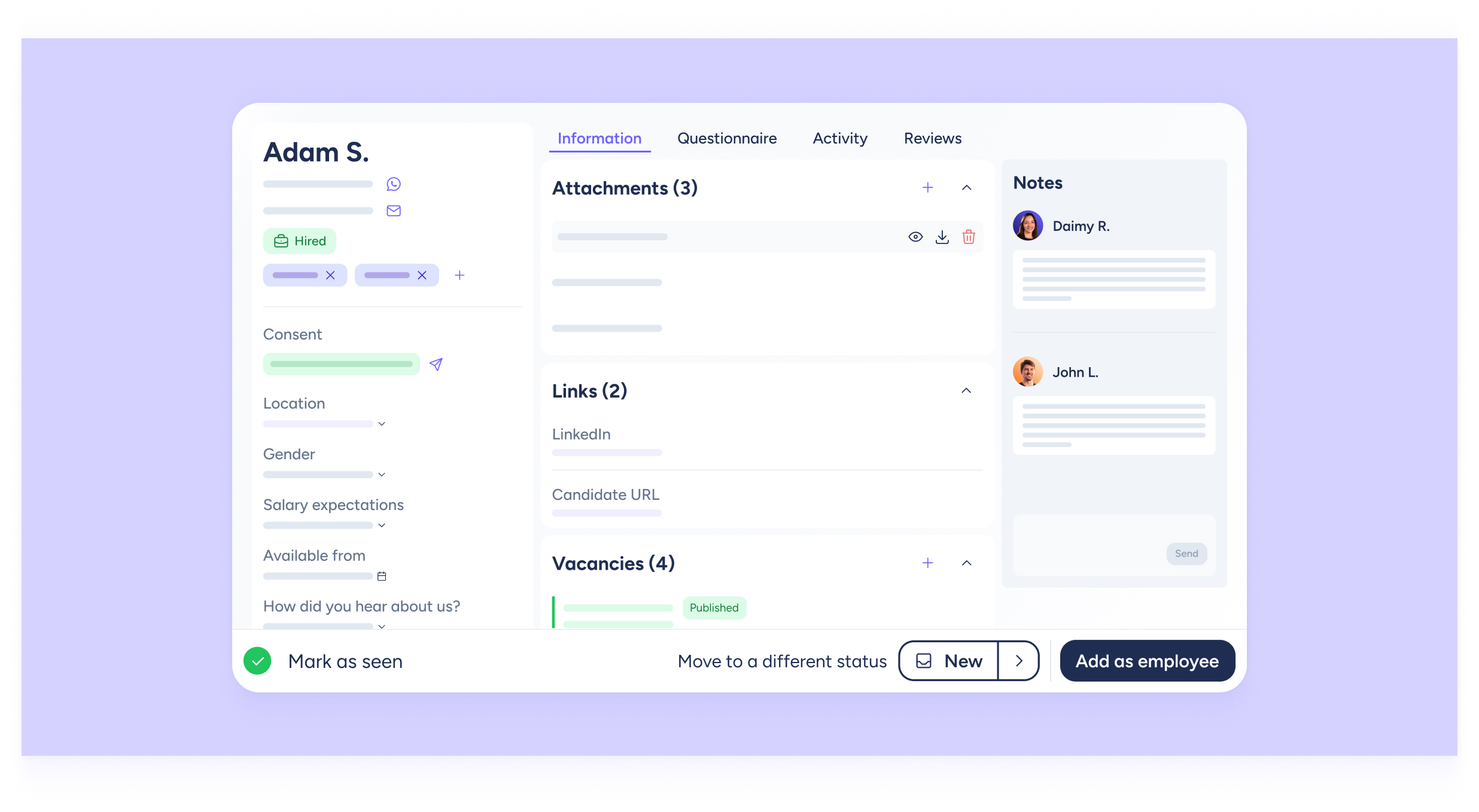
We’ve redesigned the candidate profile: Experience Recruitment like never before!
We keep improving Recruitment! This week we’ve completely renewed the candidate profile so your selection process is more agile and visual than ever. What exactly has changed? We’ve...
Learn more
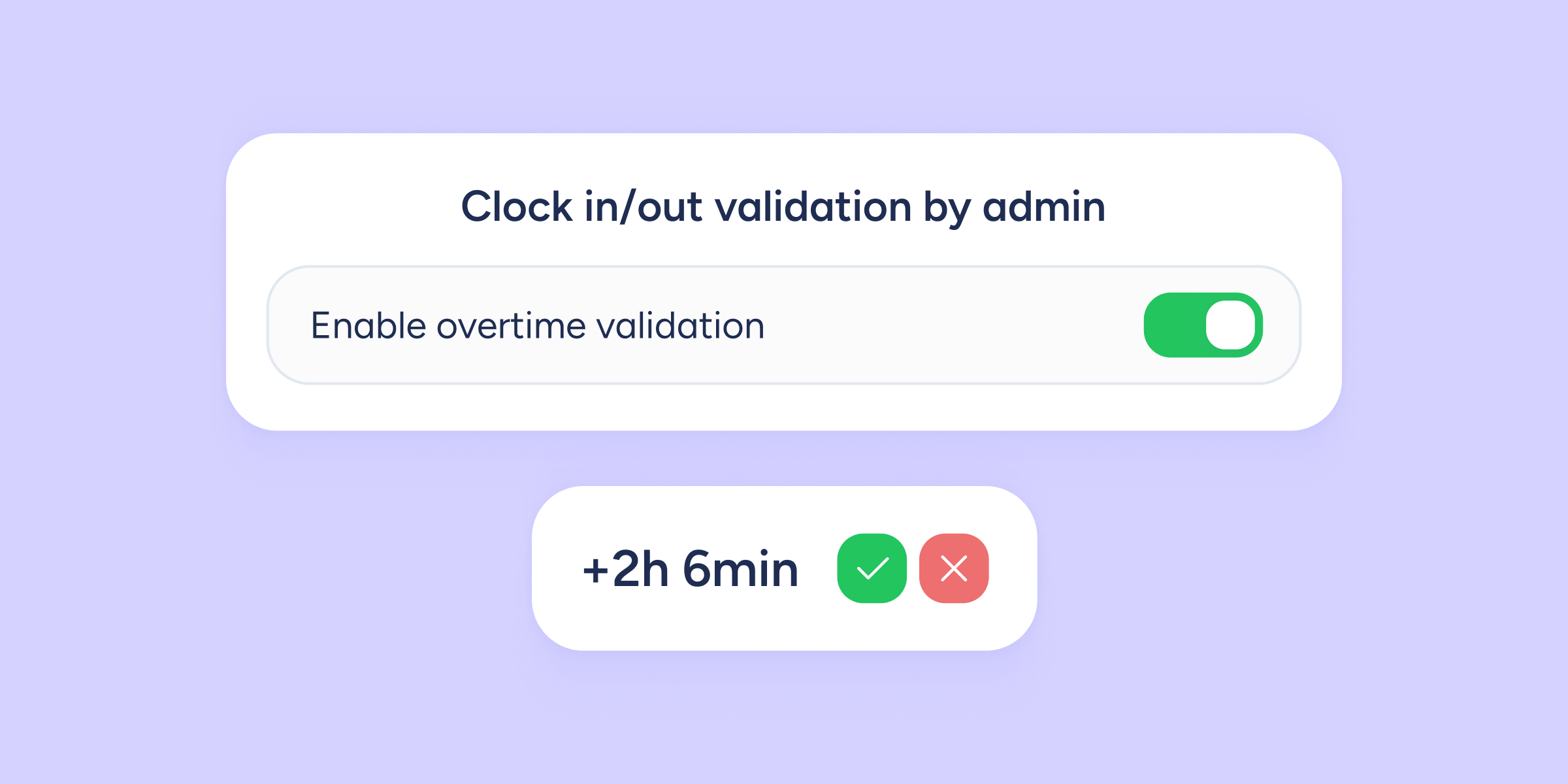
New overtime validation process: a step toward efficient overtime management
Finally, say goodbye to overtime complications with the new overtime validation feature, you’ll have greater visibility and unprecedented control over your team’s extra hours. What is this new...
Learn more

Custom roles: your team, your rules
A few days ago, we enabled Custom roles in all our users’ accounts. Now we want you to know everything you can do with this feature and how...
Learn more

Next-level control of your overtime balance: apply multiplier rules by hour units
At Sesame HR, we know that managing overtime is essential for your company. That’s why we’ve introduced an improvement to Overtime Balance multiplier rules that gives you far...
Learn more

Employee Journey updates: more control, more insights
We’ve made updates to the Journey section to give you greater control over visibility and access to key employee information. This improvement helps foster a culture of transparency...
Learn more

Smarter shift publishing: choose what, when, and who
At Sesame HR, we know flexibility is key to effective team management. That’s why we’ve added a new feature that gives you more control when publishing your team’s...
Learn more
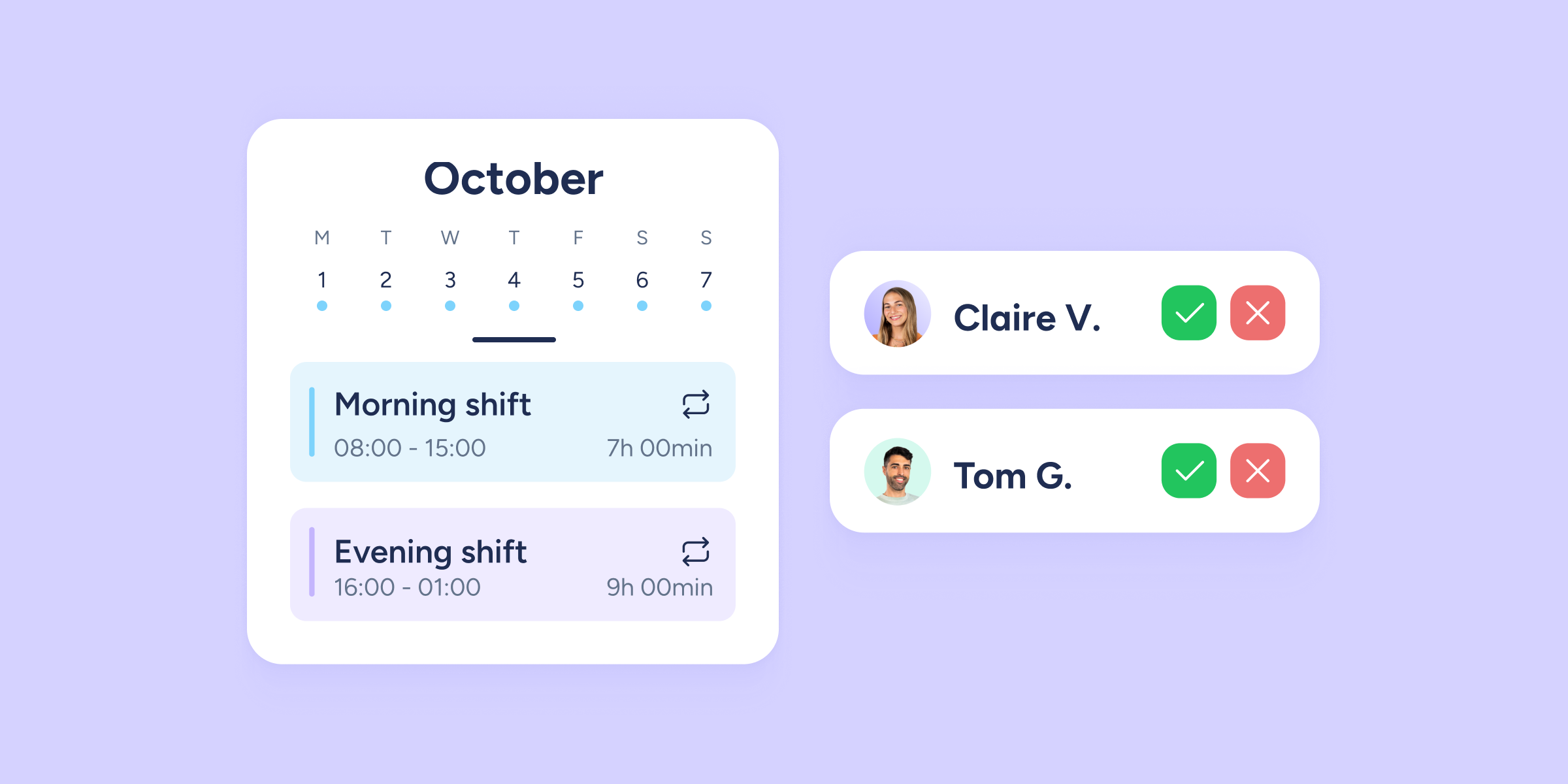
Your employees can now swap shifts from their phones!
We know shift scheduling can be a challenge, and at Sesame HR, we’re always looking for ways to make your day-to-day as a manager easier. Today, we’re excited...
Learn more
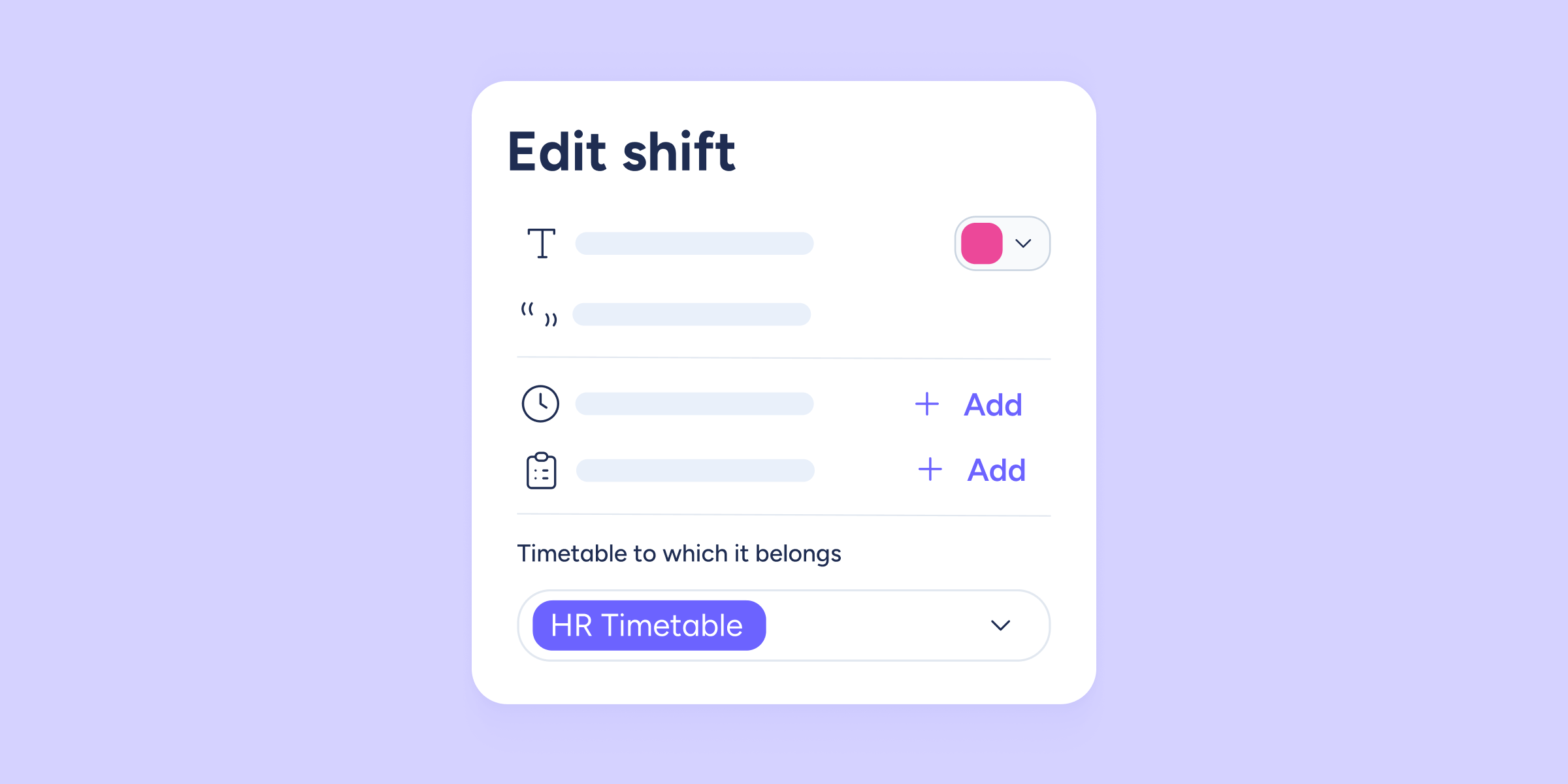
Shift templates by schedule: you’re in control!
If you're the person in charge of organizing shifts at your company, you know the weekly struggle: juggling schedules, availability, and staffing needs in a puzzle that often...
Learn more

Clearer Who’s In view! Unified colors and new filters for your remote team
At Sesame HR, we understand how important it is to have a clear, real-time view of where your team is. That’s why we’re continuing to improve the "Who’s...
Learn more
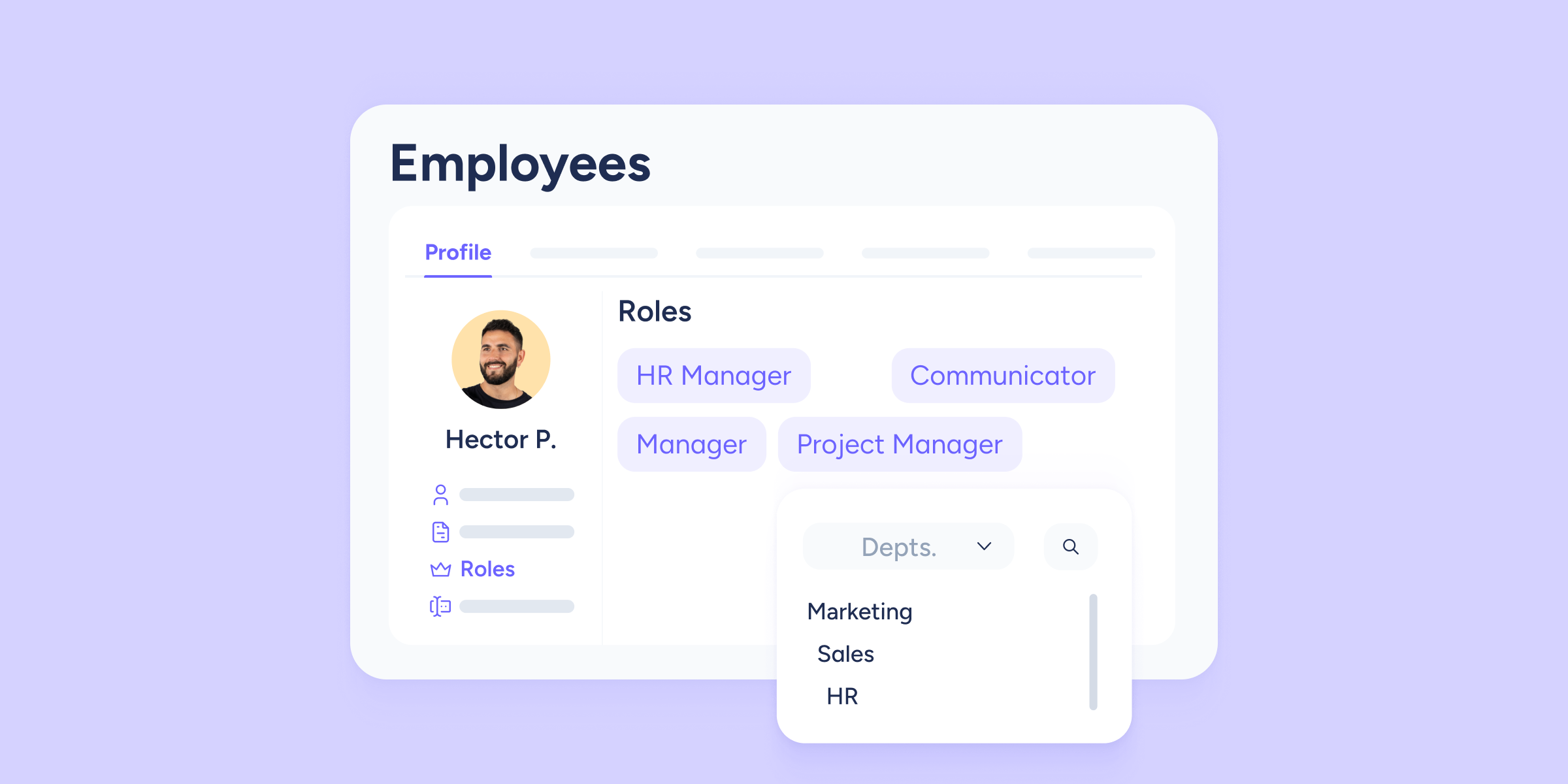
Roles: More visibility in the employee profile!
Attention Admins and HR managers! Ready for a small upgrade that gives you more visibility into assigned roles? You already know that over the past few months, the...
Learn more

Supervisors are now available in Boost!
Collaboration is one of the key pillars of any team. That's why this week we're launching a highly requested update in Boost: the ability to assign supervisors to...
Learn more

Update to the “nationality” field in our API
As part of our commitment to providing a more powerful and flexible API, we've introduced an important update related to the management of employee nationalities. The "nationality" field...
Learn more

Transform the way you schedule! Discover the shift manager that changes the game
At Sesame HR, we’re excited to introduce a major update: we’ve completely redesigned our Shifts feature to make scheduling easier, more visual, and more efficient than ever.Welcome to...
Learn more
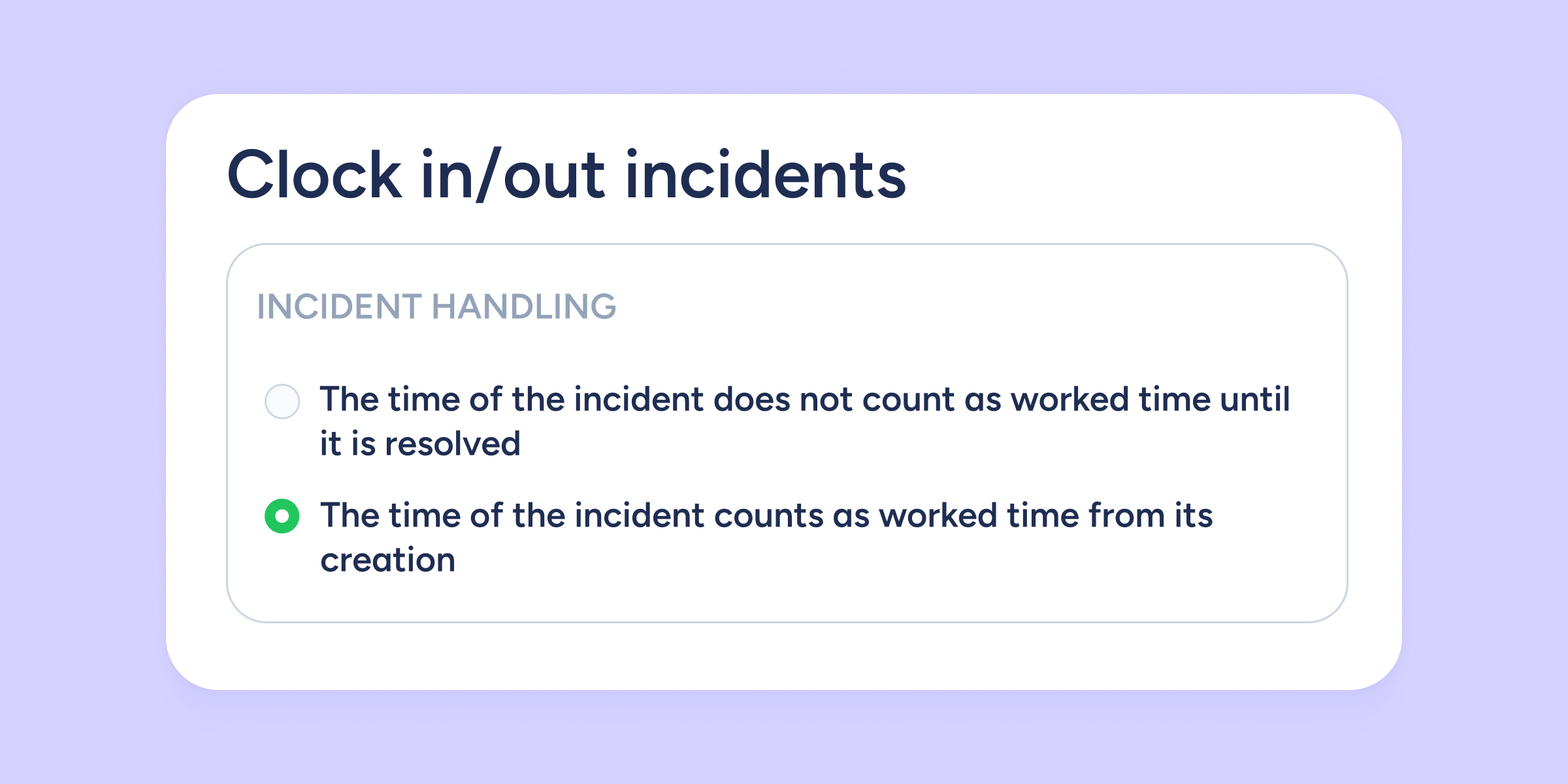
New control over your time tracking! Decide how to handle clock in/out incidents
At Sesame HR, you now have more control over how time is counted when there’s a clock in/out incident. We’ve added a new setting that allows you to...
Learn more

Admins! You can now manage requests in bulk from the Sesame HR app
We know your time is valuable, so we’re launching a new feature to make daily management easier, faster, and more efficient, right from your fingertips. You can now...
Learn more

Now featuring “Time Off by Status”! The Approved Time Off report evolves
At Sesame HR, we're constantly innovating to give you clearer, more detailed control over your team's management. If you're one of the many who use the Approved Time...
Learn more

The Internal employment portal is here!
What if the ideal candidate is already on your team? This week, we're launching the Internal employment portal, a new space designed to help you offer opportunities to...
Learn more

Take control of internal requests with Custom requests
Is your HR department struggling to manage the constant influx of internal requests, from basic supplies to significant budget approvals? Sesame HR understands these challenges. Introducing "Custom requests",...
Learn more

Specific roles can now manage objectives
At Sesame, we understand that defining and tracking objectives is key to every team's success. That's why we've updated our Objectives tool in a way you're going to...
Learn more

Set an expiry date for holidays to block requests and assignments
We've improved the holiday calendar configuration process so that you can set an expiry date after which holiday days can no longer be requested or assigned. This helps...
Learn more

We’ve reorganized the Recruitment section for you
If you’re also part of the organization team, you’ll love this update! We’ve revamped the Recruitment section to streamline your workspace within Sesame, making it easier and faster...
Learn more

Say “Hi” to the new menu!
Today’s the day! As we mentioned in our previous email, Sesame has a brand-new menu, and it’s officially here. That means the old menu is no longer available....
Learn more

WhatsApp has teamed up with Recruitment to streamline communication with your candidates!
Are you a recruiter? We’ve got big news for you! You can now start WhatsApp conversations with your top candidates directly from their Sesame profiles. Read on to...
Learn more

Plan better than ever with Activities in shifts
We've added the ability to define time ranges for different activities within each shift in the timetable. This way, both employees and administrators will have clear information about...
Learn more

People Analytics in Community
Community merges with People Analytics to make the invisible visible, providing you with key data on user activity and behavior within this social network. In addition, this synergy...
Learn more

The summarised report now includes paid time off!
We've updated our summarised report with several new columns to provide you with key data for managing your team's worked hours more efficiently. From now on, we'll include...
Learn more

Big change! Calculate your team’s theoretical time based on their contract hours
We're introducing a new feature that marks a milestone for Sesame! We've added a new advanced configuration setting to calculate the theoretical time your team is supposed to...
Learn more
Importing several salaries at once is now possible!
We've added a new option to our bulk upload feature: in addition to employees, contracts, and custom fields, you can now upload salaries too! This update helps you...
Learn more

HR Chat: the multi-company feature has joined the conversation!
Managing communication with employees from several companies within the same group can sometimes feel like juggling. That's why, after listening to your needs, we're bringing you a solution...
Learn more
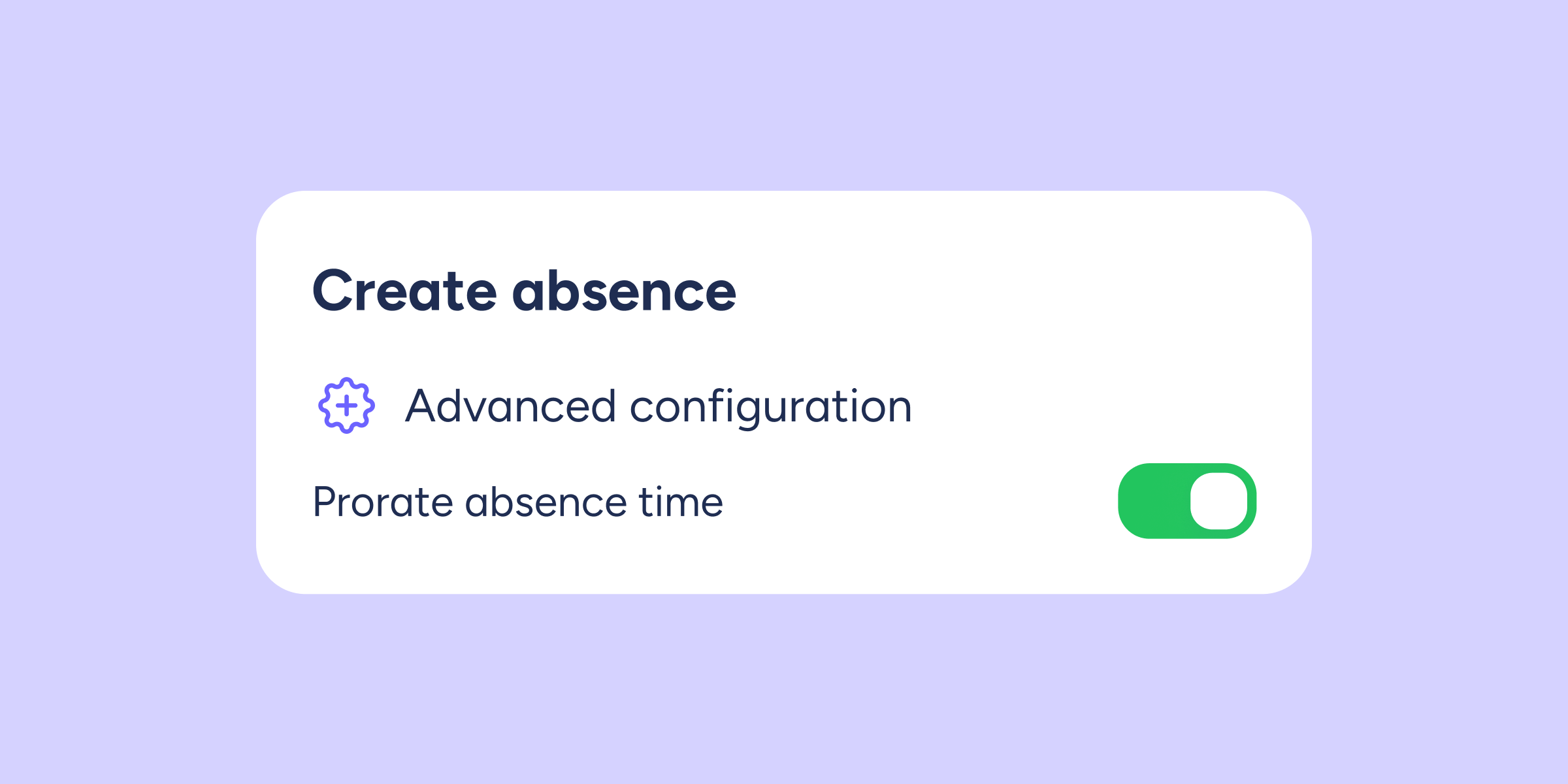
Time off proration based on employment contracts
We're introducing a new feature that's key to effective time off management. Now, Sesame allows you to prorate time off based on employees' contracts. This means that when...
Learn more
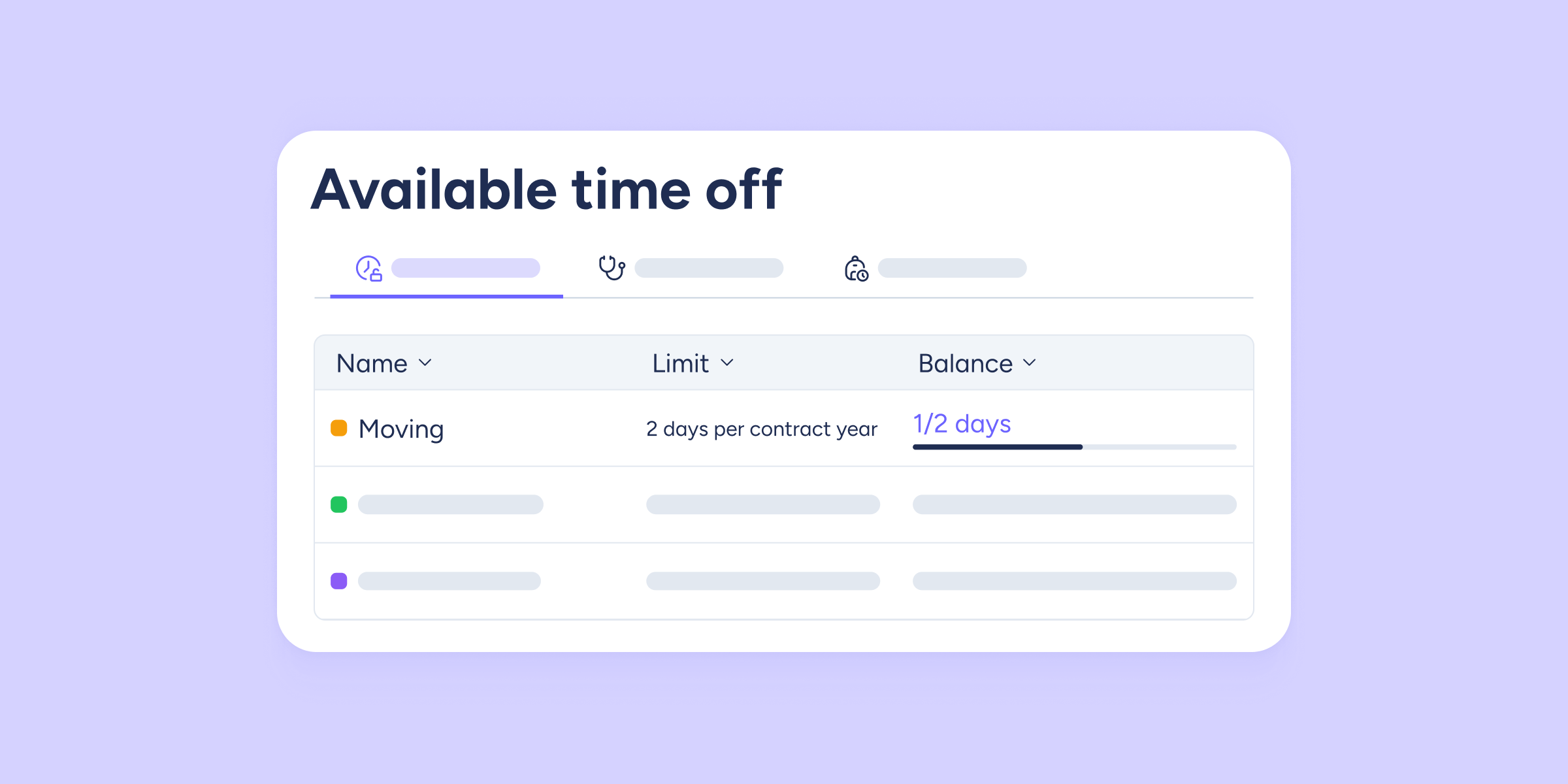
Configure the time off renewal based on the calendar year or the contract year!
Within the Time Off configuration, you can now easily adjust the automatic renewal of Absences with a usage limit. This new feature lets you decide whether the available...
Learn more
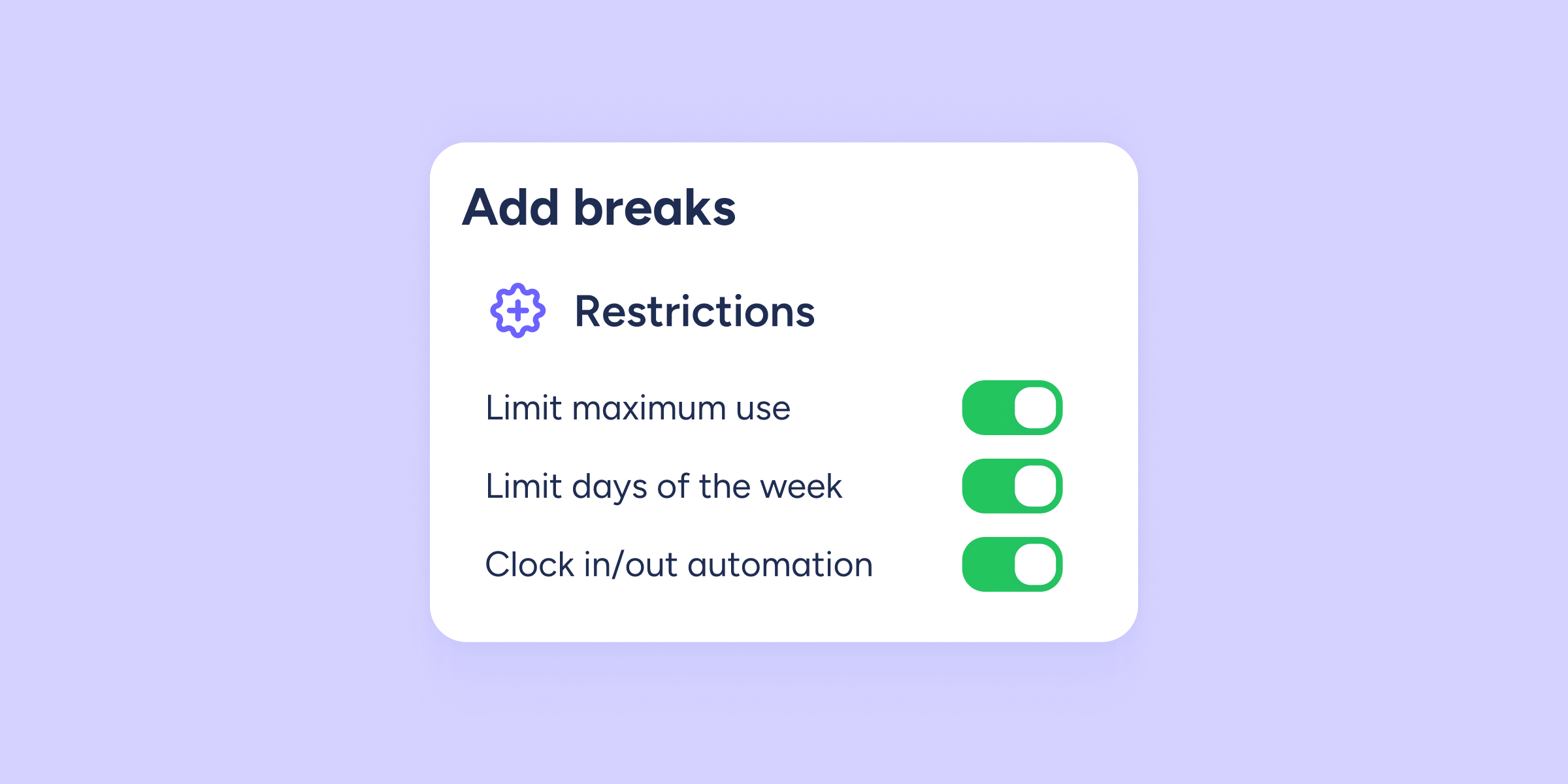
Set restrictions on breaks and adjust them to your company’s needs!
We've updated the break configuration by incorporating restrictions, allowing you to tailor them to your company's needs. You can apply restrictions from the general break configuration, when adding...
Learn more

Fill in and sign documents without leaving Sesame
Does paperwork wear you out? Do you need to print multiple copies of a document and send them to employees to complete, but the printer is out of...
Learn more

New metrics in Announcements!
Intuition is precious, but data is key to customizing each message, boosting engagement, and ensuring effective and persuasive internal communication. With the new metrics in Announcements, you can...
Learn more

“Roles” is now “Roles and accesses”
After several months of hard work, we are excited and proud to announce that the new Roles section is now available in Sesame. This is not just an...
Learn more

ID types: more options for a global talent pool
In Sesame, we believe that talent knows no limits. For this reason, we have taken a step forward to optimize and make the management of employees' ID types...
Learn more

You can now enable employees when their contracts start!
Until now, the only option available was to automatically disable an employee when their contract ended. However, from now on, you can also automatically enable them when their...
Learn more
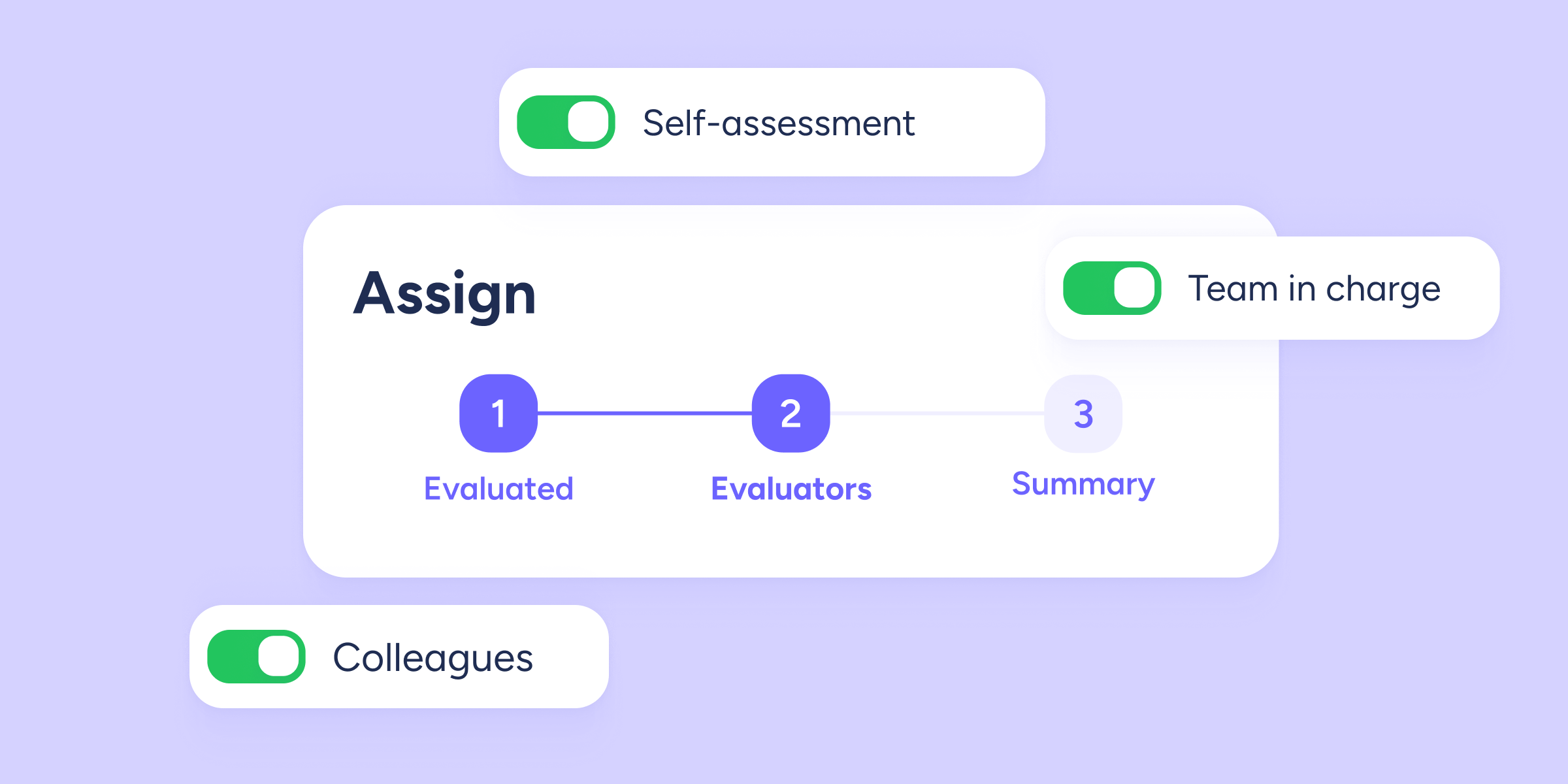
Assign evaluators automatically!
We know that setting an evaluation can take some time, especially when you have to find and assign evaluators one by one. But that's a thing of the...
Learn more

Lower roles can now access Surveys and Results
In Sesame, we know that to guide teams in the best possible way, it's necessary to have a clear view of their performance, engagement, satisfaction, experience, and more....
Learn more

Welcome to Community!
Picture this: a geographically dispersed team, unmotivated and disengaged employees, a weak organizational culture, and fragmented communication with plenty of unofficial channels. Now, imagine this alternate scenario: a...
Learn more
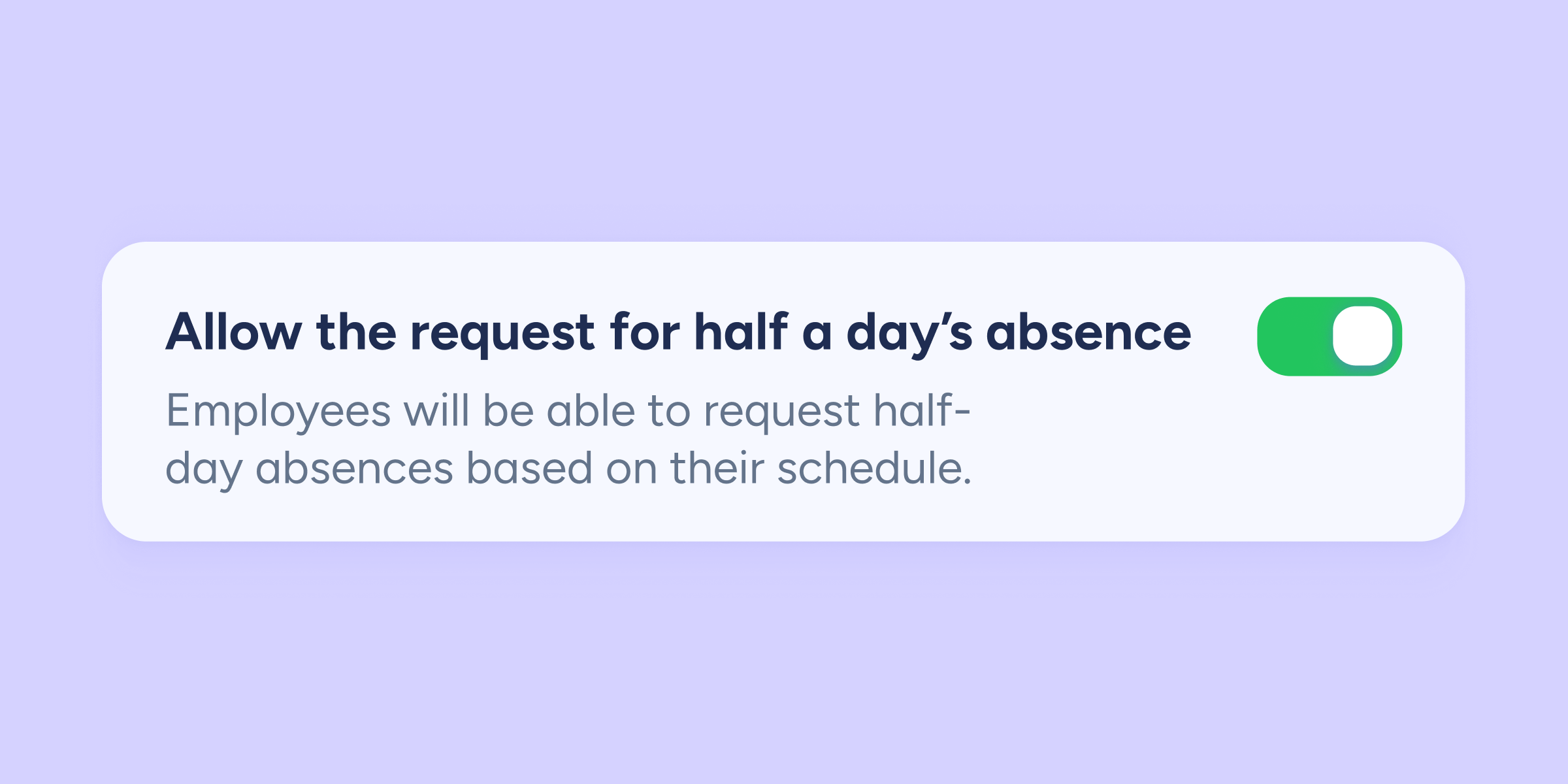
More possibilities for your team: half-day absences are now a reality in Sesame
We've added a new option for half-day absences to Sesame. From now on, you can configure absences to be taken for half a day, an option that didn't...
Learn more

You can now easily configure who will receive notifications for each shift change!
We've added a new feature that allows you to configure notifications for different roles within Sesame whenever there is a shift change. Until now, only the affected employee...
Learn more
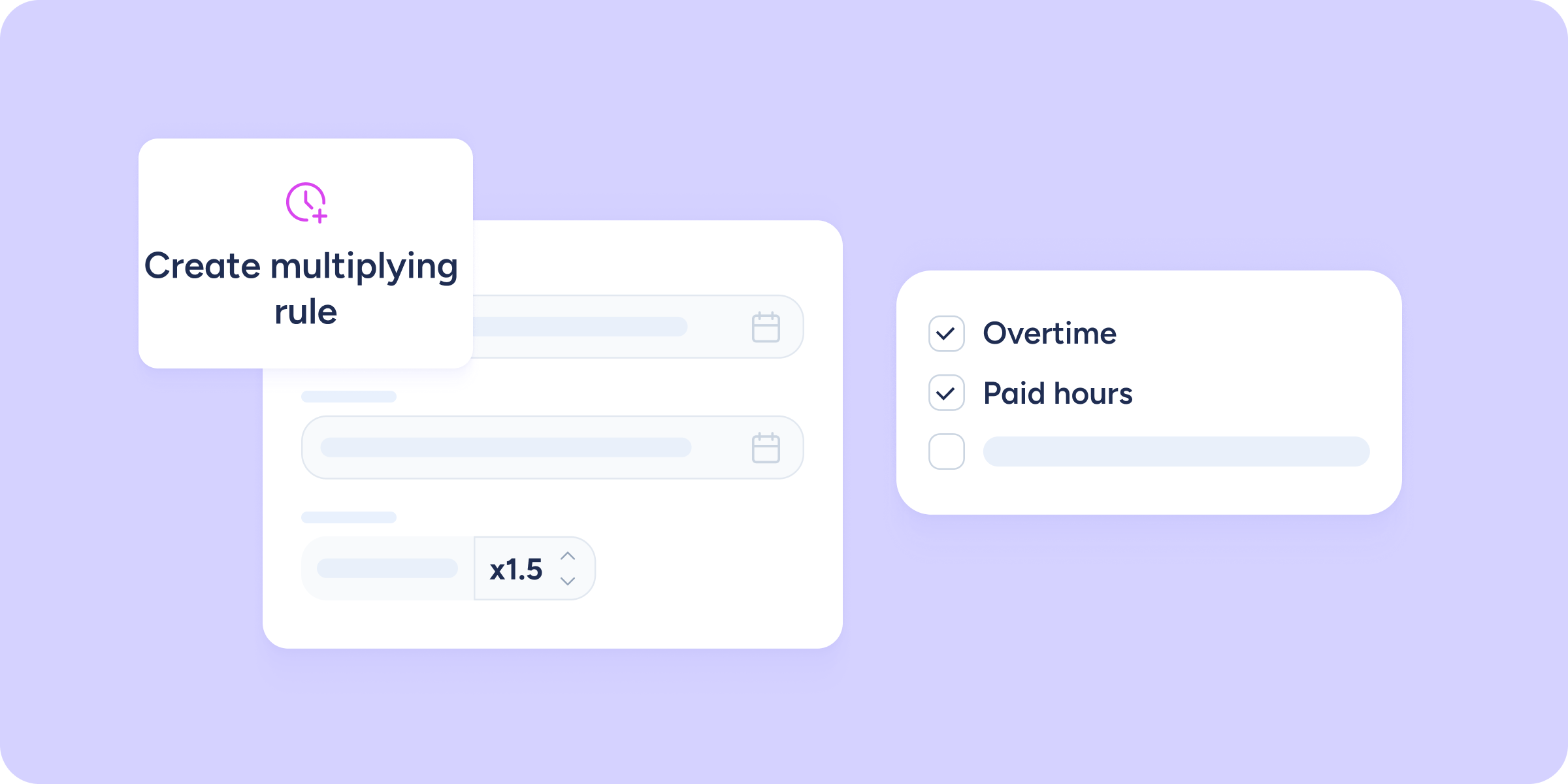
View the rules for overtime balance in Payroll preparation
Now, select the overtime balance rules you want to display in the Payroll preparation table in order to compute them in the employees' payrolls. To view the rules,...
Learn more
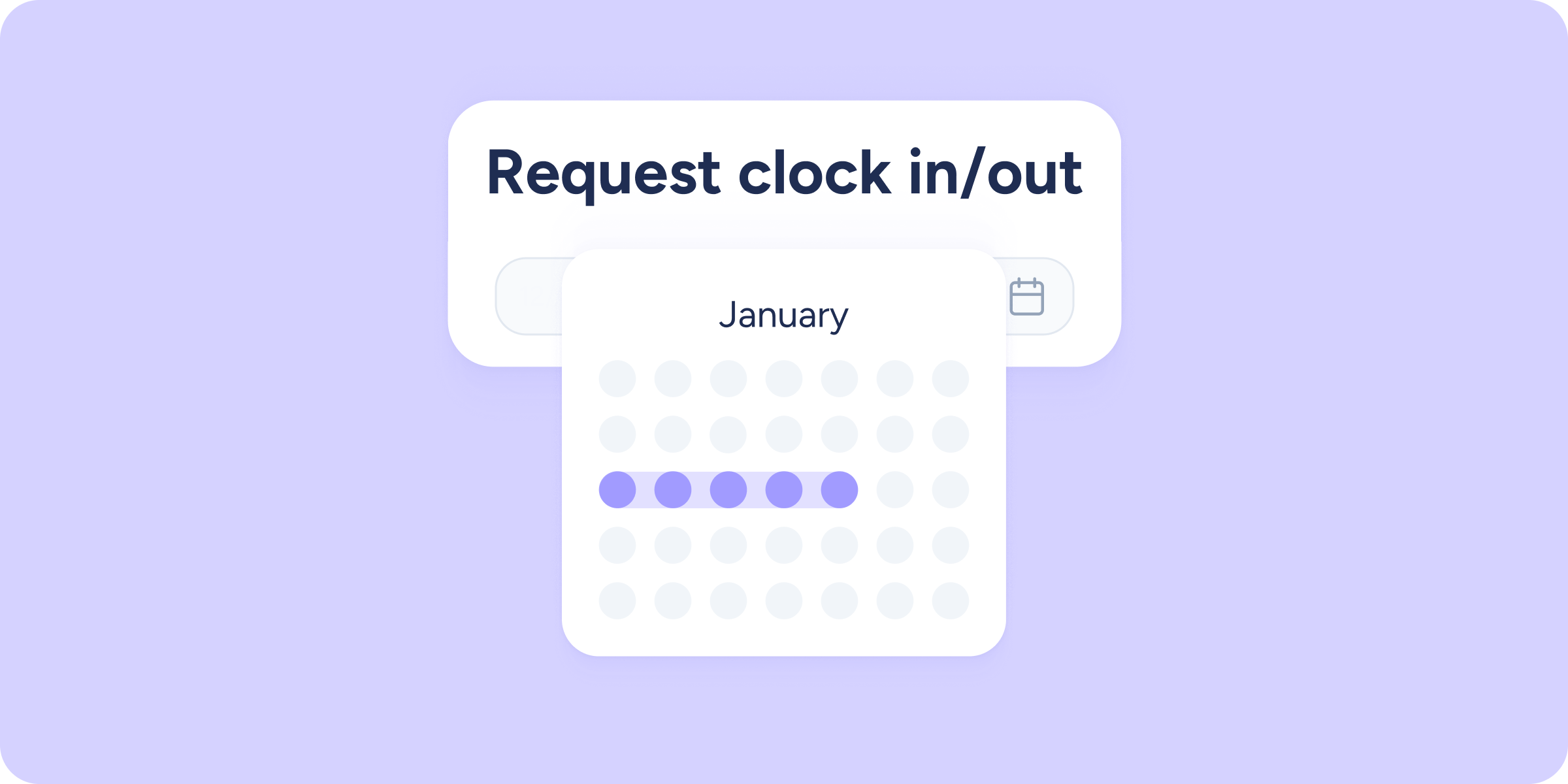
Approve your employees’ clock in/out requests for the dates needed
Third time's the charm! That's why we have taken another step forward in the Clock ins/outs section. We have now enabled the option for your employees to request...
Learn more
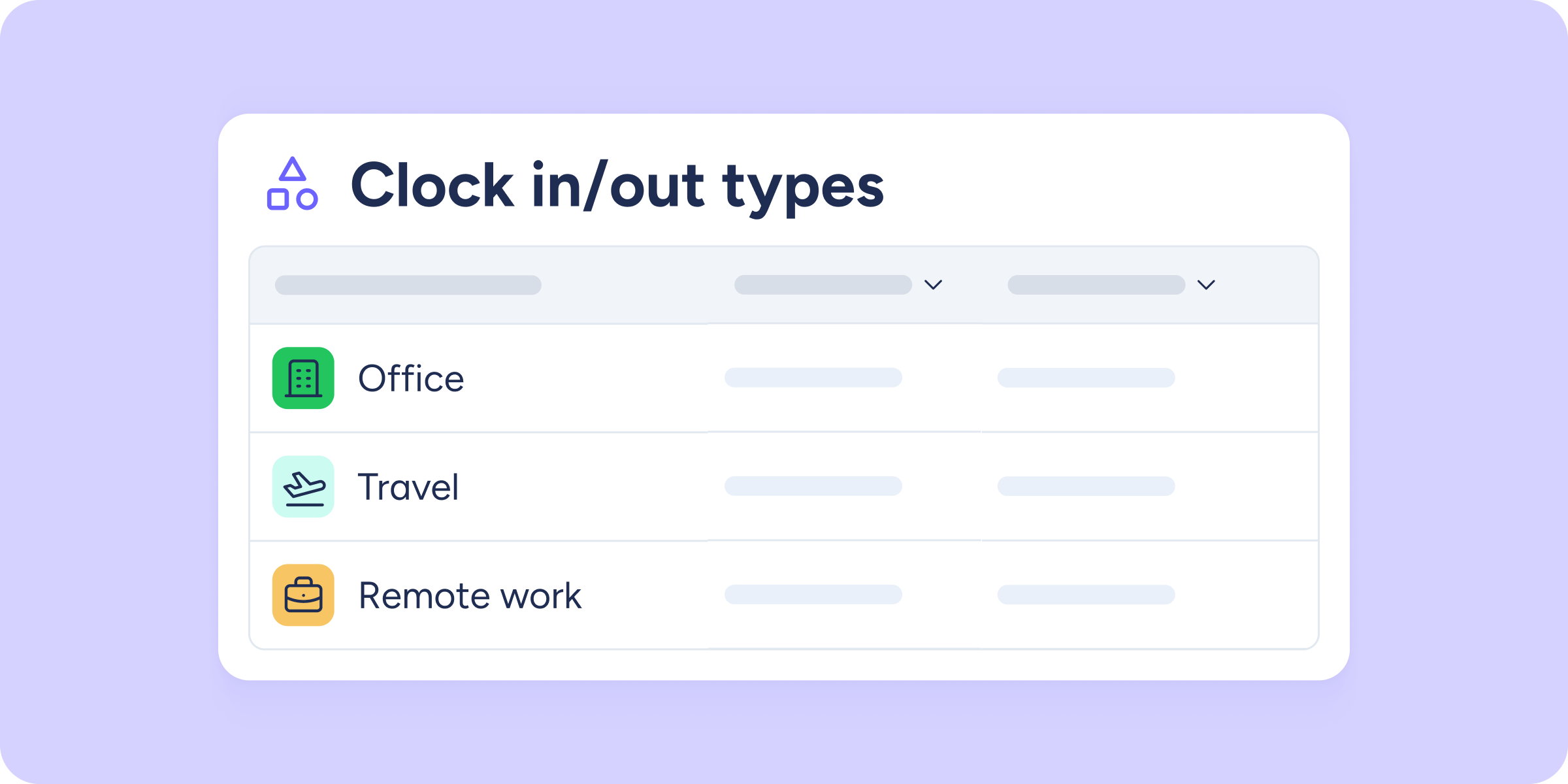
Access the Statistics section and discover the new block designed for Clock in/out types
We are excited to introduce the new block now available in the Statistics section! From now on, you will have access to all data related to the Clock...
Learn more

You can now compensate your team with half a day’s holiday for each public holiday worked!
From now on, with Sesame you can enable the option for your team to receive half a day's holiday for each public holiday worked. Previously, the only option...
Learn more
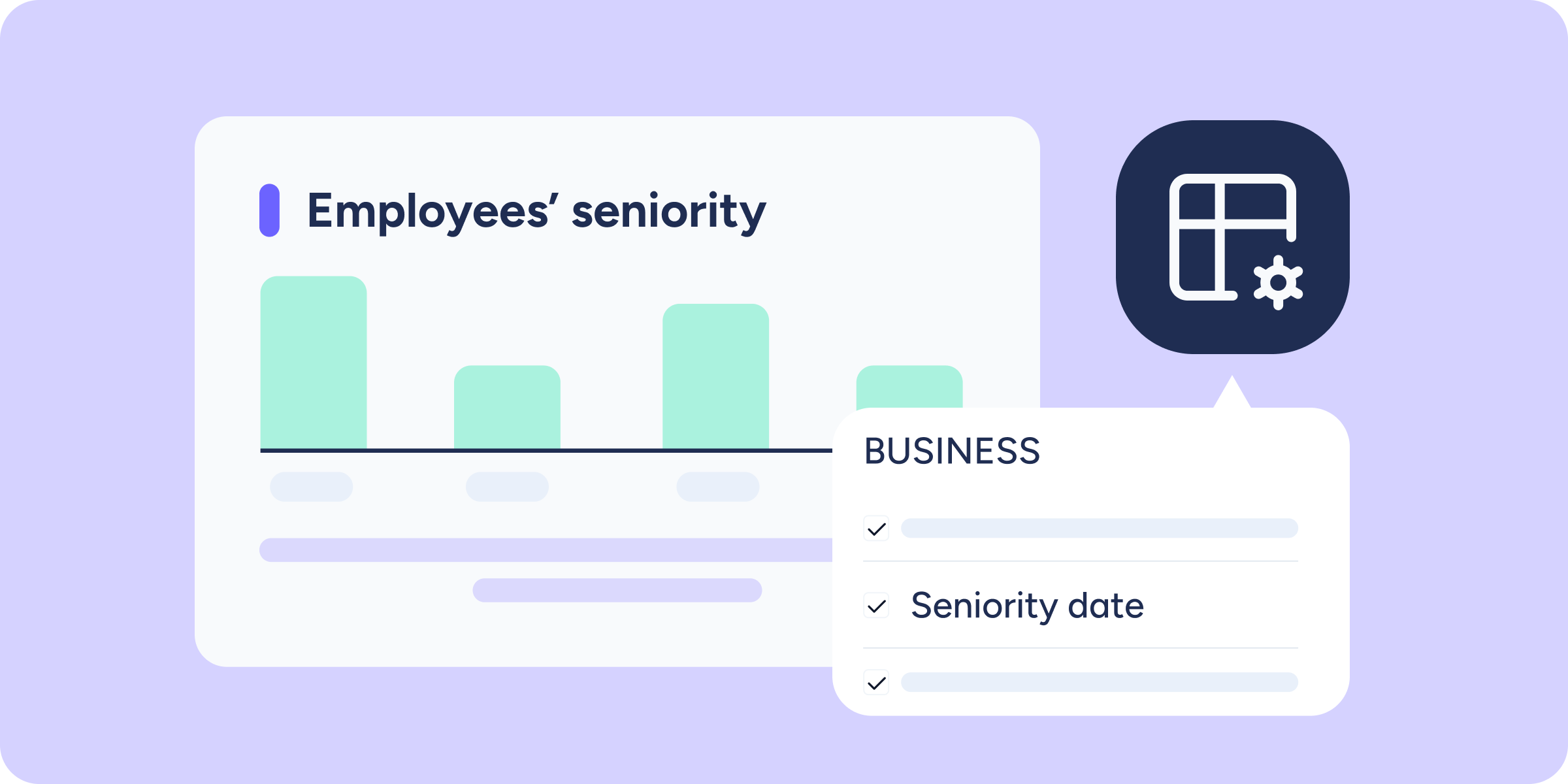
New features to manage and calculate an employee’s seniority date
In Sesame, we continuously improve our tools to give you more control and precision in managing your team. With the new Employee table and People Analytics features, you...
Learn more

You can now download the shift timetable with the employees who have no shifts assigned!
We bring you an innovation in the Shifts tool, allowing you to access more information about your team's situation. Specifically, we have enabled the option to download the...
Learn more
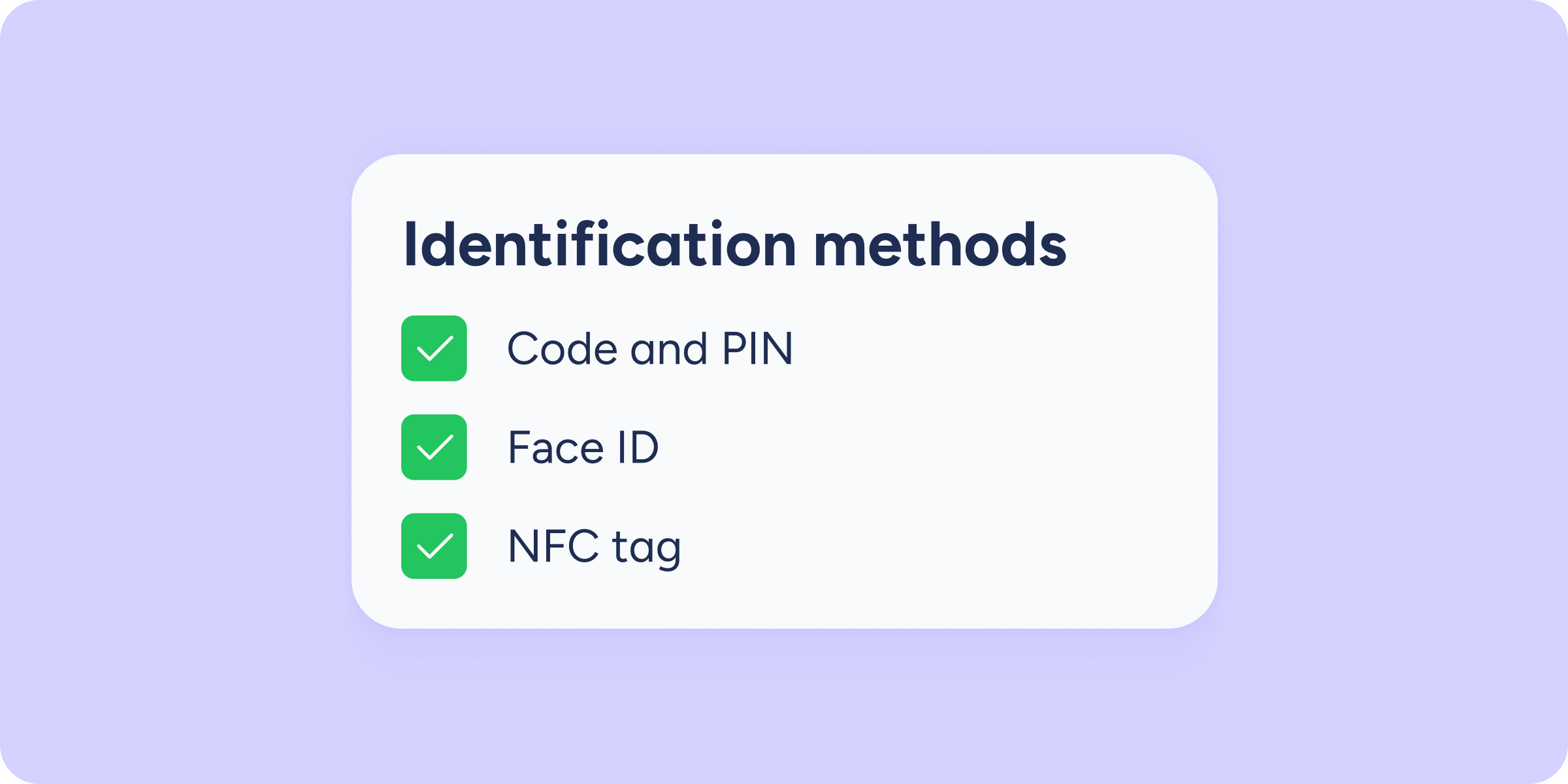
Choose and enable the clock in/out methods you prefer on the tablet
For all users using Sesame's Wall 3 interface for employee clock in/out, we have an exciting update that allows you to choose which clock in/out methods will appear...
Learn more
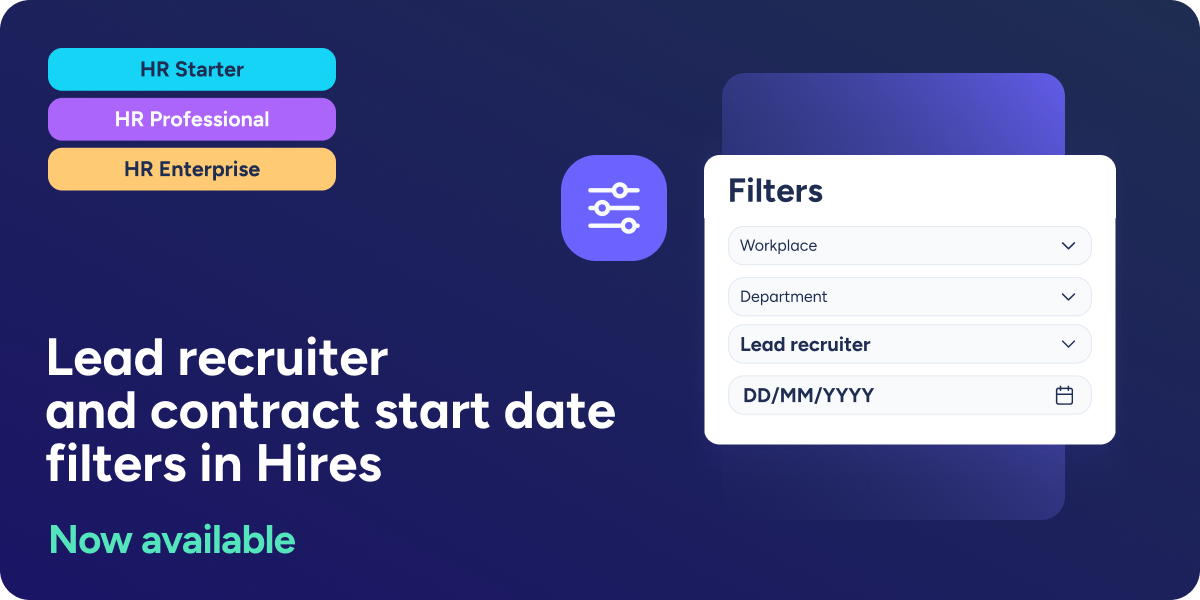
Manage your hires with greater ease
We have added two new filters in the section Payrolls >> Hires >> Hires to facilitate and speed up the location of employees who have recently joined the...
Learn more

What’s New
At Sesame, we are committed to the continuous growth and evolution of our all-in-one-platform, helping you simplify the management of your HR processes. Transforming your team's work experience...
Learn more
No updates match those filters.