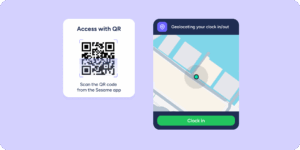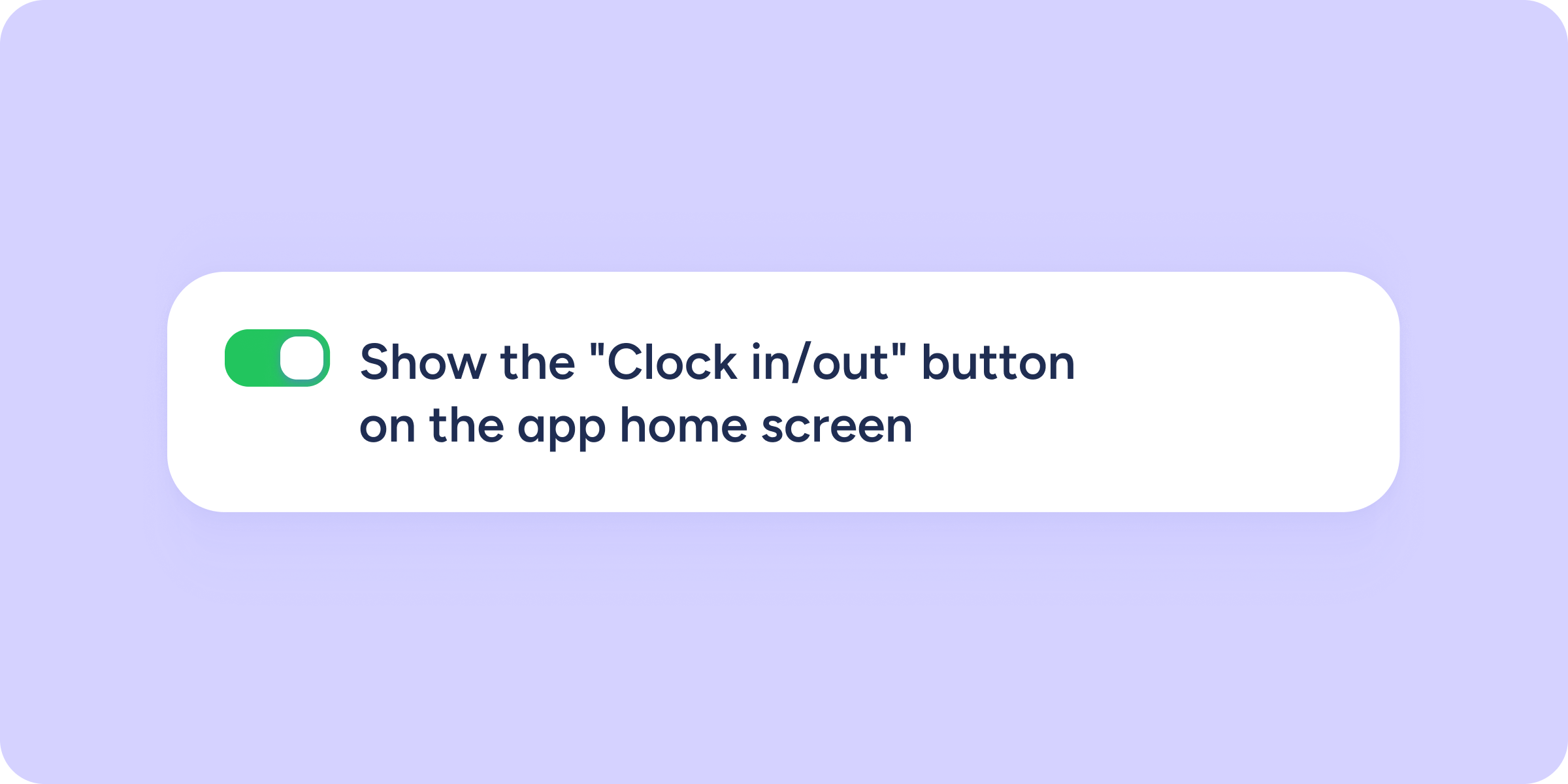
From now on, you can decide whether the “Clock in/out” button is visible by default on the app home screen for new employees.
You’ll find this new option by following the path Configuration >> Automations >> Section visibility. It’s very easy to use: just enable the toggle, and the change will be applied to new hires.
How does this change affect employees?
- New employees: they will automatically see whatever option you have configured.
- Employees who have already customized their home screen: their original personal preference will remain unchanged.
Why you’ll love this improvement
We designed this update to streamline new-employee onboarding and remove small day-to-day friction points:
- No more initial confusion: by setting the button to be visible by default, you avoid having to explain to every new hire how to enable it. They log in, see it, and clock in/out.
- One-click management: no need to configure it user by user. Set it once and apply it to the entire company.
- Better team experience: your employees will find the tool they use most right on their home screen, without having to navigate through menus.