When you’re a recruiter and need to speak with a candidate, every second counts. That’s why we’ve added a new feature that lets you call them quickly and hassle-free: a QR code that dials the number for you. Here’s how it works 👇
How does it work?
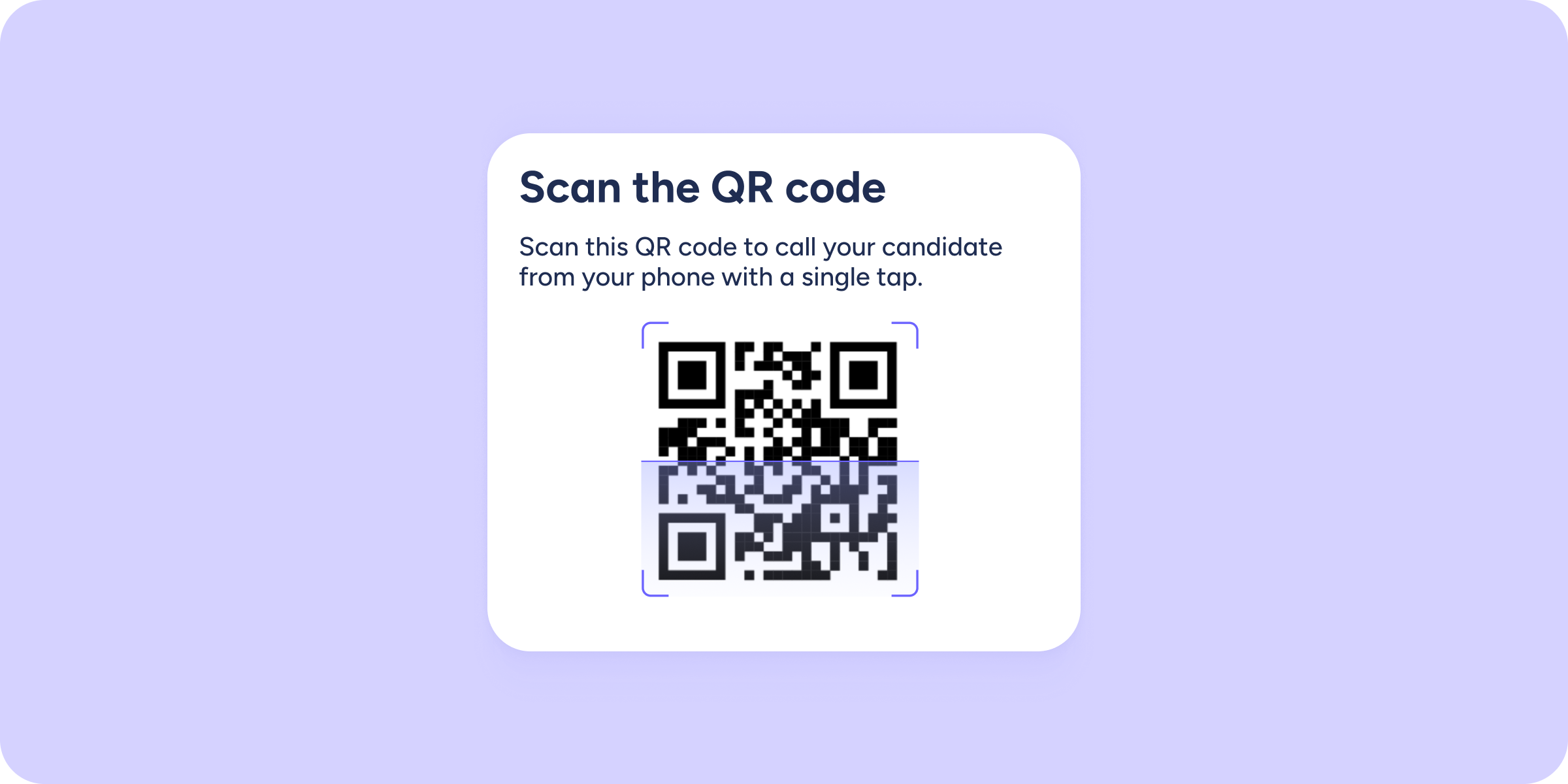
In each candidate’s profile, you’ll find a phone icon next to their number. Click it, and a QR code will appear on the screen. Scan it with your mobile phone to start the call. That’s it! No copying numbers, no manual dialing.
Important ⚠️ The QR code is generated using the phone number exactly as it’s saved in the candidate’s profile. This means that if the number includes the international dialing code, the QR will include it too. If it doesn’t, it won’t appear in the code.
Action icons in the candidate profile
With this update, you now have two action icons available in the candidate profile that trigger direct actions:
- Phone → Use it whenever you want to call a candidate by phone.
- WhatsApp → Use it to open a WhatsApp conversation with a candidate.
The best part? You can start using this feature right away 🏃♀️.
We hope this update helps you speed up communication with your candidates and focus on what really matters: finding the right talent.