Our new Shifts tool keeps getting better, with new features that make planning and managing your team even easier.
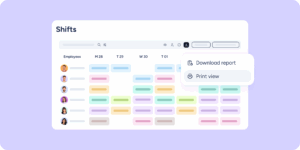
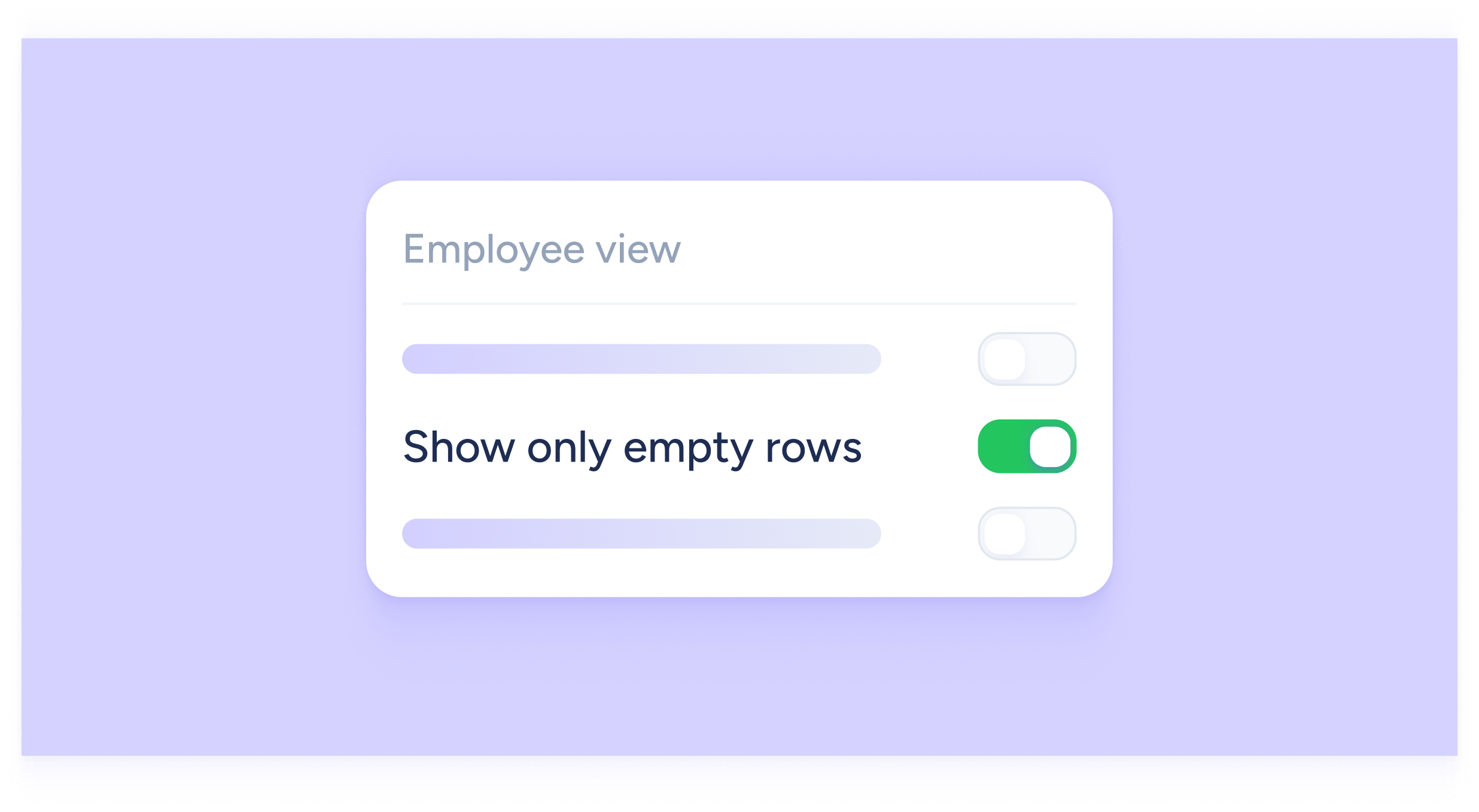
This time, we’ve added an option that helps you clearly see who doesn’t have any shifts assigned. From the toolbar, under the view options (eye icon), you’ll find a new button called “Show only empty rows”.
When you activate it, you’ll be able to view and download the timetable showing only employees without assigned shifts, those who are fully available to be added to your planning whenever you need.