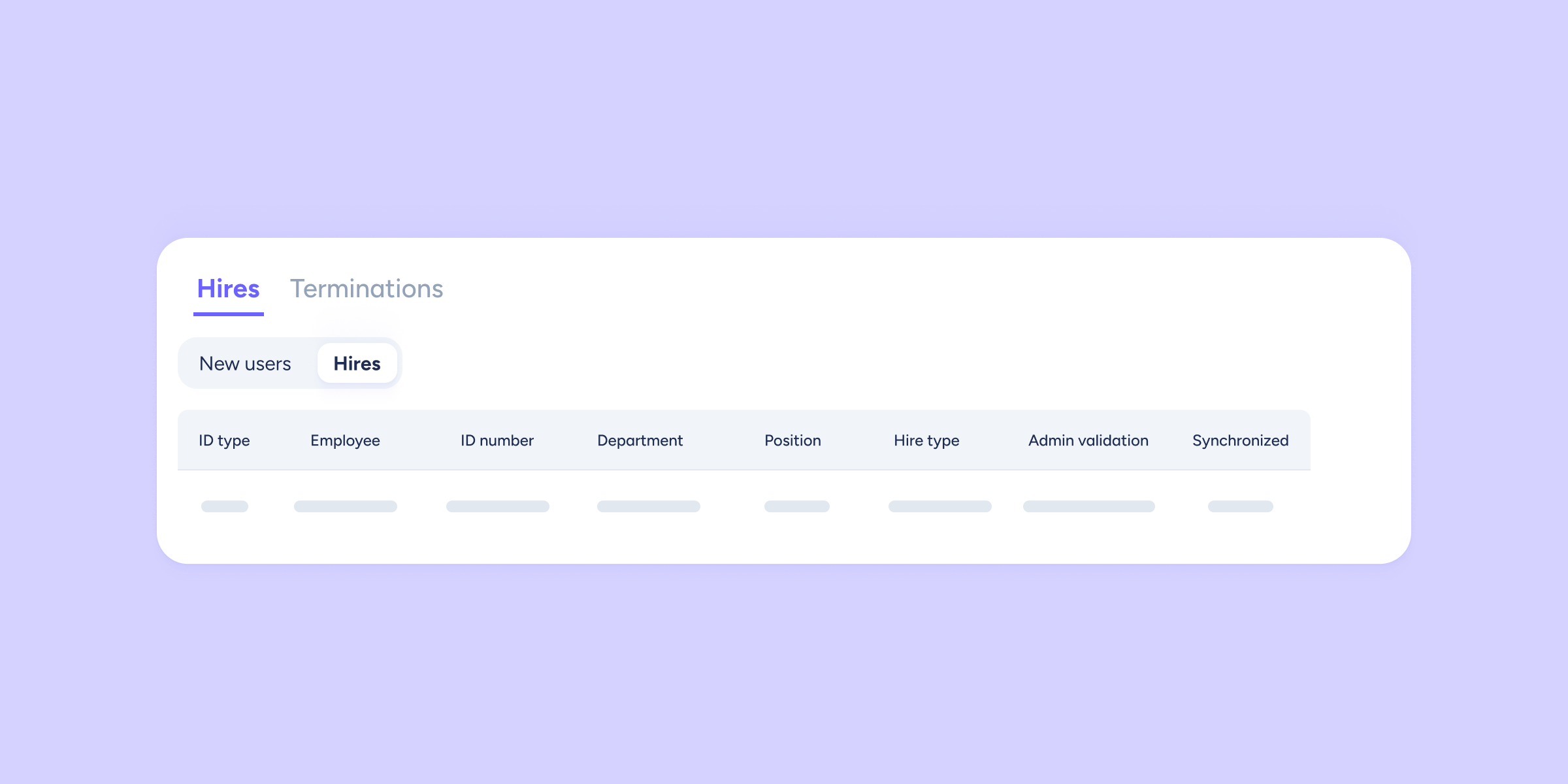
We’ve improved the “Hires and terminations” section. From now on, you’ll have full visibility of new employees from the moment they’re added, giving you the control you need to organize your processes without delays.
Your new advantage in managing new hires
It’s a simple change, but it will significantly improve the way you work. New employees will now appear in the “Hires and terminations” section as soon as you assign their contract. To find them, just go to the list for the period that matches their contract start date.
This allows you to:
- View upcoming hires before their start date becomes effective.
- Plan ahead when communicating with payroll providers or syncing with other systems.
- Manage the onboarding process without needing to assign a salary beforehand.
How does it work?
You don’t need to do anything differently, the process is completely automatic.
- Assign a contract. When you create the first contract for a new employee, the system registers them instantly.
- Go to the section. Navigate to Payroll >> Hires and terminations.
- Select the period. Choose the period based on the employee’s contract start date.
- View the new hire. You’ll see the employee already listed and ready for you to manage whenever you need.
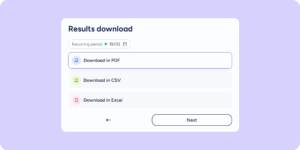
We’ve also improved data export. From now on, the file you download will include all new employees assigned to the selected period.
In short, this enhancement is designed to give you the peace of mind and agility you need when managing new hires.