Until now, launching a 360° or 9-box evaluation was a point of no return: assignments were locked, and any mistake, a wrong evaluator, a late addition, an organizational change, meant having to stop the evaluation entirely.
With this new update, you can modify who evaluates and who is being evaluated while the evaluation is running, with no need to stop it.
What can you do now with an active evaluation?
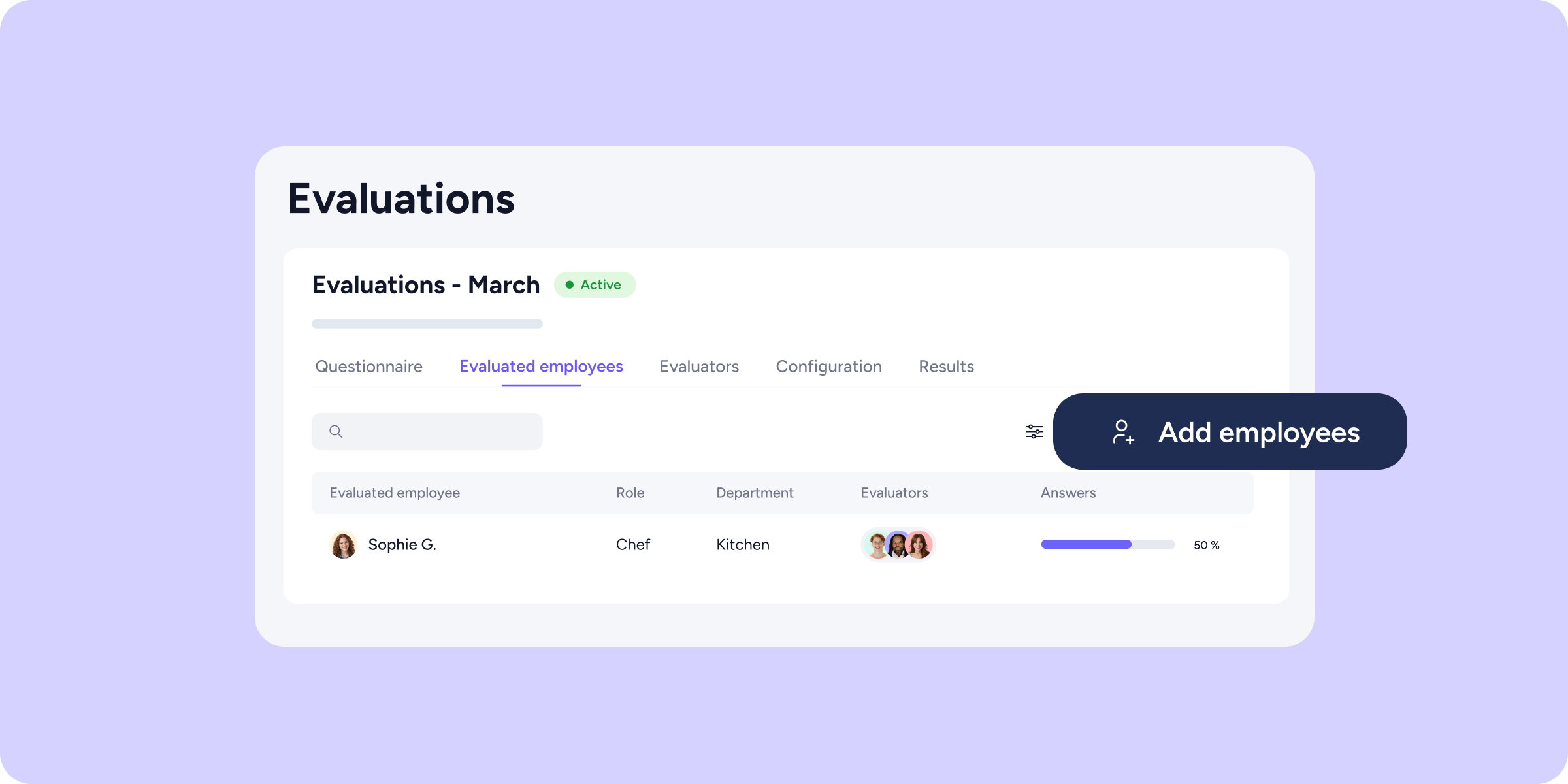
From the main view of any active evaluation, you’ll have access to new actions that were previously only available in draft status:
- Add evaluated employees: bring in someone who wasn’t part of the initial evaluation. Their questionnaires are generated instantly.
- Remove evaluated employees: remove someone who should no longer take part. Before the action is carried out, a confirmation prompt will let you know that all responses collected up to that point will be permanently deleted.
- Add evaluators: assign a new evaluator to an evaluated employee. The questionnaire will be created instantly.
- Correct assigned evaluators: remove an evaluator from a specific person without affecting any other questionnaires. If an evaluator has questionnaires linked to multiple evaluated employees, only the one you specify will be removed.
Explore this improvement directly in your dashboard, and stay tuned: there are many more updates on the way 🚀