Too many settings when creating your team’s holiday calendars? Not anymore! With our brand-new holiday creation modal, everything is now simpler, clearer, and more intuitive.
We’ve redesigned the experience from the ground up so you can configure holiday calendars step by step, with a guided flow, better organization, and plenty of helpful explanations along the way.
It’s the same process you know, just way better. You don’t need to do anything to enable it, it’ll appear automatically in your panel once it’s available. And the best part? You can also edit existing holiday calendars using the new modal and take advantage of all its new features.
You’ll be guided through five simple steps to tailor each calendar to your needs:
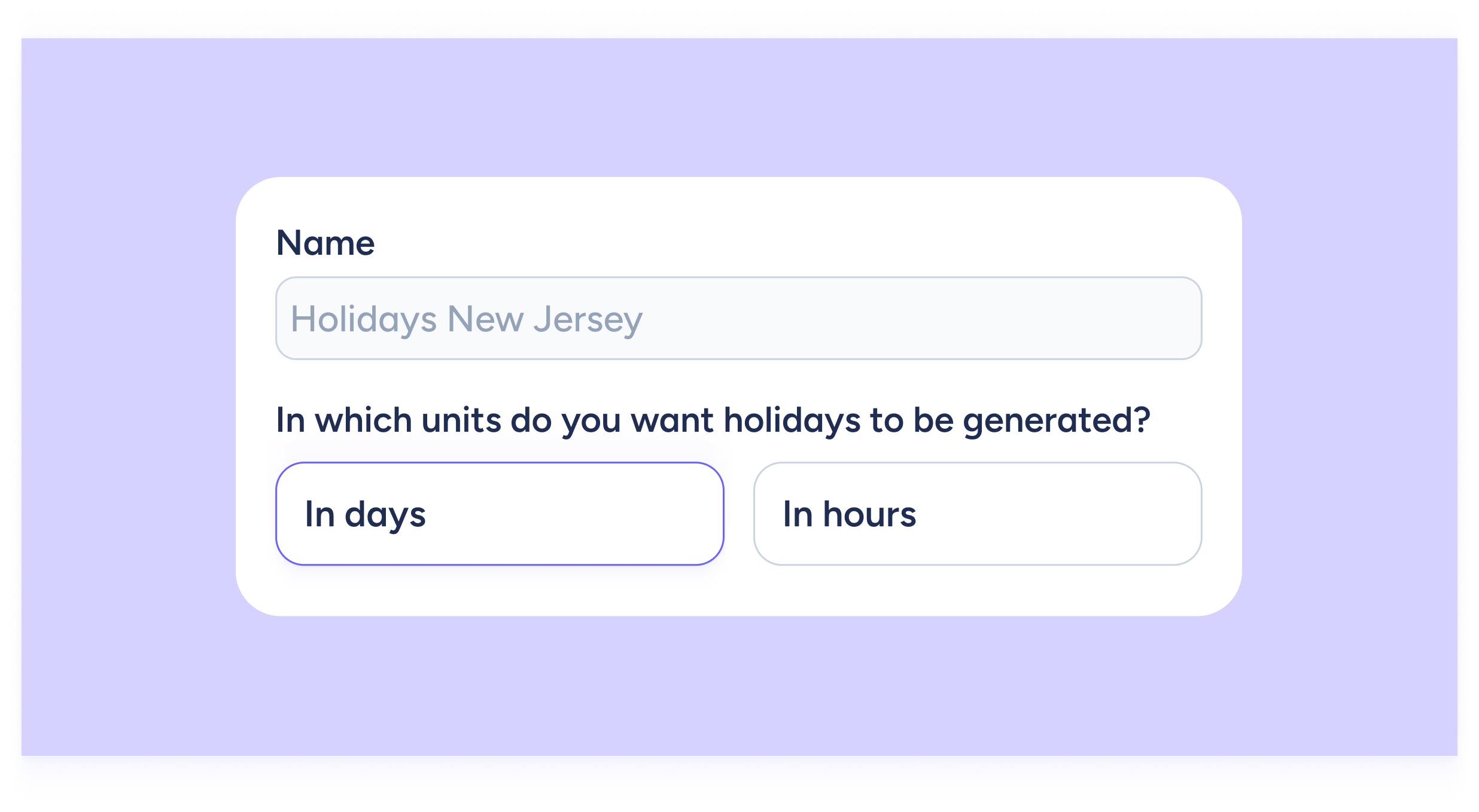
- General: name and choose if holidays are set by days or by hours.
- Time: configure how holiday time will be generated.
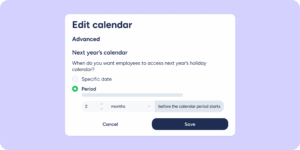
- Advanced: set up next year’s calendar, accruals, and partial holidays.
- Requests: choose how employees will request their holidays.
- Summary: review everything you’ve configured.
Now you’re all set! Make the most of Sesame, your team gets the holidays they deserve, and you get the simplicity you’ve been waiting for to handle even the most complex admin tasks.