When you manage teams that move between different locations (whether in construction, retail, or multi-site service industries), knowing how many hours have been worked and where is essential. That’s why the clock in/out per workplace report is the missing piece in your management.
Why is this report different?
Unlike the detailed clock in/out report, this new report is specifically designed to focus on location. You’ll be able to filter, isolate, and, most importantly, see at a glance the total hours worked at each specific physical location.
Total precision with the new filters
The value of this report lies in its segmentation capabilities. When you access it, you’ll find two key filters that allow you to fine-tune your search down to the smallest detail:
· Clock in workplace: ideal for knowing where your employees started their workday.
· Clock out workplace: to confirm where they finished it.
How to download the report
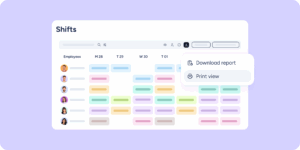
Like all Sesame reports, you can download it from the Reports section under the name “Clock in/out per workplace”. Simply define the period you want to analyse and select the locations you’re interested in to generate your Excel file.
In this article from our Help Center, you’ll find all the detailed information.