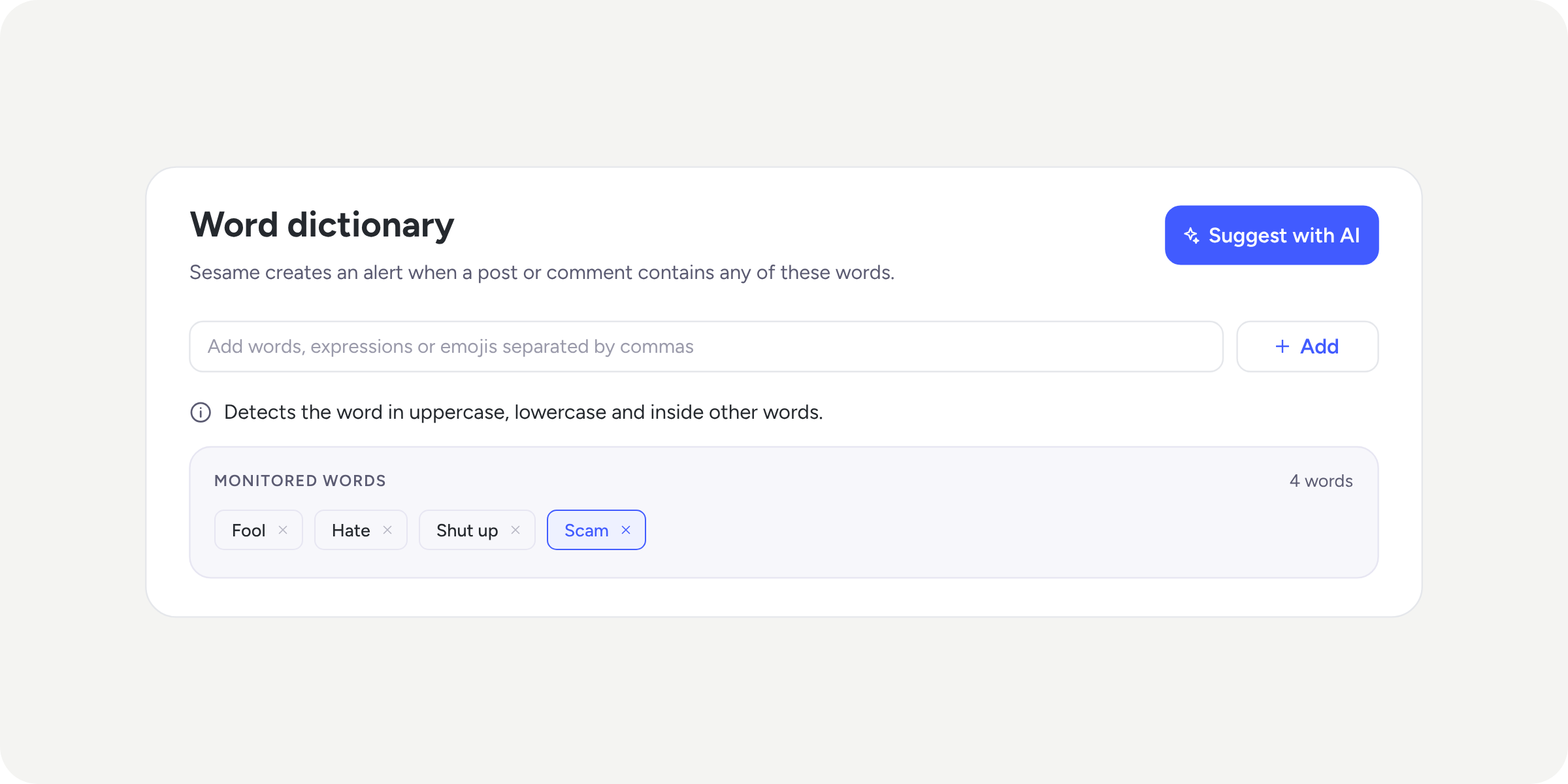
You can now control who posts in Community channels

Until now, anyone subscribed to a channel could create posts. From today, you can turn any channel into a broadcast space: HR or employer branding teams communicate what matters, while the rest of the team reads, reacts, and comments.
What’s new?
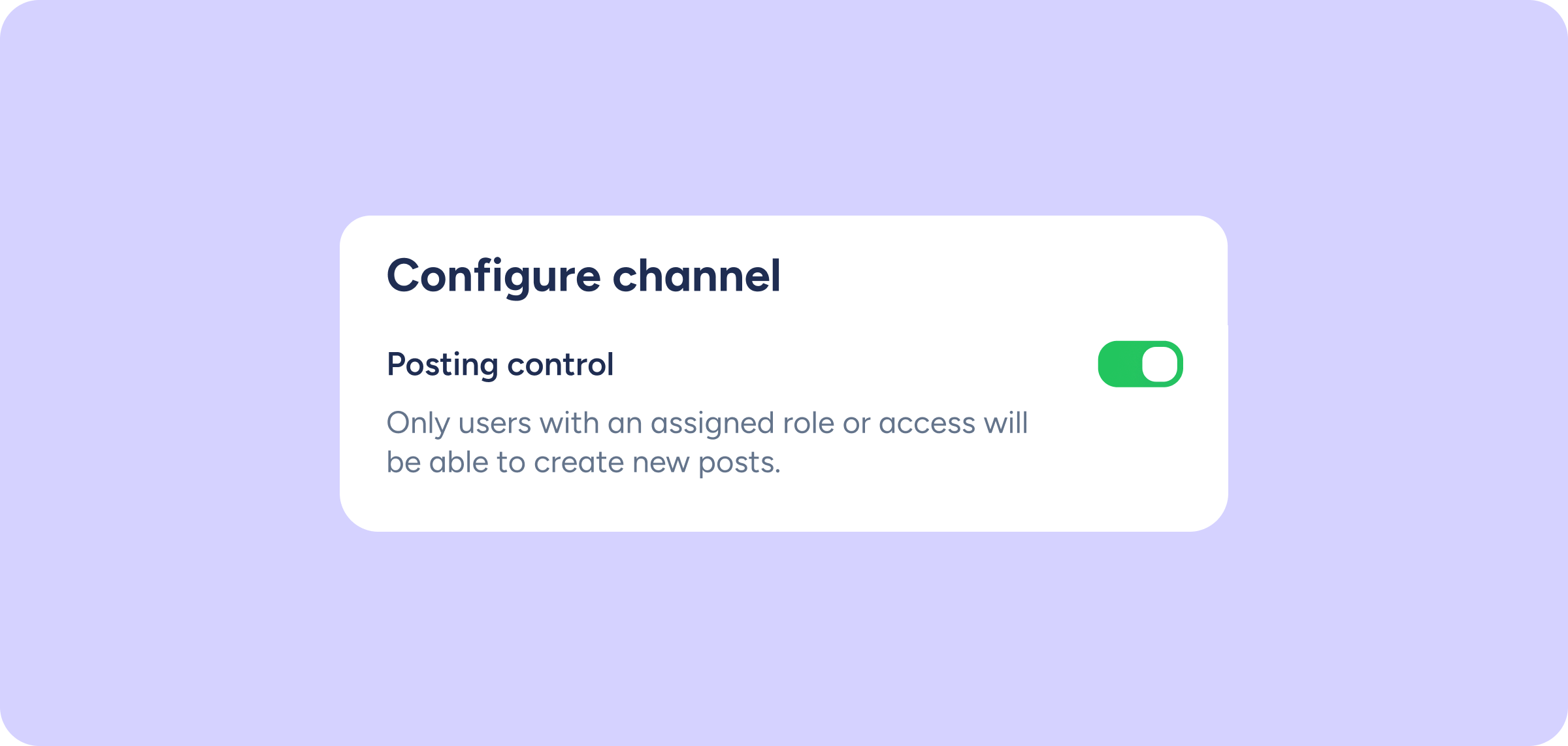
Within the Configuration of any existing channel, you’ll find the new “Posting control” option:
- Enable it to restrict post creation to a specific group of members.
- Assign publishers from the “Publishing permissions” field: a selector with a search bar that only shows people who are already members of the channel. If you want to give permission to someone new, add them to the channel first.
- General channel: it now has access to “Configuration” from the menu, allowing you to apply the same controls as any other channel.
💡 Profiles with the “Community configuration” permission and higher-level roles can always post in the channels they are members of, even if they don’t appear in the publishers list.
What do members without permission see?
A notice appears in the channel header: “Only members with permission can publish in this channel”, and the new post field does not appear.
What about the mobile app?
Configuration is exclusive to the web panel. From the app, you’ll only be able to see the channel status and the list of members.