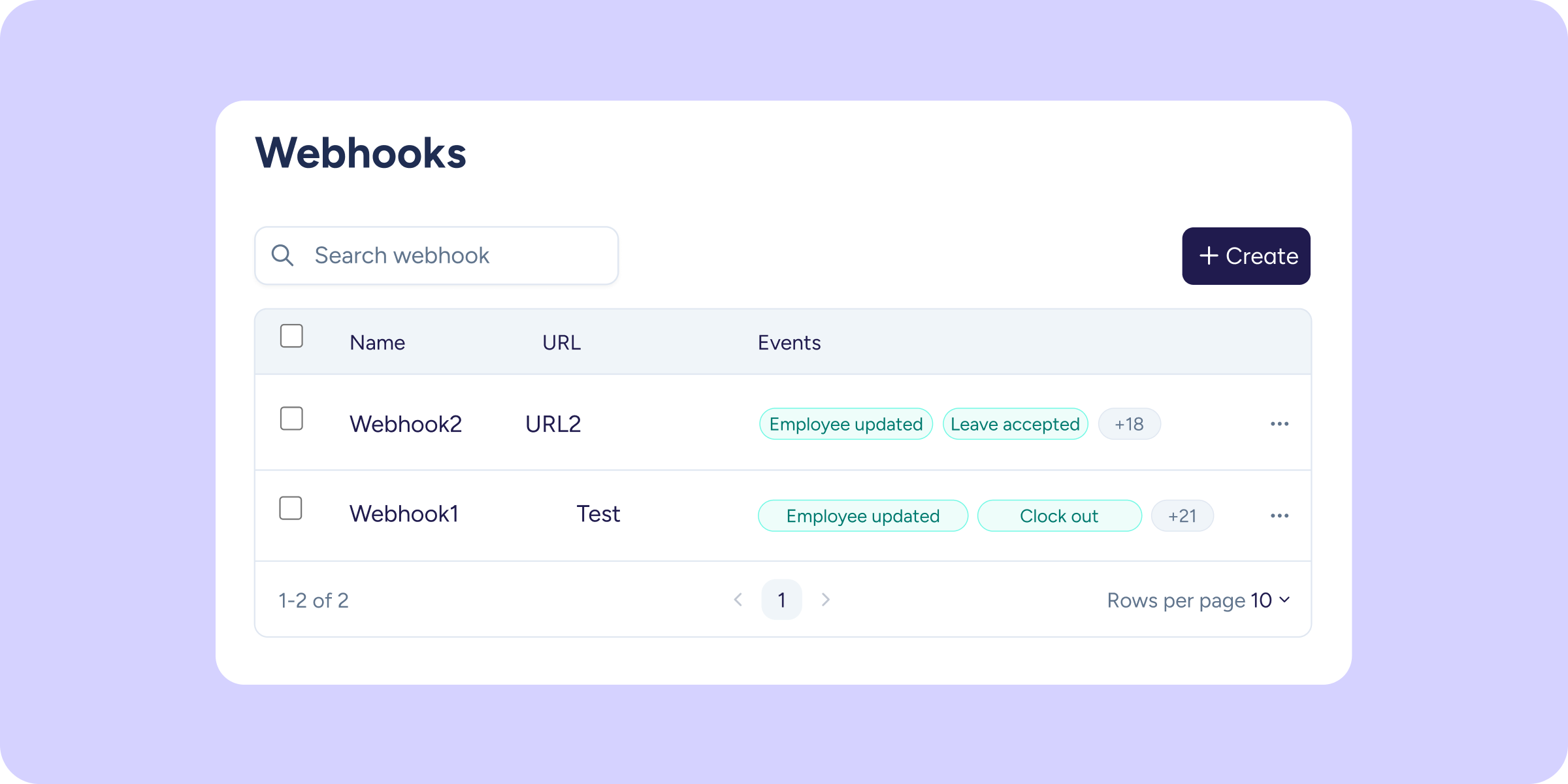
Connecting Sesame to your external systems just got a lot easier. From today, you have a dedicated section in the panel to create, activate, and manage all your webhooks; there’s no need to go through the API to configure them.
What can you do with this update?
- Create webhooks visually: go to the new section Configuration >> Integrations >> Webhooks, define the event you want to monitor, and enter your endpoint URL. Done in minutes, without a single line of code!
- Stay in control from one place: all your active webhooks, visible and manageable from a clean, centralized interface.
- Connect Sesame to any external system in real time: choose from 24 available events, such as a clock in/out or an approved time off request, and your system will know instantly.
You’ll find all the details on how to set up your first webhooks in our Help Center.