Let’s be honest… Following up with employees to remind them to clock in or record when they’re back from a coffee break isn’t exactly fun. That’s why, to help you keep all time records accurate, without having to chase anyone, we’ve expanded our time-tracking automations.
Until now, you could set up an alert if someone forgot to clock in. Now, you can receive notifications that cover the entire workday, such as:
- Start and end of break: detects if an employee hasn’t recorded the start of their break or their return to work.
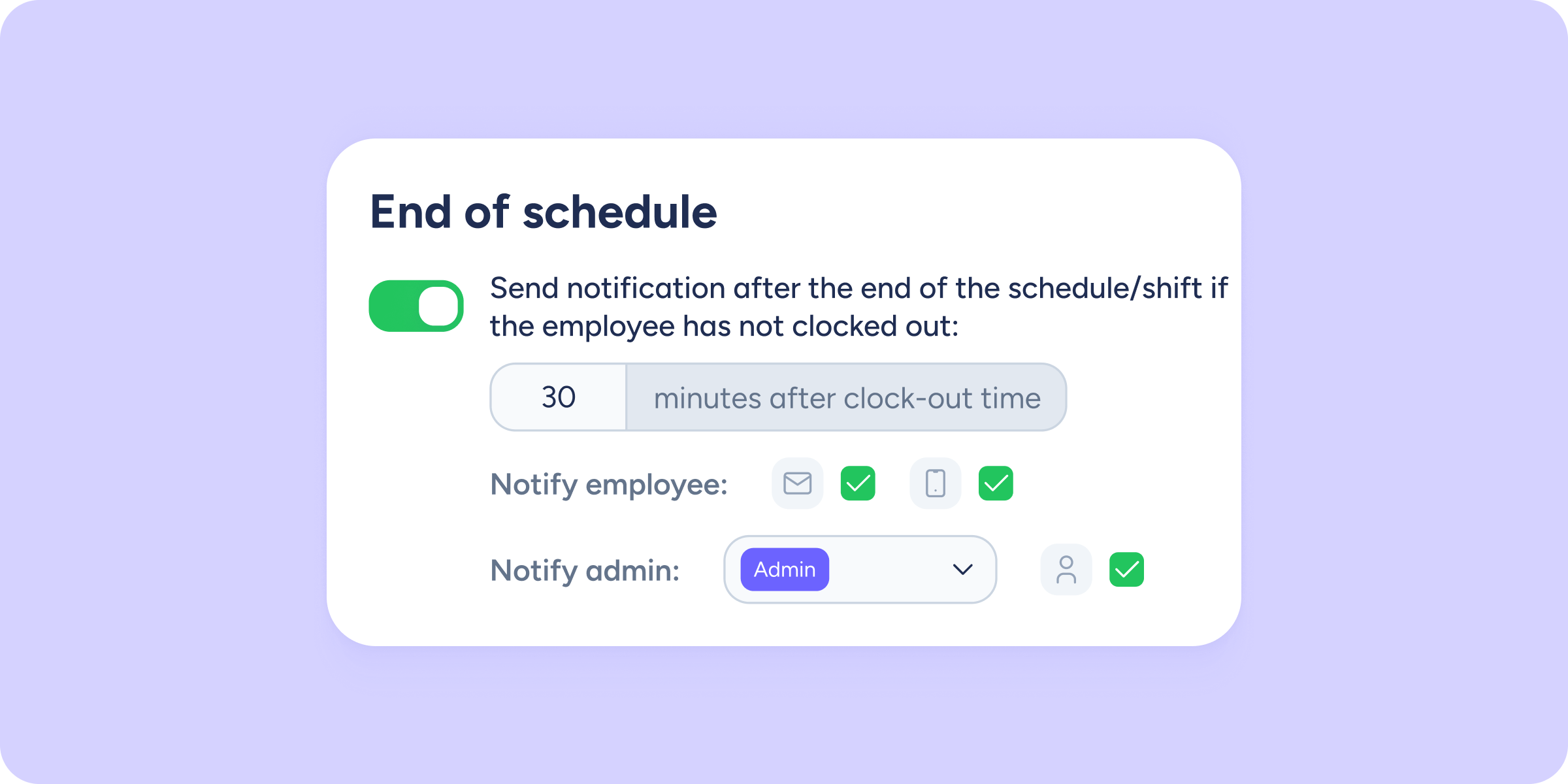
- Clock out: make sure no one leaves the clock running when they go home. Sesame will notify you if an employee’s scheduled end time has passed and there’s still no record.
You decide how these alerts work
-Set how many grace minutes you want to allow before the alert is triggered.
-Apply it to the whole company or only to specific departments.
-Choose to send a reminder to the employee so they can fix it right away, and a notification to you so you have full visibility of what’s happening.
How to enable them
Go to Configuration >> Automations >> Notifications. There you’ll find the 3 new options ready to be enabled, along with a redesigned interface to make setup more intuitive than ever.
Set it up once, and let Sesame notify your team for you!