We know how important it is to have all your team’s information at hand: personal data, employment details, or any other information you consider essential for your management.
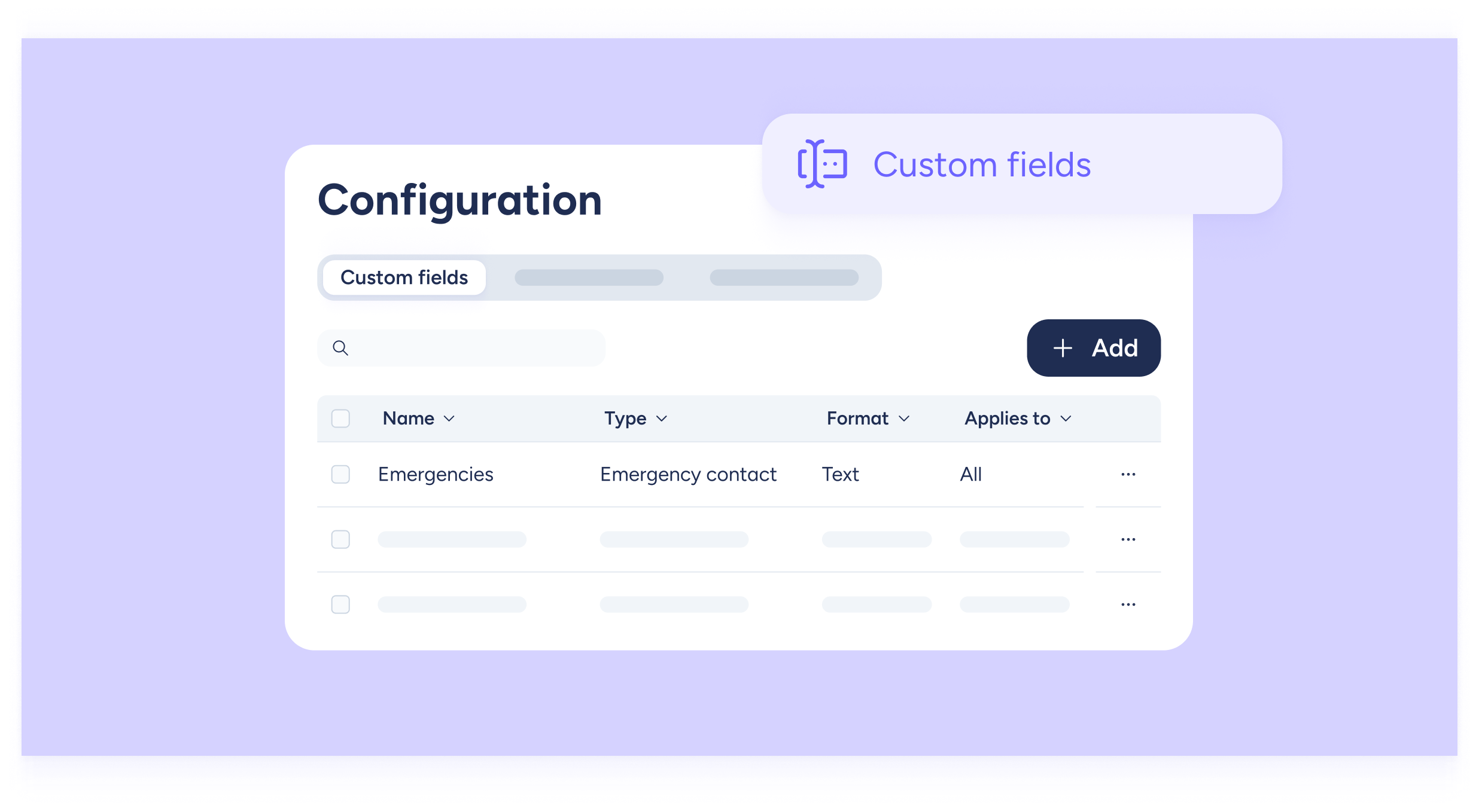
Now you can organize and view all this information more easily thanks to the new Custom Fields section, available directly from the Configuration menu.
Start creating custom fields for your entire company
Go to Configuration >> Company >> Custom fields.
There, you can organize information into three sections:
- Custom fields: for adding extra data that doesn’t fit into personal or employment categories.
- Personal data: information such as name, identification number, address, etc.
- Employment data: includes information such as job position, bank account, or organizational structure.
When creating each field, you can define: the field name, the data type (text, number, phone, link, education, etc.), and the format (free text or dropdown options).
Once created, these fields will automatically appear in every employee’s profile.
To complete them:
- Go to the Employees section and open an employee’s profile.
- Navigate to Personal Data, Employment Data, or Custom fields.
- Fill in the required information or assign the field so the employee can complete it.
Start centralizing all the information you need in one place, flexible, organized, and fully customized!