Copy, paste, and drag: plan your timetable faster
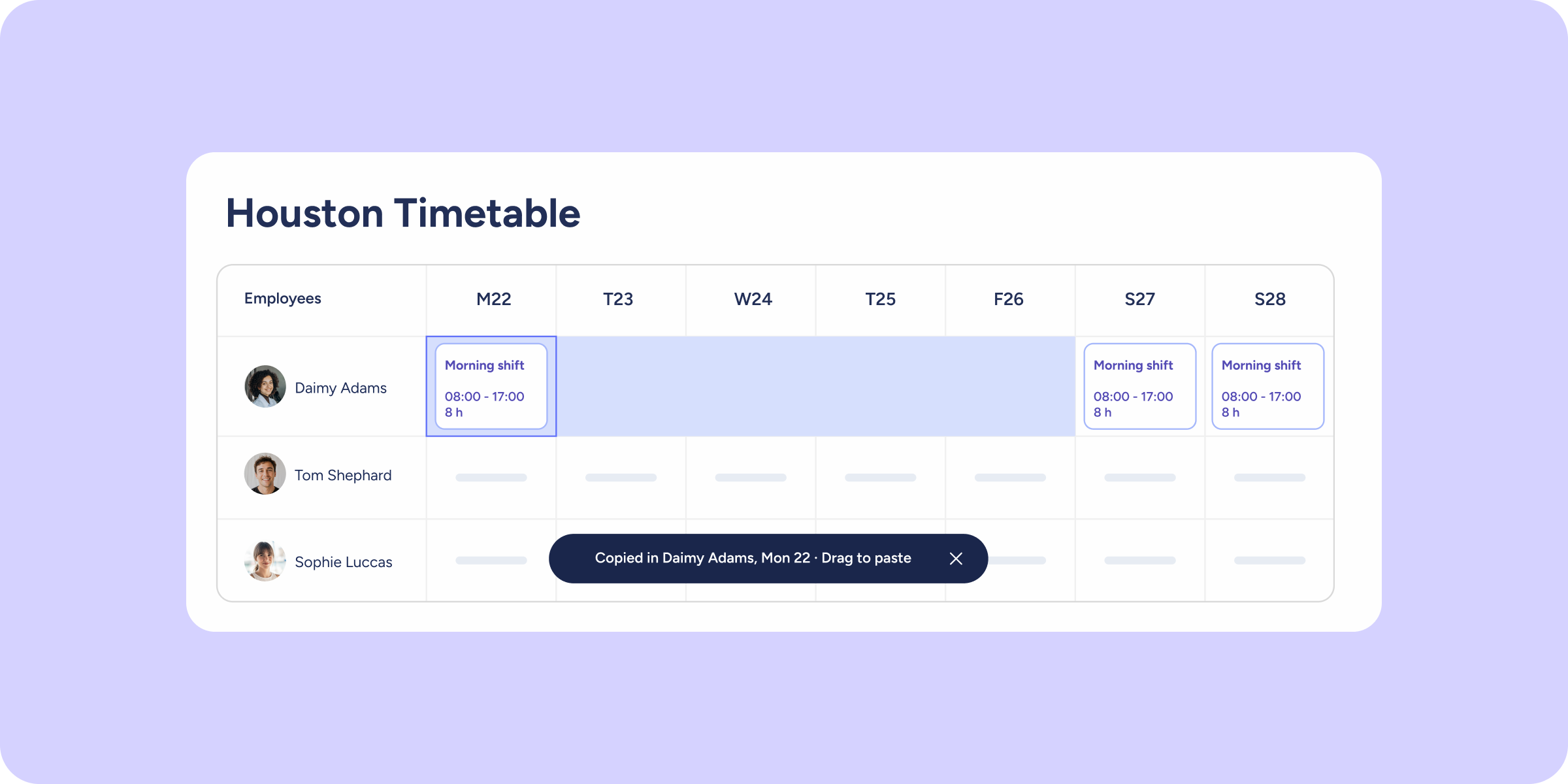

Planning shifts week by week and cell by cell can take a long time. That’s why we’ve added actions to the timetable that you already know from tools like Excel or Google Sheets: select, copy, paste, drag, replicate, undo, and redo, all without leaving Shifts.
Plan your timetable in less time
Copy full rows or individual shifts: select an employee’s row, or several at once, and paste it into the same period, a different period, or another employee. You can also copy or move just the shift in a single cell. Use the keyboard shortcuts Ctrl/Cmd + C and Ctrl/Cmd + V.
Replicate shifts by dragging: select a shift and drag from the control point in the bottom corner to copy it across multiple days without repeating the action one by one.
Move or copy a shift with drag and drop: drop it on the left half of the target cell to move it, or on the right half to copy it.
Undo or redo changes easily: if something didn’t turn out as expected, you can correct it instantly with the “Undo” and “Redo” options.
You can now manage the timetable in a much more agile way: select, copy, paste, drag, and correct changes on the spot. Don’t wait any longer to discover how easy it is to plan your timetable!