Identify salary status at a glance
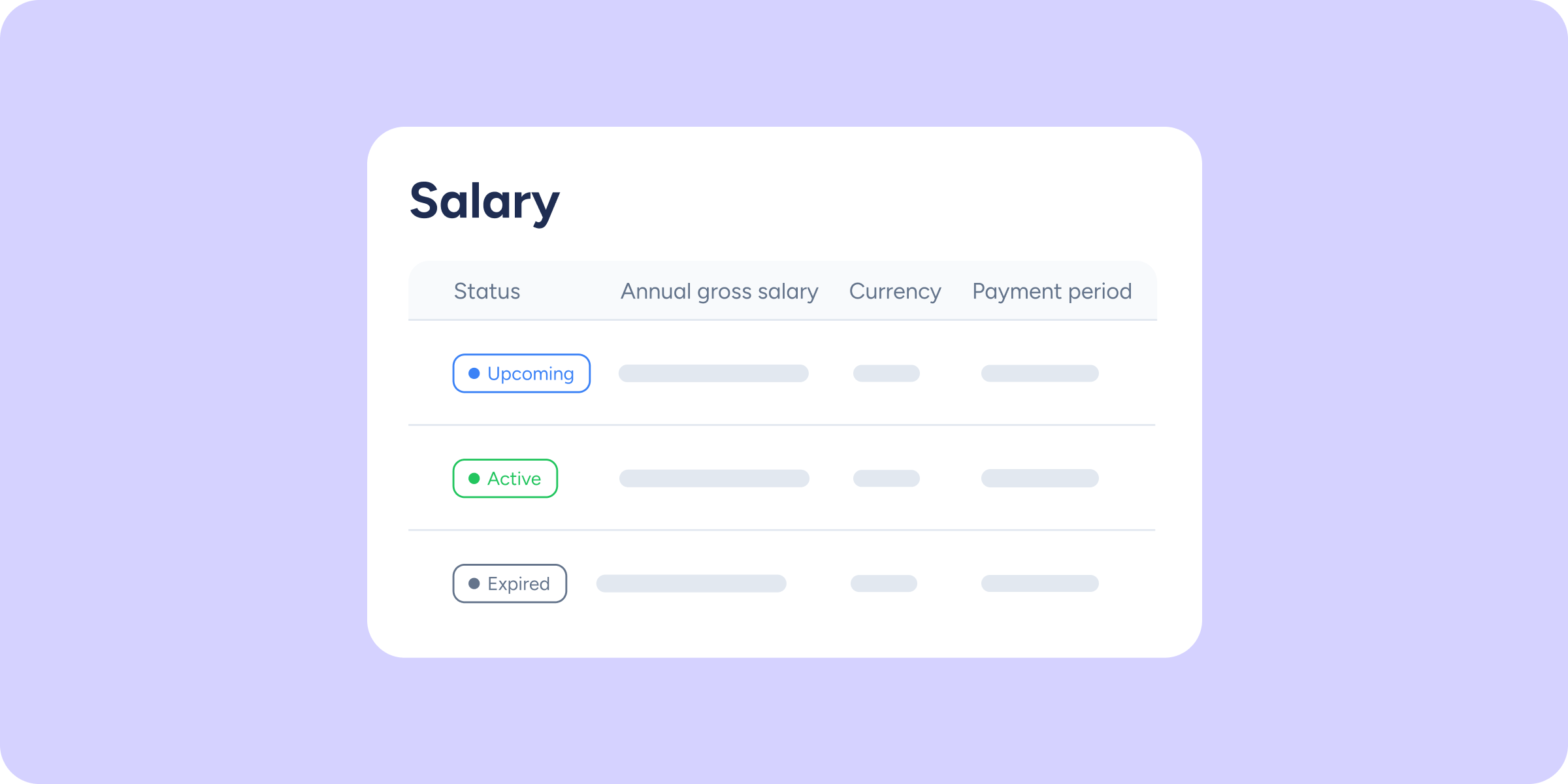

It’s now easier to see which salary is currently active, which one is coming into effect soon, and which ones are part of the history. Each salary’s status is calculated automatically based on its dates, so you always have up-to-date information.
What improvements will you find in your panel?
In each employee’s salary list, you’ll see a new “Status” column with three possible labels:
- Active: the salary currently in effect. There can only be one per employee.
- Upcoming: the salary has a future start date. It will become active once its start date arrives.
- Expired: the salary already has a past end date. It is kept in the history so you always retain the employee’s complete salary record.
With this change, the “Set as current” button is removed from the actions menu for each salary. Additionally, each automatic closure or activation is logged in the comments icon next to the salary, along with the reason for the change.
Have a question? We’ve put all the details in our Help Center.
Available on
Starter
Time
Professional
Enterprise
All updates
Go back to the list and discover the rest