We’ve improved the traceability of the Evaluations and Surveys tools so you don’t lose any information when an employee is disabled in Sesame. From now on, these employees will remain visible, with a clear identifier that lets you keep your records complete.
What will you find now?
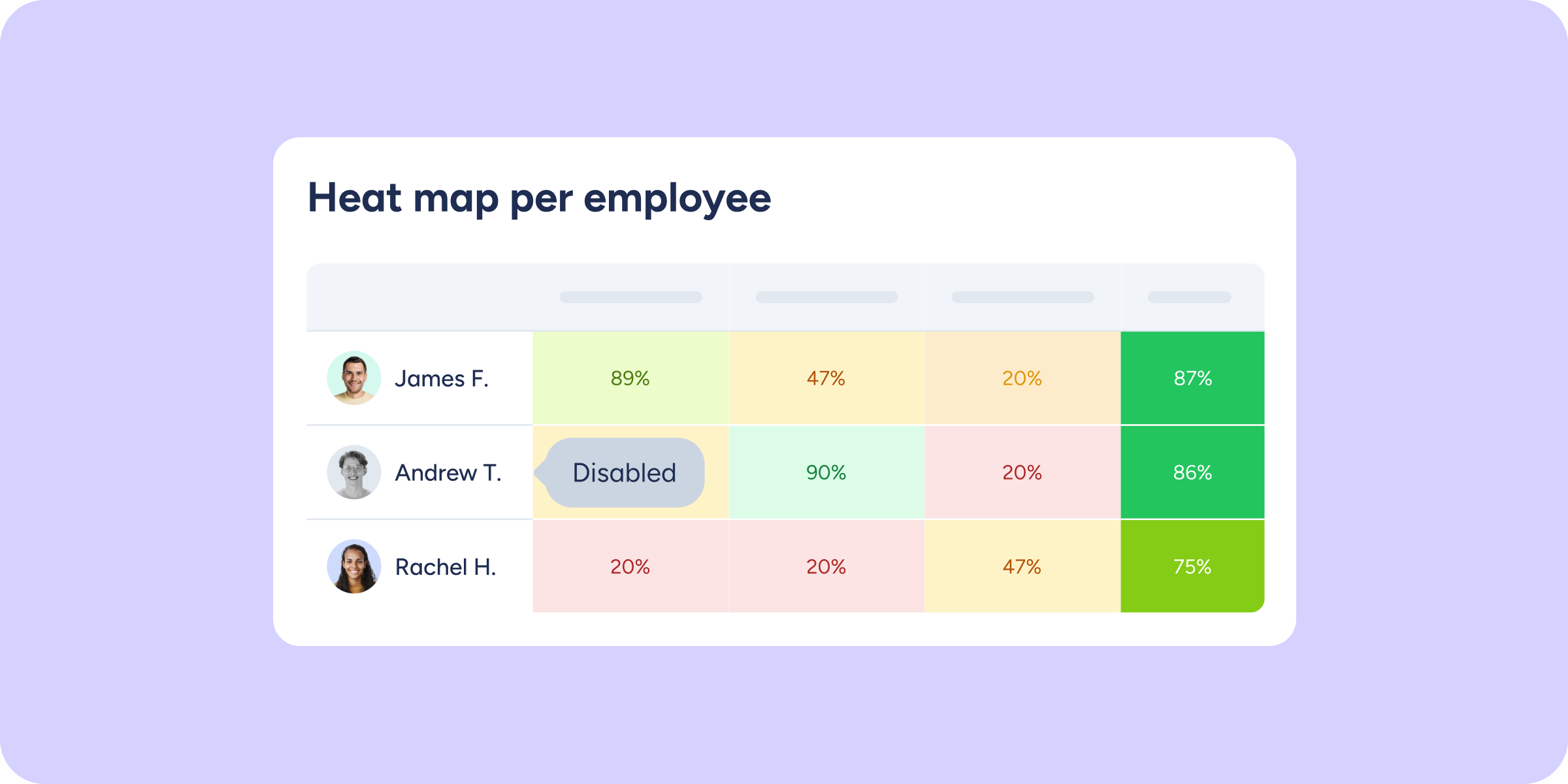
Disabled employees are shown in the module with a clear identifier, adapted to each view, so you can keep seeing them without disrupting the process:
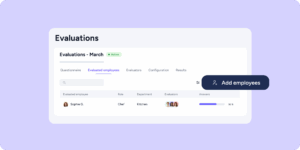
- Evaluation and survey list and detail view: see employees who no longer have an active account, along with their participation counters.
- Results, Heat Map, and Ranking: retain the full history of responses, metrics, and comparisons for disabled employees.
- Individual responses: open the profile of a disabled evaluated employee or survey respondent and review the feedback they submitted.
- Employee view: employees whose manager has been disabled can still access the results that manager shared with them, as well as the evaluations and surveys in which they were evaluated.
- Anonymous surveys: responses from disabled employees are kept within this section, with their anonymity fully respected.
Explore this improvement in your dashboard and make the most of your complete history to make decisions with all the information you need. Stay tuned for our upcoming communications, you won’t want to miss what’s coming!