Clock ins/outs outside the workplace no longer generate incidents! 📍

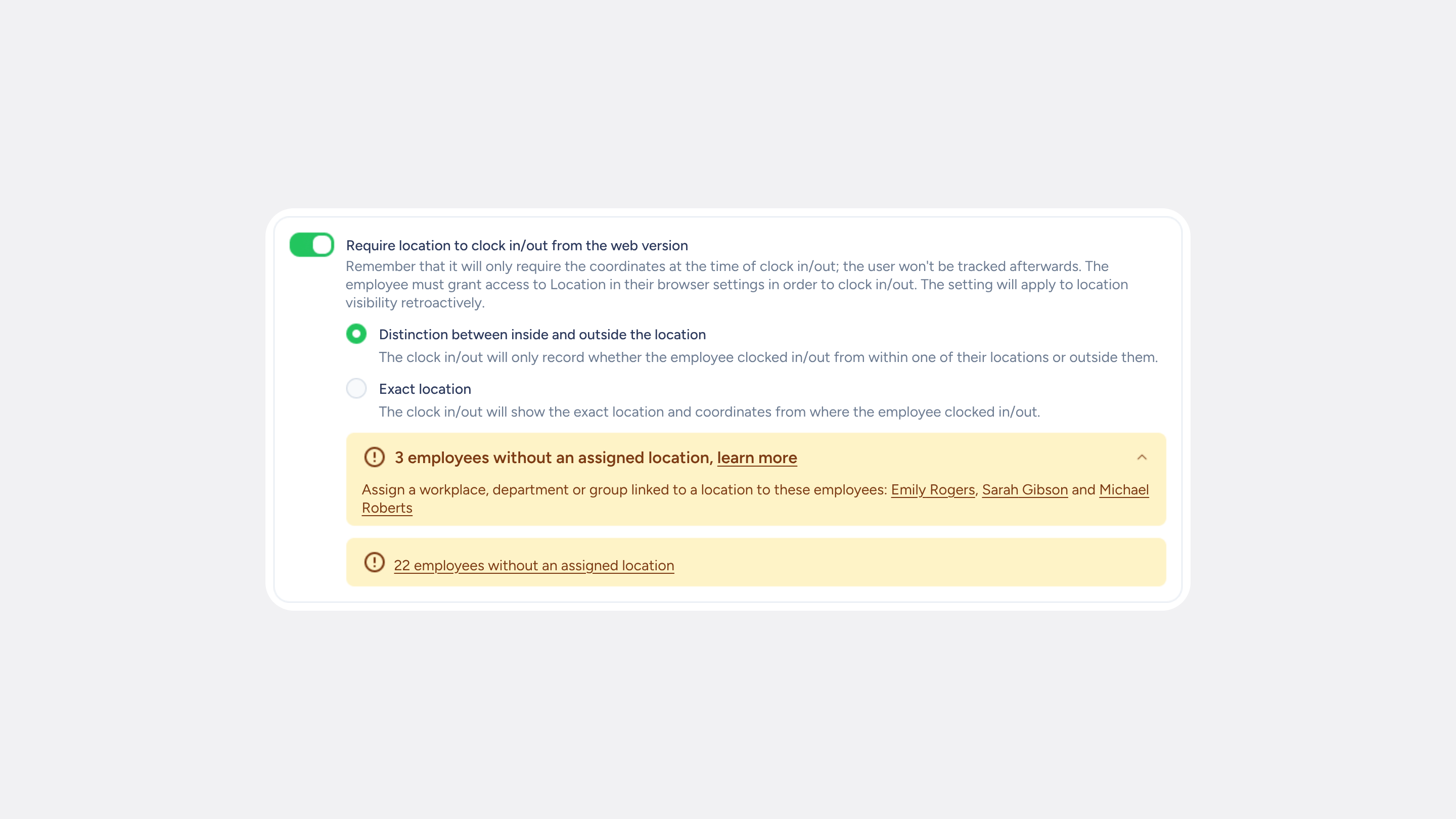
When an employee clocks in or out away from their workplace, your admin team now receives a clock in/out request instead of an incident. This way, your team avoids confusing flags, and you manage everything from a single approval flow.
What can you do with clock ins/outs outside the workplace?
- Approve or reject from one place. Clock ins/outs outside the permitted radius arrive as clock in/out requests, following the same validation flow you already use. If your company has several validators, the request will go through each one in the defined order.
- Avoid the incident flag. Your employees will see the usual “Request pending approval” status instead of a flag that might make them wonder whether their clock in/out is valid.
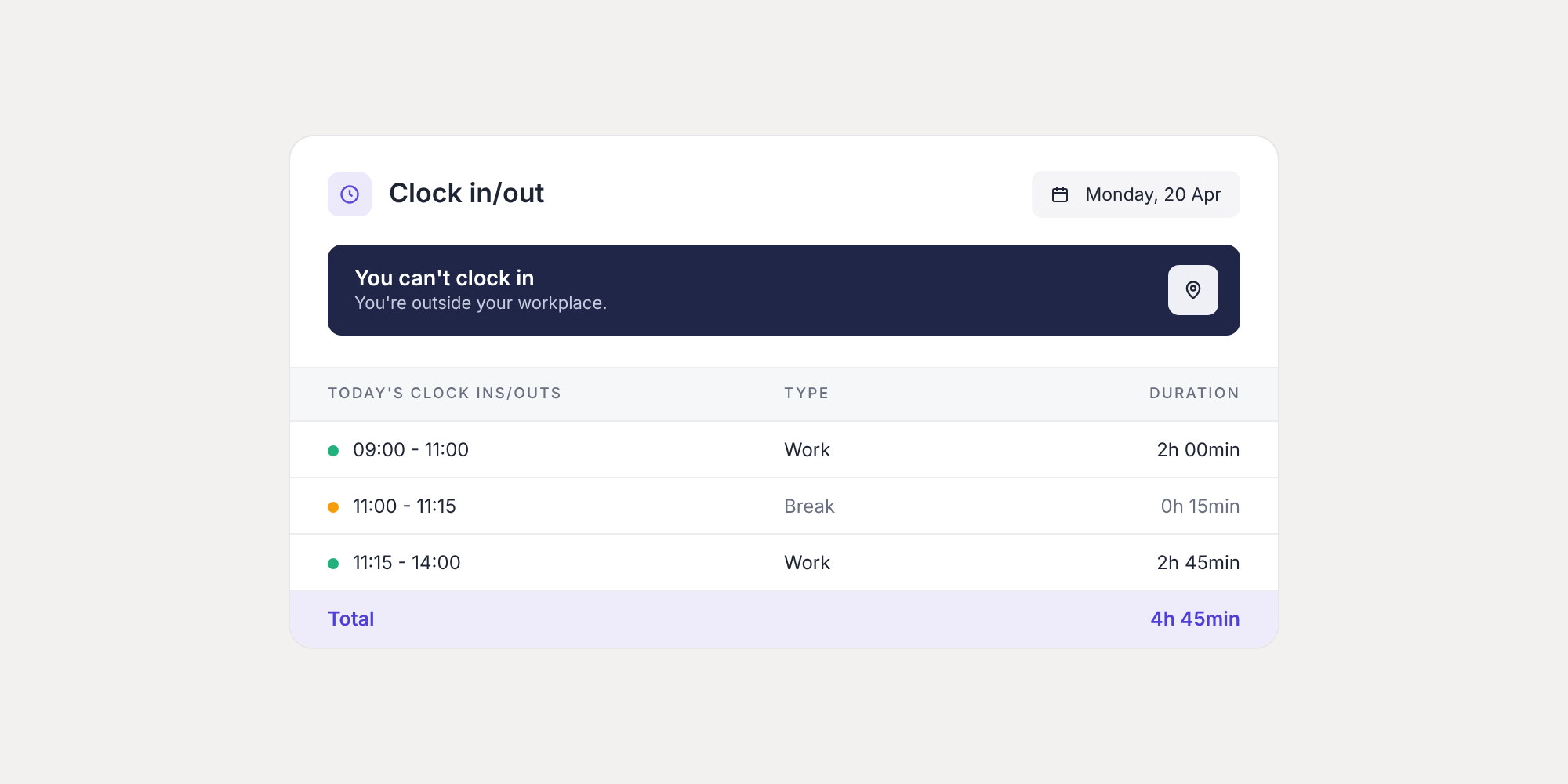
- Let employees clock out with their actual time. If an employee leaves the workplace without clocking out, the app will let them know they are outside the workplace and allow them to adjust the time before submitting the request.
- Stay in control. If you have the “Block clock ins/outs” option enabled, any real-time clock in/out made outside the workplace radius will need your approval.
Where to find it
- Administrators and validators: Inbox >> Clock ins/outs.
- Employees: in the Sesame app, when clocking in, starting a break, or clocking out. They can then check it in Clock ins/outs and schedules, where the card will show “Outside workplace”.
Please note
- This feature is available once the employee has allowed location access in the app.
- To get the full benefit of this improvement, employees need to have the latest version of the Sesame app installed.
Discover how this new flow works and manage clock ins/outs outside the workplace more clearly and easily. Find out more in our Help Center.
Available on
Starter
Time
Professional
Enterprise
All updates
Go back to the list and discover the rest