How many times have you tried to download your timetable only to find the final file looked nothing like what was on screen? Filters ignored, missing information, colors in “fine, thanks” mode, ranges gone missing… and you ended up taking a screenshot to share on WhatsApp.
That’s finally over. You can now download your timetable exactly as it appears on screen, no screenshots, no odd adjustments. Promise.
Your schedule as a PDF, without losing a single detail
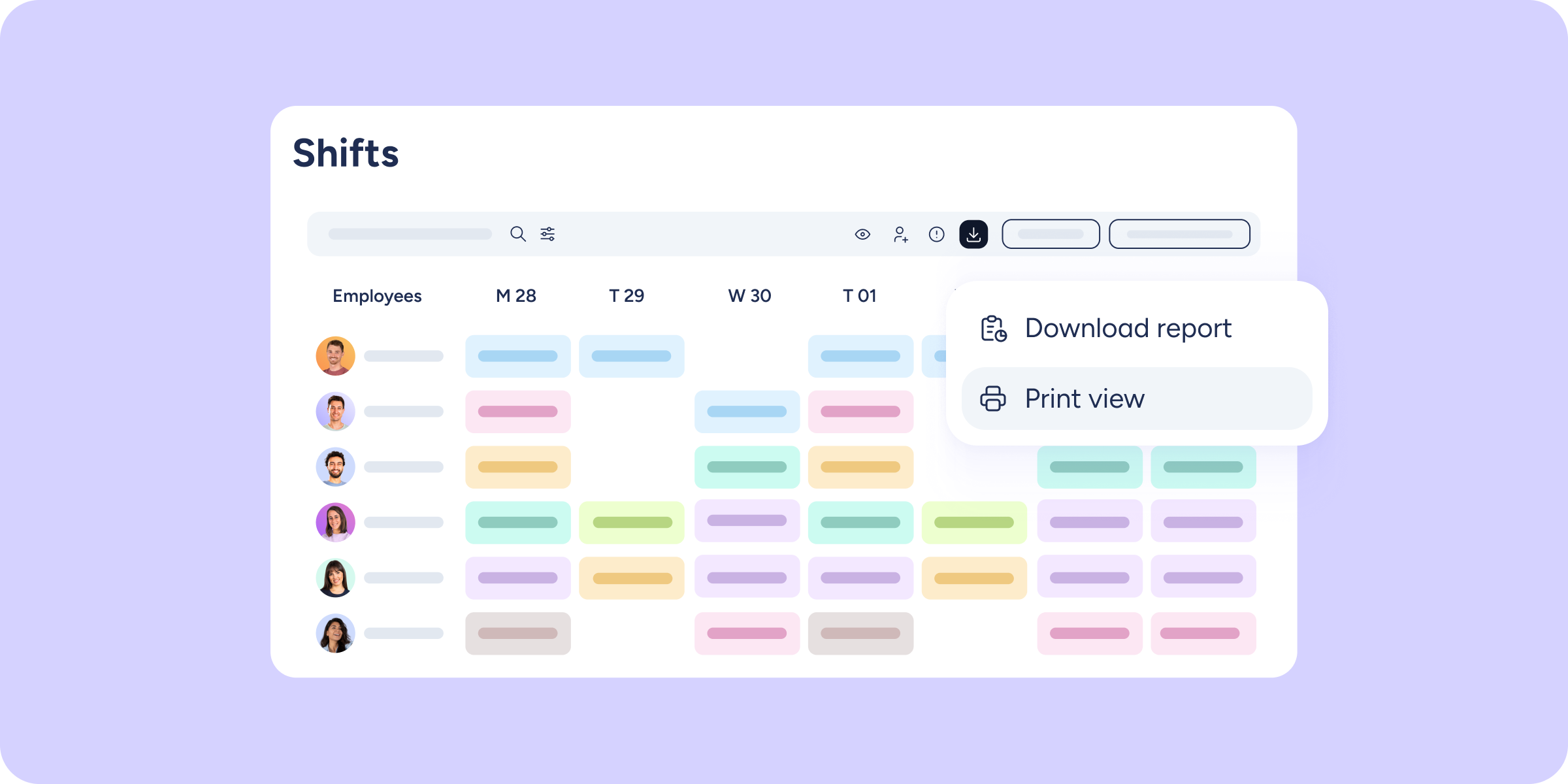
With the new “Print view” option (Employees tab >> Download), the system captures exactly what you’re looking at and converts it into a PDF ready to share or print.
2 reasons you’ll love it
- A file that matches your screen. What you see is what you download: colors, icons, filters, and all the details of the timetable, exactly as it appears on your screen.
- The previous flow, untouched. “Download report” still works exactly as before. You now have two options in the same button and can choose whichever you need at any given moment.
Good to know: for now, the “Print view” option is only available in the Employees view (day, week, and month). In the Shifts and Positions views, the download button continues to work as before.
Discover a new way to share your planning. For more details, visit our Help Center.