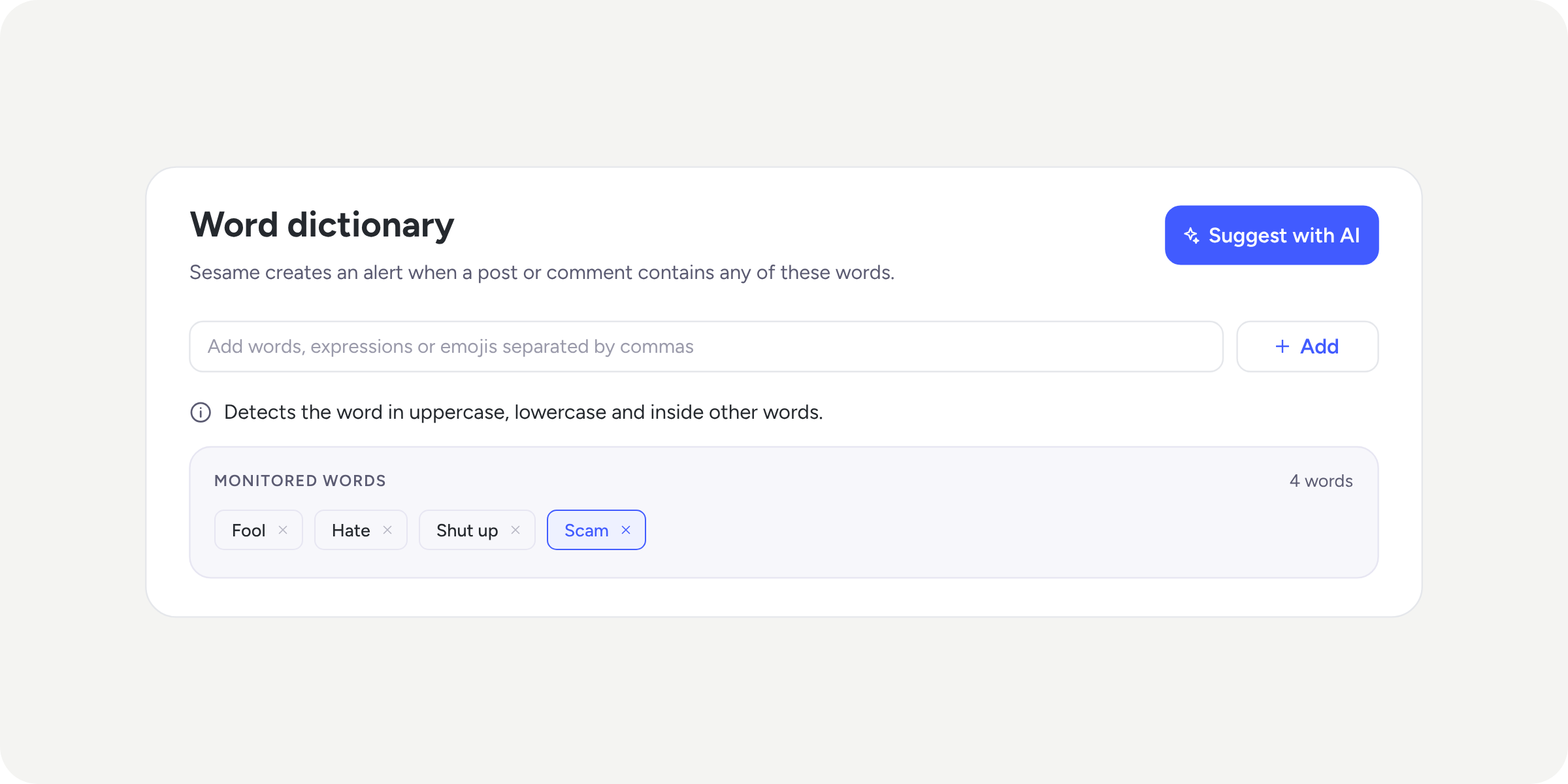
Personalise your announcements email with your brand identity

Until now, when you published an announcement, the email your team received always looked the same, no customisation possible.
Starting today, you can configure various elements so that your template reflects your organisation’s visual identity.
What can you customise? 🎨
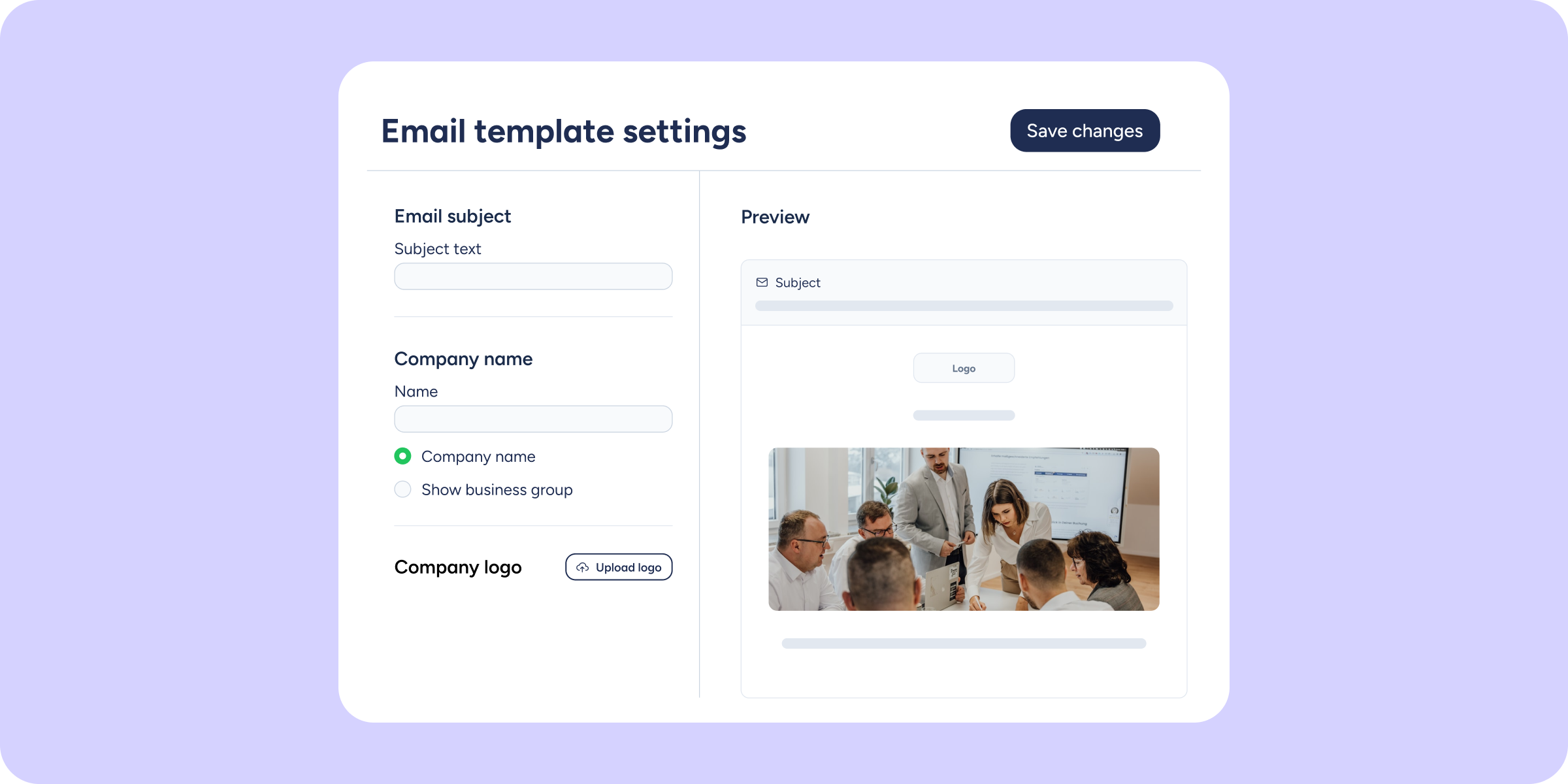
In Announcements >> Configuration, if you have the “Send announcements by email” box ticked, you’ll see the new Configure email template button. Clicking it opens a prompt with a real-time preview where you can adjust the following elements:
Subject line
Define the subject text with a maximum of 80 characters, or use the {{announcement_title}} variable to automatically include the title of each announcement in the subject.
Company logo
Choose between the logo already configured in Sesame or upload a new one (up to 25 MB). Adjust its size without needing to edit the image in an external application.
Company name
Customise the name that appears in the email. If you have a group of companies, you can use the group name.
Sesame logo
Choose whether to show or hide the Sesame logo in the email footer, and adjust its size.
The preview updates in real time with every change, so you can see exactly how the email will look before sending it.
Need to go back to the original design? Click “Reset to default” at any time to restore the original email configuration.