It doesn’t get any easier than this. We’ve introduced a major new feature that makes it significantly simpler to send documents and get your employees to sign them. From now on, they can sign their employment documents from the comfort of their phone, directly through the Sesame HR app.
This wasn’t possible before, but we’ve now added an important new feature that will help you speed up your entire document signing process. Mobile signing is available for both simple and advanced signatures. Documents signed through either method will be fully valid and legally binding.
Please note that for now, the mobile app supports document signing only. If employees need to fill in a document with their details, they will still need to do so from the panel.
How does signing work in the app?
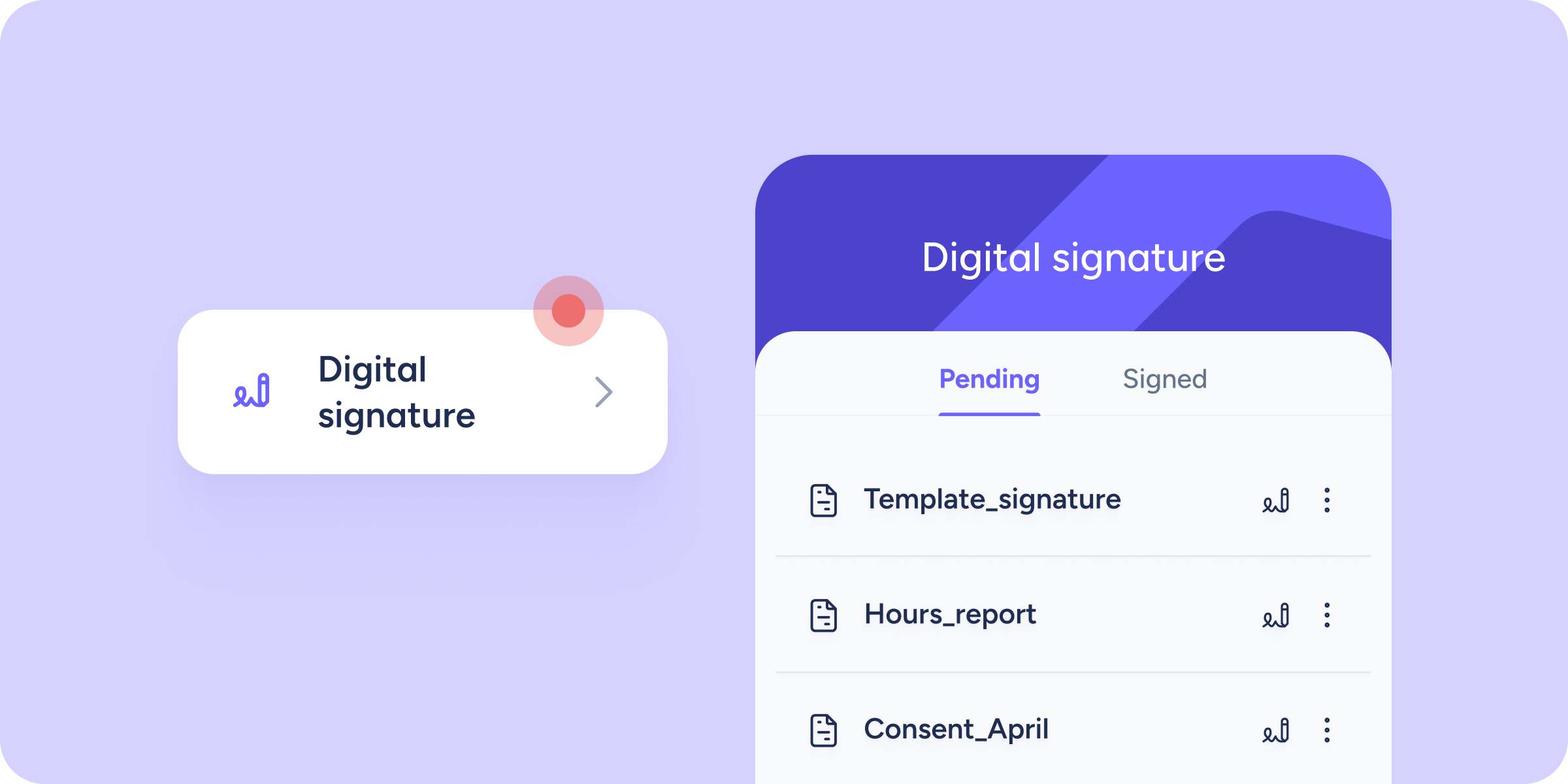
As an administrator, request signatures from your employees through the Document manager in the panel. They will receive a push notification taking them directly to the Digital signature tool. They can also find it in the employee features tab by following this path from the app menu: Apps >> Employee >> Digital signature.
Once inside, documents are organized by status: Pending and Signed.
For each document pending signature, employees tap the pen icon to open a new screen where they can complete the signing process, leaving the document fully signed and the workflow complete.