Do you manage roles in your team? You can now give users with a Specific role access to more areas of Sesame.
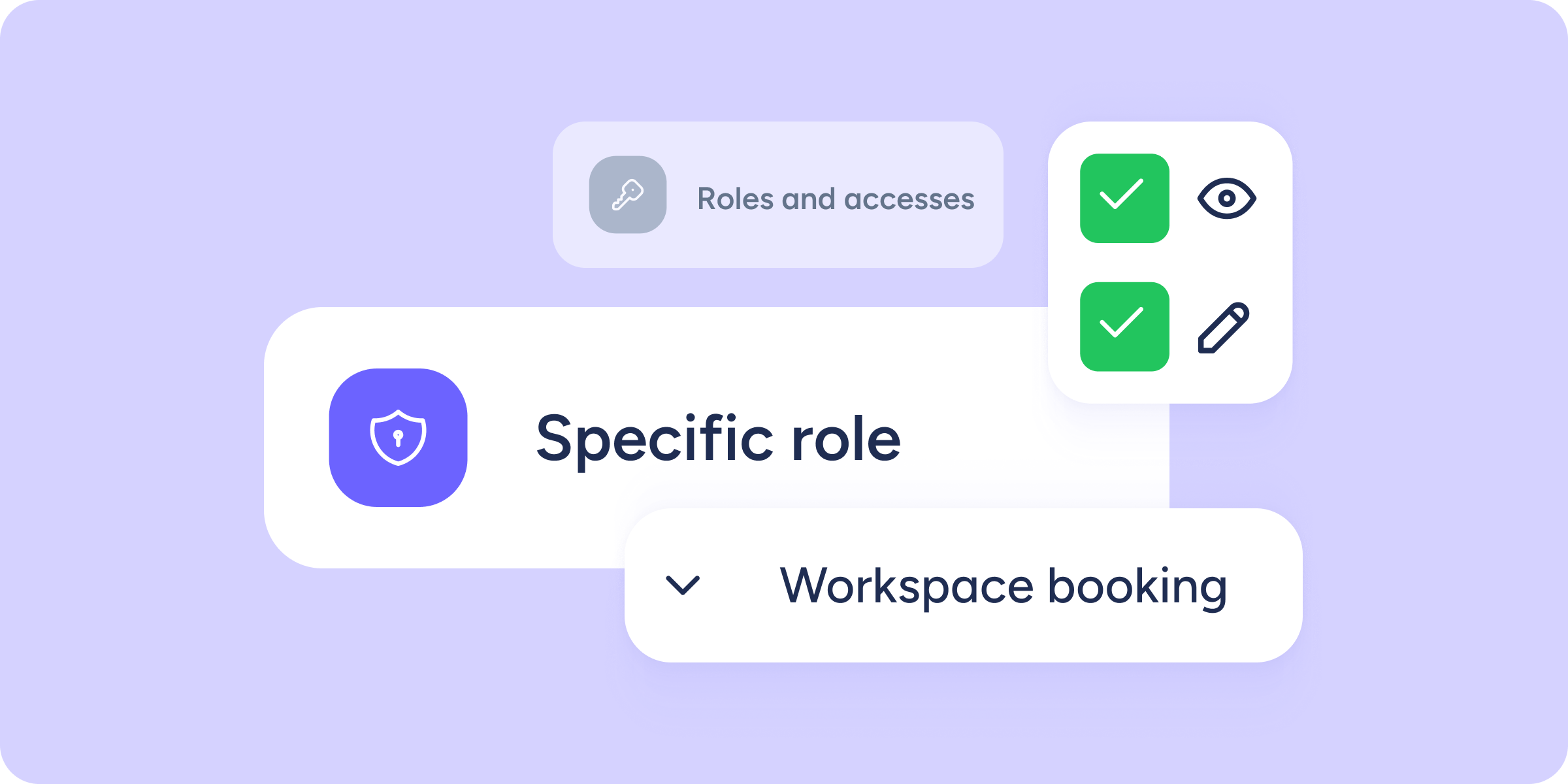
To keep strengthening “Roles and access” and offer you greater flexibility, we’re extending the capabilities of Specific roles: they can now access and modify sections that were previously reserved only for General roles.
Below, we explain what has changed and how it can help you.
🧩 What has changed?
We’re expanding the available access for Specific roles. You can now grant access to 3 new areas:
1.Space booking
In Roles and access >> Access level >> Communication >> Workspace booking, you can allow Specific roles to view or edit spaces such as meeting rooms, resources, etc.
2.General settings
In Roles and access >> Access level >> Company >> Configuration, you can allow Specific roles to view or edit the basic account settings.
This means that, if you choose to enable these options, holders will be able to change the company name, language, currency, country, and industry. They will also be able to change or remove the account picture.
3.Tax information
In Roles and access >> Access level >> Company >> Configuration, you can allow Specific roles to view or edit the account’s tax details.
If you enable these options, holders will be able to edit the tax residence, tax ID number, social security number, and other related fields.
👫🏻 Who is this update for?
This update is especially useful if you need to delegate specific tasks to people who should only manage certain things, for example:
- Executive assistants who need to create, edit, or disable spaces (rooms) without accessing all company settings.
- Admins who need to adjust the account language or currency after a rebrand or international expansion.
- Finance specialists who must update the company’s tax data, such as tax ID, tax residence, or social security number, to keep legal information up to date.
🏅 Why is this update important?
We’re launching this update to move towards a 100% flexible role configuration, with equal access options to sections for both General and Specific roles. In short: we want you to be able to structure access exactly as you need, with no limitations, whether it’s for a General or Specific role.
In addition, this update lets you delegate administrative or resource-management tasks to the people best suited for them on your team, without compromising the security of your account’s critical settings.