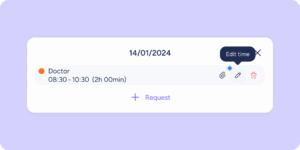
You spend time organizing your team’s shifts, adjusting the timetable, assigning shifts… and then you discover that one employee was on holiday, another had an approved day off, and someone else already had a shift assigned.
If you manage teams with rotating shifts, this situation probably sounds familiar. That’s why we’ve introduced a new alert system in Shifts that notifies you in real time about potential conflicts, so you can spot and resolve them before confirming the assignment.
Keep reading to find out all the details about this update.
Real-time alerts when assigning shifts
From now on, when you assign a shift (whether custom, from a template, by pattern, or by recurrence), the system will notify you if it detects an overlap with:
- An hourly time off
- A day off
- A public holiday
- Another already assigned shift
When do these alerts appear? You’ll see them at the exact moment you try to assign the shift. They also include detailed information such as:
- The name of the affected employee.
- The day and reason for the conflict.
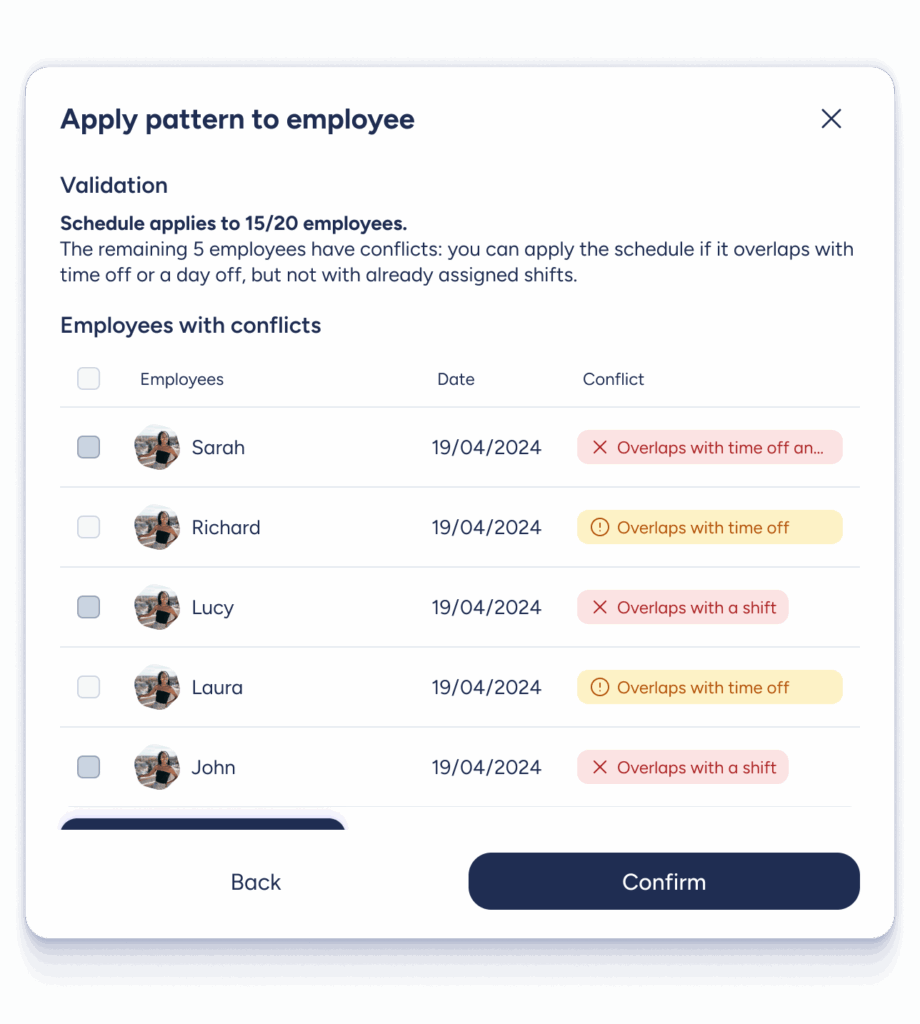
It’s also important to know that there are two types of alerts:
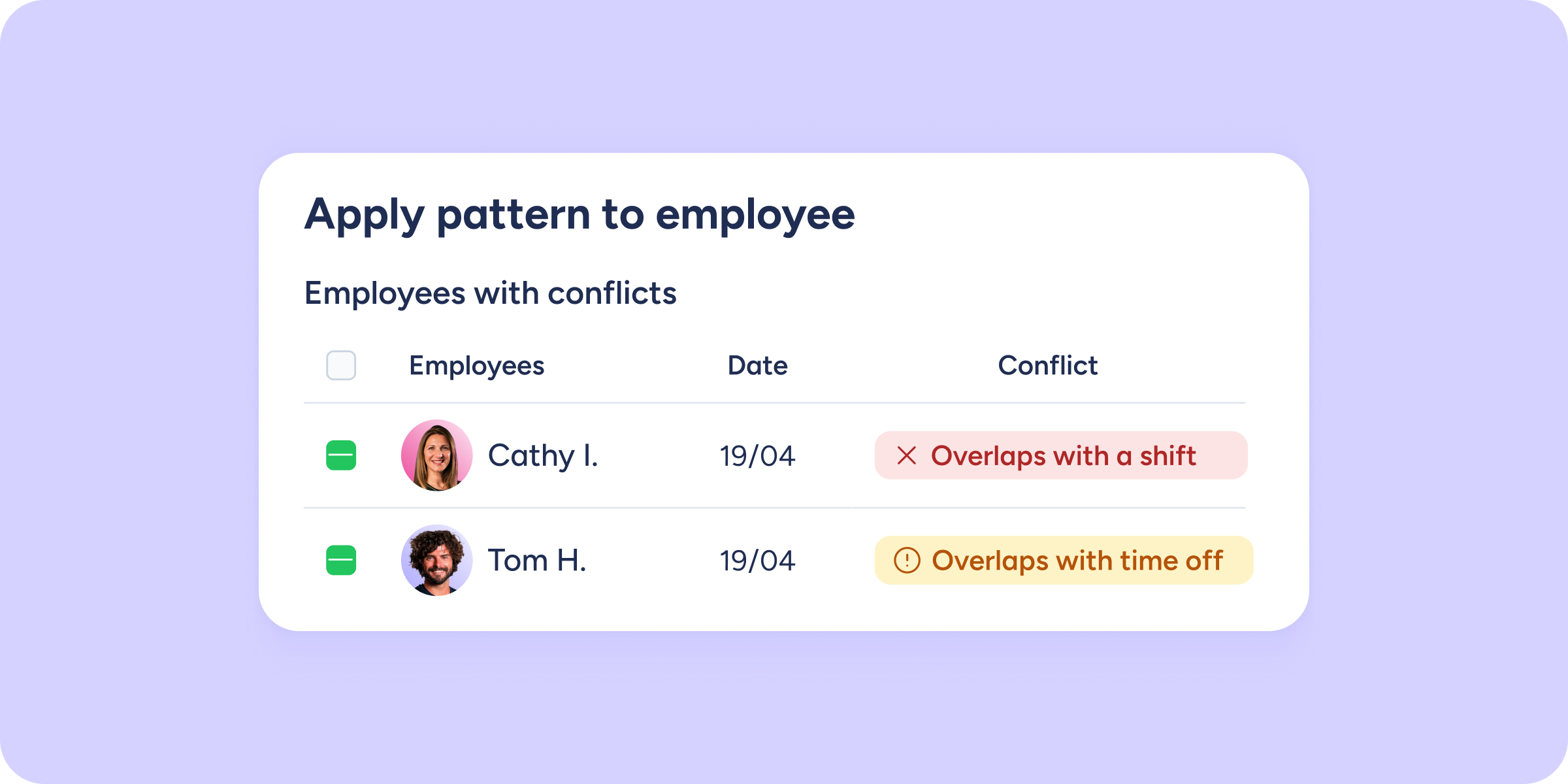
- Red alerts 🔴 are restrictive. You won’t be able to proceed with the assignment until the conflict is resolved.
- Yellow alerts 🟡 are informational. They notify you of the overlap, but you decide whether to proceed with the assignment or make adjustments.
With this real-time information, you can decide on the spot whether to proceed with the assignment or adjust the schedule to avoid any issues.
With this new alert system, you have greater visibility and control to manage shifts more efficiently and without surprises. We hope you find it really useful!