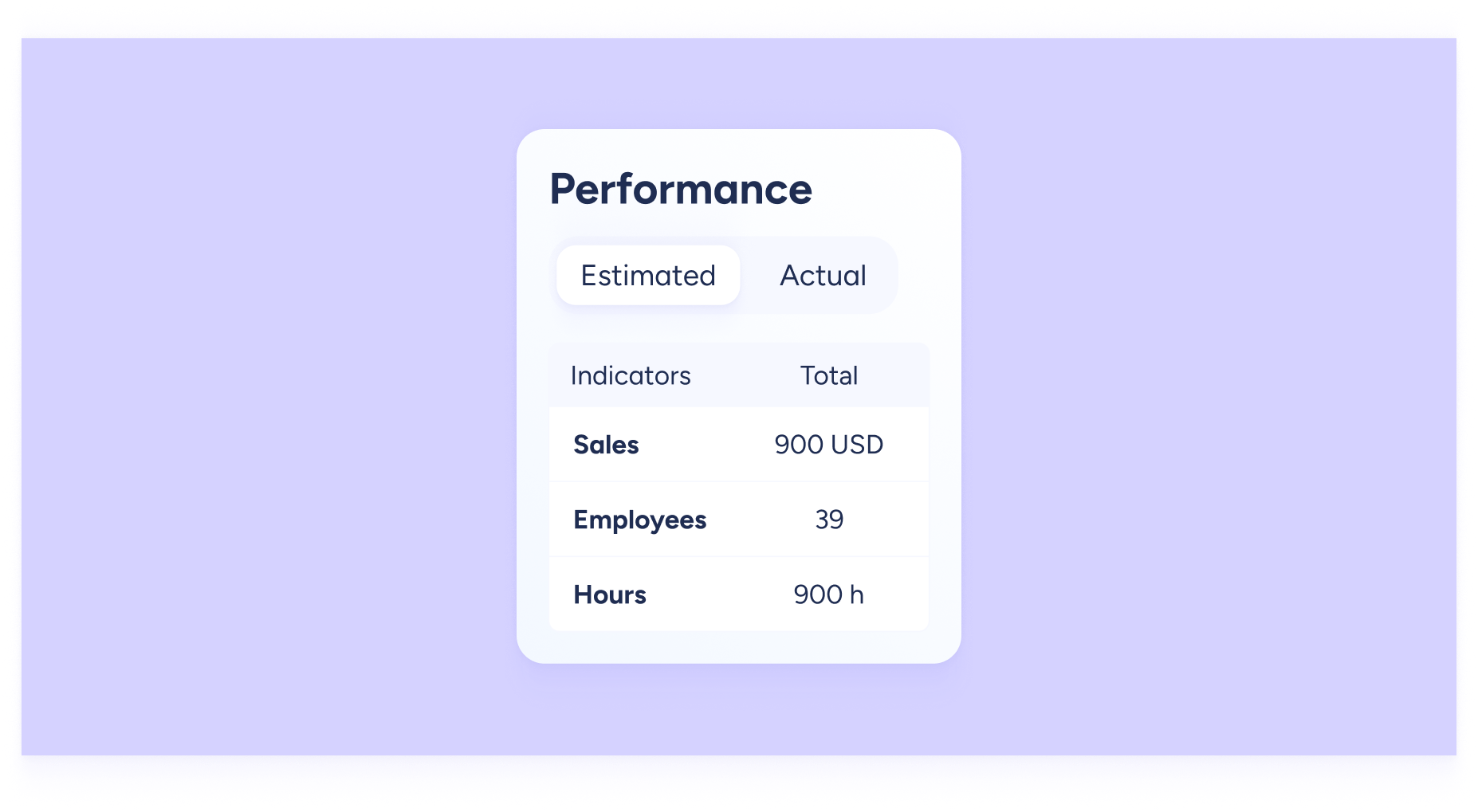
We know budgeting can be a headache. What if you could spot budget deviations in real time and optimize your resources? With the Cost table, you can.
Get a side-by-side comparison between the schedule’s estimated cost and the actual cost of executed shifts.
Important: you can view the weekly total cost and the daily cost per employee once you’ve completed each employee’s profile under Work information >> Cost per hour.
Manage your team’s days off and time off from the same timetable
Stop jumping between pages to see all your team’s info. Now you can assign time off directly from the timetable, without leaving the Shifts view or going to the Time off section.
This saves a lot of time and effort. You can also assign time off and schedule days off from the timetable cells themselves. That way, you centralize in one place both working shifts and when someone isn’t available, whether for rest or any type of time off.