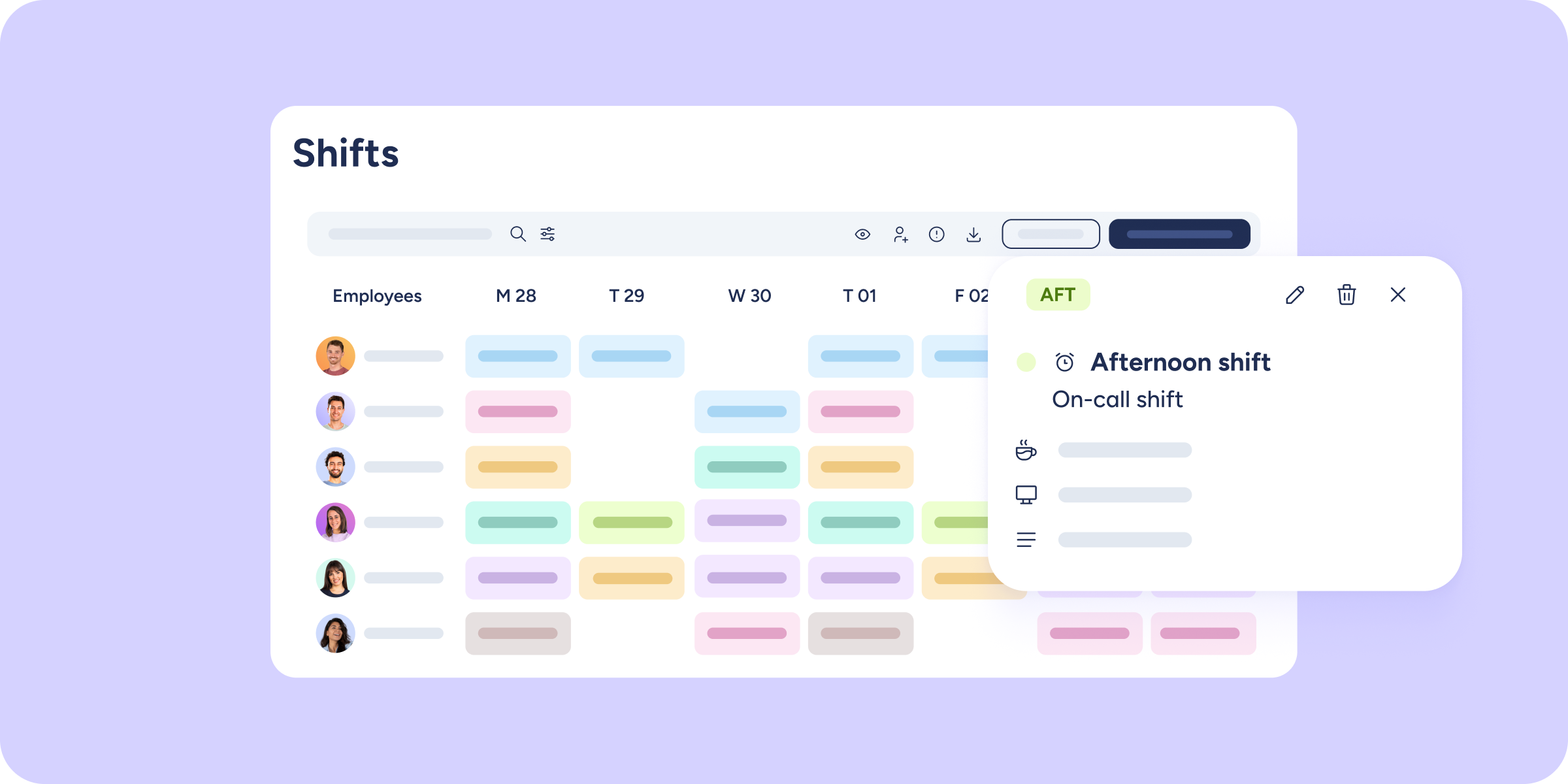
If you work with on-call shifts, this update is for you. We’ve designed a clear way to manage on-call duty so you can precisely control how it impacts your employees’ working time.
Until now, in Sesame timetables it was difficult to distinguish between “regular” shifts and “on-call” shifts. This caused confusion when calculating worked time and employees’ daily balances. With this update, you now have full control over how on-call shifts behave.
How do you create an on-call shift?
Creating an on-call shift is very easy. When creating a new shift (as a template, a custom shift, or from configuration), follow these steps:
- Check the box “Set as on-call shift”.
- Adjust the shift details, such as day, hours, breaks, and activities. You can also indicate whether the on-call duty is on-call (standby) or on-site, so employees know whether they need to be at the workplace.
- Enable or disable the toggle to decide whether this shift should count as planned time or not.
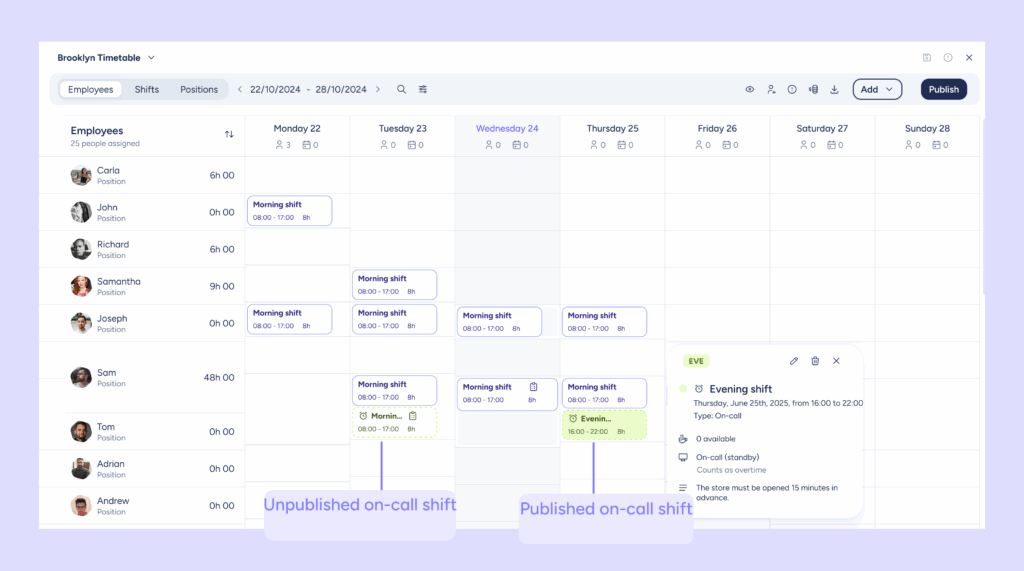
Once created, the on-call shift will appear in the timetable with a dotted outline and a clock icon next to its name, making it easy to identify.
What does it mean for an on-call shift to count as planned time?
This is where you decide how the shift affects time calculations:
- YES, it counts as planned time.
The on-call shift is part of the expected working time. Therefore, if the employee does not clock in, a negative balance will be generated. - NO, it does not count as planned time.
The on-call shift is not part of the expected working time. Therefore, if the employee clocks in, all the time will be considered overtime.
This setting works differently depending on how you have configured theoretical time calculation. Check this Help Center entry to understand how on-call shift settings affect time calculations.
New “On-call” column in the clock ins/outs report
As part of this update, we’ve added a new “On-call” column to the “Report on clock ins/outs by shift and time off”, so you can easily identify which shifts are on-call and access detailed information at a glance.
You now have full control over on-call shifts, what are you waiting for to try it?