Clock in/out rounding now includes breaks!
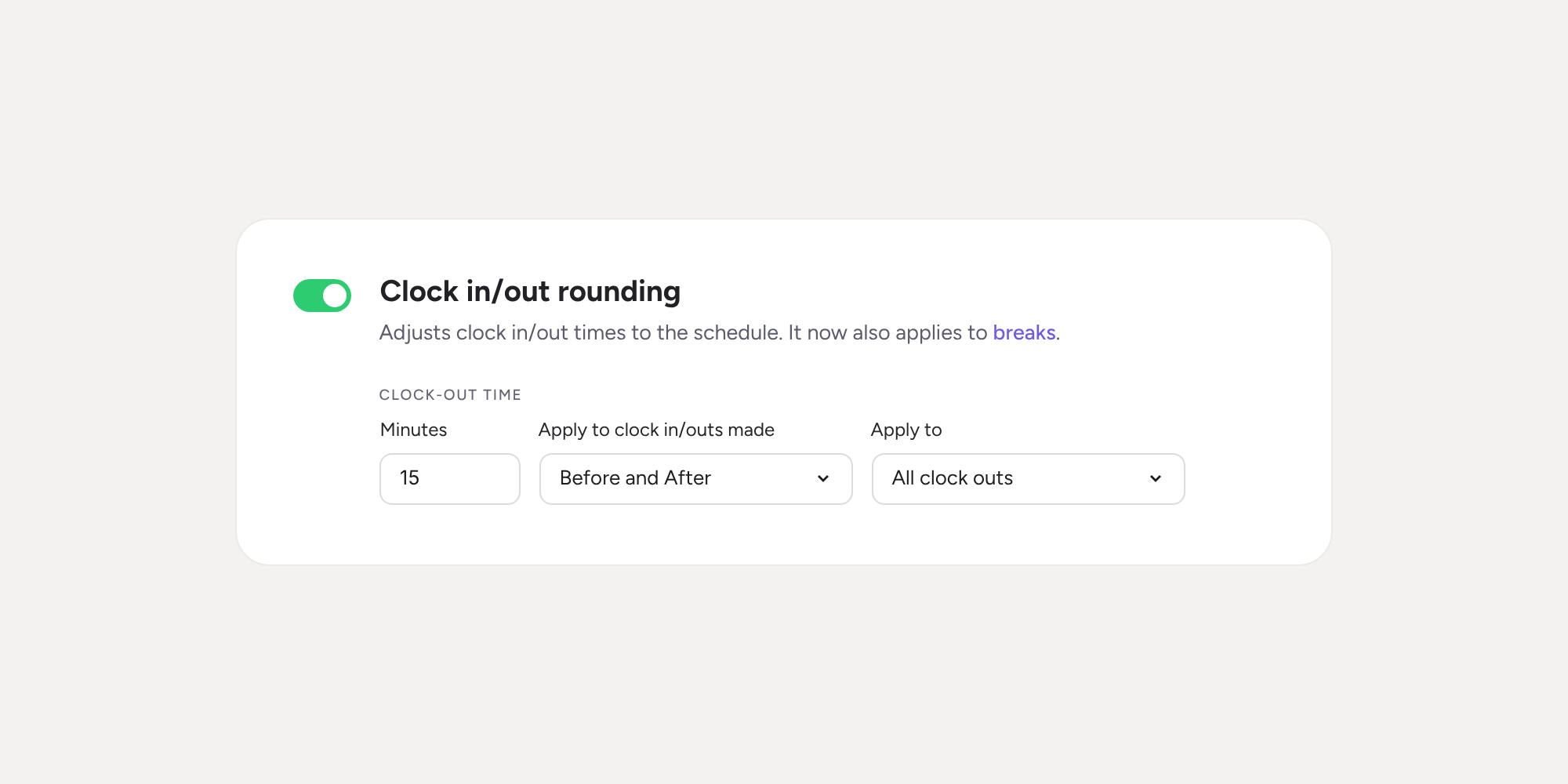

Until now, clock in/out rounding only adjusted the start and end of the working day. From today, it also applies to breaks, using the same rules. This way, work and break periods are adjusted to the limit of each time slot, with no gaps or overlaps.
What can you do with break rounding? 🕑
- Start the break at the right time: if the schedule ends at 14:00 and an employee taps “Break” at 14:05, work will end at 14:00 and the break will start at that same time.
- Resume work at the right time: if the next time slot starts at 15:00 and the employee returns from their break at 15:05, the break will end, and work will start at 15:00.
- End the working day during a break: if the schedule ends at 18:00 and the employee clocks out at 18:03 while on a break, the break will end at 18:00.
- Round paid and unpaid breaks: the daily calculation is adjusted correctly, adding paid breaks and deducting unpaid ones.
- Keep the actual time: the clock in/out history always stores the exact time the action was carried out.
Bear in mind 📌
- If an employee presses slightly before the time (for example, “Break” at 13:58), the change appears at the block time (14:00).
- Automatic breaks and clock ins/outs made by someone else on the employee’s behalf (a manager or an admin) are left unrounded.
- No options to configure: it applies to companies that already have clock-in or clock-out rounding enabled.
- Previous days stay as they were.
Find out how clock in/out rounding now looks after every minute of the workday. You’ll find all the details in our Help Center.
Available on
Starter
Time
Professional
Enterprise
All updates
Go back to the list and discover the rest