Enable a response deadline for your custom requests
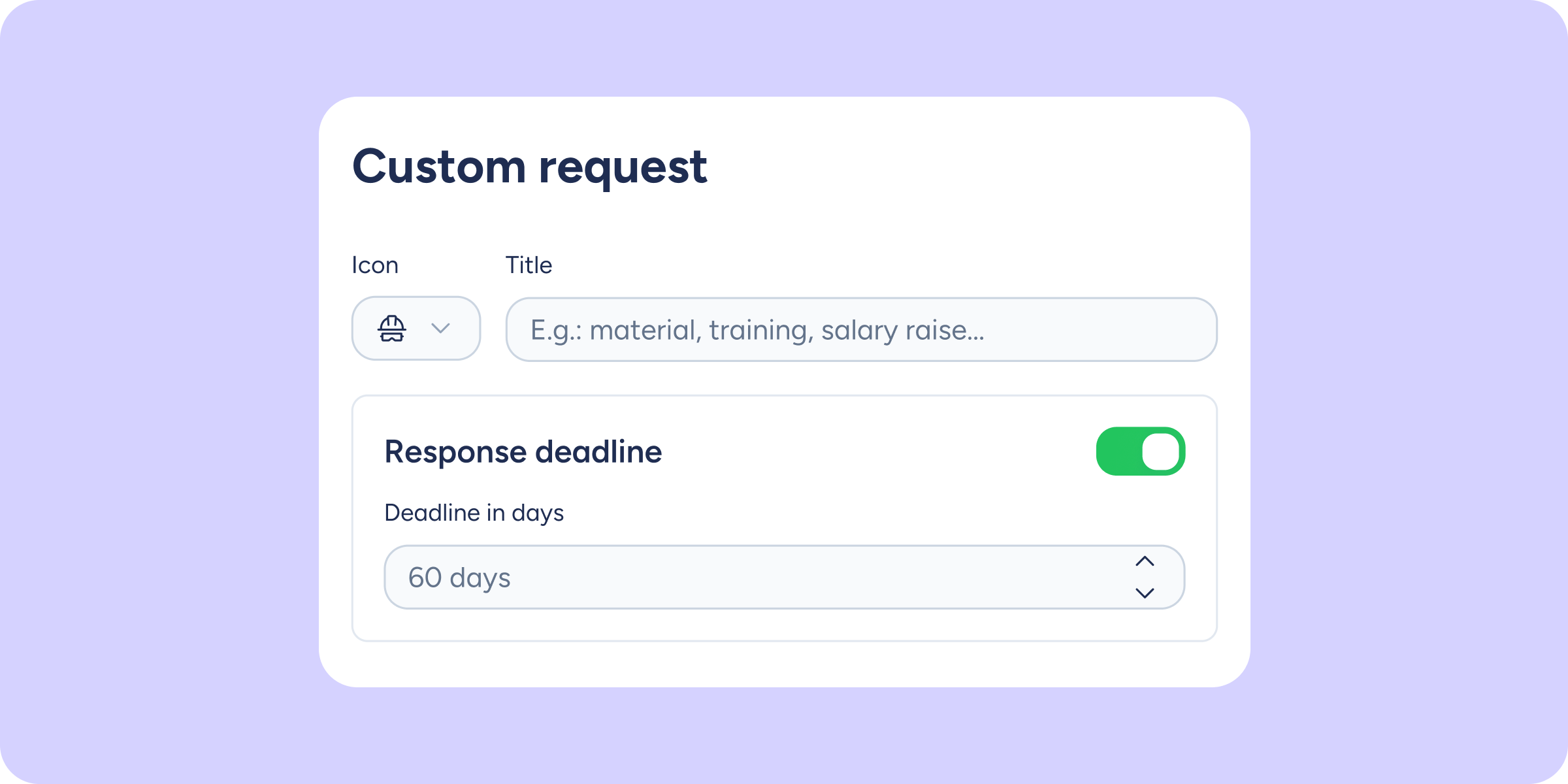

You can now define how many days are available to resolve any type of custom request. This way, the requester will know the deadline from the moment they create the request, and the approver will receive automatic reminders so the deadline doesn’t pass unnoticed.
What will you find now?
- Configurable response deadline: enable this option on any custom request type and set the deadline in calendar days.
- Deadline visible to the requester: it will be shown when creating the request, in the list view, and in the detail view, without a countdown.
- Inbox sorted by urgency: the approver will see a column with the due date and a colour code:
- 🔴 Red: 5 days or fewer remaining.
- 🟡 Yellow: between 6 and 20 days remaining.
- No colour: 21 days or more remaining.
- Requests sorted by due date: requests that have exceeded the deadline will appear with the “Overdue” label and will always be shown at the top.
- Automatic reminders: the approver will receive an in-app notification 5 days before the deadline and another one on the day of the deadline itself.
- “Overdue” label: if the deadline passes without a response, the request will be visually marked as overdue, though it can still be managed as normal.
Please note that this feature is optional: if you don’t enable it, everything continues to work exactly as before.
Find out how to enable it for your custom requests in our Help Center.
Available on
Professional
Enterprise
All updates
Go back to the list and discover the rest