Every week, we bring improvements to make planning your team’s time a little more efficient. This week, we’re introducing two updates focused on giving you greater precision and saving you clicks in your day-to-day.
1. Day view in Shifts: now with 15-minute precision ⏱️
If your company’s shifts start at 8:30, end at 16:45, or you have staffing peaks at 14:15, the daily timetable now reflects this with full accuracy.
What’s changing?
- Hourly subdivisions: the day view of the Shifts timetable is now divided into 15-minute slots.
- Real-time coverage chart: just above the employee rows, you’ll see an interactive bar chart. The height of each bar is proportional to the number of active employees in that 15-minute slot.
- ProTip: hover over any bar in the chart to see exactly how many people are working at that moment and what their job title is.
2. Recurring days off and bulk assignment 🗓️
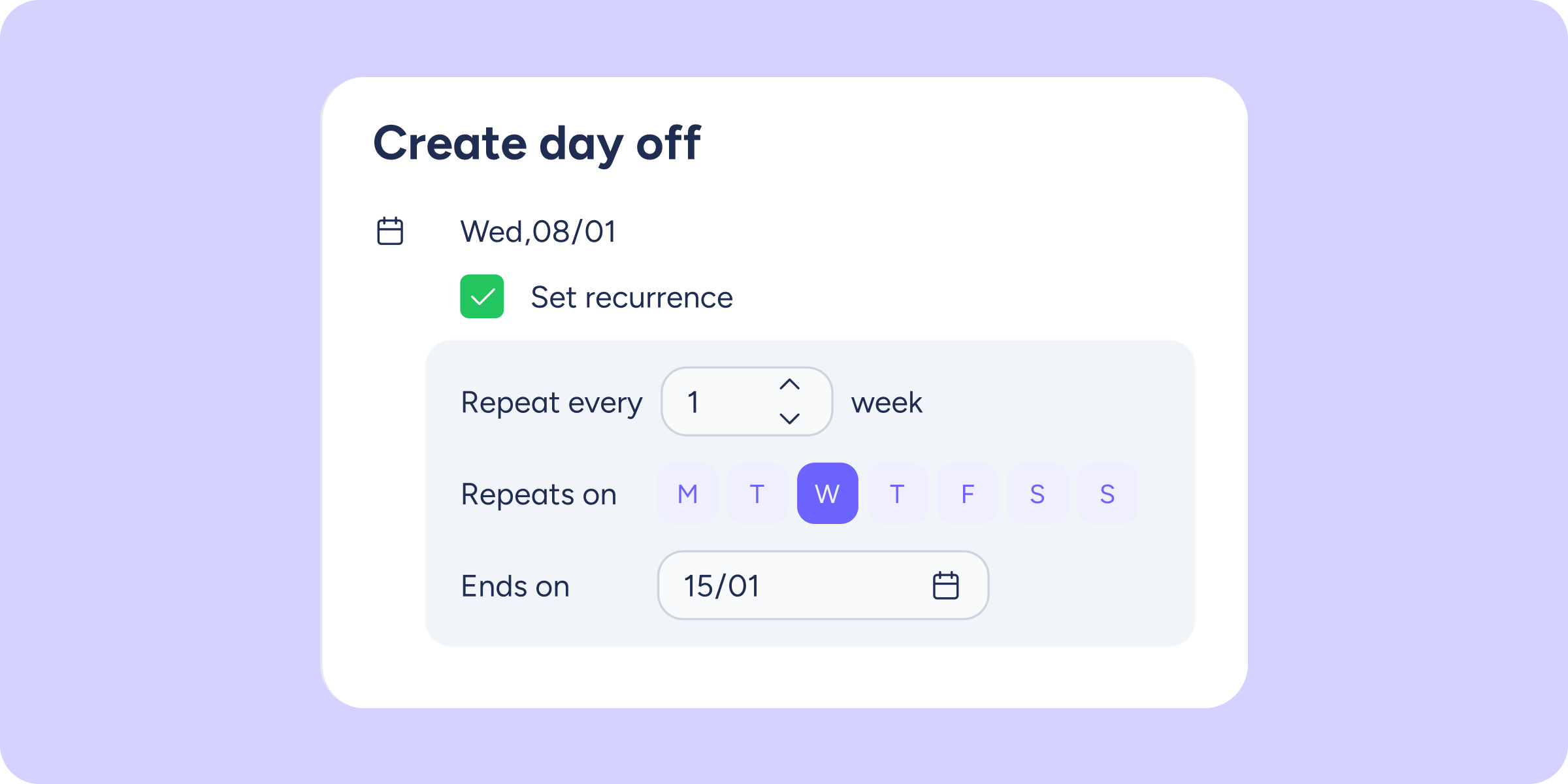
Until now, if you wanted to assign the same day off to one or more employees over a certain period, you had to go week by week, employee by employee. That’s now a thing of the past.
What’s changing?
- Multiple selection: you can select several employees at once to apply the same configuration to all of them.
- Day-of-the-week automation: choose the date range and the specific days (e.g., Monday, Wednesday, and Friday). The system will automatically create the day off on all matching dates.
- ProTip: for example, if you want Peter, Lucy, and Jack to have every Monday in June off, simply select them together, set the date range, enable recurrence, and you’re done. No more repeating the process over and over.
How do I start using these? 🤔
Both updates are already available in your Shifts module. The 15-minute view activates automatically when you select the “Day” view within the “Employees” tab. And recurring days off are ready to use by clicking Add >> Add day off within the timetable.
Try out these updates today and optimise your team management!