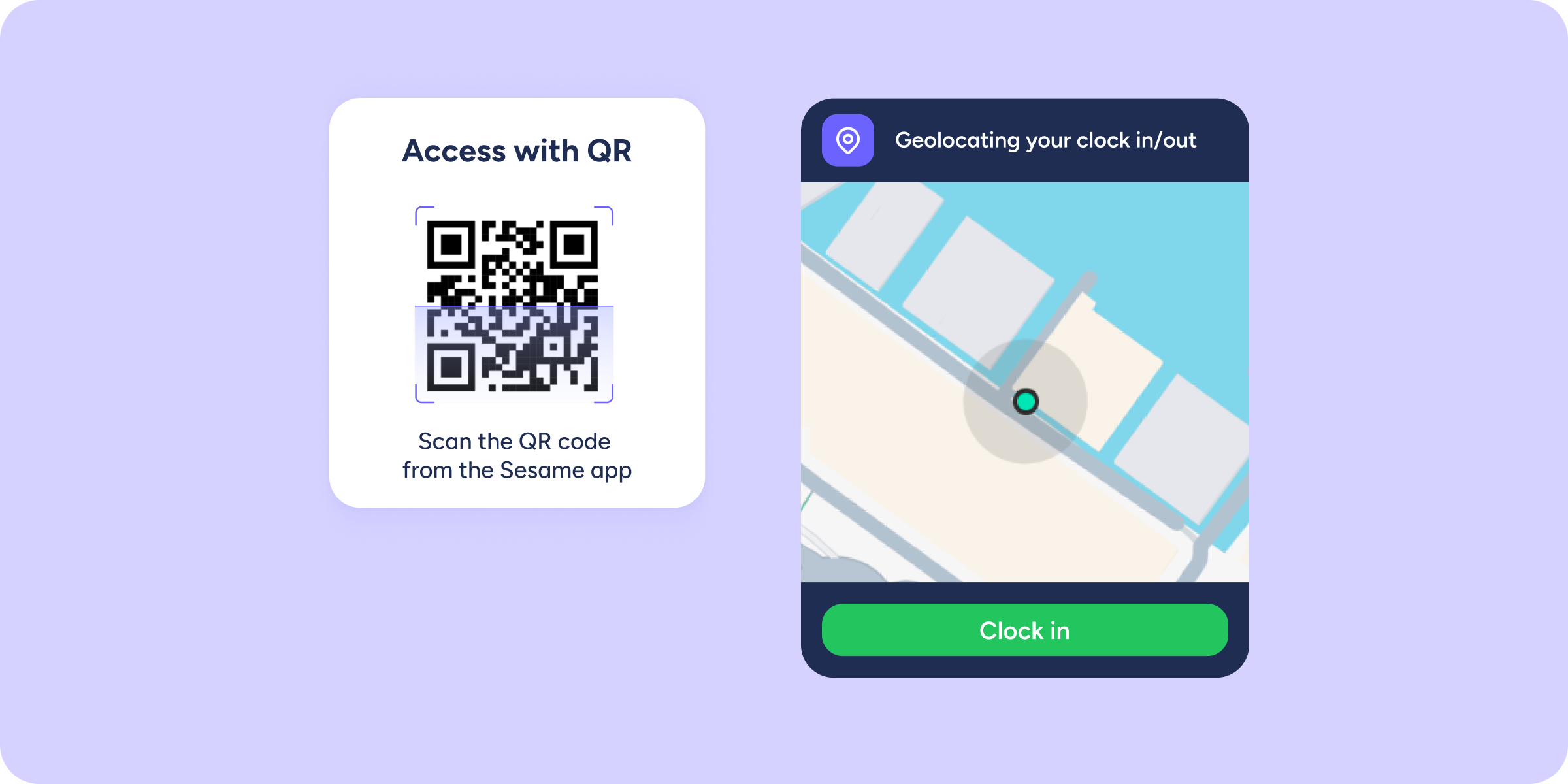
If your company uses QR codes to clock in/out but also has remote employees, you’ll know how little sense it makes to ask them to scan a code from their living room. Well, that’s now a thing of the past.
We’ve streamlined the clock in/out flow so the process actually makes sense.
What can you do now?
- Clock in remotely without a QR code. Clock in/out types configured as remote no longer prompt for a scan. The employee selects their clock in/out type, and the system logs it directly, no unnecessary steps.
- Keep the QR where it matters. On-site clock ins/outs still require a QR scan if you have it enabled, ensuring physical presence at the workplace is verified.
- Enjoy a more natural flow. You now select the clock in/out type first, and the system decides whether a QR code is needed. Previously, it worked the other way around: the QR scan was always the first step to unlock the clock in/out.
Good to know
- For remote clock ins/outs to skip the QR automatically, make sure those clock in/out types are configured as “remote” in your Sesame account.
- If you have remote clock in/out types that aren’t yet marked as remote, you can review this in your company settings.
Try out the new flow in the mobile app. If you have any questions about how to configure clock in/out types, you’ll find all the details in our Help Center.