Until now, every time you created a Workplace or a Group in Sesame, the system would automatically create and assign a timetable to it. This worked well for some users, but it also created unnecessary noise and made day-to-day management harder than it needed to be.
With this update, you can choose to turn off automatic timetable creation and take full control, deciding how many timetables your team needs, who manages them, and which employees belong to each one.
Here’s everything you need to know about this long-awaited update 👇.
What can you do now?
To stop timetables from being created automatically, go to Configuration >> Schedules >> Shifts >> General and disable the “Create timetables automatically” option.
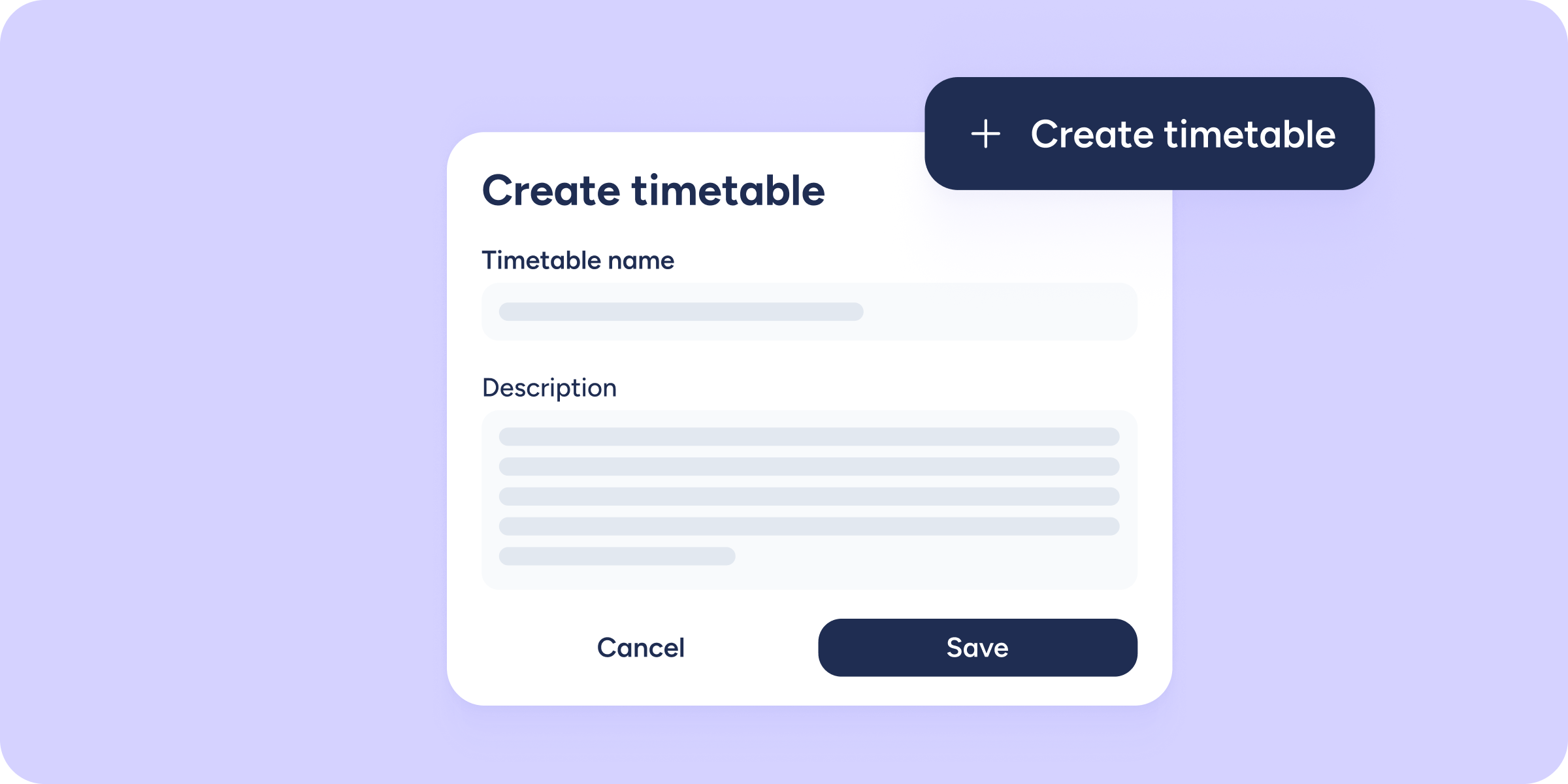
From there, creating a timetable is as simple as going to Shifts (Beta) and clicking “Create timetable”. Give it a name, add a description, and you’re done!
Once the timetable is created, all that’s left is adding the employees you want. You can add them individually or by entity (Workplaces, Departments, or Groups), with no restrictions; for example, the same employee can belong to multiple timetables.
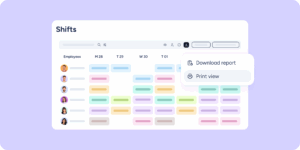
Need to make changes? From the Shifts (Beta) main screen, you can edit, archive, or delete a timetable at any time using the quick actions button (three dots).
All your existing timetables are still there, exactly as you left them.
What if I want to keep things as they are?
If you’d prefer timetables to keep generating automatically when you create Workplaces or Groups, you don’t need to do anything; the setting you already had stays active by default.
This feature is only available in the new version of Shifts (Beta). If you haven’t made the switch yet, now is a great time. You’ll find all your timetables ready to use from day one.
Less noise, more focus, because in Shifts, you should only see what you actually use. Check out this Help Center entry and take your timetables further.