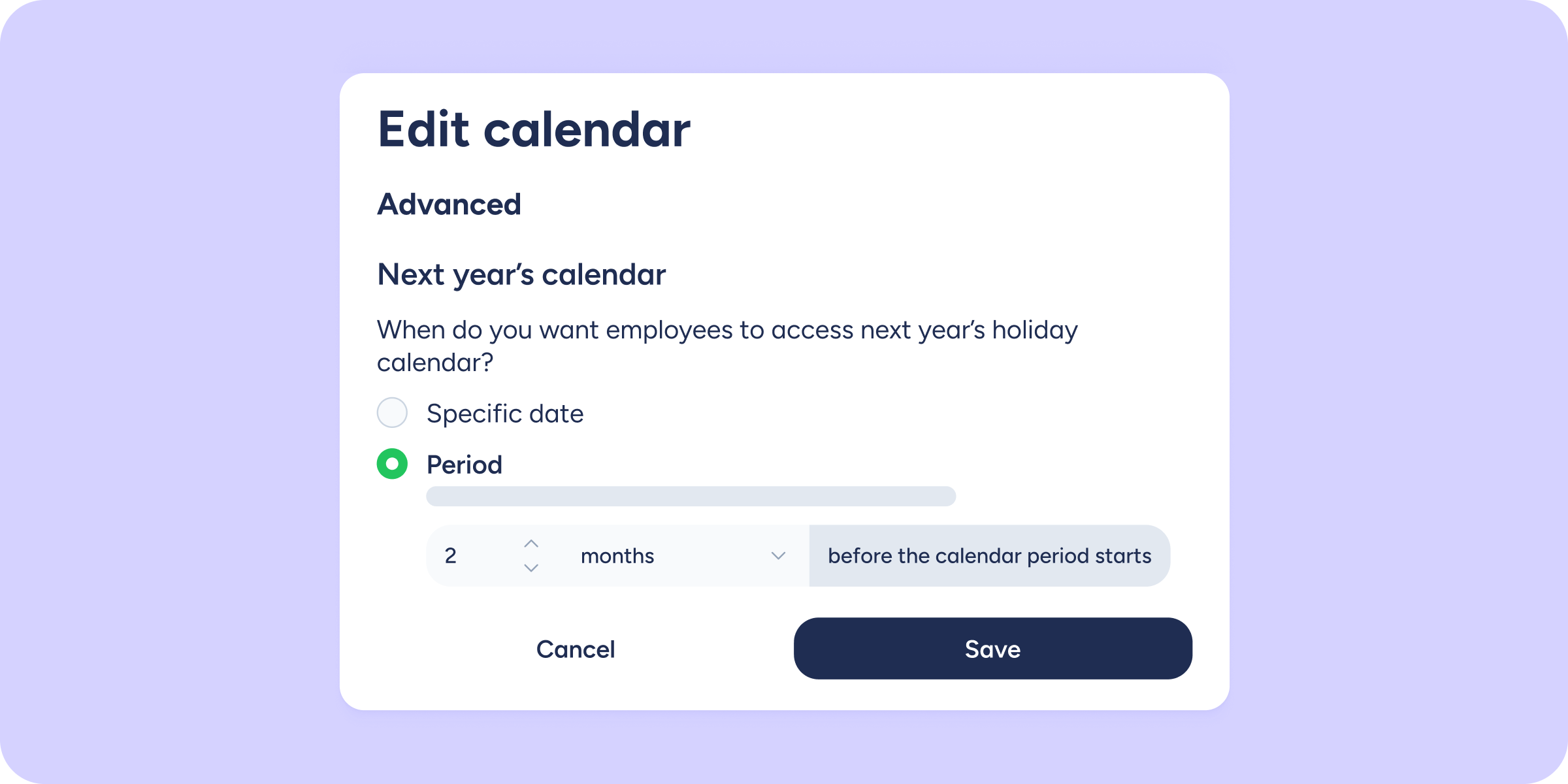
We’ve introduced an improvement to the way next year’s holiday calendar is created. From now on, in the advanced configuration, you can define how many days or months in advance the calendar will be available to your employees.
You can also configure what counts as the “next year” in two ways:
- Calendar year (January to December).
- Contract year (based on each employee’s contract start date).
This gives you more flexibility to define the exact moment your team can access the calendar and start requesting their holidays.
Two ways to configure availability
When creating or editing a calendar, you can choose between:
- Specific date: set a specific day of the year on which the calendar will become available.
- Period: enter the number of days or months in advance (your choice) before the new period begins, when the calendar will be enabled.
Where to find this configuration
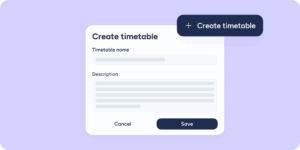
Follow this path: Configuration >> Calendar >> Holidays >> Create calendar/Edit >> Advanced.
⚠️ Important: if you currently have the Specific date option set and switch to Period, you won’t be able to recover your previous configuration.