We know that planning the timetable cell by cell can become a repetitive and time-consuming task. That’s why we’ve improved the experience so you can assign shifts, time off, and days off to your team much more quickly.
What does this update bring?
Quick activation
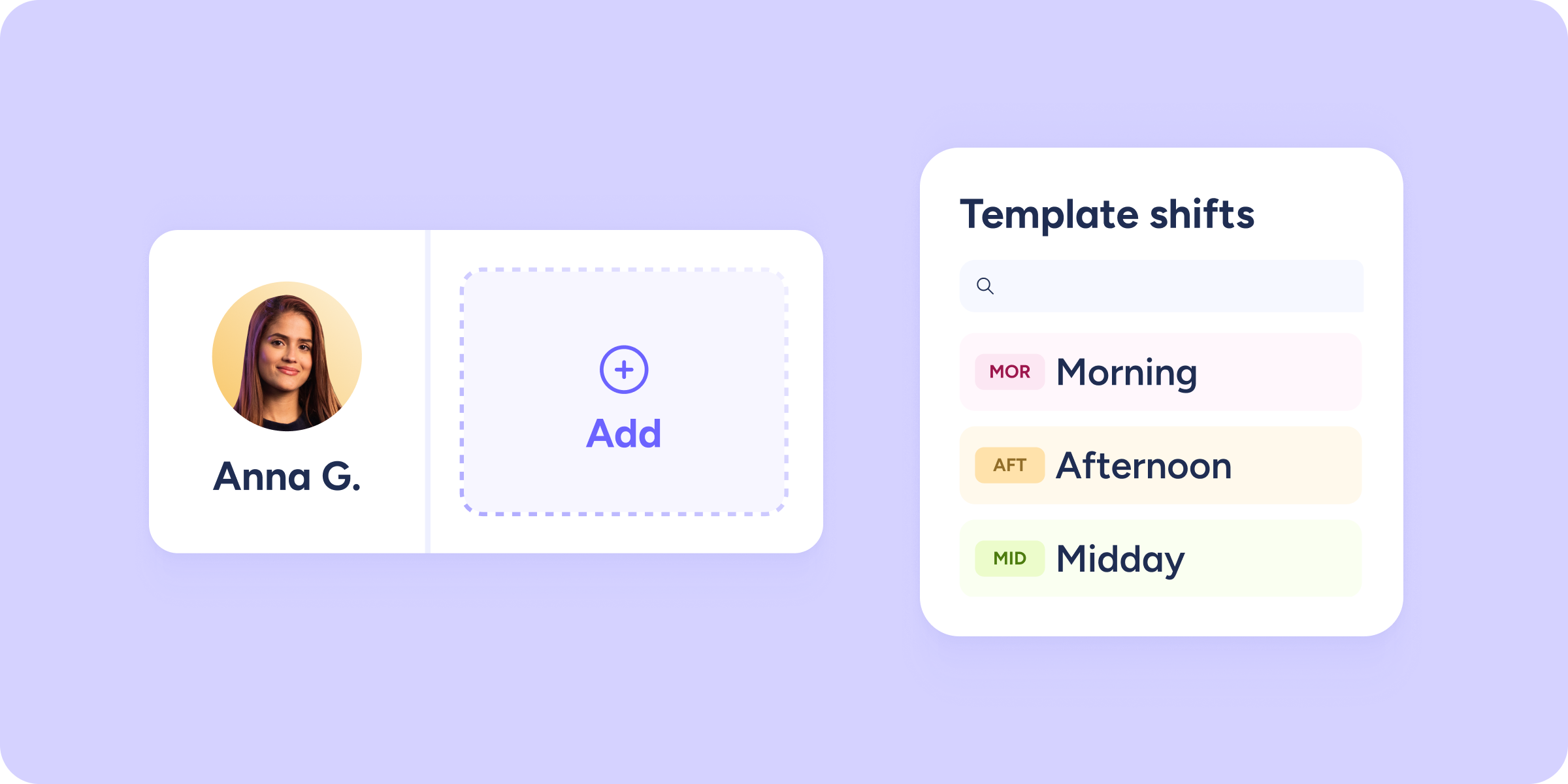
Click on an empty cell to activate assignment mode. From that moment on, you can select as many cells as you need.
Smart counter
As you select cells, you’ll see a counter in the top bar showing the total number of selected cells, along with a new Add button.
Bulk assignment
From the Add button, choose what you want to assign (shift, time off, or day off) and apply it to all selected cells at once.
Prefer to do it the usual way?
No problem. If, in a specific case, you prefer to use individual assignment, you can continue doing so from the + icon within each cell.
More speed, fewer clicks, and a much smoother timetable management experience. We hope this improvement makes your day-to-day work even easier.