At Sesame HR, we’ve automated holiday recalculation, so it automatically adjusts to each employee’s contract duration and calendar settings. This means you no longer need to trigger any manual recalculations!
But… what happens if there’s an error in the configuration or during data migration?
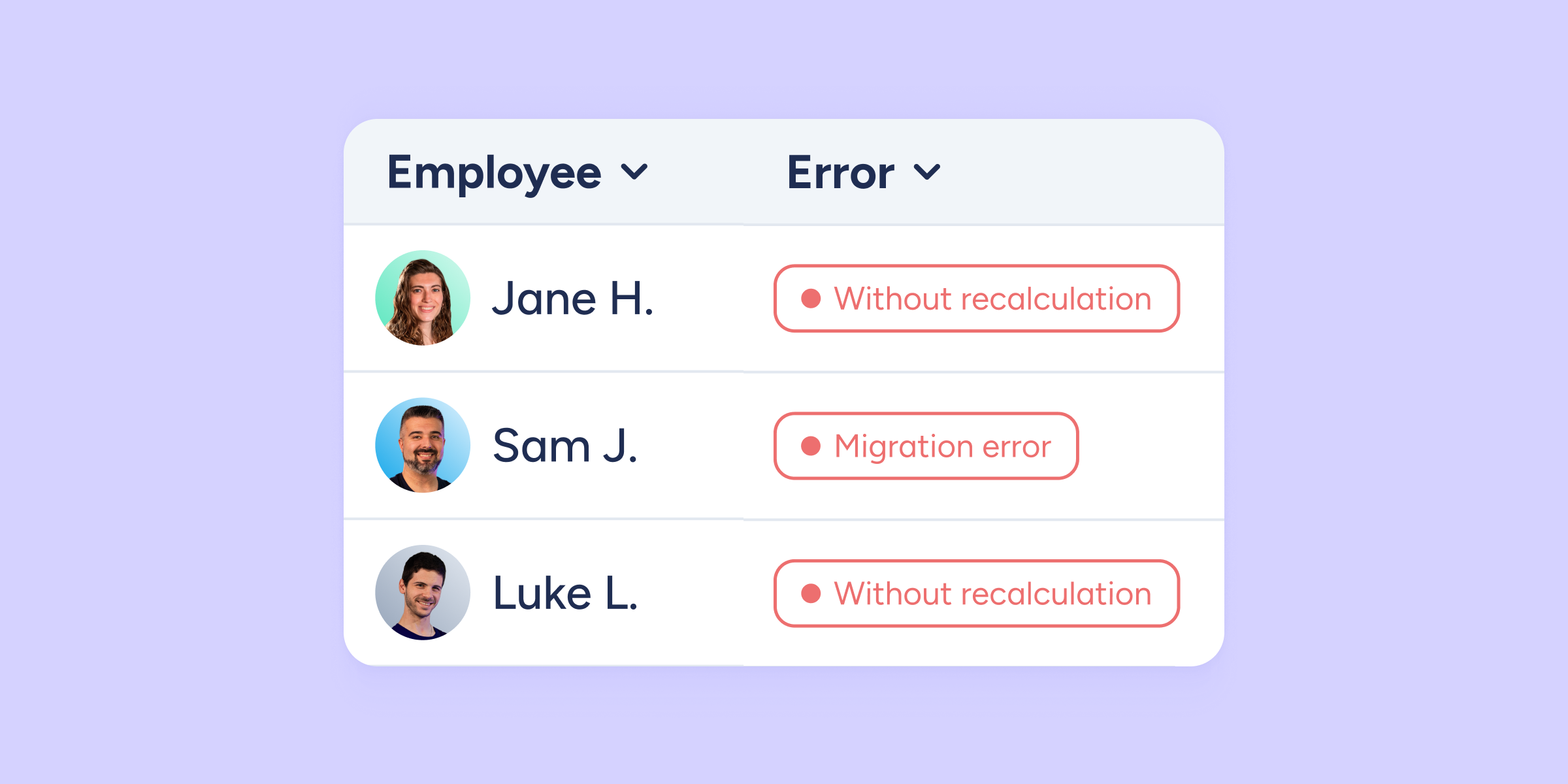
Introducing the incidents view in the calendar, an administrator-exclusive tool that gives you full control to visualize, diagnose, and correct any errors in your employees’ counters.
What can you diagnose and adjust with this new view?
This centralized view allows you to maintain accurate balances with key actions:
- Error diagnosis: identify specific errors, such as “Data migration error” or “No automatic calendar recalculation” (when the employee’s holiday days are not updated according to their contract).
- Mass or individual adjustments: adjust your employees’ holiday counters individually or in bulk.
- Quick recalculation: run the Recalculate holiday time action based on contract and configuration to instantly fix the issue.
- Historical review: view holiday activity and check the full history of actions performed in the employee’s calendar.
Full control to validate data
Once you’ve reviewed and corrected any errors, you’ll be able to validate the employee to confirm that all their data is correct. The employee will disappear from the view, leaving their counter clean and accurate!