Finally, say goodbye to overtime complications with the new overtime validation feature, you’ll have greater visibility and unprecedented control over your team’s extra hours.
What is this new feature about?
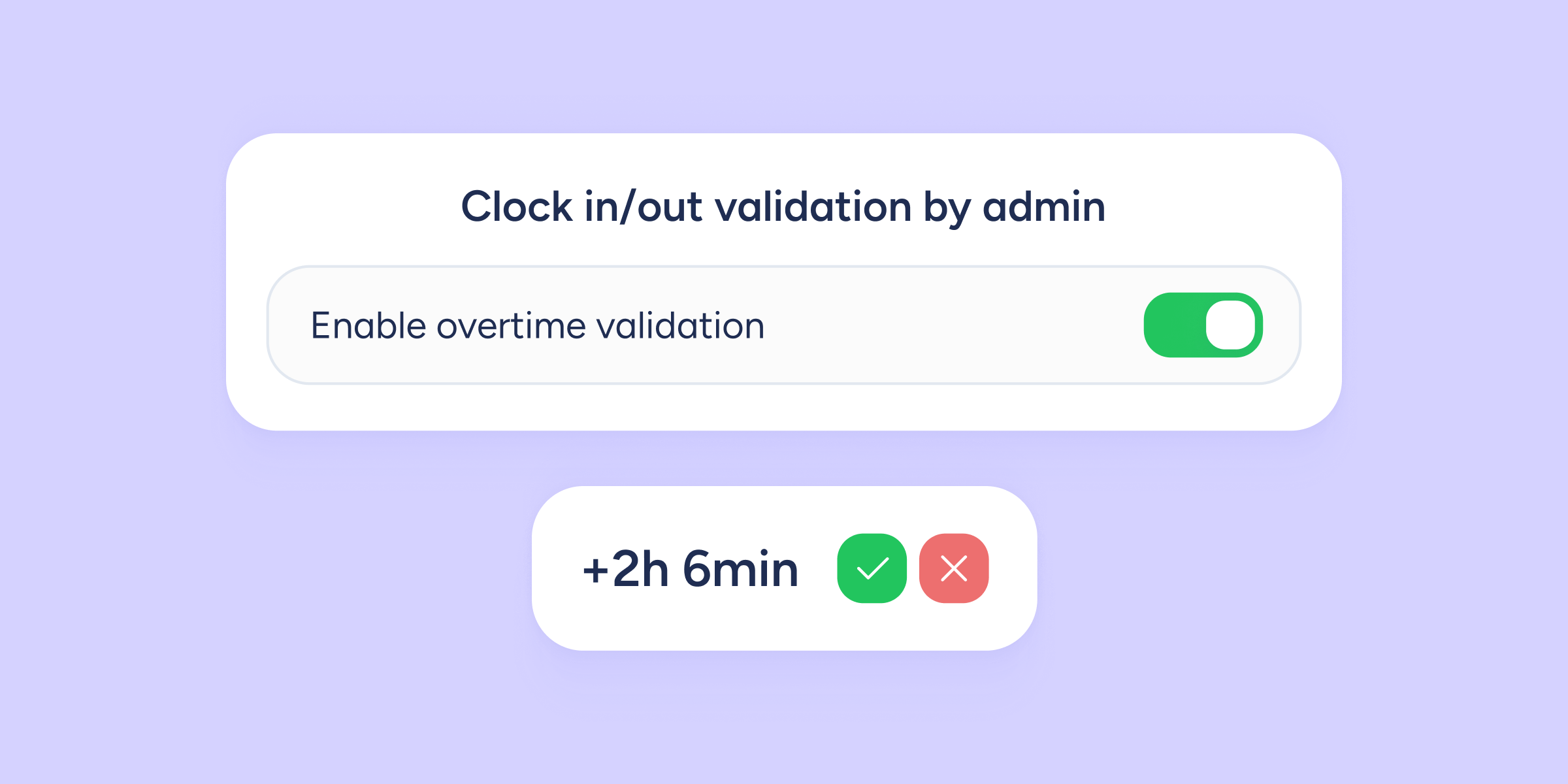
We’ve added a new process for overtime validation. From now on, whenever an employee records time worked outside their assigned schedule, the system will automatically generate a validation request for the designated clock in/out validators.
How do I enable it?
To start using this feature, an administrator must activate the new automation:
Go to Configuration >> Automations >> Validations, and switch on “Enable overtime validation”.
How does it work?
Each request is created automatically and can be managed by the validator in the Requests section of their Sesame panel.
Requests can be either approved or rejected. ⚠️Only the designated validator(s) can resolve these requests.
- Approved: overtime is counted as worked time.
- Rejected: overtime is not recorded and will not impact the overtime balance.
⚠️Important: overtime will not be counted until the request has been approved by all designated validators. For example, if there are three validators, the request will remain unresolved until all three have reviewed it.
Enable notifications for administrators and employees
This new tool improves visibility in managing overtime. From Configuration >> Automations >> Notifications, you can:
- Activate email notifications for administrators about requests, changes, and the approval or rejection of their team’s overtime.
- Enable notifications for employees, by email and/or in Sesame, each time their overtime requests are approved or rejected.
How will it appear in the Clock ins/outs and Statistics sections?
The new validation process is displayed with three indicators:
- Overtime pending validation: time recorded as overtime that has not yet been resolved, so it is not counted as worked.
- Validated overtime: overtime approved by the validator and already counted as worked time.
- Rejected overtime: overtime rejected and therefore not included in the calculation of worked time.