New control over your time tracking! Decide how to handle clock in/out incidents
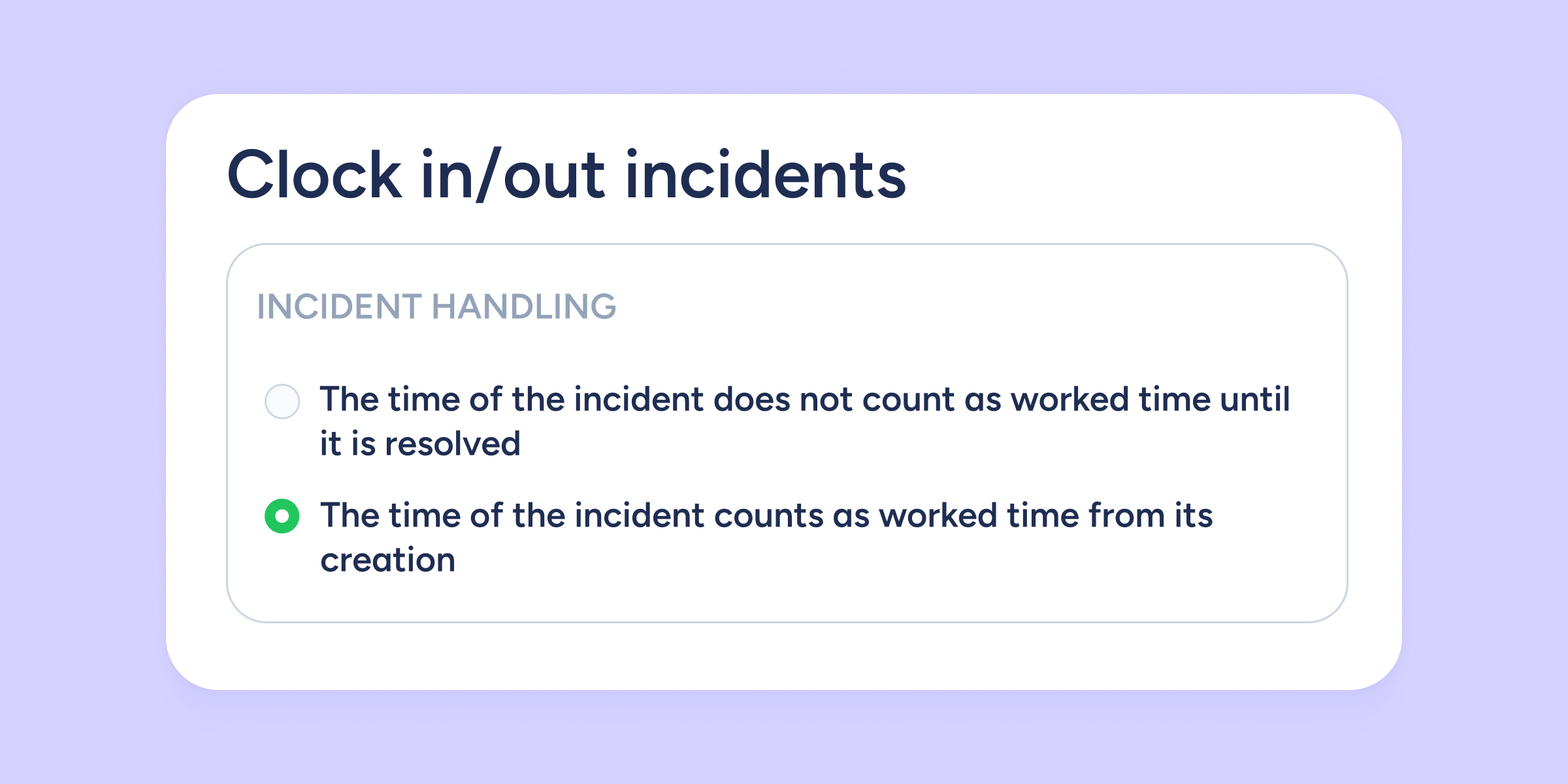

At Sesame HR, you now have more control over how time is counted when there’s a clock in/out incident.
We’ve added a new setting that allows you to choose between two options:
- Count as worked time (default and already existing option).
- New! Don’t count as worked time until the incident is resolved.
This improvement gives you more flexibility and accuracy to align time tracking with your company’s policies, ensuring clearer and more reliable data.
You’ll find this setting in: Configuration > Automations > Clock ins/outs (from your admin panel).
Customize it your way and take control!
Available on
Starter
Time
Professional
Enterprise
All updates
Go back to the list and discover the rest