Personal data changes without the bottleneck: your employees request; you approve

Switching on “Block editing of the “My profile” section in the employee view” protects your company’s data, but it also leaves your employees with no official way to flag an address or phone number change. Today, we’re fixing that.
What’s changing 🧩
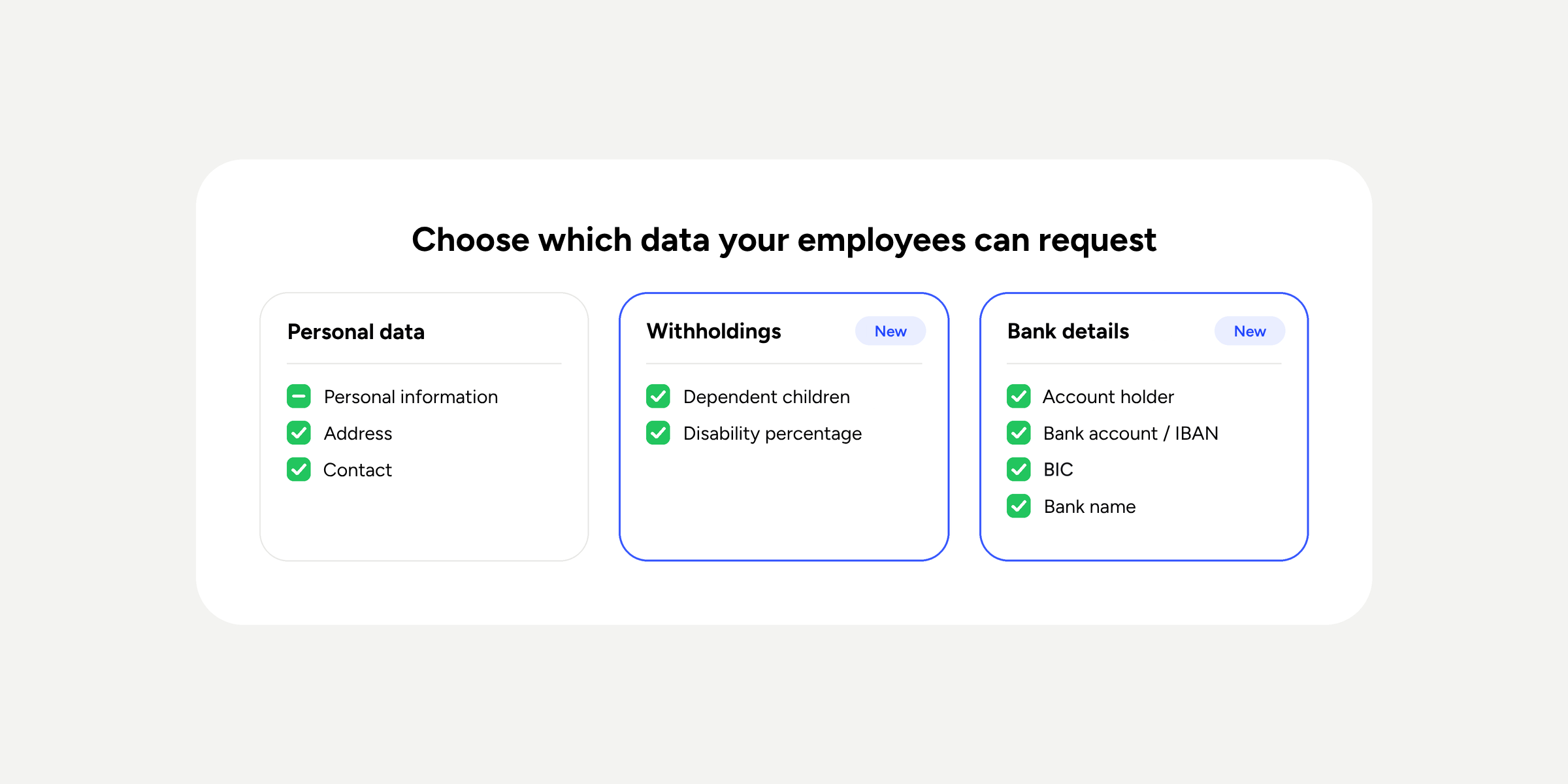
- More control within the same toggle: from Configuration >> Automations >> User access >> “Block editing of ‘My profile’…”, you can now choose which personal data fields employees can request changes to and who approves each request.
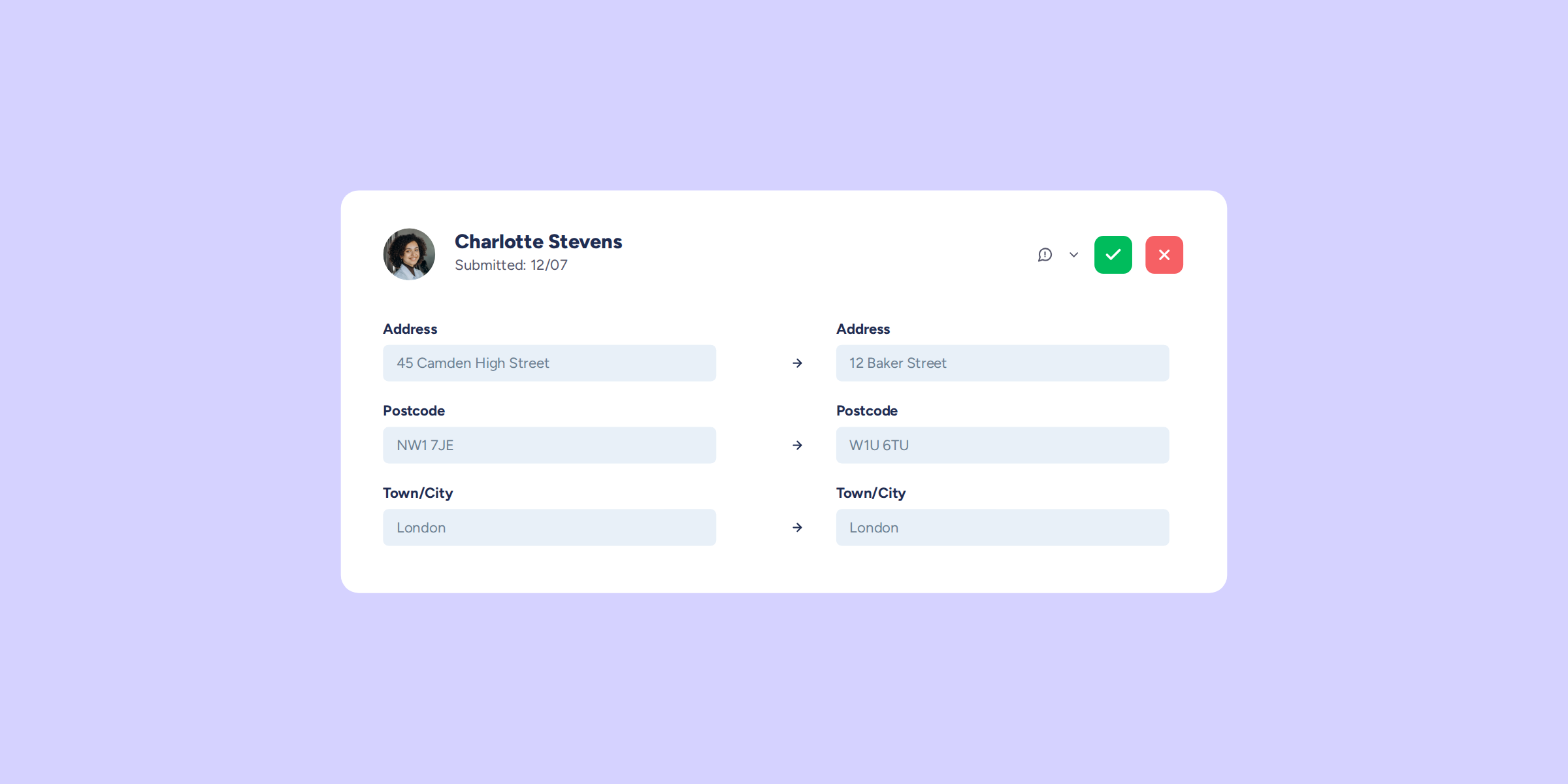
- Requests in one click: your employees will see a banner in their profile to request changes instantly, without messages getting lost in chat or email.
- Automatic update: as soon as the approver approves the request, the employee’s profile is updated.
What’s staying the same 👷
- Your current settings are kept: if you already had the block enabled, you don’t need to configure anything from scratch. By default, we enable all fields for change requests and assign approval to the direct manager of the employee submitting the request.
- Sensitive data remains protected: banking details such as bank account number, institution, or account holder are excluded from this flow for now and continue to be managed under “Work data”.
How does it work? 🎯
- Go to Configuration >> Automations >> User access and find the “Block editing of ‘My profile’…” option.
- Choose which personal data fields can have changes requested and who approves them.
- An employee submits the change request from their profile; the approver reviews it and decides.
- If approved, the profile is updated automatically.
Why you’ll love it 🌟
Blocking profile editing shouldn’t mean accumulating administrative tasks. With this improvement, your employees keep their information up to date, and HR eliminates the manual data management work entirely.
Available on
Professional
Enterprise
All updates
Go back to the list and discover the rest