Your presentations, now in the LMS too

If your training content lives in PowerPoint, you can now add it directly to your courses and keep the content exactly as you created it. Your team will be able to view it from the player, advance slide by slide, and pick up where they left off.
Bring your presentations directly into your courses
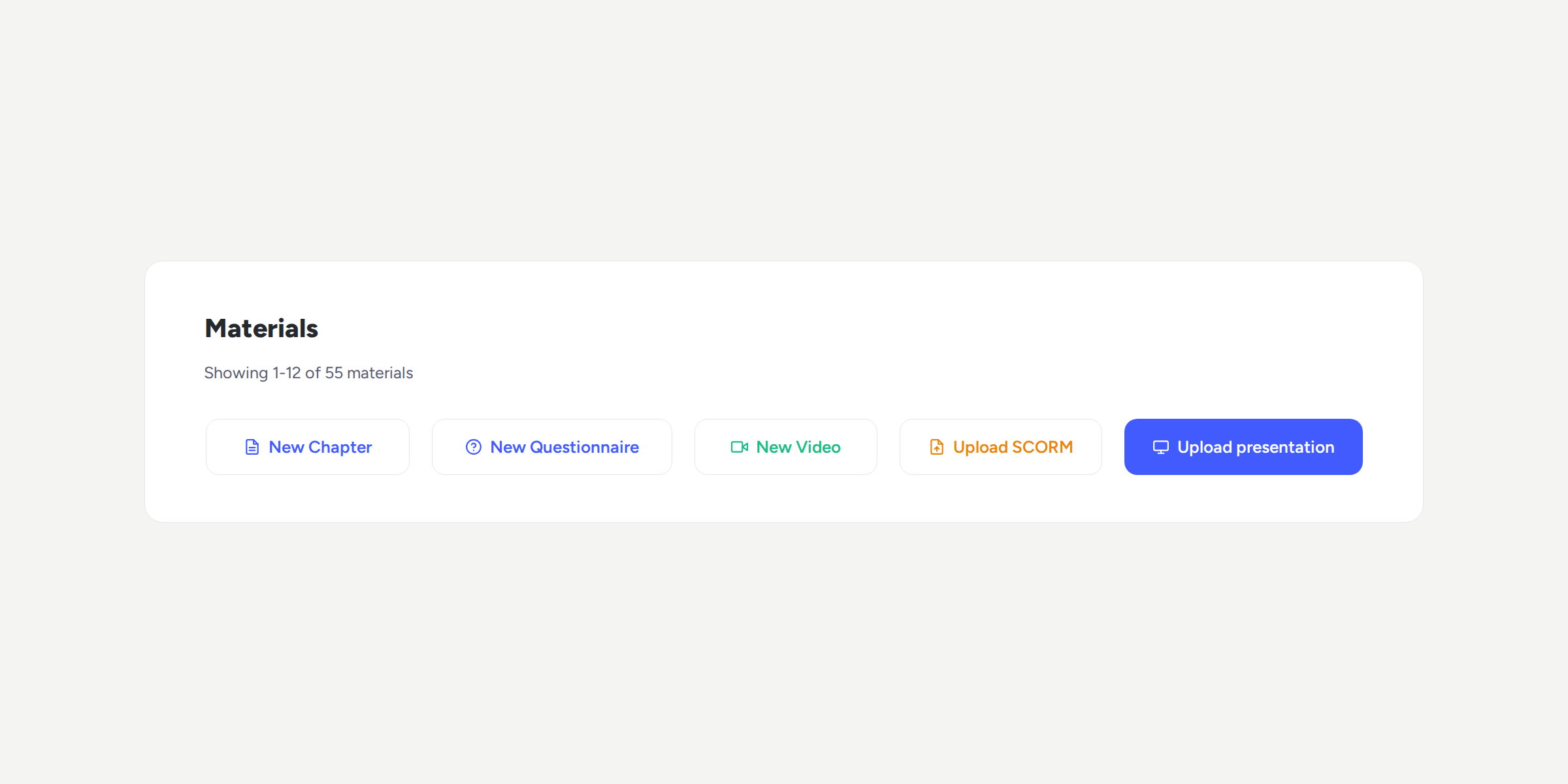
From Materials, you’ll find the new “Upload presentation” option alongside the Video, Chapter, Questionnaire, and SCORM buttons:
Upload your presentations: add .pptx, .ppt, or .odp files of up to 50 MB.
View slides within the LMS: your team will be able to view the presentation from the player and navigate using the “Previous” and “Next” buttons.
Pick up training where you left off: if someone closes the course before finishing the presentation, when they return, they’ll go straight to the last slide they viewed.
Ensure the presentation is completed: the “Next material” button is enabled when the last slide is reached. This way, you can make sure the content has been viewed in full before continuing with the course.
More ways to share your training content
With this new format, you can make the most of the presentations you already use in your training and add them directly to your courses.