Find your expenses by approval date in a single click
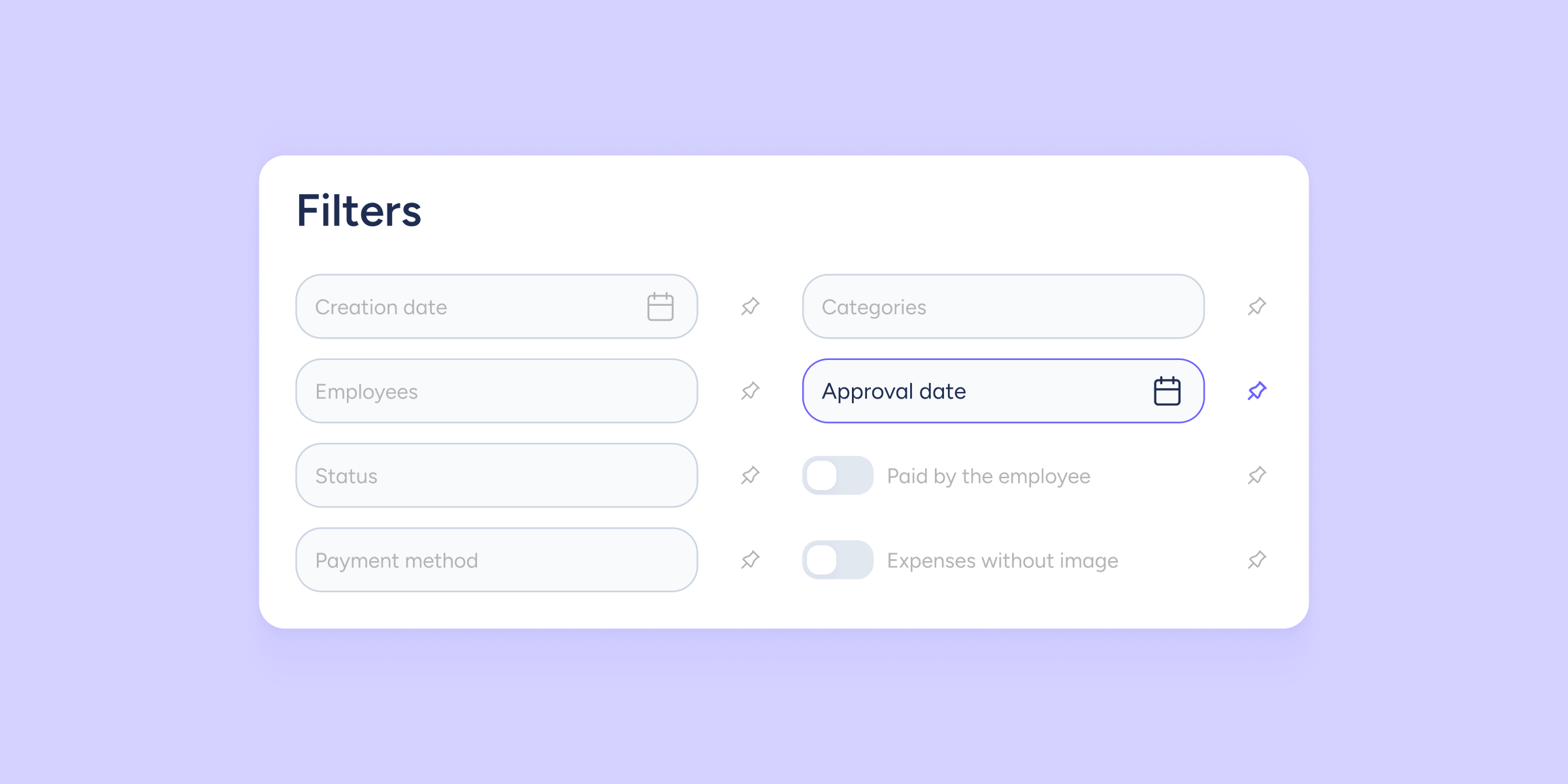

You can now filter and locate expenses by the date on which they were approved. Until now, you could only do so by creation date, which meant reviewing expenses one by one to identify which had been approved within a specific period.
With this new filter, you can find that information much faster.
3 reasons you’ll love this
- Filter by approval date: in addition to the creation date, you can now locate all expenses approved within the date range you need.
- Manage payments by period: group expenses by their approval date, for example, to view everything approved during a specific month.
- Available throughout the export flow: you’ll find the filter in Inbox, Export queue, and Exported.
Reconcile your expenses more efficiently
If you manage a high volume of expenses, this new filter will help you organise payments better by period. Simply select a date range and the table will show only the expenses approved within that interval.
This way, you can work in batches and reduce manual searches.
Key features
- Date range filter: use the same calendar you already know, now also for the approval date.
- Pinnable filter: you can keep it visible above the table, just like the rest of your favourite filters.
- Compatible with other filters: combine it with employees, categories, status, or payment method to narrow down your search even further.
Find your approved expenses faster and simplify the management of your payments.