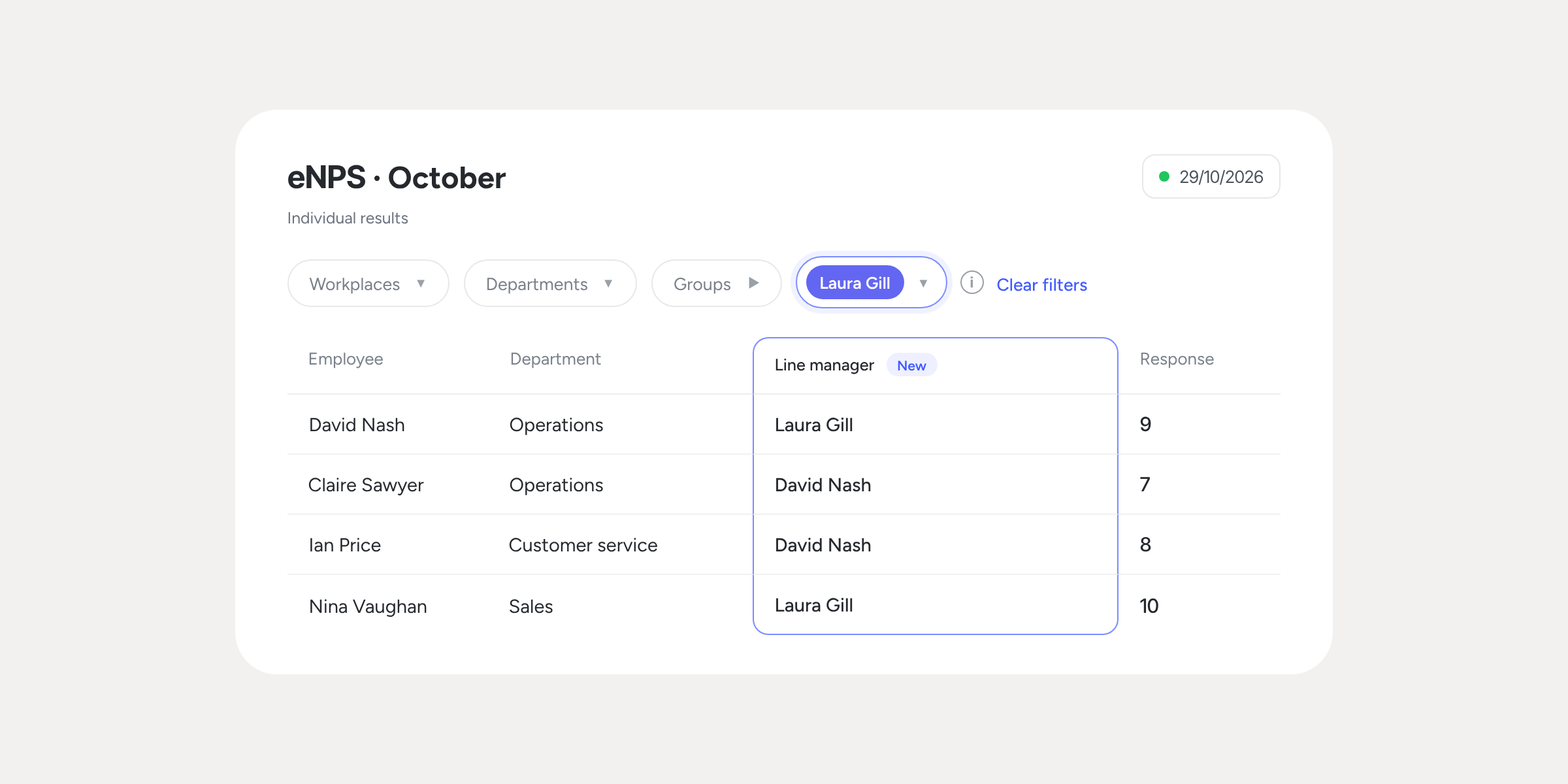
You can now download Company results from your Evaluations and Surveys
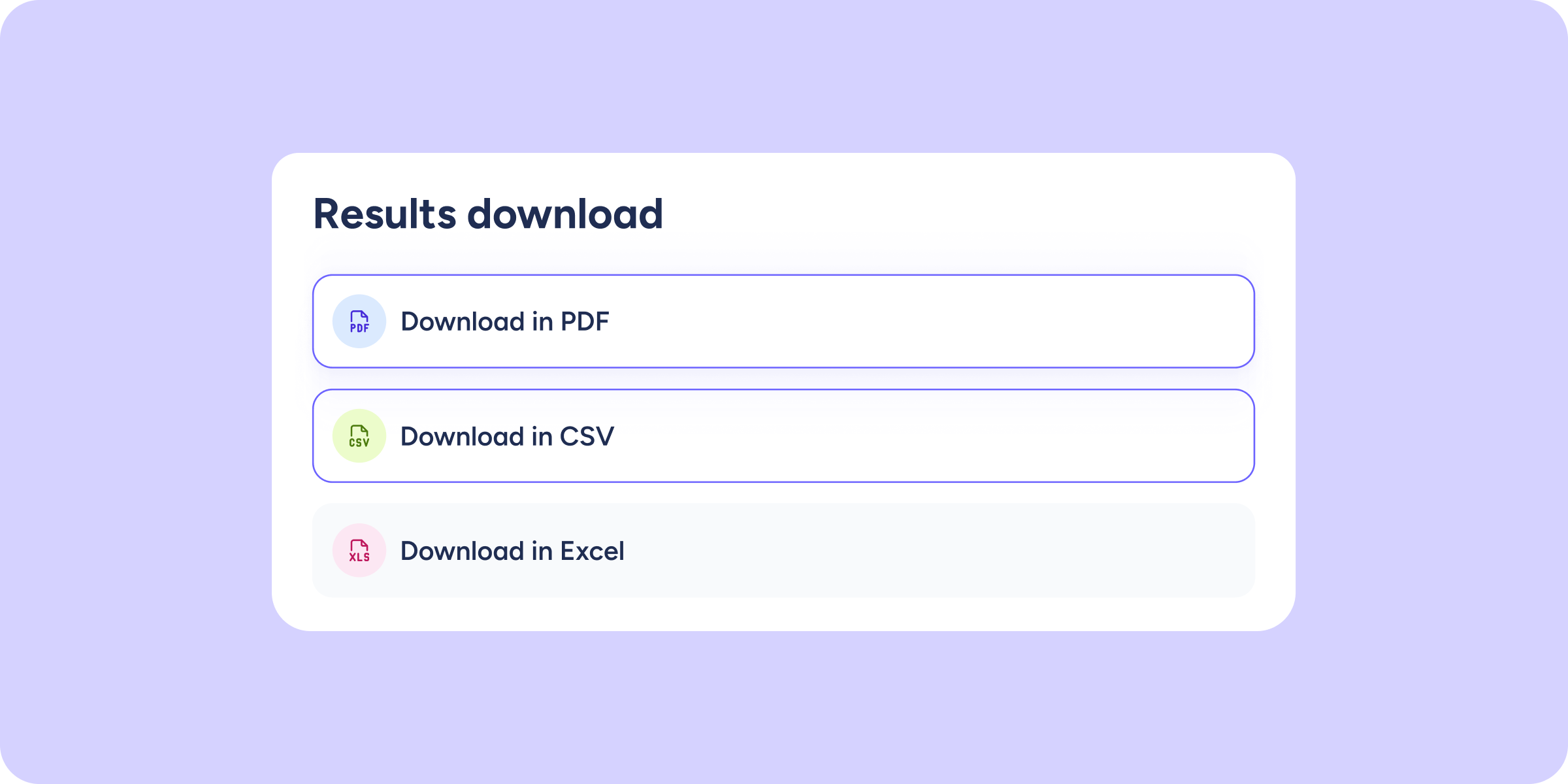

Until now, exporting results in Sesame meant doing it person by person. With this update, you can also download the full Company results: choose the format (PDF, Excel, or CSV), select the charts you want to include, and get a report ready to share with the analysis you had configured.
How the new download works
The Download button is now in the top menu of each view: go to Company results or Individual results, click the ⬇️ icon, and configure your export. Here’s what the new process looks like:
- Filters preserved in the download: the filters you have applied in the panel are reflected in the exported report. If you want to change them, close the modal, adjust the filters, and download again.
- Three export formats: the PDF includes the charts exactly as you see them in the panel; Excel and CSV give you the data ready to filter and analyse.
- Chart selector: choose what to include in your download independently: general evaluation information, group detail by question, group comparison, team distribution, heat map by area, and heat map by employee.
If your survey is anonymous, here’s what you need to know
If any applied filter does not reach the minimum number of responses required for anonymity, the Download button will be disabled to protect the identity of the participants.
Available on
Professional
Enterprise
All updates
Go back to the list and discover the rest