Results view unified in Evaluations and Surveys
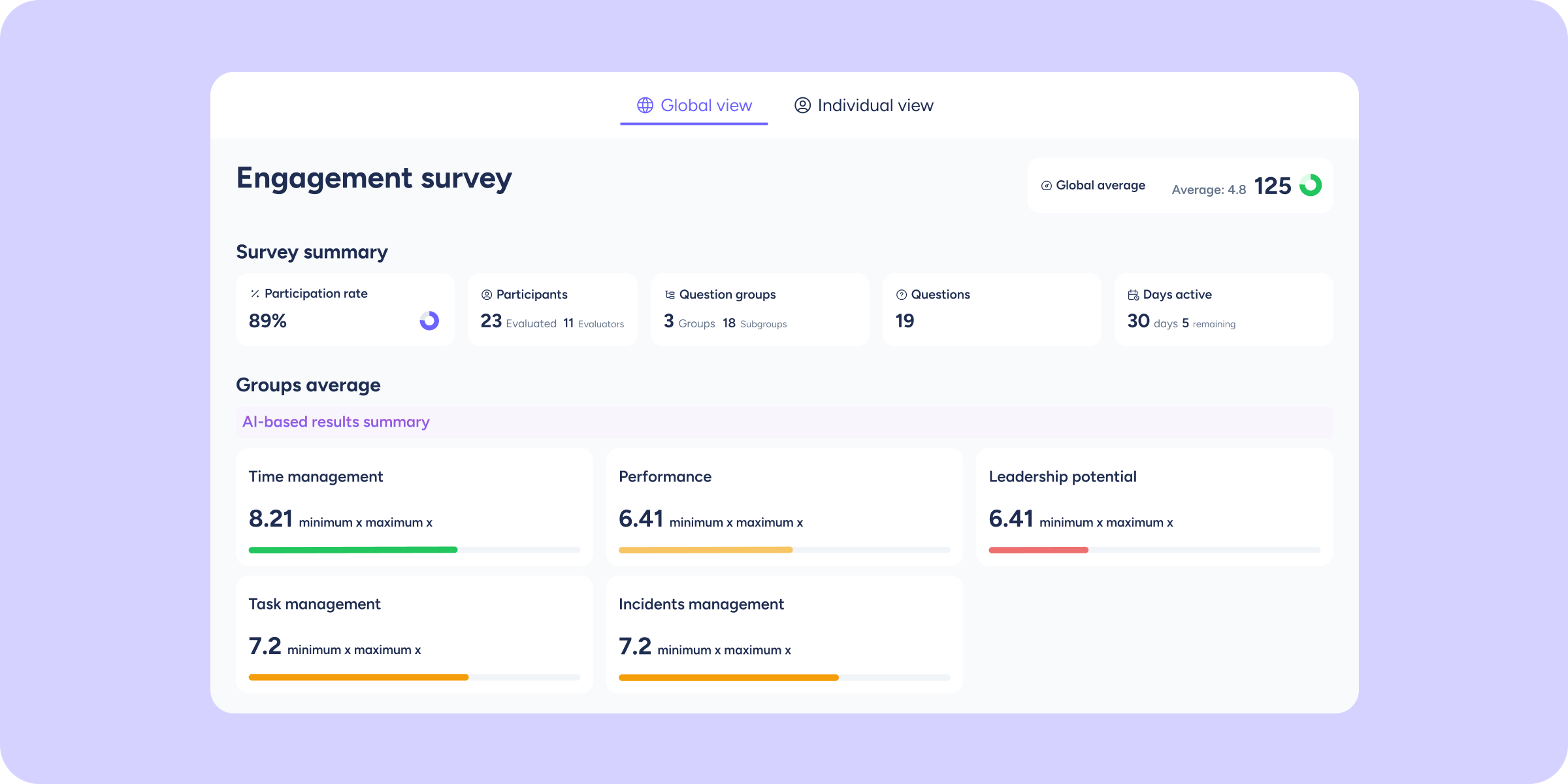

We’ve redesigned access to results so you no longer have to switch between different screens. Now, in both Evaluations and Surveys, you can view company results and individual results from a single place, without losing context of what you’re reviewing.
What will you find now?
When you click View results, available in the top right corner of an evaluation or survey’s detail view, a full-screen prompt will open with two tabs:
- Company results: the prompt opens on this tab by default, where you can view consolidated results and response charts by question.
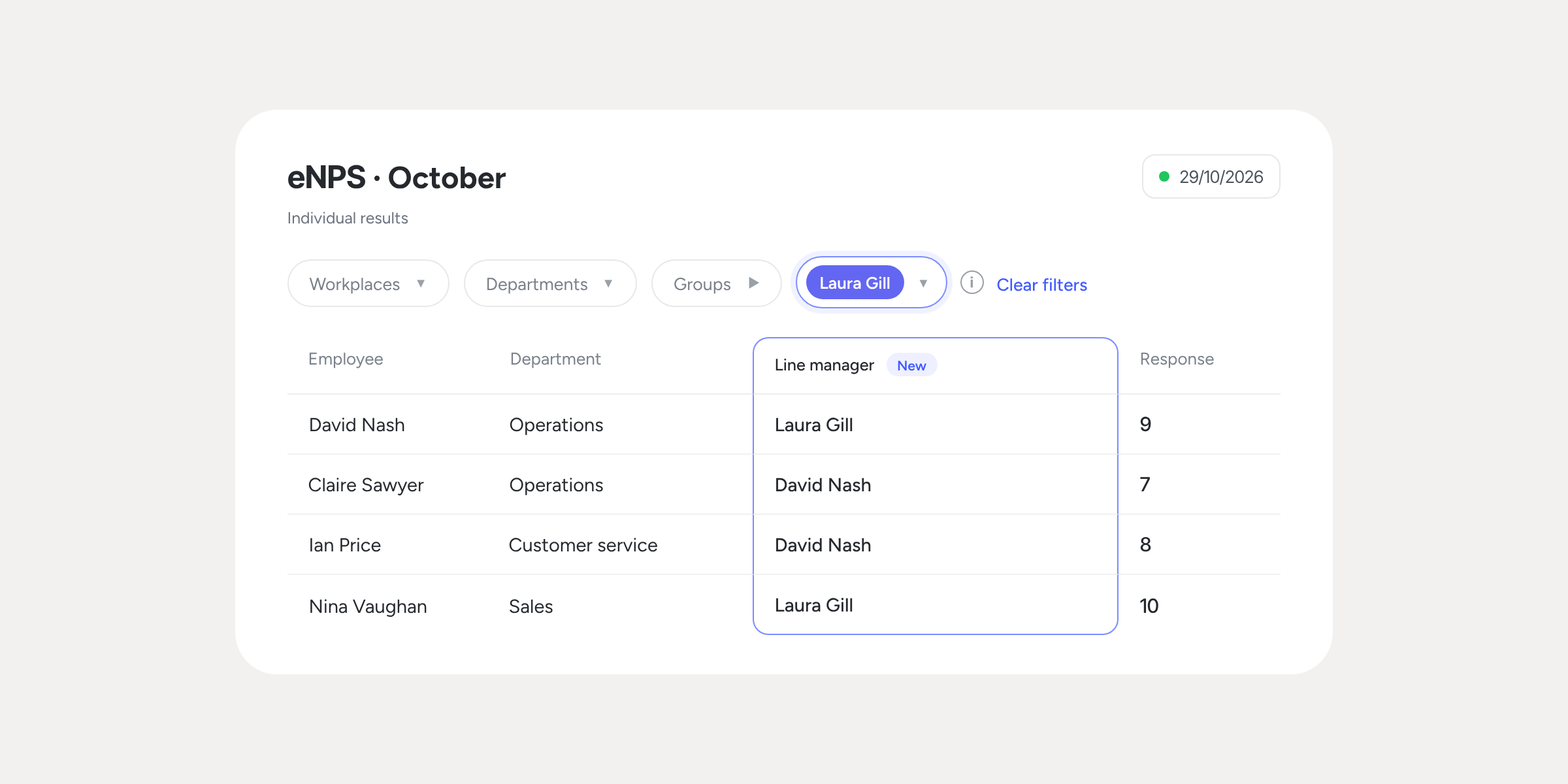
- Individual results: switch tabs without leaving the modal to view each evaluated employee’s responses.
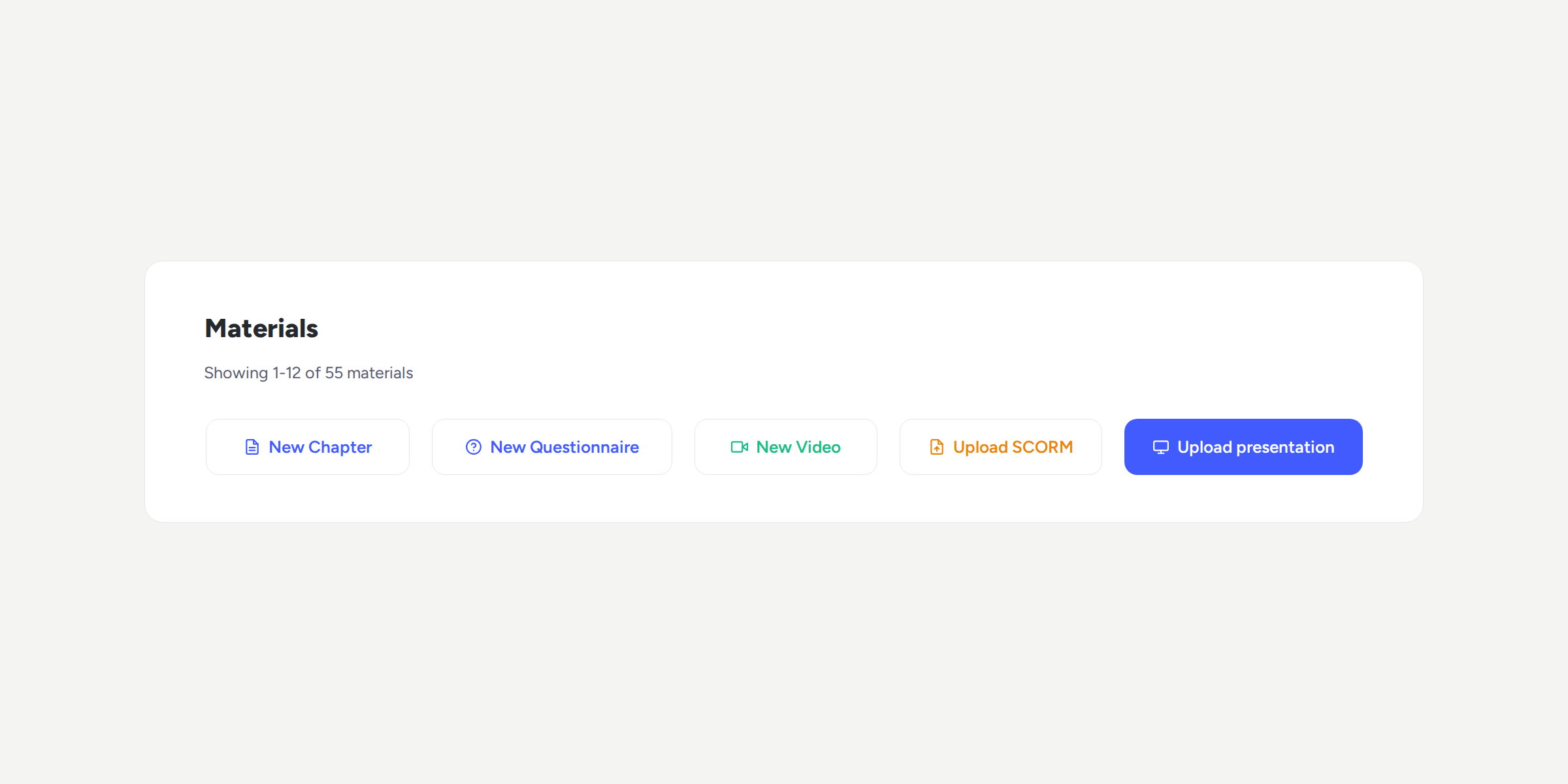
Additionally, alongside the View results button you’ll find the other available actions:
Delete, Duplicate, and Questionnaire preview.
Go to any evaluation or survey and discover how easy it is to switch between company and individual results with a single click.
Available on
Professional
Enterprise
All updates
Go back to the list and discover the rest