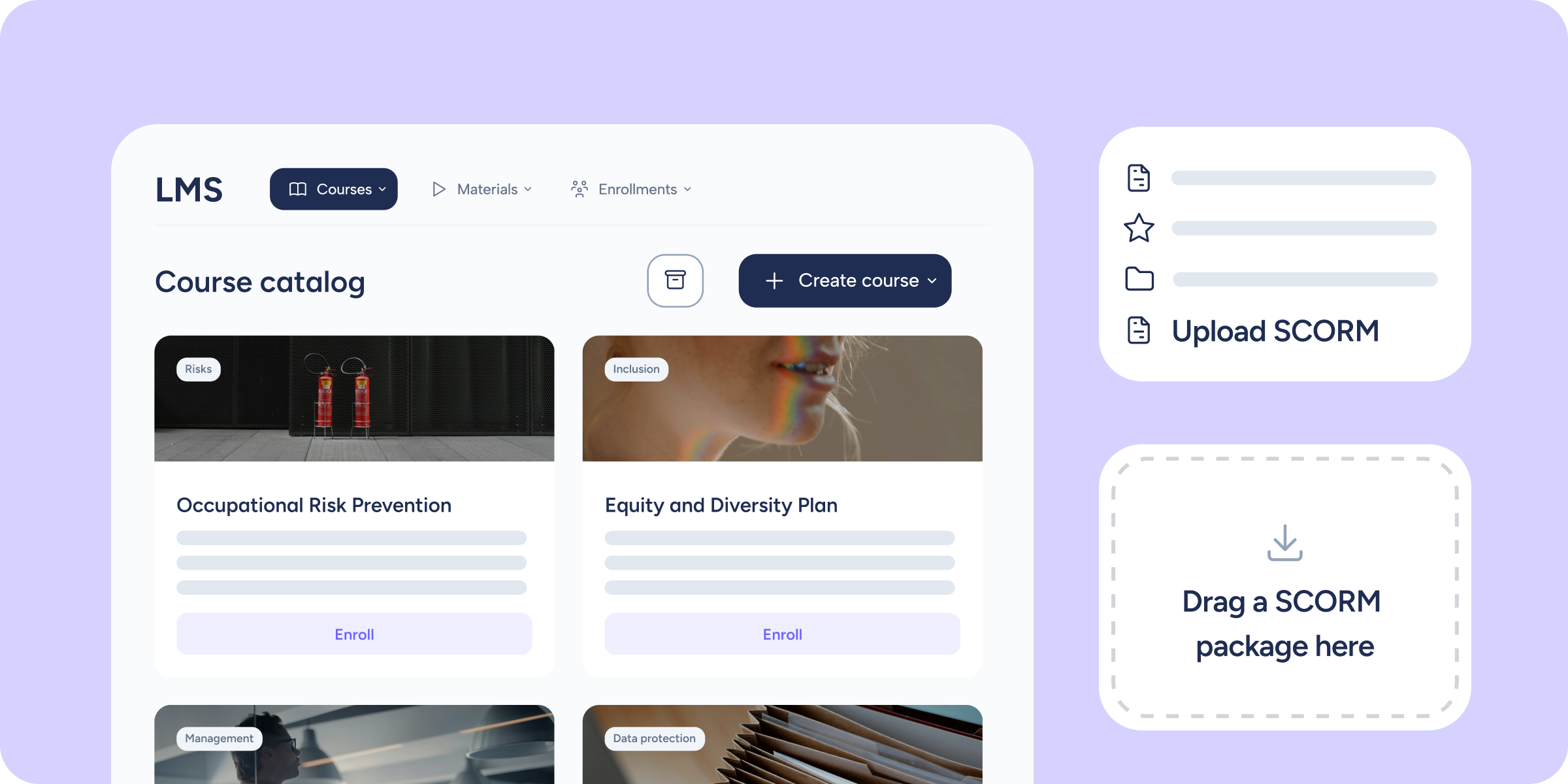
If your company already has courses produced in SCORM format, until now you had to manage them on an external platform. From today, you can import them directly into Sesame’s LMS module and distribute them to your team without leaving the platform. The content arrives exactly as it is, with its navigation, interactions, and assessments intact.
What does this update bring?
In the “Create course” prompt and the Materials section, you’ll see a new option: Upload SCORM. From there, the flow is yours:
- Upload your .zip package as it is. The system validates the format, detects the version, and creates the course without passing the content through AI.
- SCORM player integrated into the LMS module. Employees assigned to the course can open it from “My training” and complete it within Sesame’s own player, no redirects, no external platforms.
- Automatic progress saving. Sesame records the exact position, time spent, and status for each person. When an employee returns to the course, they’ll pick up exactly where they left off.
- SCORM as reusable content. Once imported, the package becomes available in the “Materials” section. You can assign it to other courses without having to upload it again. You can also upload the file directly from this section to have it ready before creating the course.
📌 Please note
- Compatible with SCORM 1.2 and SCORM 2004.
- The maximum file size per package is 500 MB.
- The content of a SCORM package cannot be edited within Sesame. If you need to update it, you can replace the file from the “Materials” section.
Centralise all your training in Sesame, both what you create from scratch and what you’ve already produced. You’ll find all the details in our Help Center.