Until now, it was possible to launch a scored evaluation with optional questions. The result: some evaluators answered them and scored points, others didn’t, and the data became impossible to compare.
With this improvement, the system closes that gap the moment you enable scoring, with no extra steps or manual reviews required.
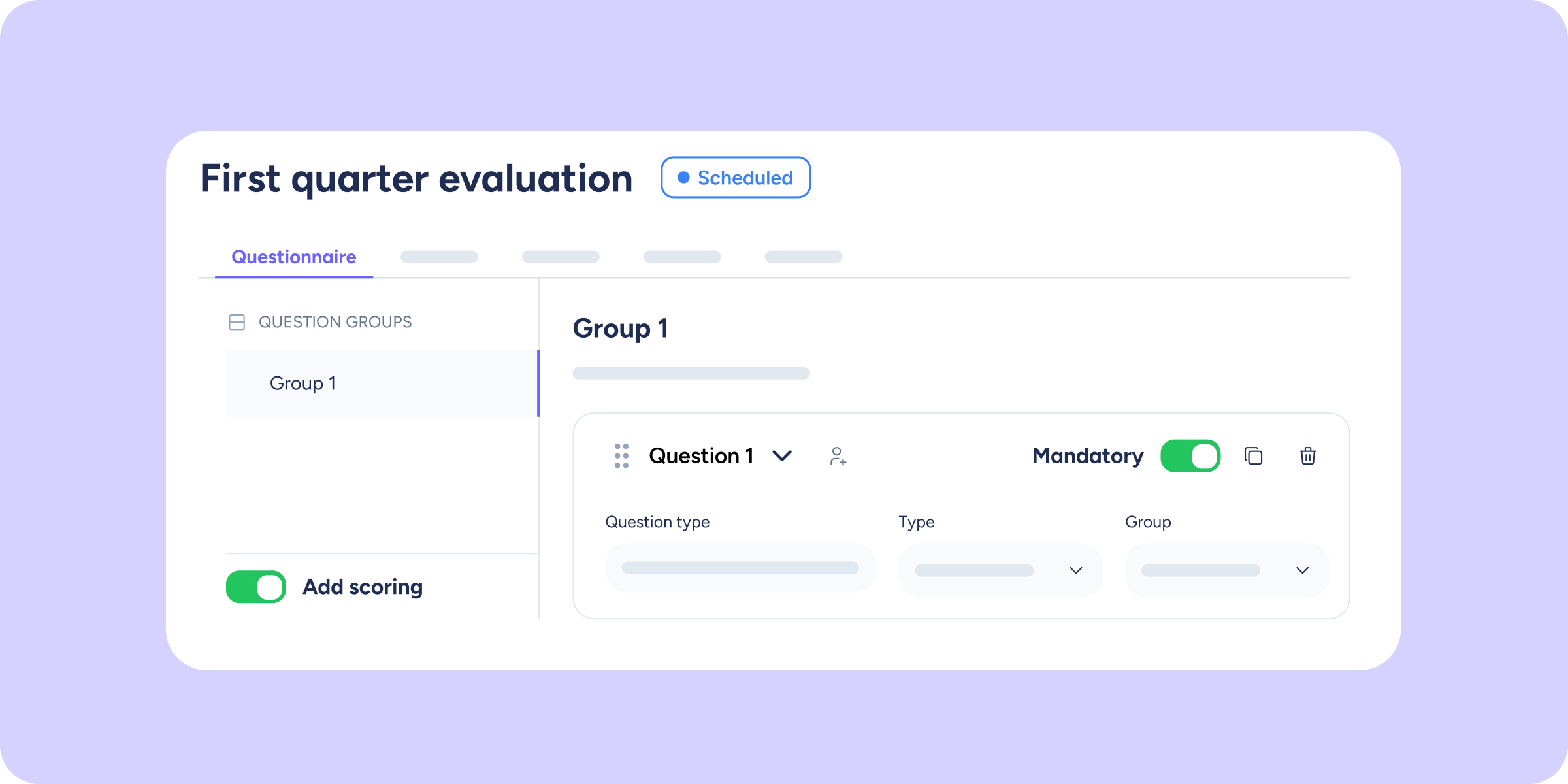
Where will you find this change? Evaluations >> Open a draft evaluation >> Questionnaire >> Enable the “Add scoring” toggle.
What will you find now?
When you access the configuration of a questionnaire with scoring enabled, you’ll notice the behavior has changed in several key areas:
- New questions are created already configured: if you add a scorable question to a questionnaire with scoring active, it will be created with the mandatory field already enabled and locked.
- Mandatory toggle locked on scorable questions: while the scoring toggle is active, all existing scorable questions in the questionnaire (single choice, multiple choice, range, star rating, and satisfaction) will become mandatory and cannot be unchecked. This ensures the configuration is always consistent and results are reliable.
What stays the same?
Free-text and organisational chart questions are not affected by scoring. You can continue managing their mandatory status freely, regardless of whether the questionnaire has scoring active or not.
Go to your evaluation settings and see how this improvement simplifies the setup of your questionnaires 🚀