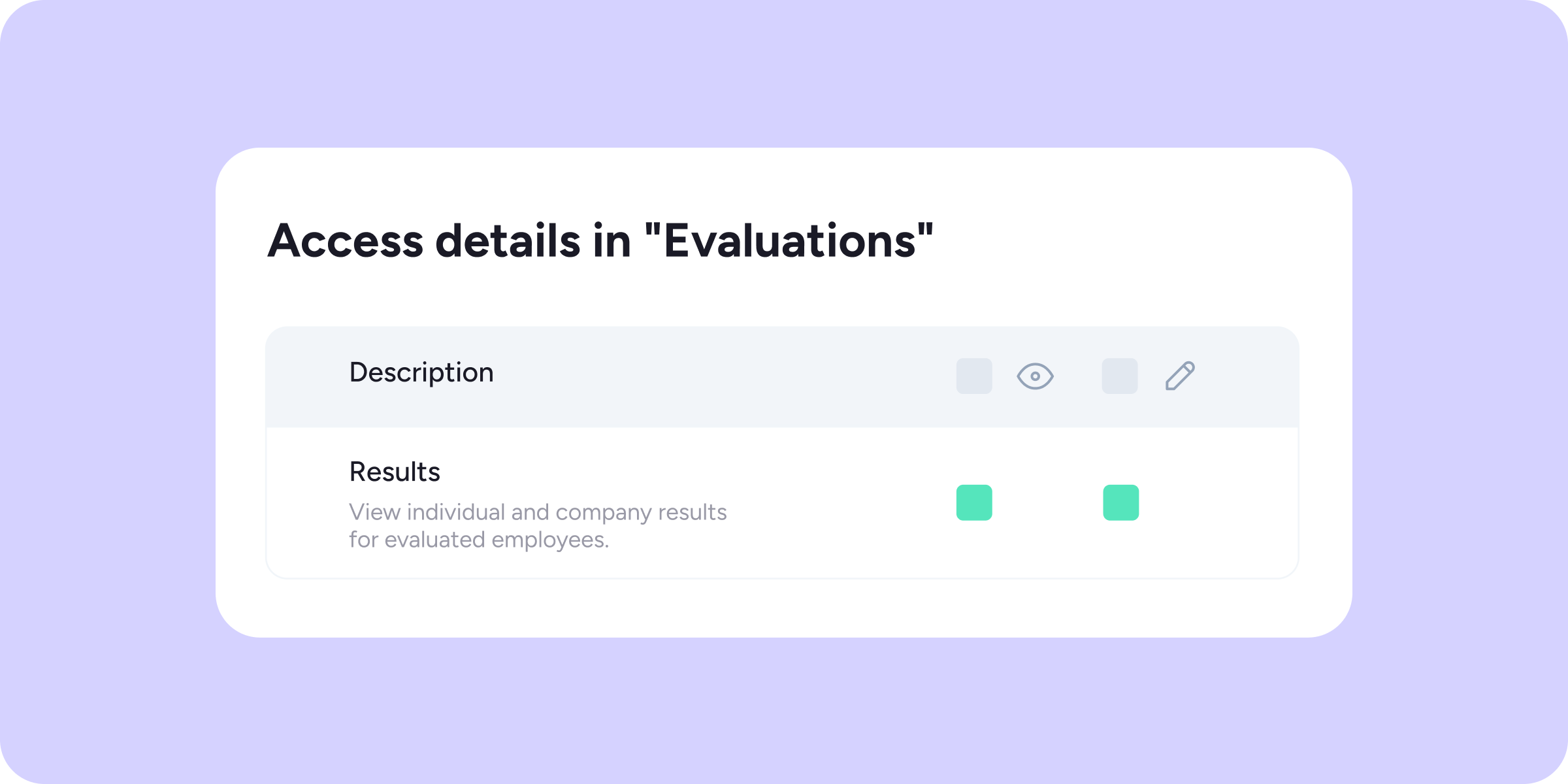
We’ve turned access to results in the Evaluations and Surveys tools into configurable access. You can now decide with complete flexibility which roles can act as supervisors and view results, adapting to your company’s structure.
What’s new?
In Configuration >> Roles and access, within each specific role, you’ll find two new access levels:
- View Evaluation results: enables a role to be assigned as a supervisor and view the individual and company-level results of the evaluated employees they manage.
- View Survey results: enables a role to be assigned as a supervisor and view the individual and company-level results of the surveyed employees they manage.
Both accesses are independent of each other: you can enable one, the other, or both at the same time, depending on what each role needs.
What will supervisors with access enabled see?
Bear in mind that enabling these accesses does not automatically grant access to all results. The role will become available when configuring each individual evaluation or survey, where you’ll need to decide which employees they will supervise. Once supervision has been assigned to a specific process:
- They will see individual results only for the employees they supervise.
- In the Company results view, they will see metrics filtered by their supervisory scope.
⚠️ If you disable the access for a role, anyone with that role will immediately lose access to the module and will be automatically unassigned from all processes in which they were acting as supervisors.