Until now, exporting per-employee results from a survey meant receiving a raw data table, no visual context, and difficult to share.
From now on, the PDF you download faithfully reflects what you already see in your panel: the same charts, the same visual layout, and the same data. A document ready to share with leadership, managers, or anyone in your organization.
What does the new PDF include?
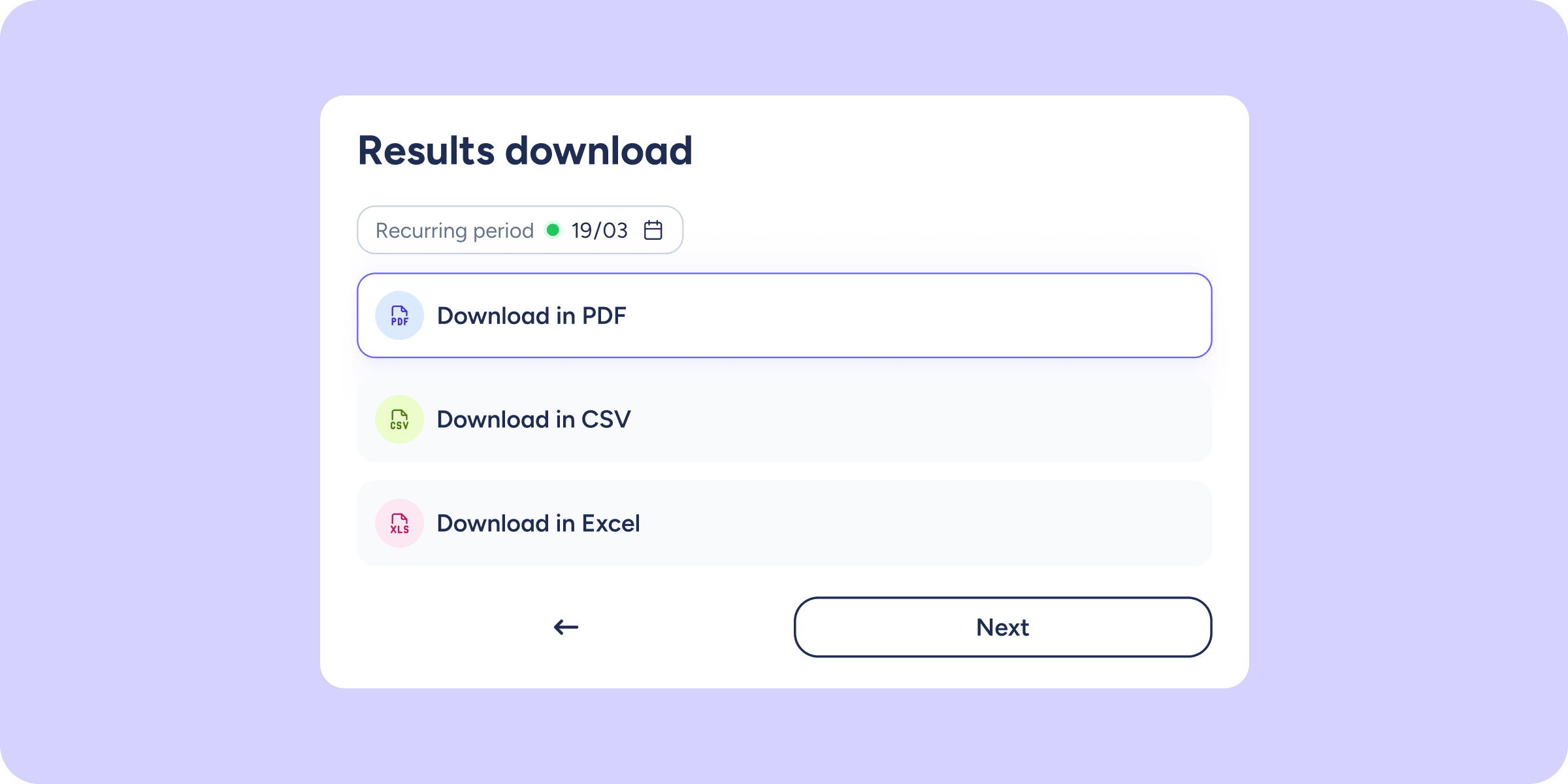
From the per-employee results view of any survey, click Download, select the PDF format, and, before continuing, you’ll see a full preview of what you’re about to get. The document includes:
- A section for each question, in the same order as the original questionnaire.
- A donut chart with a percentage breakdown and a list of up to 10 people who responded.
- The first 10 text responses for open-ended questions, with the name of who responded when the survey is not anonymous.
- AI interpretation, if it was enabled when generating the PDF. If it was not enabled, it will not appear in the document.
💡 If you had applied filters on screen (by workplace, department, or employee), the PDF preview will show the Summary view. You can reapply them from here before confirming the download.
And if your survey is anonymous…
The document respects anonymity throughout every section; no names of respondents will appear.
We hope this improvement makes it much easier to share results with your team! 🚀