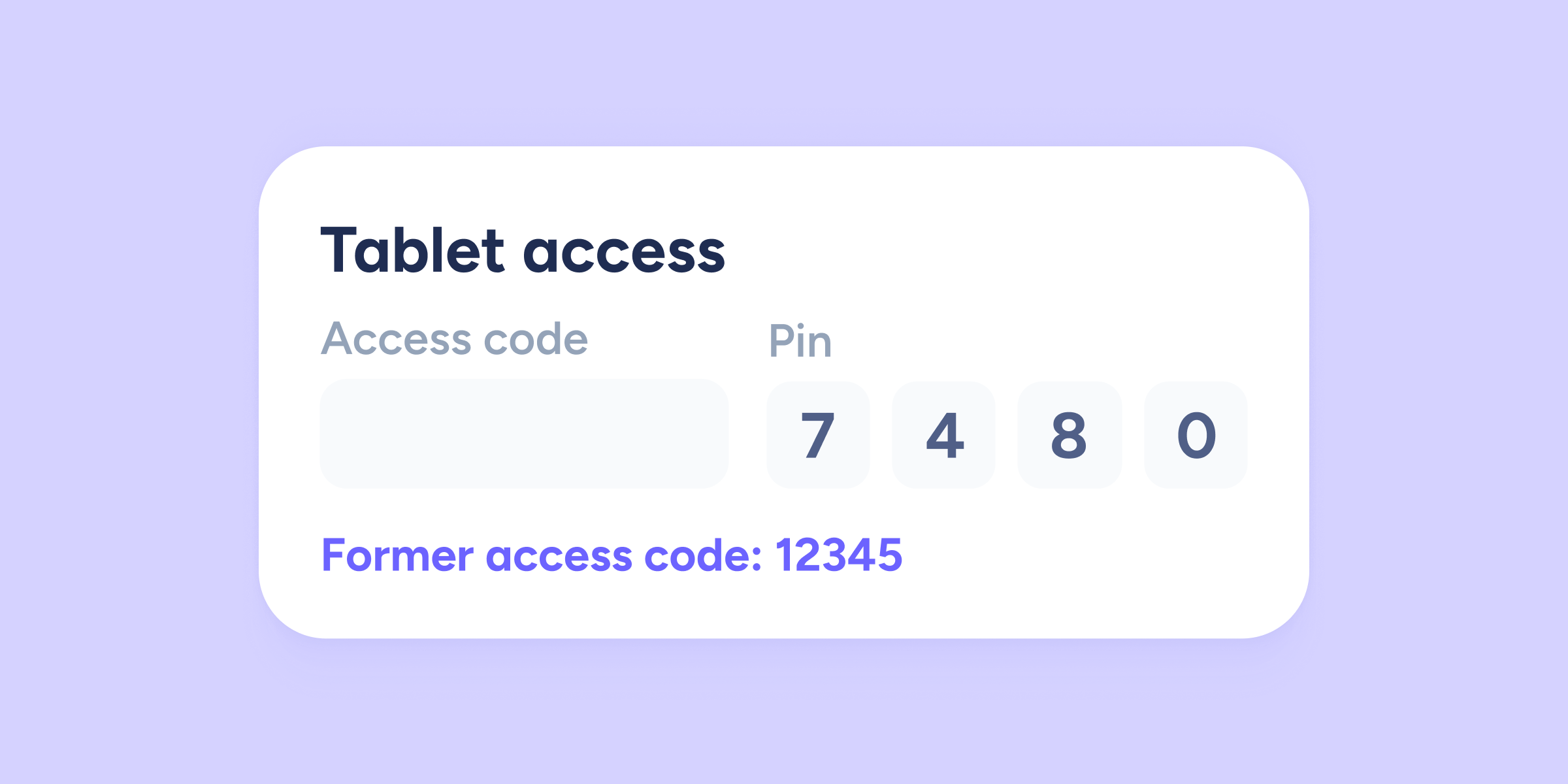
Until now, when an employee moved to another company within the same group, they were assigned a new access code, which could cause inconsistencies in time tracking or attendance systems. But that’s over!
We’ve improved the management of access codes so you can keep your data consistent. From now on, the system will release and remember an employee’s ID code when they are disabled, allowing you to easily reuse it in their new company.
The process is very simple
· Code release: when an employee is disabled in their original company, their access code is automatically freed so it can be used again.
· Smart identification: when you add that same employee to the new company within the group (and their personal identification matches), Sesame will assign a new default code, but it will detect that the employee already existed within the group of companies.
· You decide: in the new employee’s profile, you will see a notice that says: “Previous access code: [number]”. If you want to maintain consistency, you just need to copy that value and change it manually.
⚠️ For security reasons, the system does not automatically assign the old code. Instead, it shows it to you so you can decide whether to use it or keep the new one generated by default.